

— Blogs —
—Products—
 Consumer hotline +8618073152920
WhatsApp:+8615367865107
Address:Room 102, District D, Houhu Industrial Park, Yuelu District, Changsha City, Hunan Province, China
Product knowledge
Time:2025-05-07 21:06:39 Popularity:1373
Campus weather station technical support should separate measurement faults, acquisition faults, network failures and display problems. A blank classroom screen does not establish that the outdoor sensor has failed. Give school staff safe observation checks, retain diagnostic records and assign electrical, network and instrument work to the appropriate personnel.
A campus station has several working parts: sensors, a data logger, communication equipment, a receiving service and a classroom or public display. One part can stop while others continue. Replacing an instrument because its dashboard tile is blank can leave the actual network or configuration fault unresolved.
Begin with the last valid observation time, the channels affected and the screens on which the problem appears. Compare these with a local reading or logger record if safe access is available. Do not use the time when someone noticed the problem as a substitute for the time when measurements stopped.
| Observed symptom | First useful distinction | Support route |
|---|---|---|
| One channel missing | Other channels still update; determine whether the logger can read this point | Instrument wiring, address, decoding or individual sensor check |
| All remote channels stale | Check whether local acquisition continues | Power/acquisition team if local records stop; network team if they continue |
| One public screen blank | Check the same data through another authorized view | Display, browser or receiving application support |
| Plausible but unusual reading | Check exposure, units and recent changes before adjustment | Measurement review, not immediate recalibration |
The dashboard image below illustrates a multi-channel presentation. Visible air-quality or environmental tiles do not mean every campus station includes those instruments. A support inventory must identify the sensors actually installed and the quantities each channel represents.
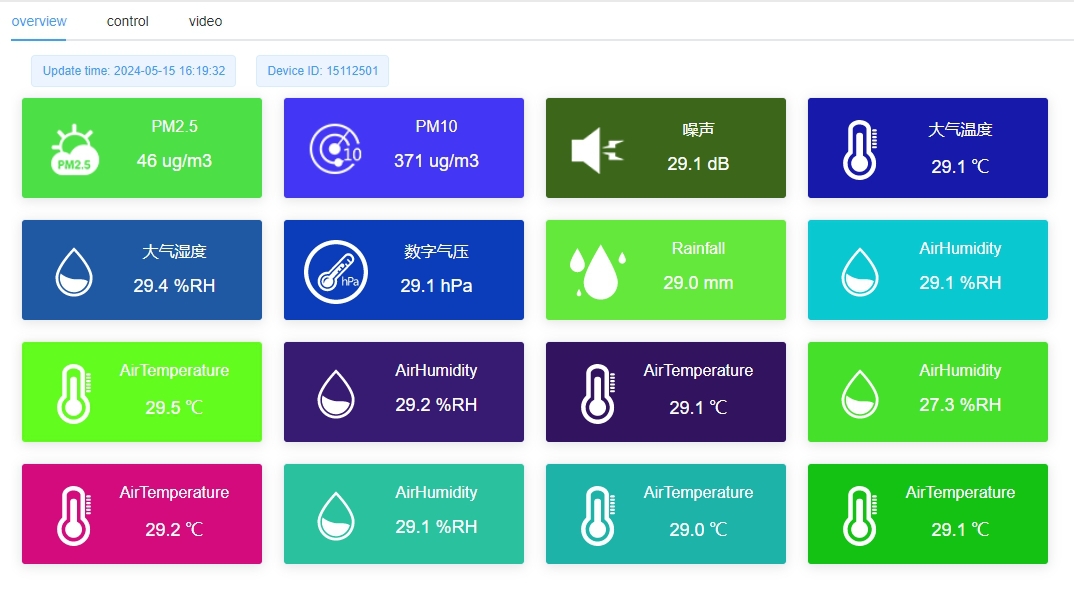
A teacher can usually record the symptom, photograph the display and report recent construction or landscaping near the station. With suitable access permissions, staff can also export the affected period and check whether other users see the same issue. These steps help isolate the problem without changing the equipment.
Opening an energized enclosure, climbing a mast, changing protective wiring or working during a thunderstorm is not an appropriate classroom troubleshooting task. Arrange qualified access and follow the school's site procedures. A public display can be accessible while the instruments and service cabinet remain restricted.
Do not erase the history by restarting everything as the first action. Record the visible state and consult the agreed support procedure first. A restart may restore a service but can also hide an intermittent symptom or interrupt records that were still being collected.
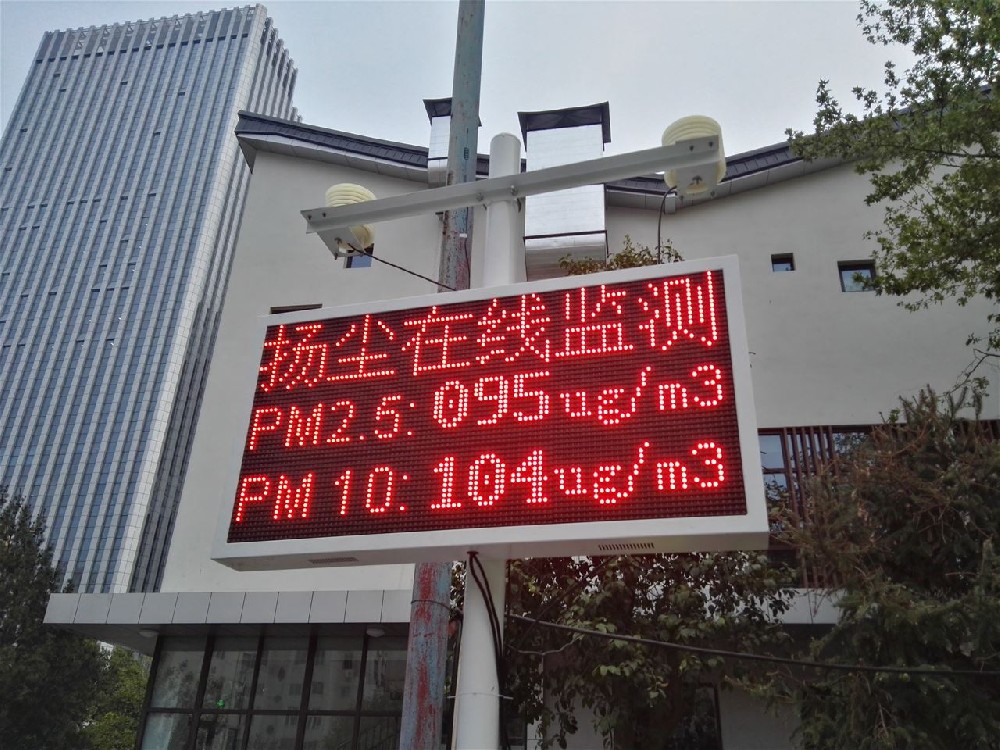
Some apparent failures result from asking a channel to measure something it was not designed to measure. A liquid-rain gauge is not automatically a snow-water instrument. Air temperature beside a sun-heated wall is a different exposure from a ventilated reference position, even if both electronics are functioning.
| Example component | Relevant technical detail | Support implication |
|---|---|---|
| NBL-W-LBTH digital sensor | DC 12-24 V; RS485 Modbus RTU; default 9600 bps; minimum polling interval 1000 ms | Check the installed supply, serial configuration and acquisition timing before substitution |
| NBL-W-RS tipping-bucket rain gauge | 0.2 mm increments; operating temperature 0-50 C | Do not infer snowfall measurement or an ice-free inlet from a zero rain record |
| TG462 / TG462S | Three RS485 ports; gateway enclosure IP30 | Outdoor installation needs a suitable protective cabinet; the gateway is not itself a weatherproof field box |
These are examples of NiuBoL components, not a statement that every instrument shown in the photographs uses these models. Keep the actual model, output version and wiring schedule in the campus equipment register. Matching an enclosure shape is not sufficient to select a replacement.
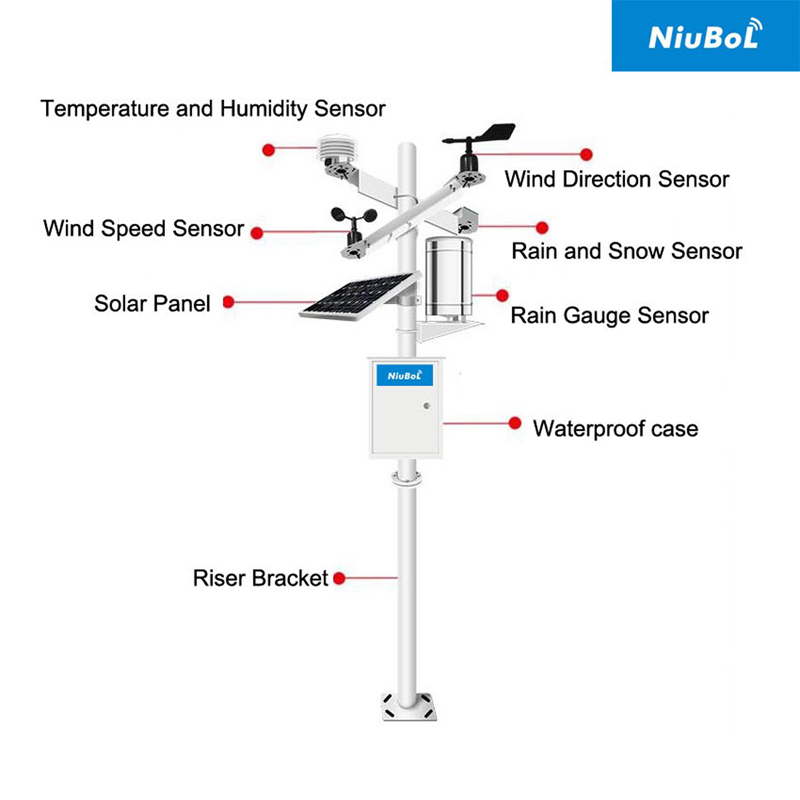
A useful ticket includes the station identifier, affected channel names, observation timestamps and screenshots showing the problem. Add the last known working period, any configuration or site changes, and whether the same issue appears locally and remotely. Include a short data export when available, not just a photograph of one number.
Send protocol settings and equipment details through the agreed service channel. Do not publish passwords or change shared device addresses while students are using the data. If a replacement is proposed, confirm the signal type, supply and decoding requirements before installation; a new RS485 sensor may need a different register interpretation.
For a TG462 acquisition arrangement, network support should distinguish the field bus from Ethernet or the selected cellular connection. MQTT or Modbus gateway capability does not by itself prove that the campus server is receiving valid, current measurements. Check the destination, message time and receiving application as separate steps.
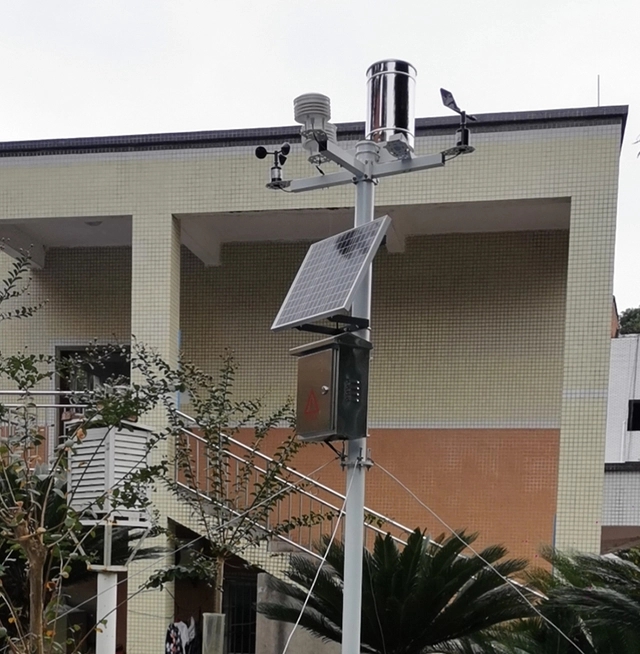
After intervention, verify a new observation at the instrument or acquisition point and at the classroom destination. Check channel identity, units and observation time. If the sensor was moved or replaced, record the date and location change so a class does not interpret a maintenance discontinuity as a weather event.
Mark the missing interval honestly. Do not fill gaps with invented measurements or assume all buffered records will return after a network repair. Demonstrate the configured recovery behavior and inspect for duplicate records where retransmission is used.
Local observations support teaching and campus environmental awareness. They do not replace official severe-weather warnings or the school's emergency procedures. An alarm feature requires its own agreed inputs, recipients and tests; a working station cannot guarantee student safety.
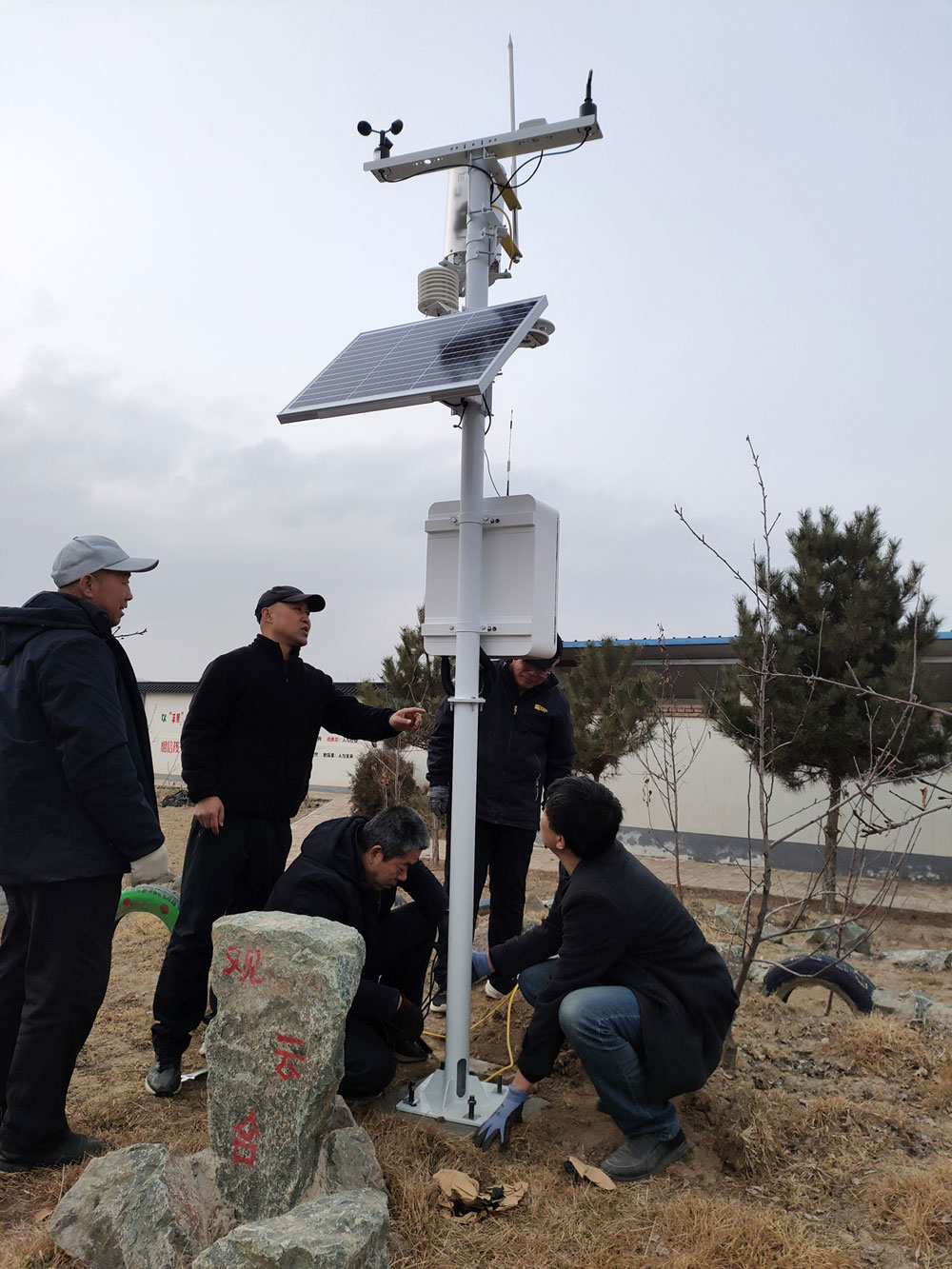
Record the affected channels, last valid observation time, display status and recent site changes. Compare authorized views or export data if access permits. Leave electrical and elevated work to qualified personnel.
No. Compare local acquisition with remote delivery. If local observations continue, investigate the network, receiving service and display before replacing field instruments.
IT staff can help identify the boundary, but field-bus power, wiring and sensor decoding may require the integrator or instrument technician. Supply the acquisition results rather than assuming all communication faults are network faults.
State remote diagnostics, on-site attendance, consumables, replacement parts, training and any communication or software charges separately. Agree response arrangements rather than assuming they are included with hardware.
Not automatically. A corrected address or display conversion is different from an instrument accuracy problem. Use an appropriate measurement check before deciding whether calibration or replacement is required.
Verify current records at both acquisition and classroom destinations, note unresolved gaps, and record any equipment or exposure change. Retain the service report with the station history.
Effective campus weather station technical support starts by identifying which part of the observation chain has failed. Safe staff checks and a diagnostic ticket reduce unnecessary substitutions. NiuBoL equipment selection and service discussions should use the installed model list and actual fault evidence, with completion demonstrated by usable observations rather than a screen that merely turns on.
Prev:Greenhouse Illuminance Sensor Placement: Shadows, Optics and Crop Zones
Next:Impact of soil moisture at different depths on crop growth
Related recommendations
Sensors & Weather Stations Catalog
 Agriculture Sensors and Weather Stations Catalog-NiuBoL.pdf
Weather Stations Catalog-NiuBoL.pdf
Agriculture Sensors Catalog-NiuBoL.pdf
Water Quality Sensor Catalog-NiuBoL.pdf
Related products
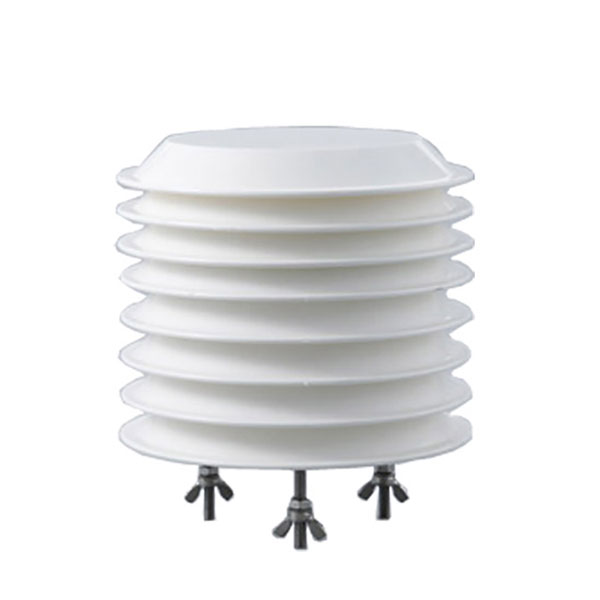 Combined air temperature and relative humidity sensor
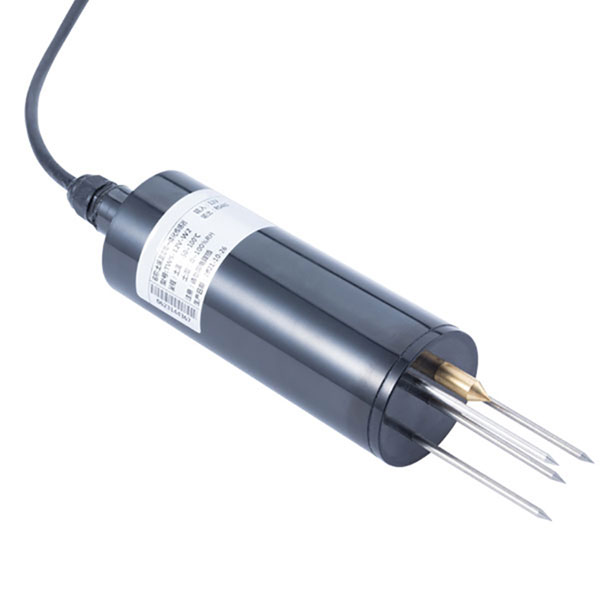 TDR Soil Moisture & Temperature Sensor for irrigation| RS485 |4-20mA| NBL-S-THR
 Soil pH sensor RS485 soil Testing instrument soil ph meter for agriculture |NBL-S-PH
 Wind Speed sensor Output Modbus/RS485/Analog/0-5V/4-20mA
 0.2mm Tipping Bucket Rain Gauge for Weather & Hydrology | NiuBoL
 Pyranometer Solar Radiation Sensor 4-20mA/RS485
Screenshot, WhatsApp to identify the QR code
WhatsApp number:+8615367865107
(Click on WhatsApp to copy and add friends)