

— Blogs —
—Products—
 Consumer hotline +8618073152920
 WhatsApp:+8615367865107
Address:Room 102, District D, Houhu Industrial Park, Yuelu District, Changsha City, Hunan Province, China
Product knowledge
Time:2026-07-17 11:45:33 Popularity:249
An insect forecasting lamp works reliably only when installation, power, cleaning, communication and data review are planned before the equipment is installed.
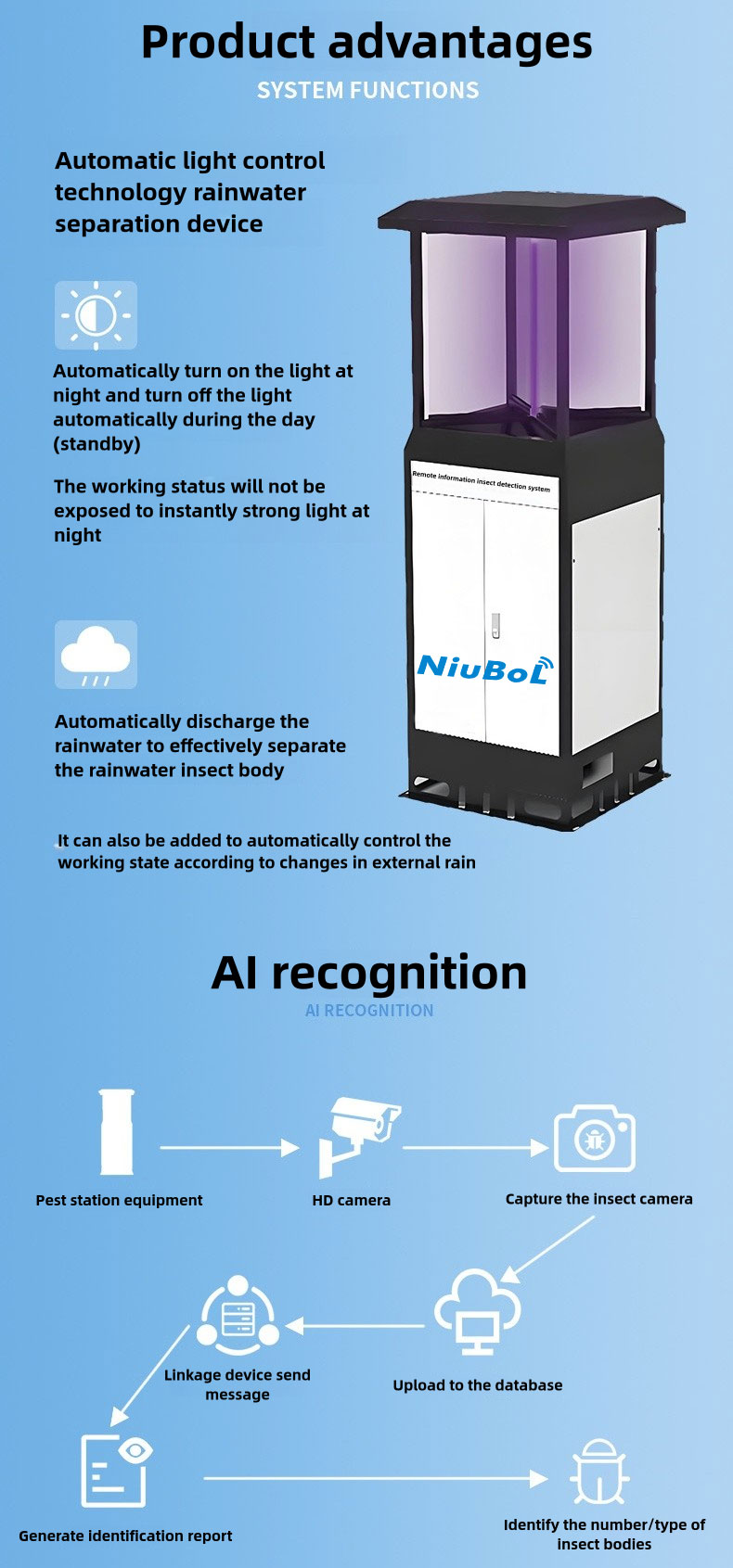
Insect forecasting lamp use should be planned before delivery, not corrected after the monitoring season begins. For procurement teams, practical use requirements should be converted into an installation and maintenance checklist before the device is delivered.
A good device can still produce weak data if it is shaded, unstable, dirty, offline or installed where pest occurrence is not representative.
| Item | Typical Specification | Buyer Meaning |
|---|---|---|
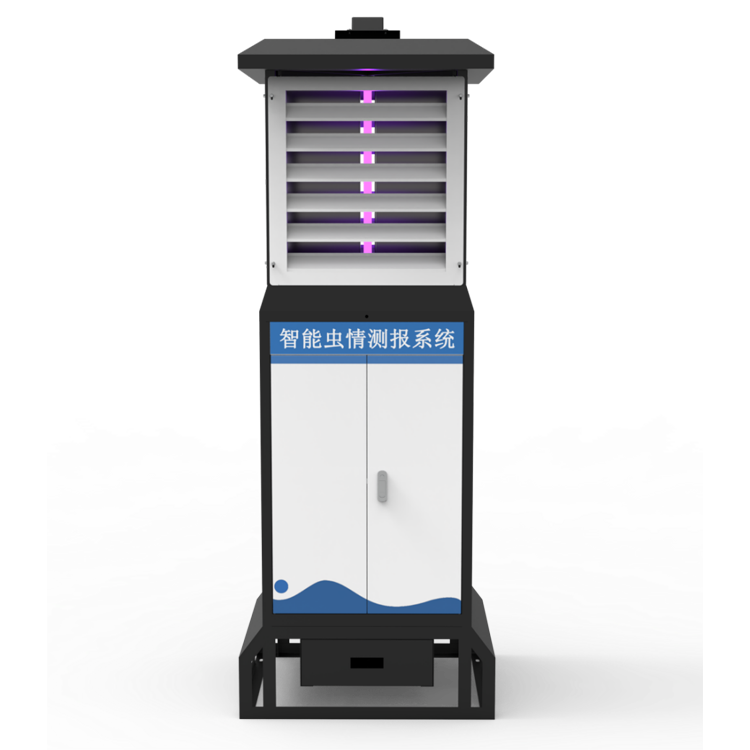
| System type | Remote insect monitoring and reporting terminal | Provides pest occurrence data, not only physical trapping |
| Image acquisition | Industrial camera, product page specifies 12-megapixel image capture | Supports visual evidence and pest-count review |
| Pest processing | Far-infrared processing and drying chamber | Keeps insect samples more complete for image recognition |
| Communication | 4G / Ethernet with RS485 / RS232 expansion on the product page | Supports platform integration for agricultural IoT projects |
| Control interface | On-site industrial touchscreen and remote platform functions | Helps contractors commission and manage field stations |
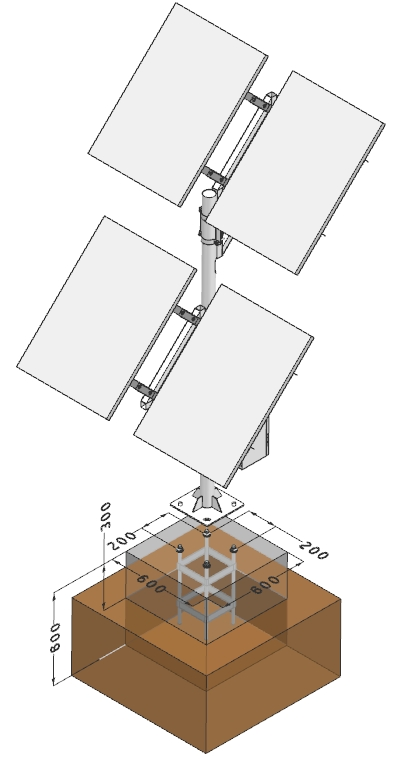
| Power options | AC supply or solar power options depending on site configuration | Allows deployment in farms, forests and remote monitoring points |
The device should be placed where pest occurrence is representative of the monitored crop or forest area. Avoid locations blocked by buildings, dense branches, strong competing light or areas that are easy to damage during field work.
For solar configurations, panel exposure matters. A monitoring point under tree shade may look convenient but can reduce charging performance and create missing records.
| Check Item | Why It Matters | Recommended Action |
|---|---|---|
| Power | Power loss creates data gaps | Check battery, solar panel and charging status |
| Cleaning | Dirty collection or imaging area affects recognition | Clean according to insect volume and season |
| Communication | Offline devices lose remote value | Check signal and upload status |
| Light source | Weak light reduces attraction | Inspect lamp condition before peak season |
| Platform data | Wrong station names reduce usability | Verify naming, time and export |
Commissioning should be done before the pest season starts. The installer should verify power, light source, processing or collection function, camera angle, upload interval, station name, platform account and data export. Waiting until pests appear to solve these issues reduces the value of the first season's records.
The buyer should ask for a simple handover file. It should include device ID, installation photos, power notes, communication settings, maintenance interval, spare parts list and contact person for after-sales support. This is especially important when the equipment is shipped to another country and installed by a local contractor.
| Risk | Likely Cause | Prevention |
|---|---|---|
| No image upload | Signal, power or platform configuration | Test upload before handover |
| Poor image quality | Dirty imaging area or overlapping insects | Clean during peak pest season |
| Short night operation | Battery aging or solar shading | Check panel exposure and battery status |
| Wrong records | Station name or time setting error | Verify metadata during commissioning |
| Unsafe maintenance | Poor installation access | Plan safe route and working height |
A maintenance plan does not need to be complicated. It needs to be assigned. Projects fail when everyone assumes someone else will clean, check and respond to the device.
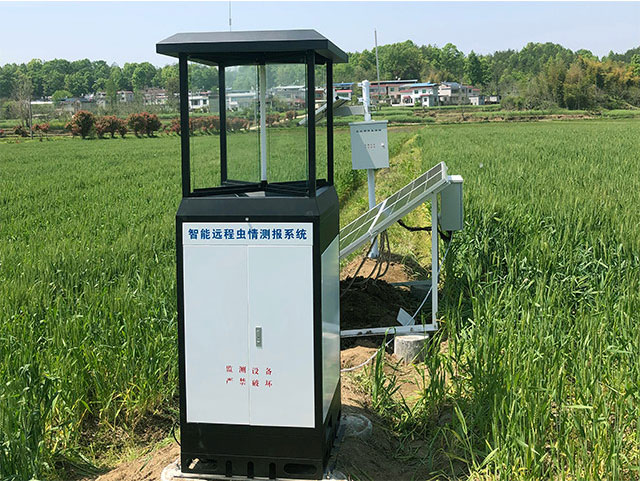
The operating plan should follow the pest season. Before the season, check the light source, power system, communication and platform account. During peak activity, check images, collection status and cleaning frequency. After the season, clean the device, inspect wear parts and export the data for review. This rhythm keeps the device useful across multiple years.
For solar sites, the plan should include panel cleaning and battery inspection. For remote sites, communication should be checked after storms or network changes. For high-insect-volume sites, collection and imaging areas may need more frequent cleaning than the standard interval.
| Contract Item | Reason | Practical Requirement |
|---|---|---|
| Installation guidance | Prevents poor field placement | Provide drawings or clear instructions |
| Platform access | Makes data usable | Define users and storage period |
| Spare parts | Reduces downtime | List replaceable parts before shipment |
| Training | Improves local operation | Provide use and maintenance guidance |
| Warranty response | Controls project risk | State response path and evidence needed |
A buyer who specifies these items before ordering will usually have fewer commissioning delays. A supplier who can answer them clearly is easier to work with during engineering projects.
For use and maintenance projects, the most important delivery item is a clear responsibility list. The buyer should know who checks power, who cleans the collection or imaging area, who reviews the platform and who contacts the supplier when a device is offline.
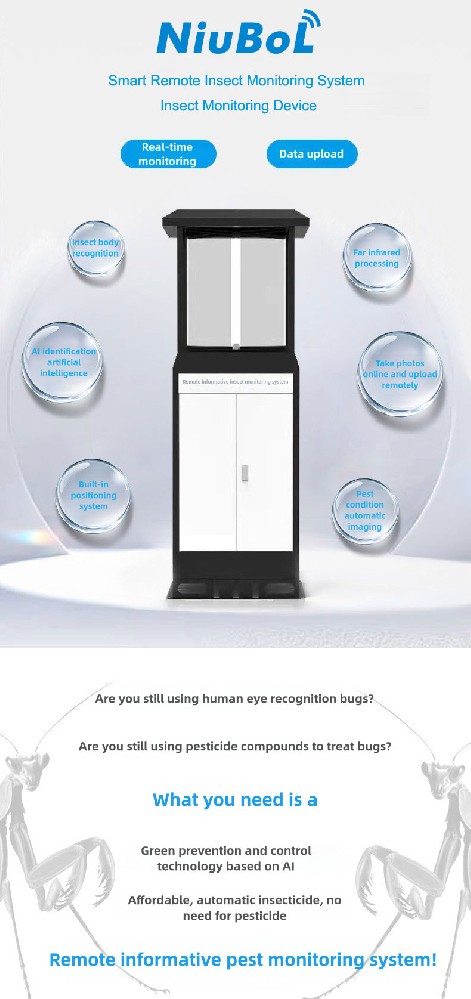
The handover package should include installation photos, device ID, platform login, power notes, cleaning interval, spare-parts list and a fault-reporting process. This is especially important when equipment is exported and installed by a local team rather than the original supplier.
Acceptance should include a live upload test, image-quality check, device-status screenshot and one maintenance demonstration. These checks reduce avoidable support requests during the first pest season.
A maintenance-friendly system reduces missed data during the pest season. Buyers should judge value by cleaning access, clear device status, simple troubleshooting, spare-parts availability and whether local staff can maintain the unit without waiting for the supplier every time.
This article should help buyers avoid a common mistake: purchasing monitoring equipment without a maintenance owner. A reliable project is one where the device can be kept clean, powered, connected and reviewed.
For procurement, maintenance value also affects spare-parts planning. A buyer should know which parts are consumable, which faults can be handled locally and which problems require supplier support before the equipment is shipped. This is especially important for remote farms where one service trip can cost more than a spare part. Clear records also shorten warranty discussions, reduce downtime and help local teams act faster.

Site challenge: Manual scouting is slow and chemical control may be applied late or too broadly. Integration or deployment plan: Deploy insect monitoring terminals, weather data and cloud records for occurrence trend review. User value: Managers can decide treatment timing from field evidence instead of routine blanket spraying.
Site challenge: Many monitoring points need comparable data and remote access. Integration or deployment plan: Use remote insect monitoring stations with unified platform naming and data export. User value: Plant-protection teams can compare regions, dates and pest pressure.
Site challenge: High-value crops require early warning and residue-conscious management. Integration or deployment plan: Combine pest images, trend curves and local weather records. User value: Buyers can support quality control and reduce unnecessary field visits.
Site challenge: Target pests may occur in remote zones where manual inspection is expensive. Integration or deployment plan: Install remote stations at representative routes or risk edges. User value: Teams receive earlier evidence for intervention and reporting.
Buyers should not treat maintenance as an afterthought. The contract should define who cleans the device, who checks platform data, who replaces consumables and who responds when the device is offline.
For contractors, acceptance should include a live upload test, image review, station naming, power status and maintenance training. This is more useful than a simple visual inspection.
Before requesting a quotation, send the crop type, target pests, field or orchard area, installation layout, power condition, local rainfall and wind conditions, expected working season, maintenance responsibility, and whether the project requires monitoring data or only physical pest reduction. These details determine whether the right solution is a frequency vibration solar insect trap, a wind-suction insect trap light, or a smart remote insect monitoring system.
For export orders and engineering projects, buyers should also confirm packaging, spare lamps or wearing parts, installation accessories, shipping method, documentation language, warranty terms and after-sales response method. A clear bill of materials prevents disputes during installation and helps local contractors prepare foundations, poles, batteries and maintenance tools before equipment arrives.
A: Check site representativeness, power supply, communication signal, foundation stability, maintenance access and competing light sources. These factors affect data quality more than many buyers expect.
A: Avoid shaded solar positions, locations near strong artificial lights, blocked airflow, flood-prone ground, unstable foundations and places where workers or machinery may damage the unit.
A: Cleaning frequency depends on insect volume and local environment. During peak pest season, the collection and imaging areas should be checked more often to avoid image overlap, blockage or odor.
A: Check station name, upload interval, image quality, device status, time settings, trend curves and data export. A powered device is not necessarily a working monitoring point.
A: Common considerations include light source parts, cleaning components, fuses, power accessories and communication modules depending on model. Export buyers should confirm spare parts before shipment.
A: First check power, signal, SIM or network status, antenna connection and gateway settings. The supplier should provide a troubleshooting sequence so local teams can respond quickly.
A: Remote sites, poor access roads, no assigned owner, high insect volume and unclear platform responsibility all increase maintenance risk. These should be considered during quotation.
A: Acceptance should include installation photos, station ID, platform login, live image upload, device status screenshot, wiring or power notes and maintenance checklist.
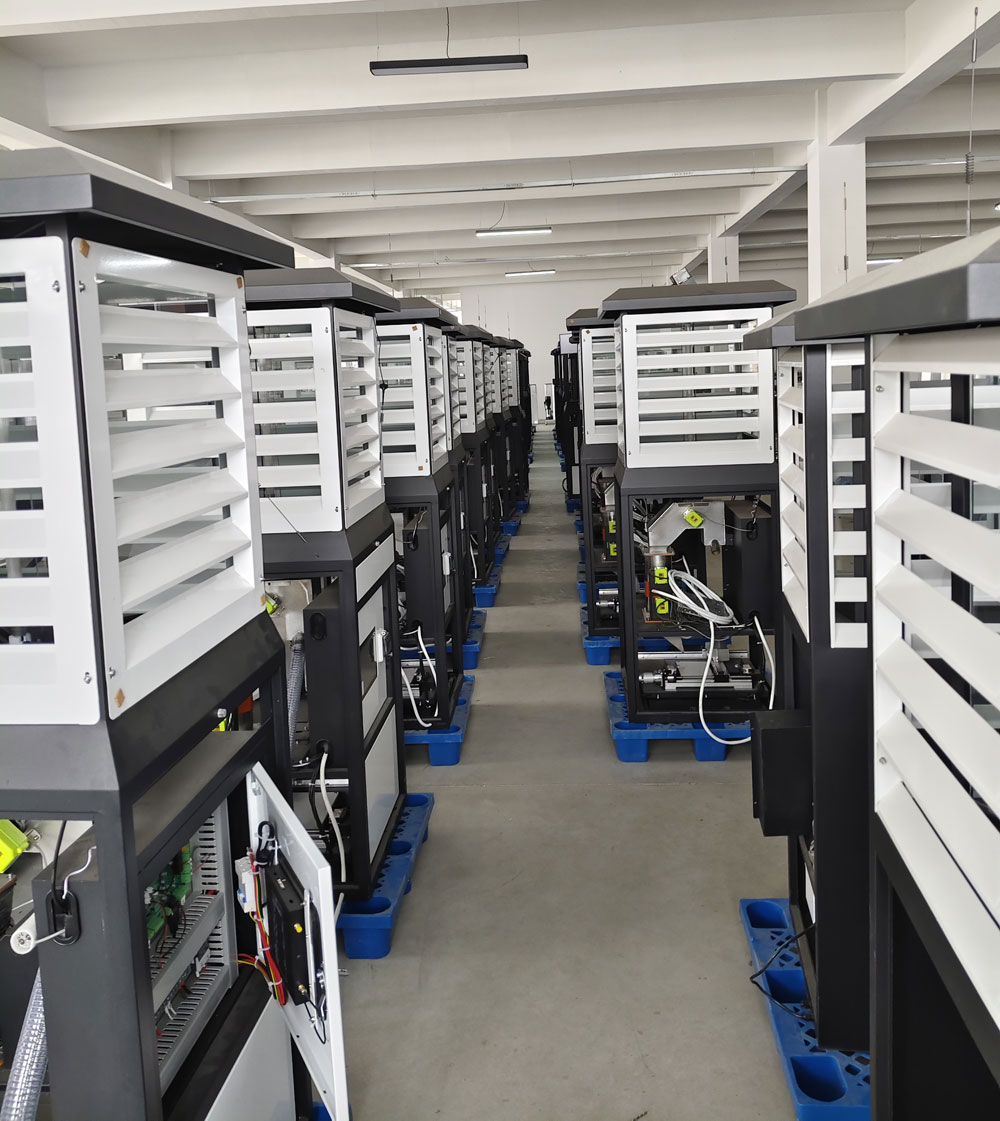
Insect forecasting lamp performance depends on installation and maintenance as much as product selection. Buyers should define site conditions, data responsibility and maintenance workflow before purchasing. NiuBoL remote insect monitoring equipment can support agricultural IoT projects when commissioning and upkeep are planned clearly.
Prev:Main Purpose of an Insect Forecasting Lamp in Agricultural Pest Warning Projects
Next:How a Remote Insect Monitoring System Collects Pest Information for Farm Projects
Related recommendations
Sensors & Weather Stations Catalog
 Agriculture Sensors and Weather Stations Catalog-NiuBoL.pdf
Weather Stations Catalog-NiuBoL.pdf
Agriculture Sensors Catalog-NiuBoL.pdf
Water Quality Sensor Catalog-NiuBoL.pdf
Related products
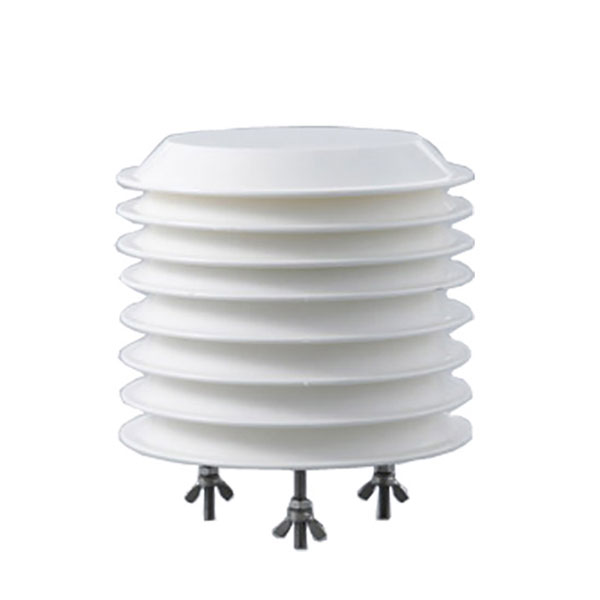 Combined air temperature and relative humidity sensor
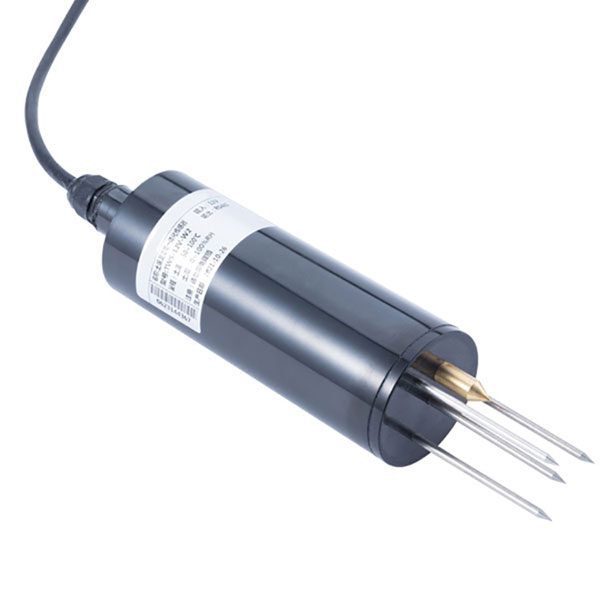 TDR Soil Moisture & Temperature Sensor for irrigation| RS485 |4-20mA| NBL-S-THR
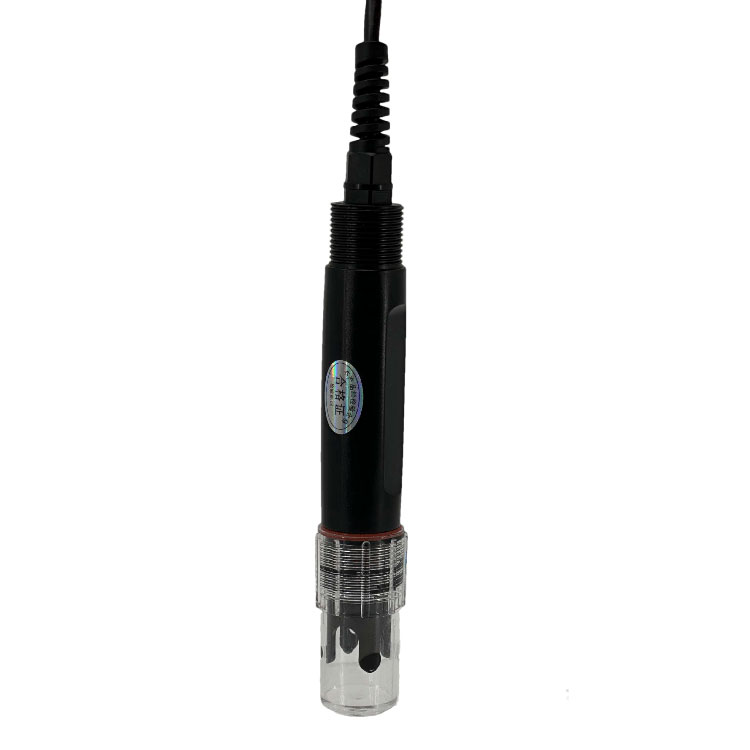 Soil pH sensor RS485 soil Testing instrument soil ph meter for agriculture |NBL-S-PH
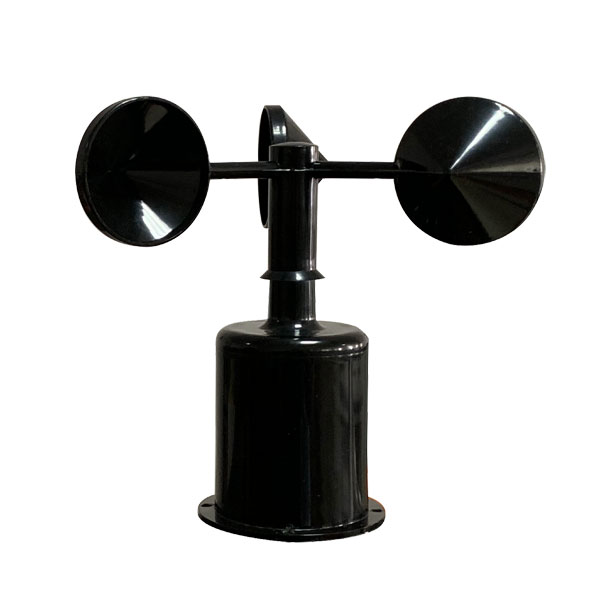 Wind Speed sensor Output Modbus/RS485/Analog/0-5V/4-20mA
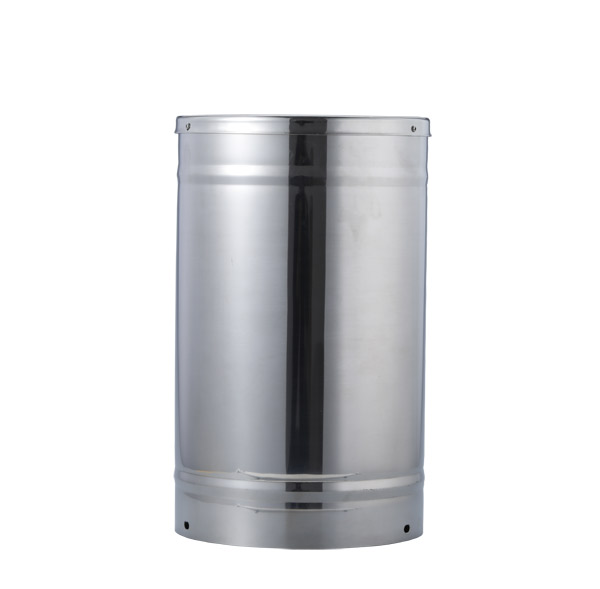 Tipping bucket rain gauge for weather monitoring auto rainfall sensor RS485/Outdoor/stainless steel
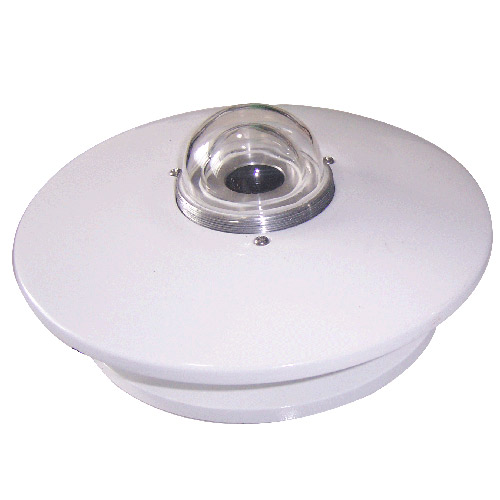 Pyranometer Solar Radiation Sensor 4-20mA/RS485

Screenshot, WhatsApp to identify the QR code
WhatsApp number:+8615367865107
(Click on WhatsApp to copy and add friends)