


— Blogs —
—Products—
 Consumer hotline +8618073152920
 WhatsApp:+8615367865107
Address:Room 102, District D, Houhu Industrial Park, Yuelu District, Changsha City, Hunan Province, China
Technical Support
Time:2026-09-08 12:16:20 Popularity:365
Quick Answer: Diagnose a 4G industrial IoT gateway in layers: power, SIM recognition, cellular registration, data-session establishment, routing, server connection and valid sensor records. Stop at the first failed layer. Changing MQTT topics cannot repair a SIM registration problem, and replacing an antenna cannot fix a server that rejects the payload.
Remote monitoring systems become difficult to diagnose when technicians treat the internet connection as one step. A gateway can be registered on LTE but have no working data session. It can reach a server yet send an empty sensor payload. Capture the status at each boundary before resetting the device or updating firmware.
| Layer | Evidence to collect | What a failure suggests |
|---|---|---|
| Power and startup | Voltage at the gateway during connection attempts; reboot log | Supply capacity, wiring drop or repeated resets |
| SIM | Card detected, PIN state and subscription status | Insertion, activation, lock or service restriction |
| Radio registration | Operator, network mode, band and registration result | Coverage, compatibility or operator rejection |
| Data session | Assigned address, APN and default route | APN, authentication or subscription configuration |
| Destination connection | DNS result, port reachability and session error | Routing, firewall, TLS or server access |
| Measurement delivery | Local value, outgoing record and received record | Acquisition, payload mapping or application processing |
Save the current configuration and a timestamped startup log. A log covering modem initialization through the failure is more useful than an isolated error line. Change one setting at a time and record the result. A factory reset should not be the first diagnostic step because it can erase working sensor settings and the evidence needed to find the fault.
An international version should not be treated as a promise that every SIM card in every country will work. The actual modem model and supported bands must match the local operator. Obtain the operator's deployment requirements, confirm the gateway's cellular variant and compare them before shipment. Country alone is insufficient when operators use different bands or access policies.
During troubleshooting, read the installed modem model and firmware from the diagnostic interface if available. Check roaming permission and device restrictions with the operator. A SIM that works in a phone is a useful comparison, but not conclusive proof of gateway compatibility because provisioning and permitted device types can differ.
Measure power at the gateway terminals while it attempts a cellular connection. A supply can show the correct open-circuit voltage and still collapse under load. Long DC cables, loose terminals and other devices sharing the supply can cause intermittent resets that resemble weak coverage. Include sensor loads and modem operation when sizing an off-grid station.
| TG462/TG462S item | Hardware specification | Field consequence |
|---|---|---|
| Supply | 5-35 V DC input; standard adapter 12 V, 1.5 A | Check the installed power source and connected loads, not only nominal voltage. |
| Communication current | 305-412 mA at 12 V DC | Use the required operating configuration for the power budget; this is not a whole-station consumption guarantee. |
| Protection | IP30 | Install the gateway in a suitable outdoor enclosure rather than exposing it directly to rain. |
| Operating temperature | -35 to +75 degrees C | Check cabinet temperature, which can differ from shaded ambient air. |
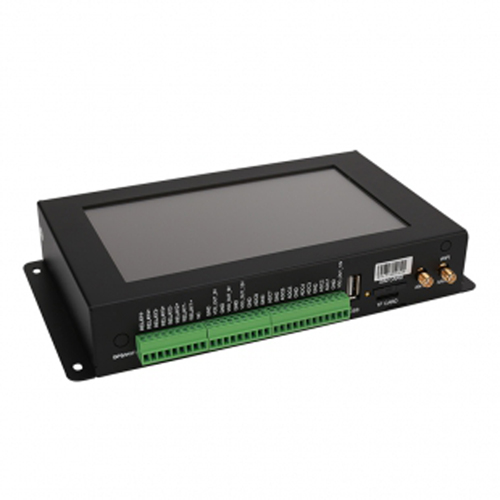
The NiuBoL TG462/TG462S logger and gateway is available in regional cellular configurations. A 4G industrial router may be more appropriate where an existing controller already collects the data and only needs a network connection. Choose the acquisition role before comparing cellular options.
Check the SIM orientation, activation and data allowance with power removed where the device requires it. A PIN-locked SIM needs the correct authorized configuration; repeated guesses can lock the card. Confirm whether the subscription permits roaming and the intended destination network.
Use the APN and authentication method provided for that subscription. Some services need no username or password; private APNs may require specific credentials and routes. Do not copy a working public-APN profile onto a private-network SIM. Registration and packet-data connectivity are separate stages, so record whether the failure occurs before or after an address is assigned.
A known-working, compatible SIM from another operator can isolate a network-specific problem. Keep the gateway, antenna and installation unchanged during that comparison. If the second service works, investigate the first operator's coverage and provisioning. If neither works, return to the installed modem, power, SIM detection and antenna path rather than changing application-server settings.
A device can show cellular signal and still have unstable sessions. Install the correct antenna on the designated cellular connector, not a Wi-Fi or GNSS connector with a similar appearance. Check damaged coaxial cable, connector seating, antenna orientation and cable loss. Follow the selected modem's requirements for multiple antenna connections.
Compare diagnostics over time at the final mounting position. RSRP describes reference-signal received power; RSRQ and SINR add information about quality and interference conditions. These metrics are not interchangeable with a row of signal bars. There is no single signal threshold that guarantees every gateway, operator and upload pattern will work.
Test with the cabinet closed and other equipment running. Moving an antenna out of a metal enclosure may improve reception, but adding a long, lossy extension can offset the benefit. For an exposed outdoor antenna, include suitable mounting, cable-entry sealing and surge protection in the site design. Avoid treating a brief successful upload during installation as proof of long-term service margin.
Once the gateway has a data session, check its assigned address, route and DNS configuration. Test the actual destination and port. A successful ping does not prove that MQTT or HTTPS is allowed, and a failed ping does not prove that the internet is unavailable because some systems block ICMP. Private APNs may intentionally allow only designated networks.
A private LAN address such as 192.168.x.x is not directly reachable across the public internet. To reach a laptop or local server from a remote gateway, establish an authorized routed path such as a VPN or a properly designed private network. Do not simply enter the laptop's local address into the remote gateway and assume cellular connectivity supplies the missing route.
Inbound access is a separate issue. Mobile operators may use carrier-grade NAT, so an assigned address does not necessarily allow unsolicited connections to the gateway. RFC 6598 defines the shared address range 100.64.0.0/10 used for such network arrangements. Port forwarding on the gateway cannot create a public inbound route through an operator's NAT.
For remote maintenance, use an approved VPN or device-management arrangement with appropriate access controls. A private APN does not automatically encrypt application data. Avoid exposing an unrestricted management interface to the internet. Verify who can access the device, which routes are allowed and how access is revoked after commissioning.
Read the sensor values locally first. If the gateway has no response from an RS485 sensor, the cellular link cannot repair that acquisition failure. For a rain station, also confirm that the selected input is counting the actual gauge output rather than merely showing a connected device.
If local data is valid, inspect the application exchange. MQTT requires the intended publish topic, permissions and unique client identity. HTTP requires an accepted URL, request format and response handling. TLS failures require inspection of the certificate chain, hostname, device clock and supported firmware capabilities. Test the same destination from an authorized independent client, while remembering that the gateway may use a different network route.
For LAN/WAN conflicts, compare the gateway's local subnet with its upstream Ethernet or VPN networks. Overlapping routes can direct packets to the wrong interface. After changing the LAN address, update the maintenance computer's network settings as required; an unreachable configuration page at the old address is not evidence of modem failure.
Use a controlled network disconnection and then restore the link. Check the time to recover, whether local collection continued and whether the application resumed automatically. Test a server outage separately from cellular loss because registration may remain healthy while delivery fails. Where historical continuity is required, verify the configured local buffer and replay rather than assuming reconnection recovers missed data.
Watch for a watchdog that repeatedly reboots the gateway because its chosen health-check target is blocked. A restart can recover a hung process, but it cannot correct a wrong APN or an invalid certificate. Set detection targets and delays to match the deployment network, and keep logs long enough to distinguish the trigger from its consequences.
When requesting NiuBoL support, provide the model and cellular variant, firmware, operator, APN type, installation country and failure-stage logs. Describe whether the problem occurs continuously, after idle time or under a particular load. Remove passwords and access tokens from diagnostic exports before sharing them.
No. Verify the installed modem's bands, operator acceptance, subscription and roaming rules. An available LTE signal does not establish that the SIM is authorized to register or use the required data service.
The display may indicate radio reception before successful registration or data-session setup. Check SIM status, registration, APN and the assigned address in order. Only then investigate DNS, routing and the application server.
No. Use the subscription's required authentication. None is appropriate only when the operator profile needs no credentials. Incorrectly removing authentication from a private APN can prevent the data session from opening.
Only when the wider network provides the necessary inbound route and permits it. Carrier-grade NAT can prevent that route regardless of the gateway rule. Discuss an authorized VPN, private-network service or other supported management path.
Usually no. Record the current fault, then check power, SIM, band compatibility and antenna installation. Update firmware when there is a relevant compatibility or defect reason, with a saved configuration and a tested recovery procedure.
State the operator and country, cellular variant, antenna arrangement, available power and enclosure conditions. Add the server interface and remote-maintenance method. These details determine whether the proposed equipment can be commissioned at the destination.
A useful 4G gateway diagnosis identifies the first broken layer and preserves the evidence before changing settings. Match the cellular variant and subscription, verify power under load, then trace a real measurement into the receiving application. Successful registration is one checkpoint; automatic recovery and usable records are what make an unattended monitoring installation workable.
Prev:How to Connect RS485 Modbus Sensors to PLC and SCADA Systems
Next:no more
Related recommendations
Sensors & Weather Stations Catalog
 Agriculture Sensors and Weather Stations Catalog-NiuBoL.pdf
Weather Stations Catalog-NiuBoL.pdf
Agriculture Sensors Catalog-NiuBoL.pdf
Water Quality Sensor Catalog-NiuBoL.pdf
Related products
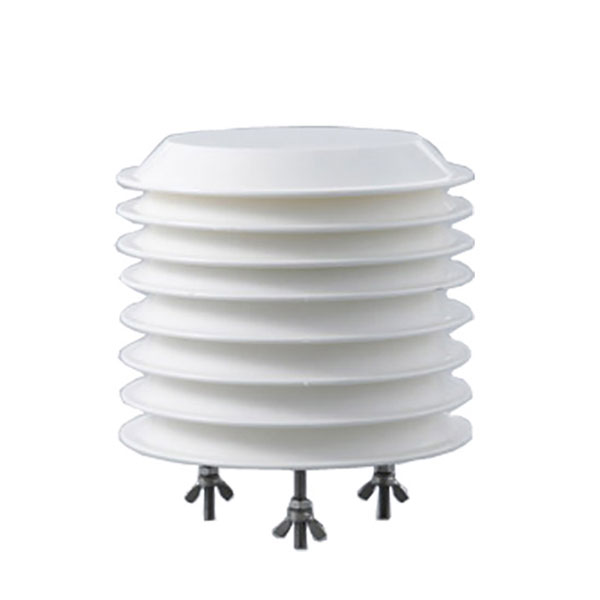 Combined air temperature and relative humidity sensor
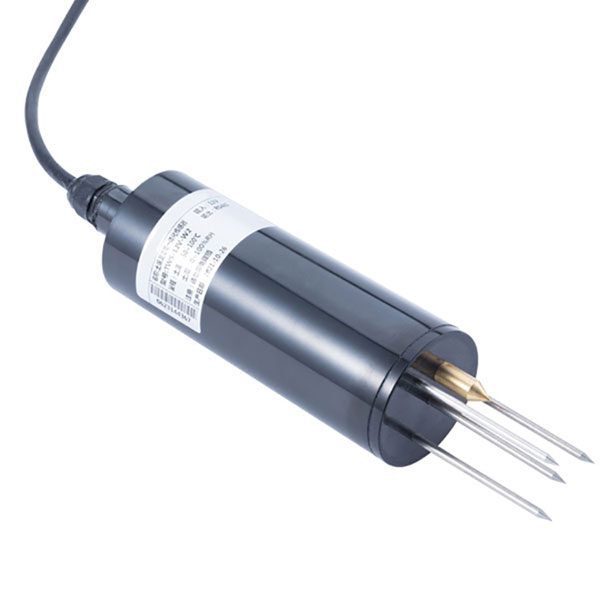 TDR Soil Moisture & Temperature Sensor for irrigation| RS485 |4-20mA| NBL-S-THR
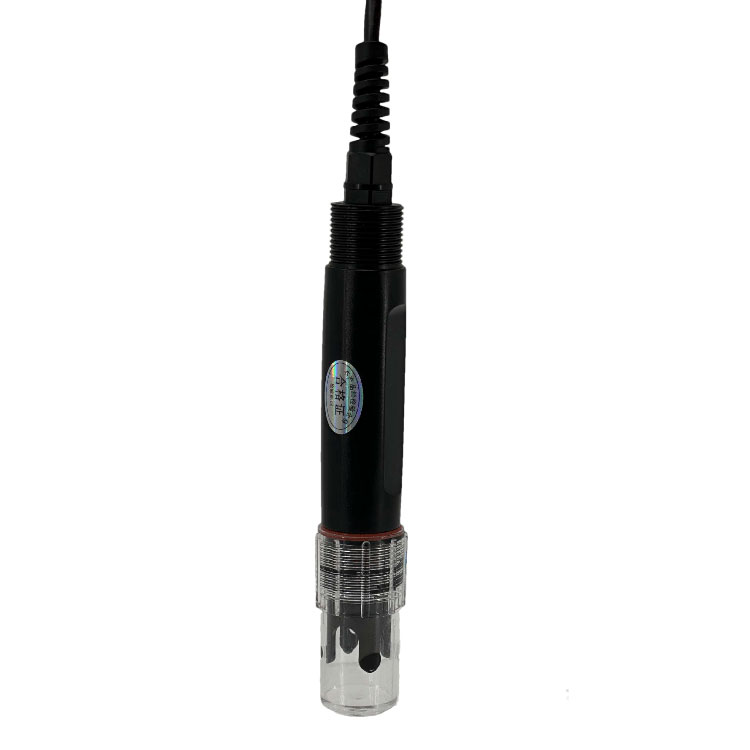 Soil pH sensor RS485 soil Testing instrument soil ph meter for agriculture |NBL-S-PH
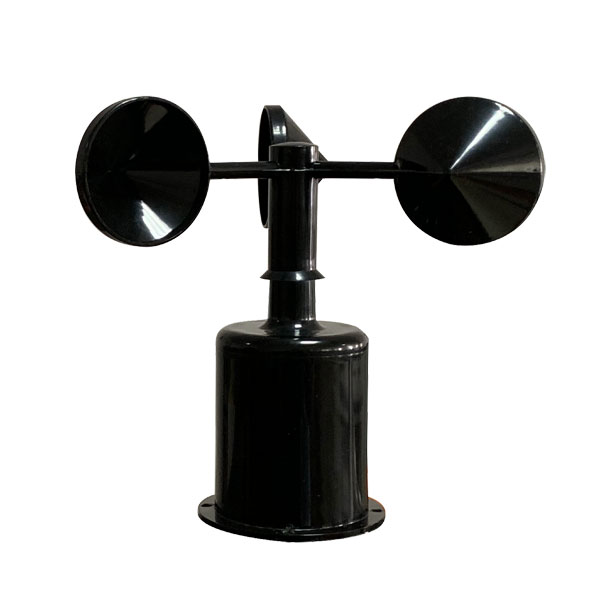 Wind Speed sensor Output Modbus/RS485/Analog/0-5V/4-20mA
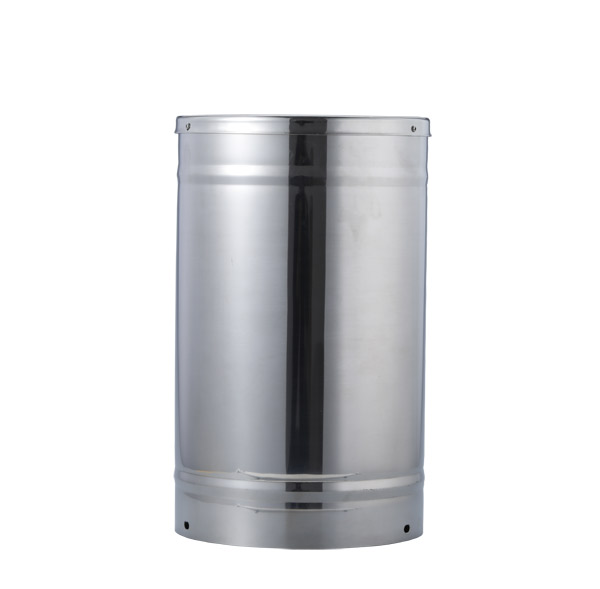 Tipping bucket rain gauge for weather monitoring auto rainfall sensor RS485/Outdoor/stainless steel
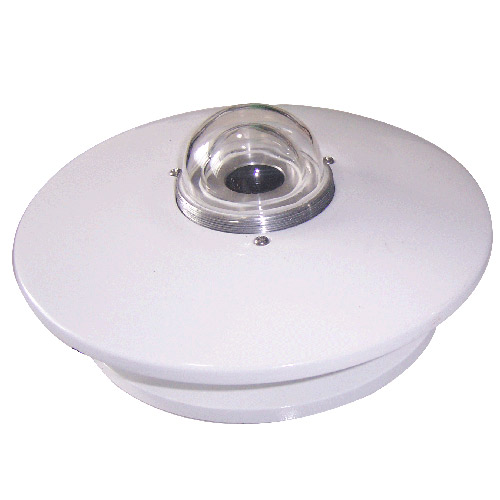 Pyranometer Solar Radiation Sensor 4-20mA/RS485

Screenshot, WhatsApp to identify the QR code
WhatsApp number:+8615367865107
(Click on WhatsApp to copy and add friends)