

— Blogs —
—Products—
 Consumer hotline +8618073152920
 WhatsApp:+8615367865107
Address:Room 102, District D, Houhu Industrial Park, Yuelu District, Changsha City, Hunan Province, China
Technical Support
Time:2026-09-07 16:27:34 Popularity:490
Quick Answer: Start field sensor troubleshooting by separating three faults: no valid response, a valid response with an unexpected value, and a correct local value displayed incorrectly downstream. Check loaded supply voltage and wiring first, then the raw Modbus response or measured loop current, and finally register decoding and platform scaling. Replace the sensor only when a controlled test identifies it as the failed part.
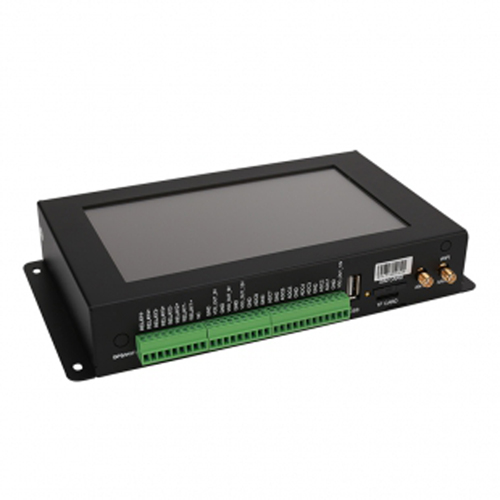
Troubleshoot field sensors in a fixed sequence: power supply, wiring, raw signal, protocol, data parsing and platform configuration. Record the result at each stage. Changing several settings together can restore a reading without identifying the cause, making a repeat failure harder to diagnose.
Before disconnecting an instrument, establish whether its signal controls a pump, dosing system or alarm. Use the site's approved maintenance arrangement so a missing or simulated value cannot trigger an unintended action. Electrical work must be performed by personnel qualified for the installation. De-energize circuits before changing wiring or using resistance and continuity functions.
| Observed symptom | First useful test | What the result separates |
|---|---|---|
| No Modbus response | Measure voltage at the sensor while connected; test one device on a short connection | Power and physical-link problems versus network configuration |
| CRC errors or intermittent replies | Compare a short isolated connection with the installed bus | Local device operation versus interference, duplicate addresses or bus wiring |
| Valid reply, value zero | Check the raw register and apply a suitable known input | A real zero versus wrong channel, scaling or a sensing fault |
| Implausible but repeatable number | Decode raw bytes using the exact register map | Signedness, decimal position, word order or channel assignment |
| 4-20 mA current normal, display wrong | Compare measured current with the receiver's raw input value | Input configuration or conversion downstream of the transmitter |
| Local reading current, cloud reading old | Compare acquisition timestamps and the last successful upload | A data-transport problem versus a measurement problem |
Measure the supply at the sensor end under load, not only at the cabinet output. A loose connection or excessive cable resistance may leave the cabinet voltage normal while the probe repeatedly restarts. Look for correlation with a radio transmission, heater or other load starting on the same supply. Use the required input-voltage range for the actual model.
For a direct test, disconnect the target from the shared bus and connect it to a suitable USB-RS485 converter with a short cable and stable power. Do not leave two active Modbus masters competing on the same serial segment. Confirm the COM port, driver, baud rate, parity, stop bits and device address. A/B naming can differ between interfaces, so check the terminal definitions rather than relying solely on the letters.
Send a documented read request. Verify the function code, starting address, register count and CRC. Address 0 is used for broadcast requests in Modbus serial communication and does not produce a normal reply; it is not a useful address for a read-response test. Avoid changing calibration or configuration registers while investigating a basic communication fault.
If a known-good sensor of the same model responds using the same supply, converter, short cable and read request, but the target does not, the fault is more likely within the target device or its attached cable. This is stronger evidence than a failed cloud connection. It still does not identify which internal component has failed.
A Modbus exception is a valid response reporting that the requested operation could not be completed. For example, a response function of 0x83 corresponds to an exception to a function-03 request. Exception code 02 indicates an illegal data address, which can include an invalid address-and-length combination. Check the map and request before condemning the RS485 interface.
A valid frame establishes communication with the responding device, not correct measurement. First confirm that the reply came from the intended address and that the selected register is the measurement channel. Some multi-parameter devices also return status, configuration or decimal-place registers that can legitimately contain zero.
Then apply a suitable physical check. A rain gauge with no tips may correctly report no new rainfall. A wind-speed sensor in still air may correctly report zero. An EC probe out of water cannot validate a water-conductivity measurement. Use a test appropriate to the instrument, such as a suitable conductivity standard, rather than treating a plausible-looking value as proof of calibration.
Check whether the logger substitutes zero after a timeout. That is a software behavior, not a measurement. A stale last value should also remain distinguishable from a fresh reading. Preserve a quality flag and acquisition time so operators can tell these conditions apart.
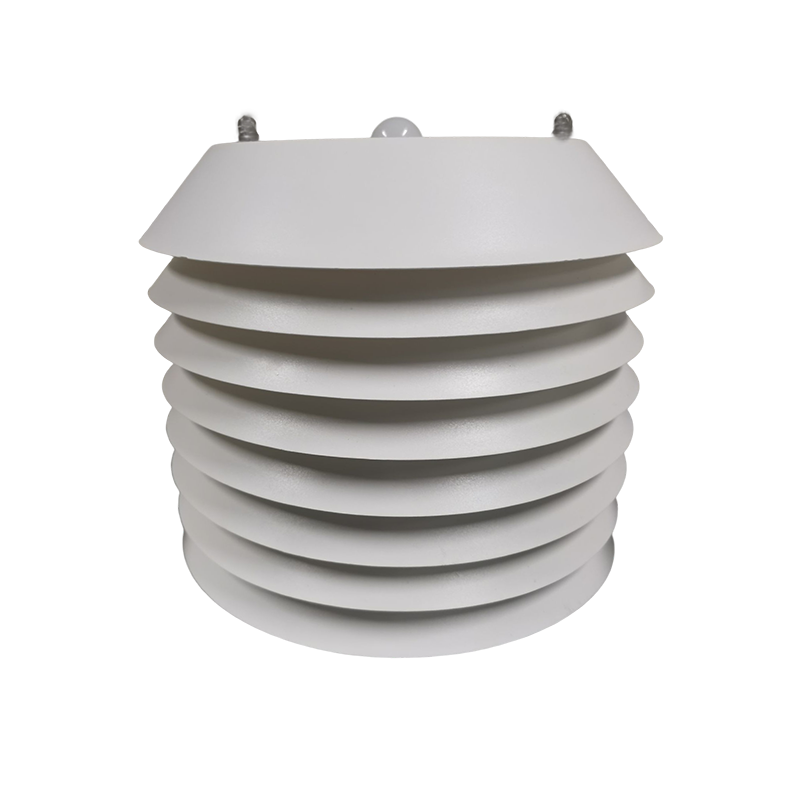
Compare four stages of the same observation: raw response bytes, locally decoded engineering value, logger record and remote display. If the first two agree but the remote display differs, focus on the mapping after acquisition. A multi-parameter weather sensor can appear to have an impossible humidity or pressure value simply because the channels have been assigned in the wrong order.
The NiuBoL NBL-WQ-EC register arrangement provides a useful example. Its read block begins at 40001, represented by protocol offset 0x0000, and contains six 16-bit registers: conductivity value, its decimal-place count, temperature value, its decimal-place count, TDS value and its decimal-place count. These are not three pairs of IEEE floating-point words.
For an illustrative value register of 1234 followed by a decimal-place count of 2, the decoded numeric result is 12.34. Apply the unit for the selected measurement range. Treating those registers as one 32-bit floating-point number, or dividing every channel by ten, gives an incorrect result even though the communication is error-free.
Some software expects the reference number 40001; other software expects offset 0. Check what the driver transmits. For a different instrument using two-register floating-point values, follow its specified byte and word order. Also check signed integer handling for measurements that can be negative, such as temperature or ORP. There is no universal NiuBoL register map covering every model and firmware version.
Identify the wiring arrangement first: a two-wire loop-powered transmitter is not connected like every separately powered three- or four-wire transmitter. Determine whether the analog input supplies loop power or expects an externally powered signal. Do not connect two power sources together or assume that every current input has the same reference arrangement.
Use a suitable loop meter or calibrated multimeter within its ratings. For a series current measurement, make the circuit safe, open the designated test point, select the fused current input and reconnect as required by the approved test procedure. Never place a meter in current mode directly across a voltage supply. Use voltage and continuity functions only in their appropriate circuit conditions.
For a linear 4-20 mA output, the engineering value is: lower range + (measured mA - 4) / 16 x range span. The transmitter and receiver must use the same lower and upper values. A hypothetical 0-10 NTU transmitter therefore gives the following checks; these values are a scaling example, not a command to change an installed instrument's range.
| Loop current | Fraction of span | Example 0-10 NTU display |
|---|---|---|
| 4 mA | 0% | 0 NTU |
| 8 mA | 25% | 2.5 NTU |
| 12 mA | 50% | 5 NTU |
| 16 mA | 75% | 7.5 NTU |
| 20 mA | 100% | 10 NTU |
If the measured current is 12 mA but the display shows zero or full scale, inspect input mode and range conversion before replacing the sensor. If both the meter and receiver show no current, check supply, circuit continuity, polarity and transmitter operation. A below-range or above-range current may be a configured fault indication; interpret it using the instrument's alarm-current behavior instead of assuming one universal failure code.
If the loop cannot reach its expected upper current, check supply headroom against the transmitter requirement plus cable and receiver voltage drops. As an electrical example, a 250-ohm input resistor drops 5 V at 20 mA. That drop must fit within the loop's available voltage budget; it is not a recommendation to add a resistor to an existing current input.
A device that works on the bench but fails near a motor may have a site wiring or interference problem. Record when errors occur, which devices are affected and which equipment starts at the same time. Inspect bus topology, end termination, shield arrangement and signal-reference requirements for the installed interfaces. Do not add termination to every node.
Restore devices one at a time after an isolated test. Duplicate addresses can produce intermittent collisions that resemble a damaged cable. Where ground-potential differences are significant, assess an appropriate isolated interface and surge protection with the electrical designer. Changing communication settings will not correct a damaged connector or unsuitable grounding arrangement.
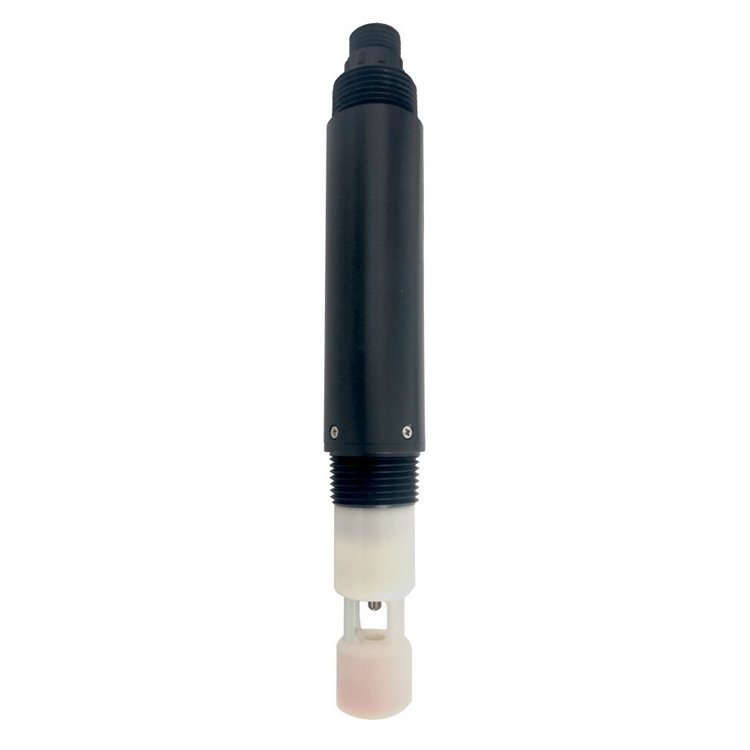
Bring a suitable DC supply, an RS485 converter and serial diagnostic tool, and a meter appropriate to the circuits. Add the exact wiring diagram, register map and a known input or calibration standard where applicable. A spare sensor alone may reproduce the same installation fault.
No. RS485 carries digital communication, while a current input measures loop current. Use the correct acquisition interface or a configured converter. An instrument with optional analog output must be ordered and wired for that output; the presence of a cable does not establish which version it is.
Only after the measurement is being decoded correctly and the sensing surface is in suitable condition. Calibration cannot correct a wrong unit, reversed channel order or stale cloud record. Save the original reading and configuration before changing calibration coefficients.
Replacement is justified when correct power, wiring and acquisition have been demonstrated, but the sensor fails a suitable direct measurement or communication test. Visible damage or a sensing element that cannot pass the prescribed verification may also justify replacement. Keep the failed test results to guide the repair decision.
Send the model and output version, wiring photographs, loaded supply voltage, serial settings, complete request and response bytes, or measured loop current. Include the expected physical condition and the controller's displayed value. State whether the fault follows the sensor when moved to a known-good connection.
Repeat the test that exposed the fault, then compare local and remote readings with their timestamps. Restore normal wiring and alarm operation, remove test substitutions and record the actual change made. Observe the system under the operating condition that previously caused failure.
Effective field sensor troubleshooting finds where the signal first becomes incorrect. Separate the physical measurement from RS485 transport, register decoding, analog conversion and remote display. That sequence supports a targeted repair and avoids replacing a working sensor for a fault elsewhere in the system.
Prev:Water Quality Sensor Installation: Immersion, Buoy, Flow Cell and Pipeline
Next:Sensor Customization: Power, Output, Protocol, Housing and Acceptance
Related recommendations
Sensors & Weather Stations Catalog
 Agriculture Sensors and Weather Stations Catalog-NiuBoL.pdf
Weather Stations Catalog-NiuBoL.pdf
Agriculture Sensors Catalog-NiuBoL.pdf
Water Quality Sensor Catalog-NiuBoL.pdf
Related products
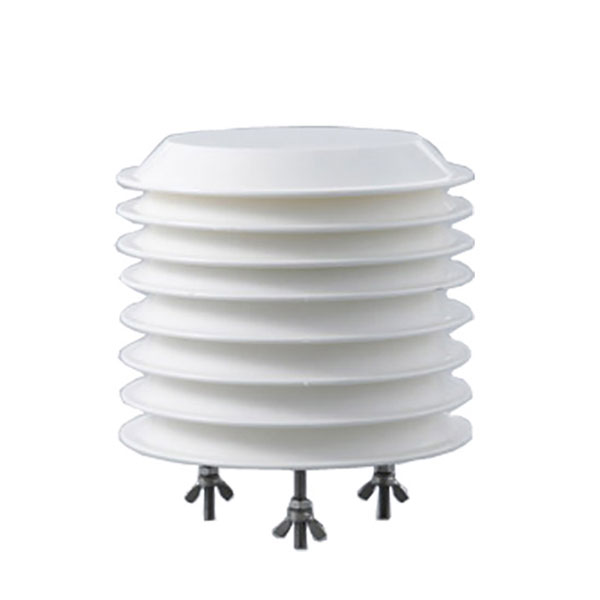 Combined air temperature and relative humidity sensor
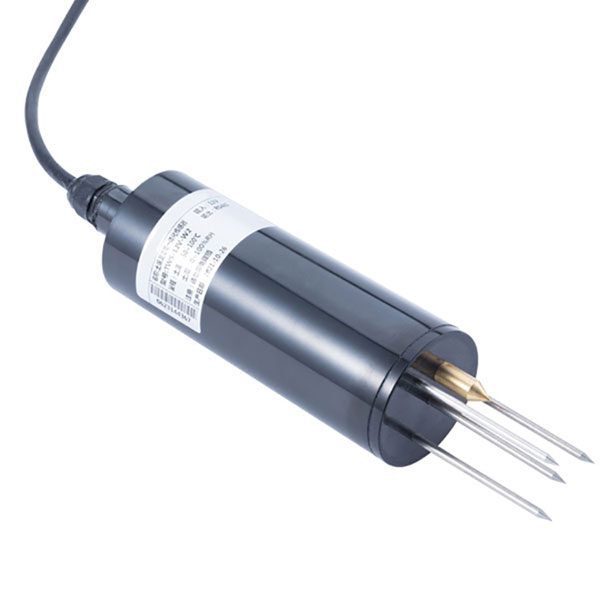 TDR Soil Moisture & Temperature Sensor for irrigation| RS485 |4-20mA| NBL-S-THR
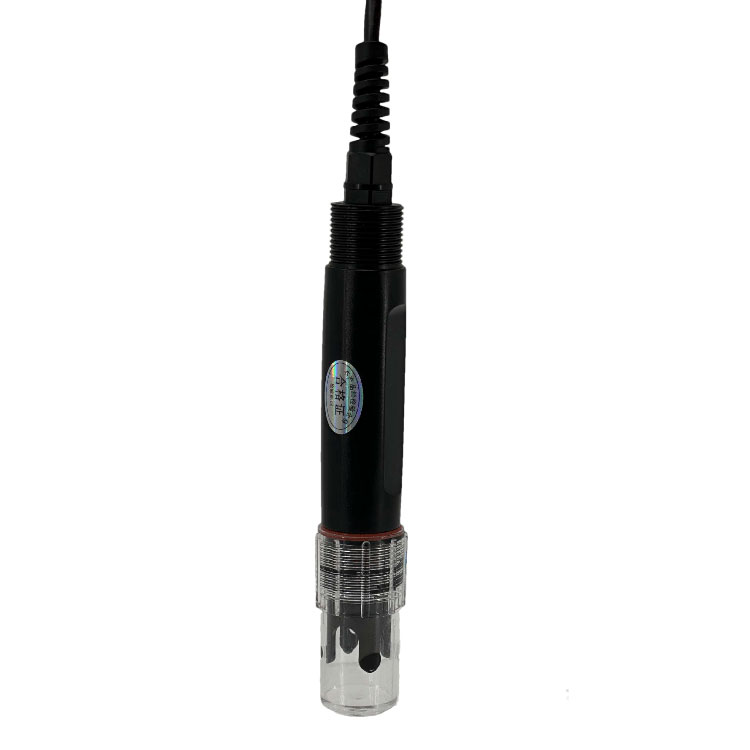 Soil pH sensor RS485 soil Testing instrument soil ph meter for agriculture |NBL-S-PH
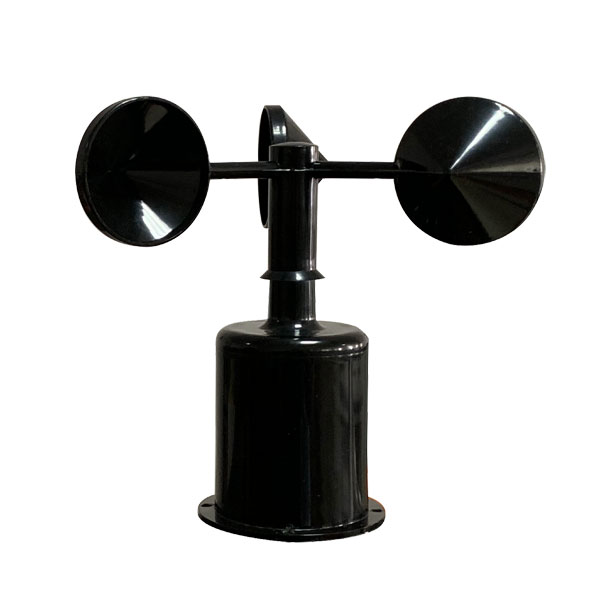 Wind Speed sensor Output Modbus/RS485/Analog/0-5V/4-20mA
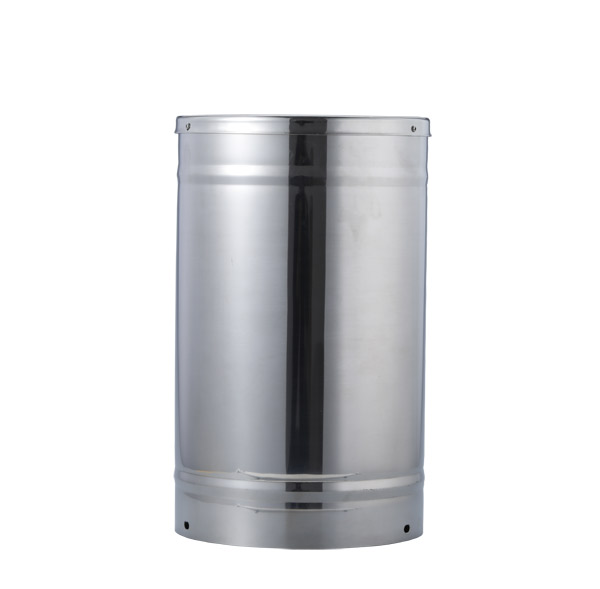 Tipping bucket rain gauge for weather monitoring auto rainfall sensor RS485/Outdoor/stainless steel
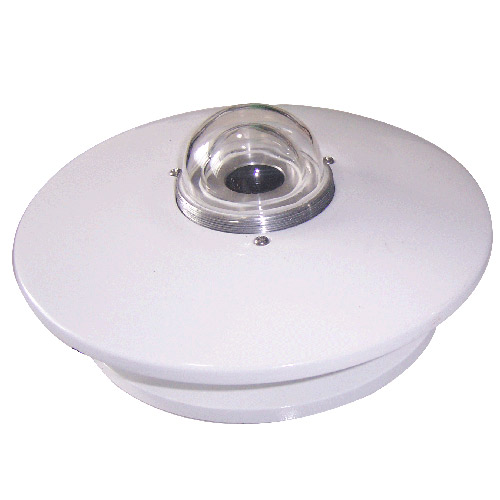 Pyranometer Solar Radiation Sensor 4-20mA/RS485
Screenshot, WhatsApp to identify the QR code
WhatsApp number:+8615367865107
(Click on WhatsApp to copy and add friends)