

— Blogs —
—Products—
 Consumer hotline +8618073152920
 WhatsApp:+8615367865107
Address:Room 102, District D, Houhu Industrial Park, Yuelu District, Changsha City, Hunan Province, China
Technical Support
Time:2026-09-08 12:16:20 Popularity:375
Quick Answer: Connect RS485 Modbus sensors to a PLC directly when the controller has a compatible serial interface and Modbus RTU master function. Use a Modbus RTU-to-TCP gateway when the receiving PLC or SCADA uses Ethernet. For either route, verify the sensor address, function code, register offset, data type, scaling and update behavior before assigning the value to a plant tag.
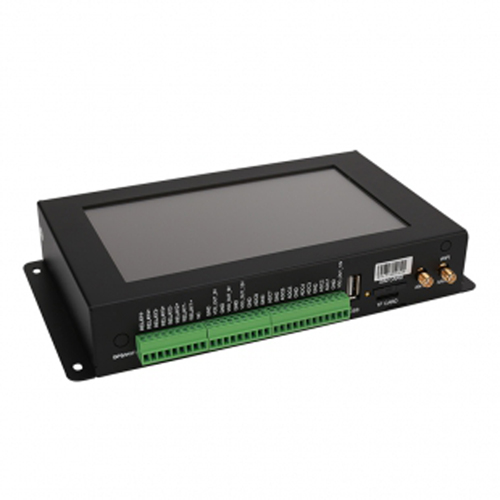
A gateway is not mandatory simply because the field device uses RS485. If the PLC or SCADA hardware already has an RS485 port and can act as a Modbus RTU master, it can poll sensors directly. This is often the simplest local plant architecture.
A gateway becomes useful when the project needs Ethernet conversion, cellular telemetry, multiple remote sites, local buffering, mixed signal inputs or a different application protocol. A PC-based SCADA system also needs a compatible interface and driver; installing an RS485 adapter does not itself add Modbus acquisition software.
| Architecture | Suitable starting point | Check before selection |
|---|---|---|
| Sensor to PLC over RS485 | Local instruments and a controller with Modbus RTU master support | Available port, electrical interface, driver and polling capacity |
| Sensor to Modbus gateway to Ethernet PLC/SCADA | The host reads Modbus TCP and field instruments remain serial | Actual RTU-to-TCP conversion, unit routing and response time |
| Sensor to acquisition gateway to OPC UA server | The application requires named nodes, status and subscriptions | The selected hardware/software must implement the required OPC UA role |
Keep the functions distinct in the equipment list. A transparent serial server can transport serial bytes over a TCP connection without translating them into Modbus TCP. The latter uses an MBAP header, whereas a Modbus RTU frame has different framing and a CRC. An Ethernet socket that opens successfully is therefore not proof that the PLC's Modbus TCP driver can read the connected sensor. The Modbus implementation guides describe these separate serial and TCP/IP arrangements.
In conventional Modbus RTU operation, one master initiates transactions on a serial bus. Do not connect an independently polling PLC and an independently polling gateway to the same two-wire segment and expect them to coordinate. When both local control and remote telemetry are required, arrange for one acquisition device to share its collected values through supported upstream interfaces.
Each sensor on that segment needs a unique working address and compatible baud rate, parity and stop-bit settings. Configure new instruments individually if they arrive with the same default address. If two instruments require incompatible serial settings, place them on separate ports rather than repeatedly changing one port while both remain connected.
The RS485 wiring should follow the selected equipment's terminal definitions, cable and topology requirements. A/B labels are not consistent across every manufacturer, so compare polarity definitions rather than letters alone. Check termination and biasing at the network level; adding a termination resistor to every sensor can overload the driver. Keep branches short where the bus design requires it, and assess isolation and surge protection for outdoor cable runs.
First read one sensor through a short, known-good connection. Save the request, response and displayed engineering value. Use that result to build the PLC/SCADA mapping. Do not start by creating dozens of tags from a guessed register pattern and then try to repair them from an implausible trend screen.
| Mapping field | What must be explicit | Error it prevents |
|---|---|---|
| Device identity | Serial segment, slave address and gateway route or unit identifier | Reading another instrument with an identical register layout |
| Register access | Function code, starting offset and register count | Wrong function or one-register offset error |
| Encoding | Signed/unsigned integer, float, word order and scale | Plausible communication with meaningless numbers |
| Engineering tag | Parameter, unit and physical measuring location | Mixing module temperature, air temperature or different soil depths |
| Validity | Last successful update, sensor status and timeout rule | Treating an old value as a current measurement |
Some host tools display register references such as 40001, while the transmitted request uses a zero-based offset. Follow the driver and device conventions instead of assuming the same number should be entered everywhere. Also verify whether a 32-bit value occupies two registers and which word comes first.
As a decoding example only, suppose a temperature channel uses a signed 16-bit integer with a scale of 0.1 degree C. A raw value of 0xFF85 represents -123, so the result is -12.3 degrees C. Reading it as unsigned gives 6541.3 degrees C after the same scale. These numbers illustrate a configuration error; they are not assigned registers for a NiuBoL model.
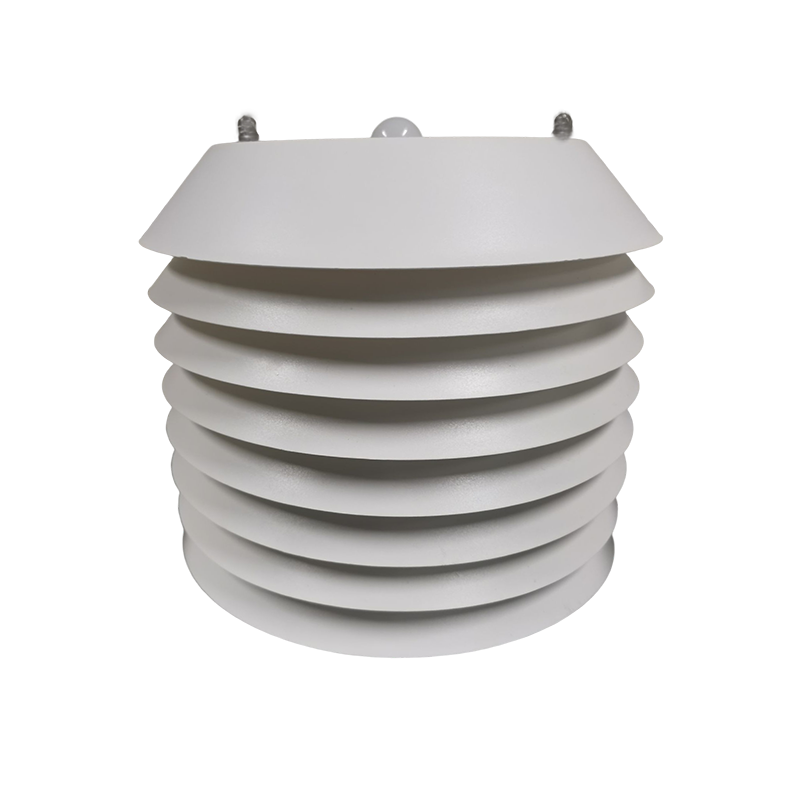
A request-routing gateway can forward a PLC request to a particular sensor. An acquisition gateway may instead poll the sensors on its own schedule and expose a consolidated map of cached values. Determine which behavior is configured. The field sensor address, upstream unit identifier and gateway register location are not necessarily identical.
In a routing design, check how the gateway selects the serial port and downstream device. In a consolidated map, reserve a stable location for each value and its status. When a sensor is replaced, retaining the tag name while accidentally changing its scale can corrupt historical comparisons without causing a communication alarm.
More capable edge systems can present values through OPC UA, but this requires an implemented server or another specified role. Do not infer OPC UA support from the presence of Ethernet, a touchscreen or a general development environment. Confirm the required nodes, data types, quality and timestamps with the receiving SCADA before ordering that configuration.
A 4-20 mA transmitter cannot be read directly as an RS485 Modbus device. It needs a compatible current input and the correct conversion to engineering units. A voltage input, a pulse counter and a dry-contact input are also different functions. Count the required signal types, not merely the number of instruments.
For a mixed NiuBoL monitoring installation, the TG462/TG462S data logger is one hardware option to evaluate. It has three RS485 ports, two Ethernet ports and eight 12-bit analog input channels. Current or voltage input configuration must match the ordered version. The separate serial ports can help organize instruments by compatible settings and cable routes.
A soil probe, an atmospheric sensor and a water-quality probe may all use Modbus yet have different conversion times and status behavior. Keep their units and measuring locations explicit. Do not assign a fast scan to a slowly updated analytical channel merely because the PLC can request it quickly. Similarly, a general digital input should not be assumed suitable for every rainfall pulse frequency or contact type.
Calculate the normal scan from request duration, device response time and required spacing. Then include the timeout and retry settings. A hypothetical bus with six devices each completing a scheduled read in 150 ms takes about 0.9 s without additional pauses. If one device instead uses two 1 s timeout attempts, a scan of the five healthy devices plus that fault takes about 2.75 s. A one-second update requirement would not be met in that state.
Use this as a commissioning calculation, not a performance specification. Measure the actual scan and adjust scheduling, port grouping or retries to suit the application. Avoid polling unused registers. If several Ethernet clients share a gateway, include their combined load and verify that a slow or disconnected device does not prevent healthy tags from updating.
| Observed symptom | Next check |
|---|---|
| Direct serial test works; PLC read fails | Compare protocol mode, gateway route, function code and register-offset convention. |
| Several sensors work alone but not together | Check duplicate addresses, serial settings, bus loading and supply voltage at the far end. |
| Correct raw bytes; unrealistic displayed value | Inspect signedness, word order, scale and any second conversion in SCADA. |
| Value stays unchanged after disconnecting a sensor | Inspect the cache timestamp, timeout status and the display's handling of stale data. |
| One timeout slows every tag | Measure retries and scan scheduling; consider separate ports for the affected group. |
Complete acceptance by comparing each tag with its local reading, then disconnecting one instrument and checking the fault indication. Power-cycle the acquisition equipment and confirm that addresses, scaling and serial settings survive. For a read-only monitoring application, restrict unnecessary write functions so routine SCADA operation cannot change sensor calibration or addresses.
For NiuBoL integration support, provide the controller interface, sensor models and a proposed tag list. Include the required update interval and whether the host will read field devices or a gateway-owned map. This makes it possible to discuss a suitable interface arrangement without assuming a particular PLC brand or adding an unnecessary gateway.

Not as independent conventional Modbus RTU masters. Their requests can collide. Use one acquisition master and share data upstream, or separate the networks through an architecture specifically designed to manage access.
Check whether the gateway is in transparent serial mode rather than Modbus RTU-to-TCP conversion mode. Then check unit routing and frame interpretation. A working TCP connection establishes transport, not agreement on the application protocol.
No. A compatible PLC or data logger can poll the sensor directly. Add a gateway when the project requires conversion, remote communication, storage or interfaces that the existing host cannot provide.
List each signal type, quantity, supply requirement and update interval, together with the receiving protocol. Identify current, voltage, pulse and serial channels separately. The physical input modules and software mapping both affect the required configuration.
Its value should carry an invalid or stale indication, with age or last-update information where available. Choose an application-appropriate alarm or fallback separately. Replacing every failed reading with zero can be misleading for temperature, rainfall and water-quality measurements.
Successful RS485 Modbus sensor integration starts with a compatible host and a clear owner of the serial bus. Prove one sensor read, map the encoding into the correct plant tag, and test the scan with faults present. A suitable NiuBoL sensor and logger configuration should be selected around that data path rather than around an assumed need for protocol conversion.
Prev:MQTT vs HTTP vs Modbus TCP vs OPC UA for Industrial IoT Gateways
Next:4G Industrial IoT Gateway Setup and Troubleshooting Guide
Related recommendations
Sensors & Weather Stations Catalog
 Agriculture Sensors and Weather Stations Catalog-NiuBoL.pdf
Weather Stations Catalog-NiuBoL.pdf
Agriculture Sensors Catalog-NiuBoL.pdf
Water Quality Sensor Catalog-NiuBoL.pdf
Related products
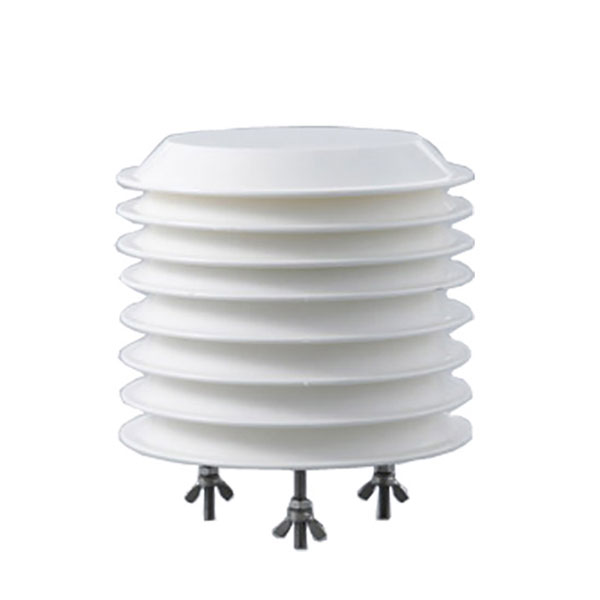 Combined air temperature and relative humidity sensor
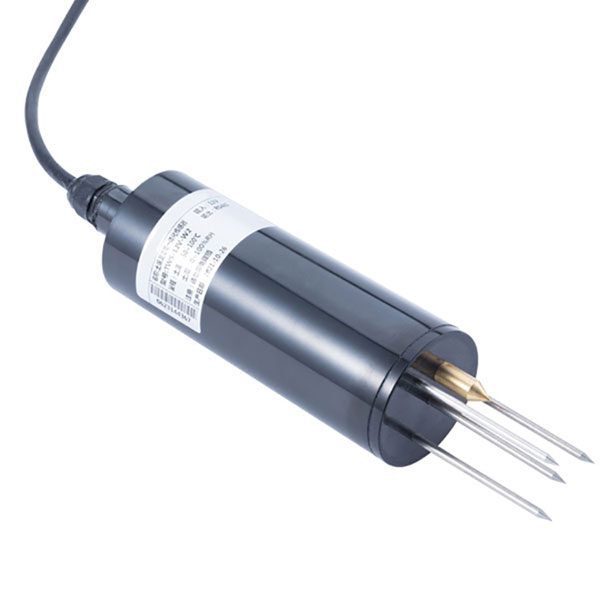 TDR Soil Moisture & Temperature Sensor for irrigation| RS485 |4-20mA| NBL-S-THR
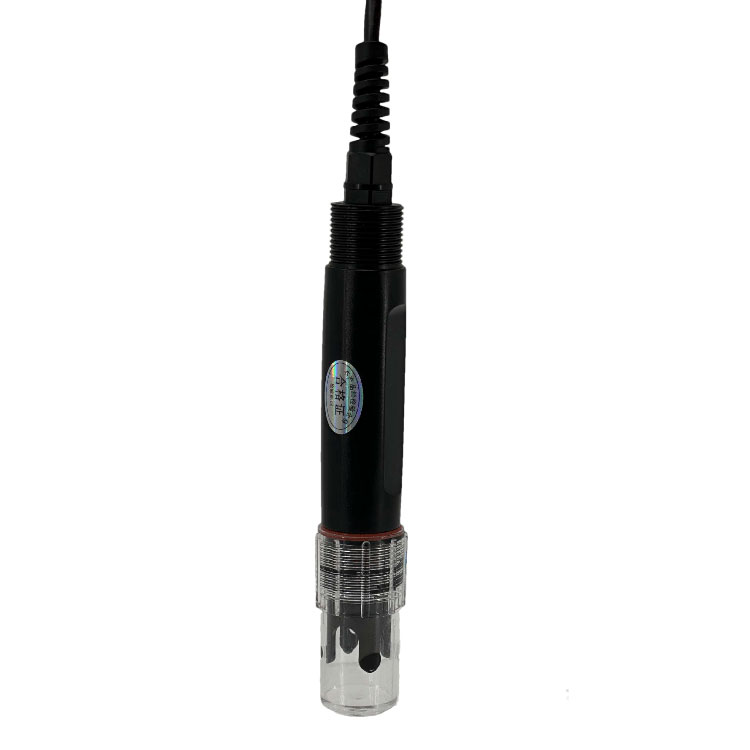 Soil pH sensor RS485 soil Testing instrument soil ph meter for agriculture |NBL-S-PH
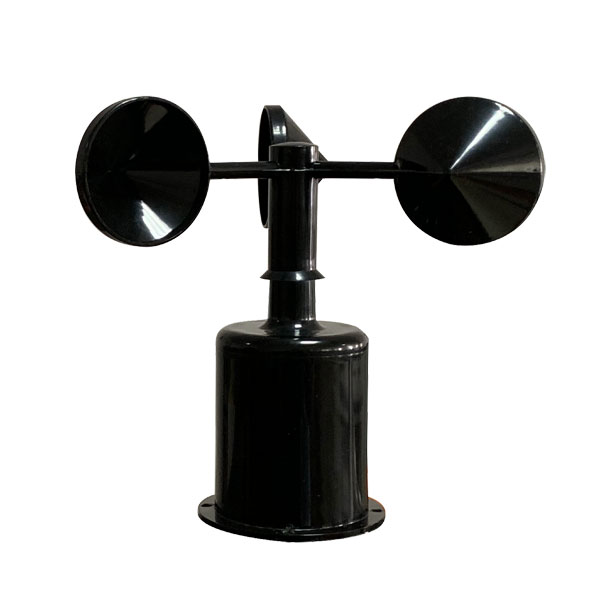 Wind Speed sensor Output Modbus/RS485/Analog/0-5V/4-20mA
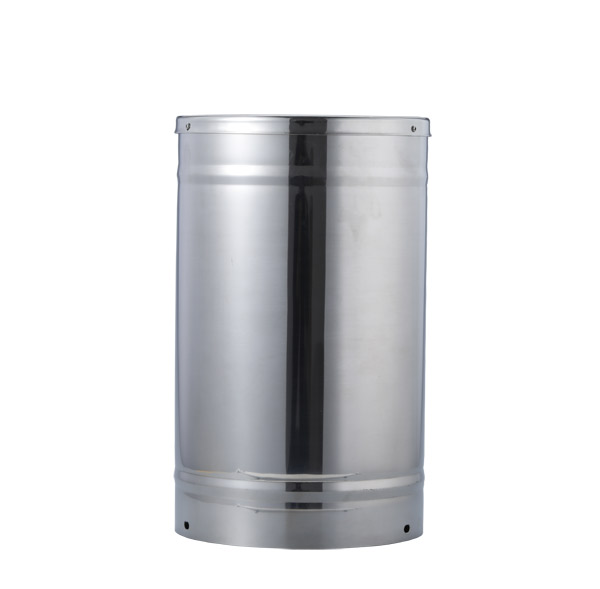 Tipping bucket rain gauge for weather monitoring auto rainfall sensor RS485/Outdoor/stainless steel
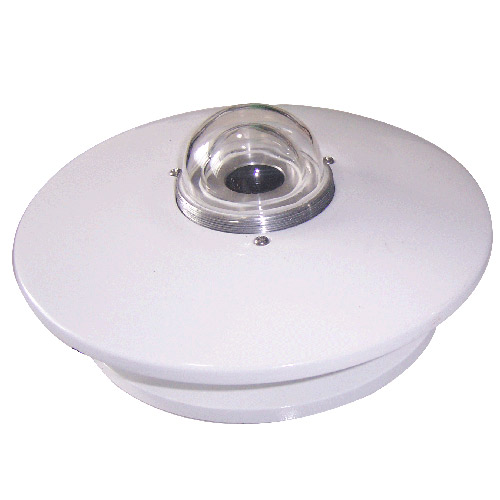 Pyranometer Solar Radiation Sensor 4-20mA/RS485

Screenshot, WhatsApp to identify the QR code
WhatsApp number:+8615367865107
(Click on WhatsApp to copy and add friends)