

— Blogs —
—Products—
 Consumer hotline +8618073152920
 WhatsApp:+8615367865107
Address:Room 102, District D, Houhu Industrial Park, Yuelu District, Changsha City, Hunan Province, China
Product knowledge
Time:2026-02-27 21:38:58 Popularity:646
Solar insect killer lamp controls should first be verified as local operating functions. A light sensor, working schedule and moisture-protection function determine whether the lamp should run; a remote command is a separate integration requirement. Before connecting a farm platform, establish which functions the supplied controller provides and how a protected or stopped lamp is reported.
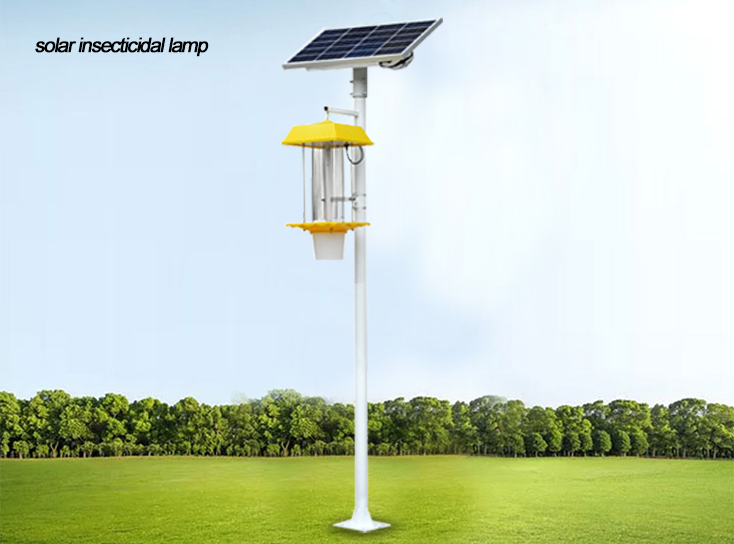
The NiuBoL frequency vibration solar insect lamp combines solar charging, stored power, an attracting light and a high-voltage grid. The local controller manages its operating conditions. Do not assume that a power connector, automatic dusk operation or a phone-based setting tool establishes an open data interface to a farm gateway.
For a connected project, list the required observations separately from commands. A remote start request, confirmation that the controller accepted it, and confirmation that the light is actually operating are different states. The same distinction applies to a schedule that requests operation while a protection condition prevents it.
| Required state or action | What to establish | What cannot be inferred |
|---|---|---|
| Start or stop request | Supported command and acknowledgement | That the lamp actually changed operating state |
| Light operating | Available status or an appropriate independent check | That the high-voltage grid is functioning correctly |
| Protection active | Protection reason, recovery condition and priority | That the equipment has failed permanently |
| Communications lost | Local schedule and protection behaviour without the link | That the lamp itself stopped |
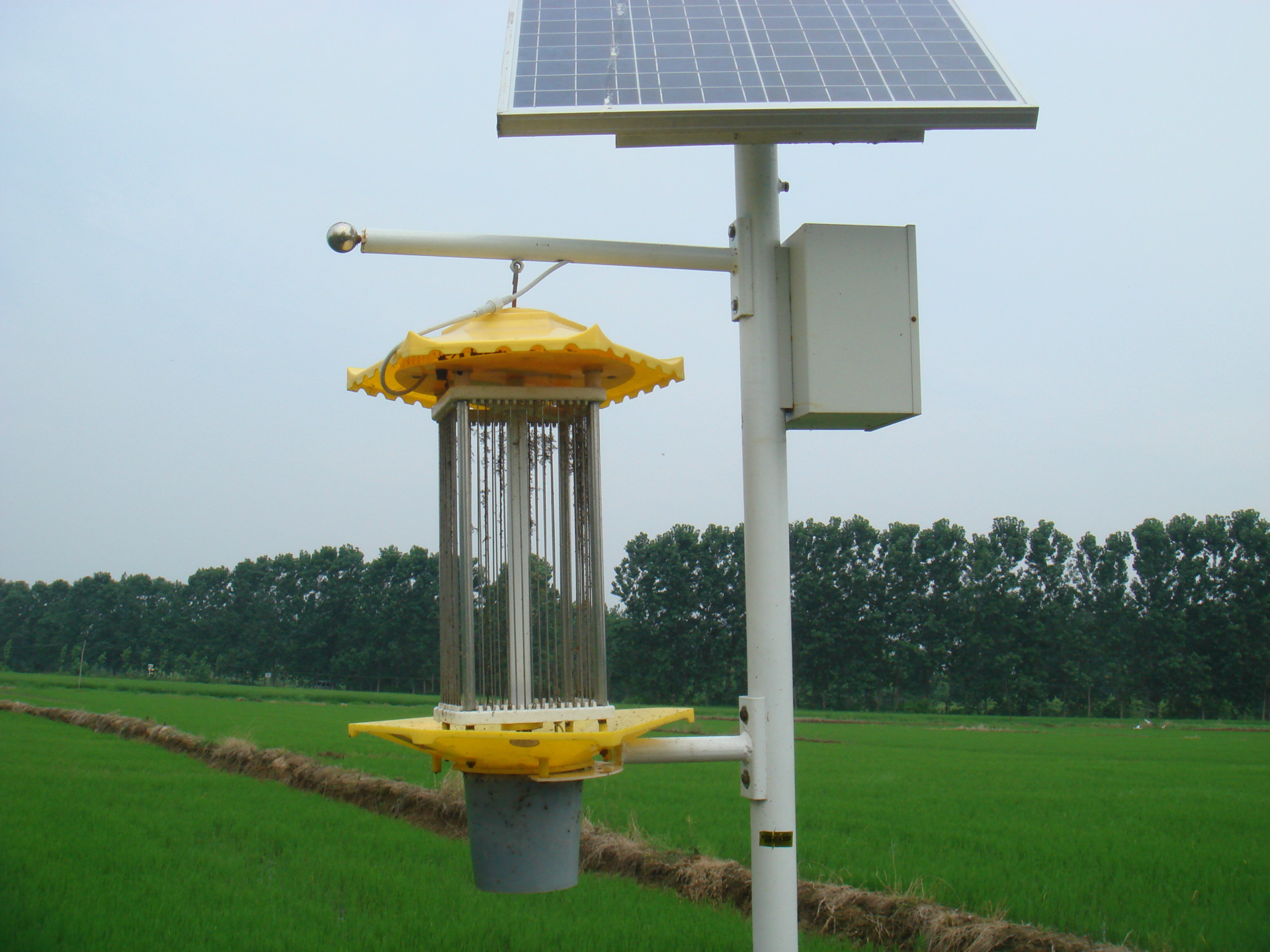
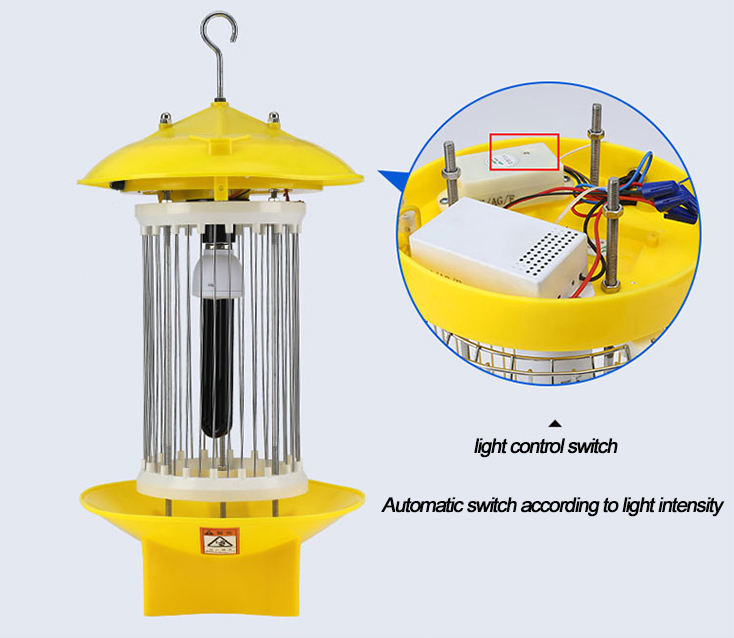
The documented configuration provides turn-on settings within 2-20 lx and turn-off settings within 30-200 lx. These are illuminance ranges, not lamp-output power or wavelength. Confirm the offered setting and the sensor's position in the actual installation.
Nearby lamps or a shaded sensor can change what the controller sees. During commissioning, use an approved test method to check the transition from light to dark and back again. Observe whether the unit starts and stops as intended without rapidly cycling around the transition.
Do not alter the sensor location simply to force the desired result during a test. The final position must represent the intended ambient condition and remain suitable after the canopy grows or nearby lighting changes. Record the settings used for the test and for normal service.
A timed operating window limits when the lamp is permitted to run. Clarify whether light and time conditions must both be satisfied and which protection functions override them. This logic must come from the offered controller configuration; the presence of several named functions does not define their priority.
The moisture-protection description uses a threshold above 95% RH, with recovery at or below that level. Confirm how the supplied sensing arrangement implements the function and any delay or hysteresis. Do not treat this description as a calibrated rainfall measurement or as evidence that humidity is identical to rainfall.
Test protection and recovery using the manufacturer's approved procedure. Never bypass a protective function merely to demonstrate remote start. A remote platform should show the resulting state clearly instead of repeatedly issuing start commands and calling the stopped condition a network fault.
| Control or electrical item | Configuration information | Commissioning check |
|---|---|---|
| Light control | Turn-on 2-20 lx; turn-off 30-200 lx | Confirm actual settings and switching behaviour |
| Moisture protection | Protection above 95% RH; recovery at or below the stated threshold | Confirm sensing method, delays and local priority |
| Working schedule | Selectable operating periods | Check the clock, retained settings and applicable time reference |
| Lamp body | DC 12 V; total lamp power below 35 W for this configuration | Do not confuse light-source power with complete lamp demand |
| Enclosure protection | IP65 | Inspect installed seals and connections; no assumption of submersion suitability |
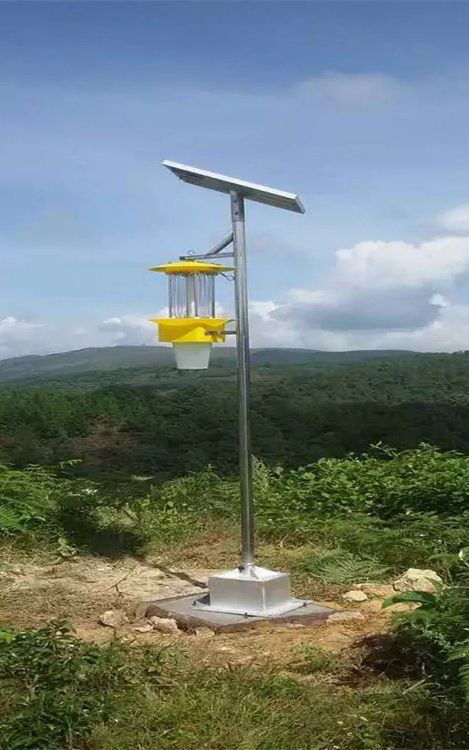
If the project requires RS485 Modbus RTU, request the actual controller option, register map and supported commands. Do not assume the standard solar lamp has that interface. Likewise, a closed setting application is not automatically an API for a third-party platform.
Check which values are measured and which are inferred. Battery voltage is not automatically a reliable state-of-charge percentage, and an energized output is not a pest count. A grid-type lamp without counting or imaging equipment does not create species-level monitoring data simply by being connected to a gateway.
Where an additional status device or gateway is proposed, define its power, mounting and data path separately. Do not modify the lamp's protective circuitry to obtain a signal. Any custom integration should retain the approved operating and safety behaviour of the complete assembly.
For a genuinely connected configuration, interrupt the link under controlled conditions and observe the lamp's local behaviour. Establish whether its schedule remains active, how protective states behave and whether remote settings are retained. Then restore communications and compare the displayed state with the unit.
Confirm the treatment of an old command received late or retried after reconnection. The platform should not silently apply yesterday's temporary override as the current operating plan. Use the actual supplied controller and gateway in the test rather than an unrelated demonstration unit.
If no open remote interface is supplied, acceptance should document local operation and the available setting method. That can still suit a project whose maintenance team visits the equipment. It should not be described or priced as verified real-time remote management.
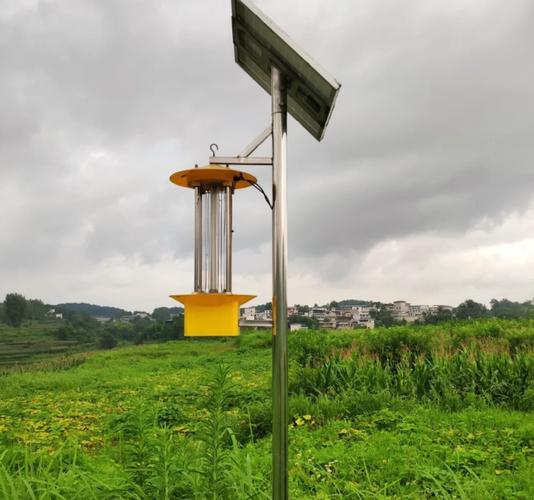
After an authorized power restart, check the working clock, schedule and protection settings. A lamp that retains its time window but loses the correct clock can operate at the wrong hours. Assess charging and battery conditions separately if the unit stops before the end of the planned period.
Do not infer cold-weather charging suitability from battery chemistry alone. Obtain the battery and controller temperature limits for the ordered assembly. A temperature setting in a user interface is not proof that every installed component can charge safely under those conditions.
Grid and collection-box maintenance requires safe isolation according to the product instructions, including the relevant stored and solar energy sources. Use qualified personnel and verify a safe state before access. A low-voltage battery supply or a current-limited grid does not make the energized grid safe to touch.
For a multi-lamp project, identify each controller and its settings, then test representative operating transitions and any specified remote functions. Do not count a completed installation as proof that every schedule, clock and status tag is correct.
Ask NiuBoL to identify the lamp/controller configuration, local control functions, optional interface, setting method and replacement components in the offer. Separate gateway and platform work from the lamp itself. This makes price comparisons meaningful without promising unspecified connectivity or a fixed number of cloudy operating nights.
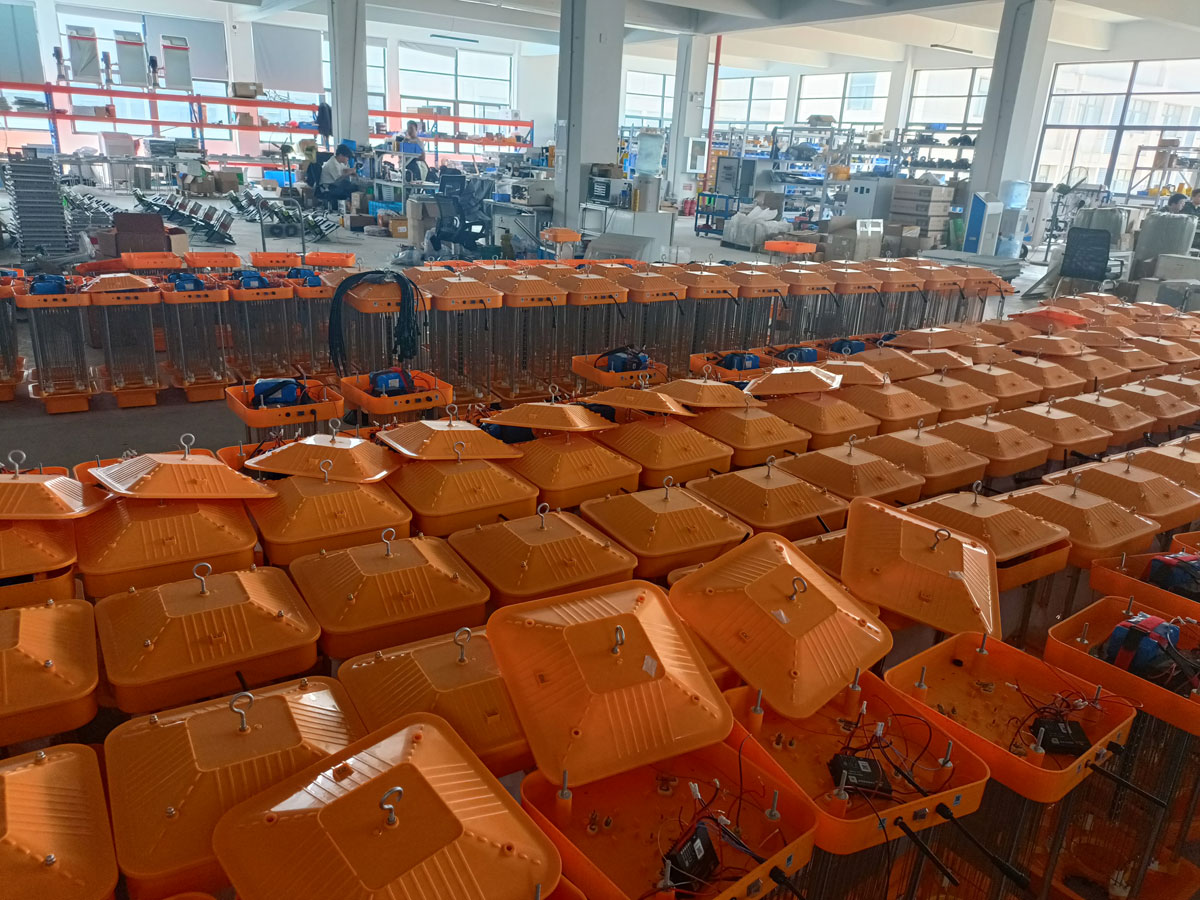
No. Dusk operation is a local control function. Remote control requires a supported interface, commands and compatible receiving equipment that are identified and tested separately.
Do not assume or require such an override. Confirm the approved priority logic and retain protective operation. The receiver should show why the lamp is stopped rather than treating every rejected start as a communications problem.
Not unless suitable counting or identification equipment is explicitly included. Operating status, collection-box contents and identified pest counts are different kinds of information.
Confirm the correct replacement configuration, clock, operating schedule and protection settings. Where connected, verify device identity and status mapping at the destination before returning the lamp to routine operation.
No. Assess flooding, installation seals, chemical exposure, public access and electrical risks separately. IP65 does not establish safe submersion or suitability for combustible-dust and other hazardous locations.
Yes, if the display is stale, a command failed or a protection condition intervened. Check the time of the last observation and the unit's actual state rather than treating the last requested state as confirmed operation.
Provide the operating schedule, intended local protections, required remote observations and commands, gateway and platform interfaces, site temperature and power constraints. Ask which requirements are standard, optional or unavailable for the offered controller.
Solar insect killer lamp controls should be accepted on demonstrated light, schedule and protective behaviour. Add remote functions only through an identified compatible interface, and keep requested state separate from actual operation. This gives a farm project a clear equipment scope without confusing local automation with an unverified connected system.
Related recommendations
Sensors & Weather Stations Catalog
 Agriculture Sensors and Weather Stations Catalog-NiuBoL.pdf
Weather Stations Catalog-NiuBoL.pdf
Agriculture Sensors Catalog-NiuBoL.pdf
Water Quality Sensor Catalog-NiuBoL.pdf
Related products
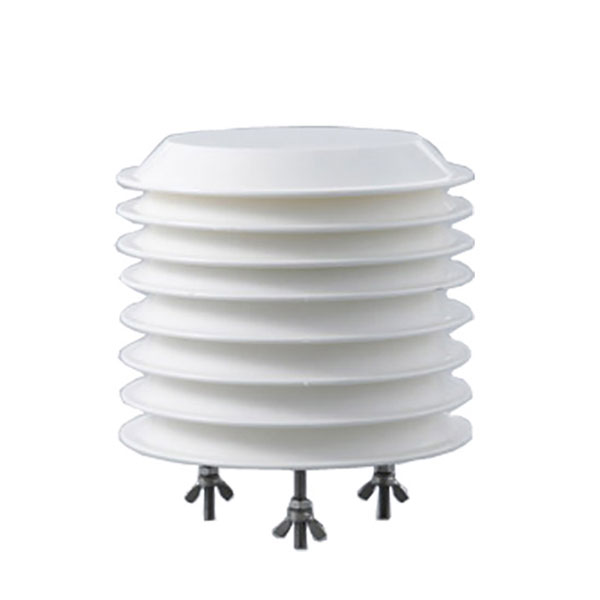 Combined air temperature and relative humidity sensor
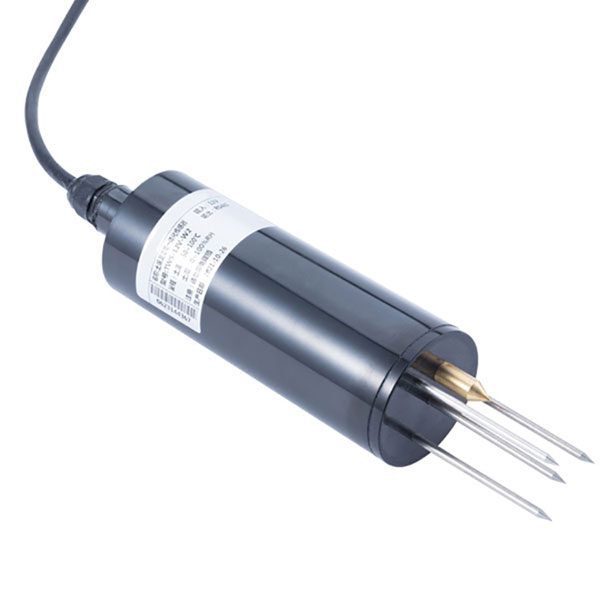 TDR Soil Moisture & Temperature Sensor for irrigation| RS485 |4-20mA| NBL-S-THR
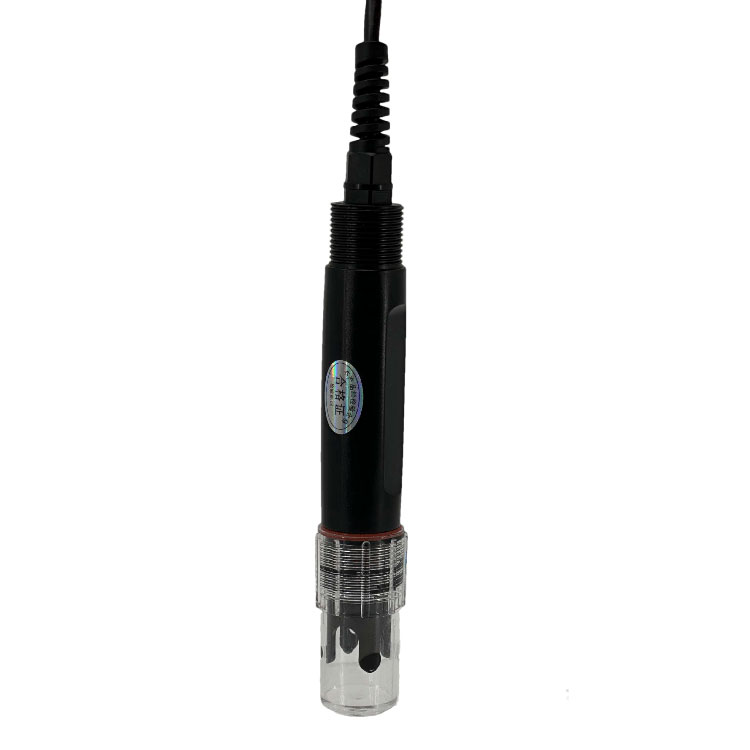 Soil pH sensor RS485 soil Testing instrument soil ph meter for agriculture |NBL-S-PH
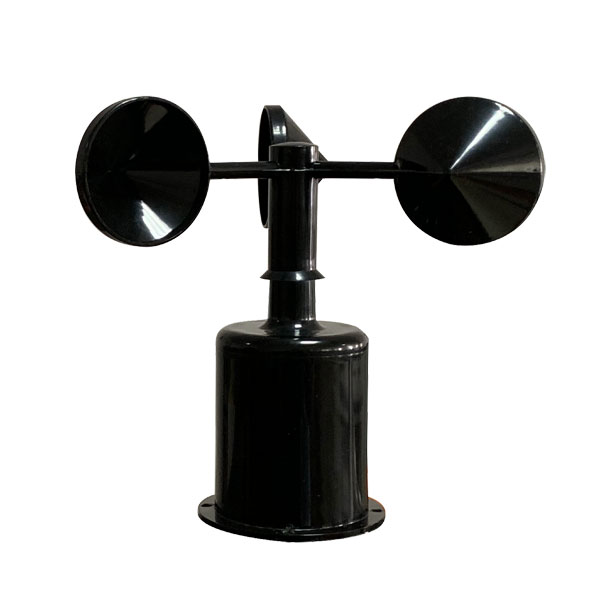 Wind Speed sensor Output Modbus/RS485/Analog/0-5V/4-20mA
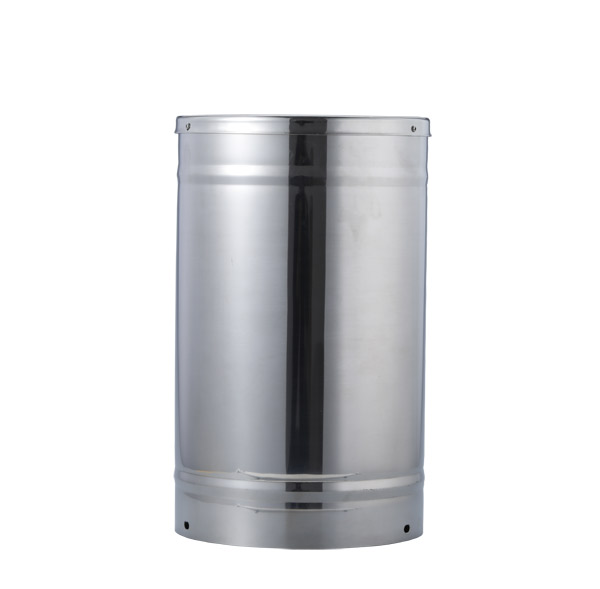 Tipping bucket rain gauge for weather monitoring auto rainfall sensor RS485/Outdoor/stainless steel
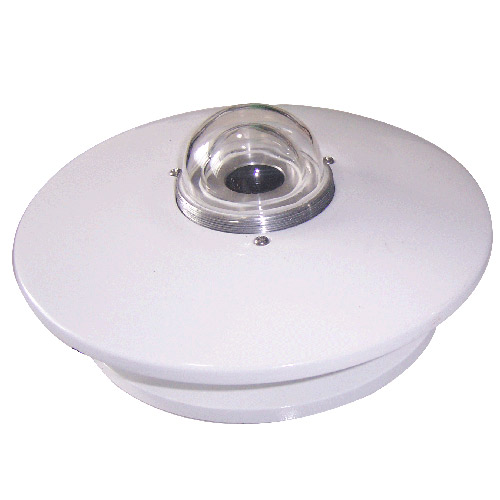 Pyranometer Solar Radiation Sensor 4-20mA/RS485
Screenshot, WhatsApp to identify the QR code
WhatsApp number:+8615367865107
(Click on WhatsApp to copy and add friends)