

— Blogs —
—Products—
 Consumer hotline +8618073152920
 WhatsApp:+8615367865107
Address:Room 102, District D, Houhu Industrial Park, Yuelu District, Changsha City, Hunan Province, China
Product knowledge
Time:2026-06-25 10:58:37 Popularity:226
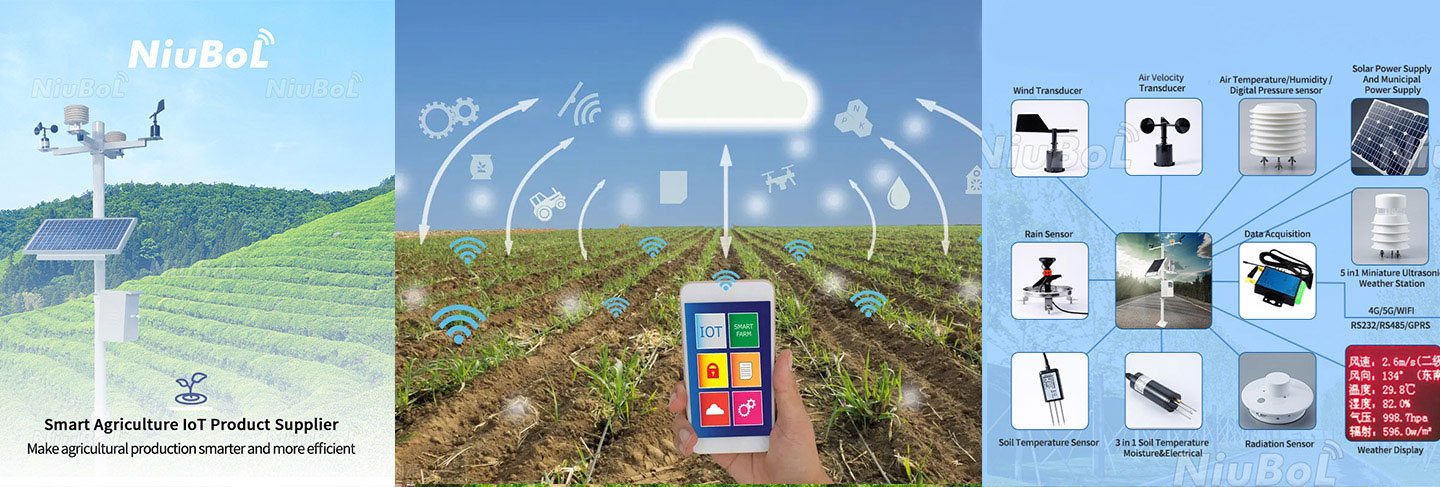
Automatic weather station installation is often treated as a simple mechanical task, but many data errors begin at the installation site. Wind values can be distorted by buildings, temperature can be affected by heat sources, and direction data can be wrong if the wind sensor is not oriented correctly.
For contractors and integrators, installation quality is part of the product. A station that is installed without clear site selection, grounding, cable protection and commissioning records may pass a power-on test but fail as a monitoring asset.
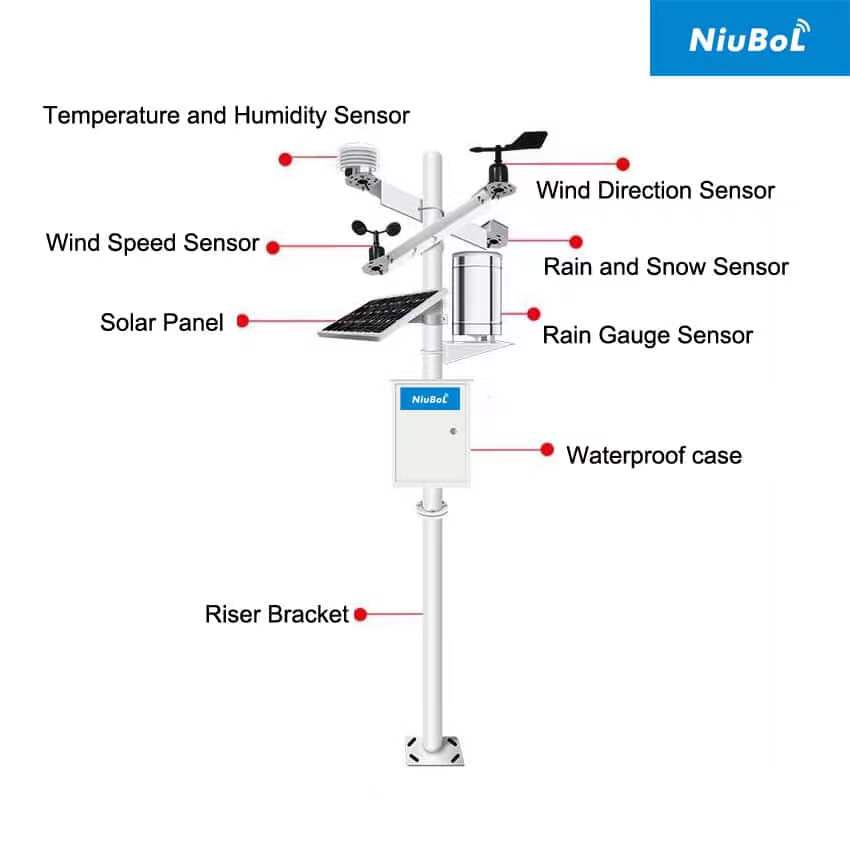
A comprehensive weather station monitors environmental elements through precision sensors. These sensors need open exposure and stable installation conditions. If a station is placed near tall buildings, trees, transformers or high-voltage lines, the reading may reflect local interference instead of the target environment.
The goal of installation is not just to make the station stand upright. The goal is to ensure that each sensor measures what it is intended to measure, that data reaches the platform correctly, and that maintenance staff can safely access the station later.
Installation sits between procurement and operation. During procurement, the buyer should define mounting height, foundation, communication distance, power source and sensor configuration. During installation, these design assumptions are tested on site. During operation, installation records help explain data changes and maintenance events.
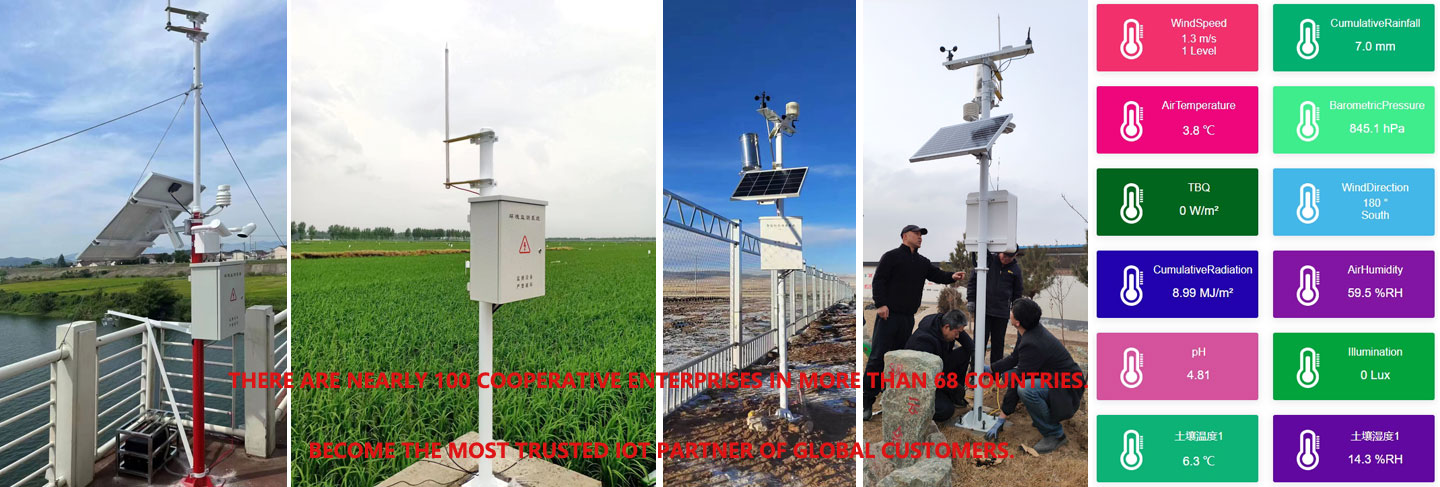
A good handover package includes station photos, GPS coordinates, sensor heights, wind direction alignment, cable route, grounding point, communication settings and platform screenshots.
Weather station installation should include RS485 polarity check, address settings, baud rate confirmation and terminal connection review. Many field problems are not sensor failures; they are wiring, addressing or power supply mistakes.
If the station uploads data through 4G, Ethernet or WiFi, the installer should also confirm signal strength, platform login, data interval and local storage behavior during communication interruption.
| Parameter | Typical Project Value | Engineering Use |
|---|---|---|
| Supply voltage | DC 12-24V, solar power optional for remote stations | Power design for field cabinet or unattended site |
| Communication | RS485 / Modbus RTU; 4G or Ethernet through collector or gateway | Connection to data logger, platform, PLC or SCADA |
| Wind speed | 0-60 m/s, typical accuracy ±0.3 m/s or ±3%FS | Wind load, spraying, safety and weather analysis |
| Wind direction | 0-359° or 0-360°, typical accuracy ±3° | Wind rose, dispersion and site operation |
| Air temperature | -40 to 80℃, typical accuracy ±0.5℃ | Heat, frost and growth environment monitoring |
| Relative humidity | 0-100%RH, typical accuracy ±5%RH | Disease risk, comfort and microclimate evaluation |
| Pressure | 10-1100 hPa, typical accuracy ±1.5 hPa | Meteorological trend reference |
| Rainfall | Tipping bucket rain gauge, 0.2 mm or 0.01 mm resolution by model | Rainfall event, drainage and disaster response |
| Protection level | IP65 for outdoor station enclosure; IP68 for buried soil probes | Outdoor reliability and maintenance planning |
Keep the surrounding area open. Tall buildings, walls and trees can affect wind speed, wind direction and temperature readings.
Stay away from strong magnetic fields and radiation interference such as transformers and high-voltage lines.
Use trained installers or on-site technical guidance because wind direction, sensor leveling and wiring all affect data quality.
Handle sensors carefully. Weather sensors are precision instruments, not rough construction materials.
Confirm wind direction orientation before tightening the mount.
Protect cables from water, sunlight, rodents and mechanical damage.
Check grounding and lightning protection for outdoor stations.
Clean the station area and avoid labels, paint or objects that interfere with sensors.
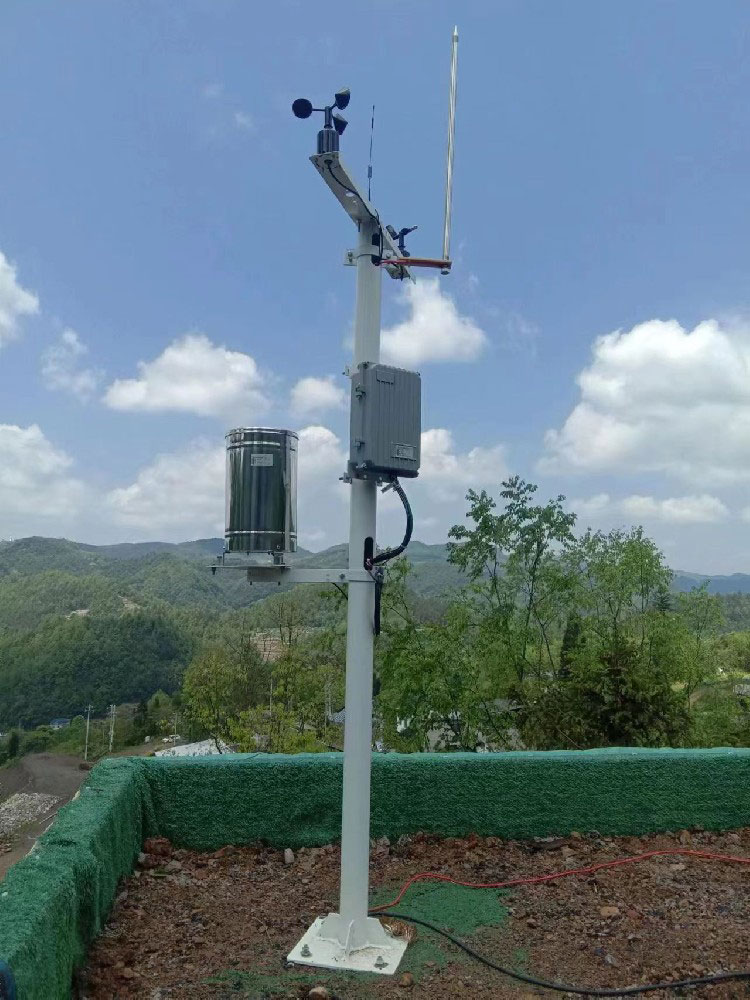
Site challenge: Fields need representative data, but irrigation spray, machinery and trees can interfere.
System integration scheme: Install the station in an open representative area and protect cables from field work.
User value: Farm managers receive data that reflects actual crop environment.
Site challenge: Campuses have buildings, playground structures and heat islands.
System integration scheme: Choose an open site and document surrounding obstacles.
User value: Teachers and students can use data with known site context.
Site challenge: Remote stations face difficult access, storms and power limitations.
System integration scheme: Use stable foundations, solar power, lightning protection and remote communication.
User value: Operators reduce maintenance visits and improve warning reliability.
Site challenge: Buildings, equipment exhaust and electromagnetic interference can distort readings.
System integration scheme: Place sensors away from local sources and integrate station status into the platform.
User value: The project gains credible environmental reference data.
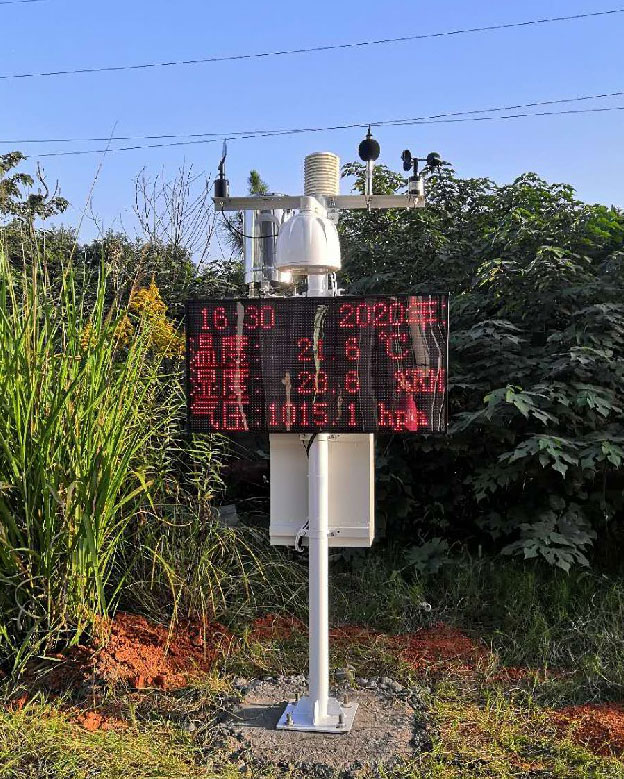
Confirm every sensor value appears in the platform with correct unit.
Compare wind direction orientation with site reference direction.
Check rainfall tipping response or rain gauge signal where practical.
Confirm solar panel charging and battery voltage for solar-powered stations.
Verify data interval, timestamp and historical record storage.
Save installation photos, coordinates and wiring records.
Before the station is installed, the contractor should walk the site and mark obstacles, power source, communication signal, cable route, ground condition and maintenance access. This survey often finds issues that are not visible in office drawings, such as nearby trees, roof heat, reflective walls, livestock activity or temporary construction equipment.
The survey should also decide whether the station is intended to measure open-field weather, campus weather, roadside weather or microclimate near a specific facility. A station installed near the target facility may be useful for that facility, but it should not be described as representative of a wider open area.
The site is open enough for the intended measurement purpose.
Wind direction is aligned and documented.
The rain gauge is level and free from overhead obstruction.
Cables are fixed, protected and routed with drip loops where needed.
The collector reads every sensor with correct unit and interval.
The platform shows location, station name, alarm status and historical records.
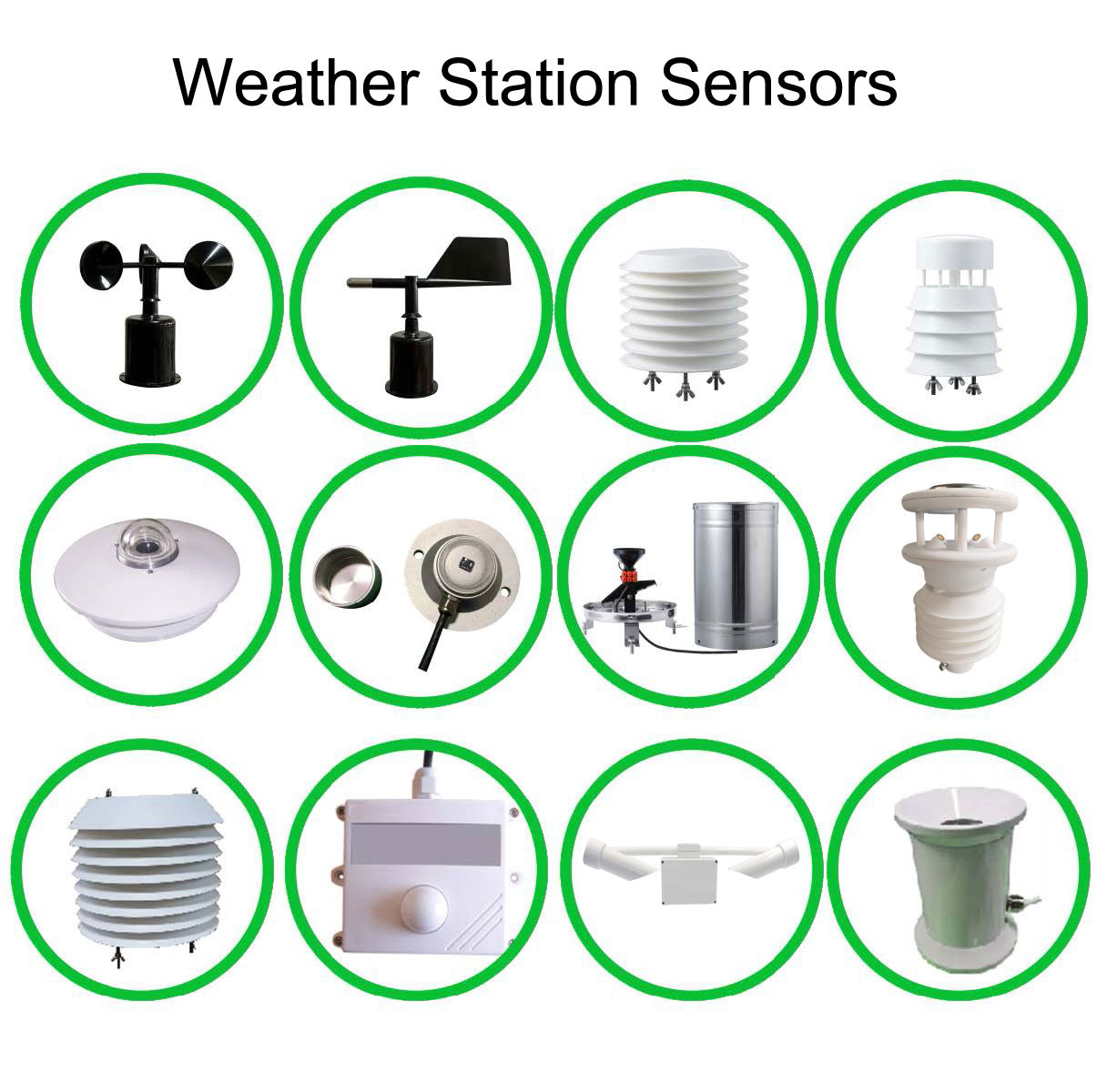
A weather station must be maintained after installation. Rain gauges need cleaning, radiation sensors need surface inspection, solar panels need dust checks and cable glands need review after storms. If the station is installed where maintenance access is unsafe, long-term data quality will decline even if the first commissioning result is acceptable.
Installation records are often ignored, but they are the fastest way to solve later data disputes. The contractor should deliver photos from several directions, coordinates, sensor height, bracket type, foundation method, power source, grounding point, communication settings and platform screenshots. These records show whether the data represents the intended environment.
If the surrounding environment changes later, the records also help explain the change. A new building, taller crop, nearby construction or tree growth can affect wind and temperature values. Without original installation records, the project team may blame the sensor when the real issue is changed exposure.
After strong wind, hail, flooding or lightning events.
After construction or new obstacles appear near the station.
When wind, rainfall or temperature values become physically unreasonable.
Before using the data for formal acceptance, research or warning reports.
For an installation-focused inquiry, the buyer should provide site photos, installation height expectation, soil or roof foundation condition, cable route, power source, communication signal and nearby obstacles. This allows the supplier to recommend brackets, power design, cable length and lightning protection more accurately.
Weather station projects are smoother when the responsibility boundary is clear. The supplier should provide sensor documents, wiring diagrams, protocol information and installation guidance. The installer should confirm foundation, bracket fixing, cable protection, grounding and platform commissioning according to the site condition.
If installation is outsourced, the buyer should require a completion record. The record should show that the installer checked wind orientation, rain gauge leveling, communication, power, platform data and all sensor units. This record protects both the buyer and supplier when a data issue appears later.
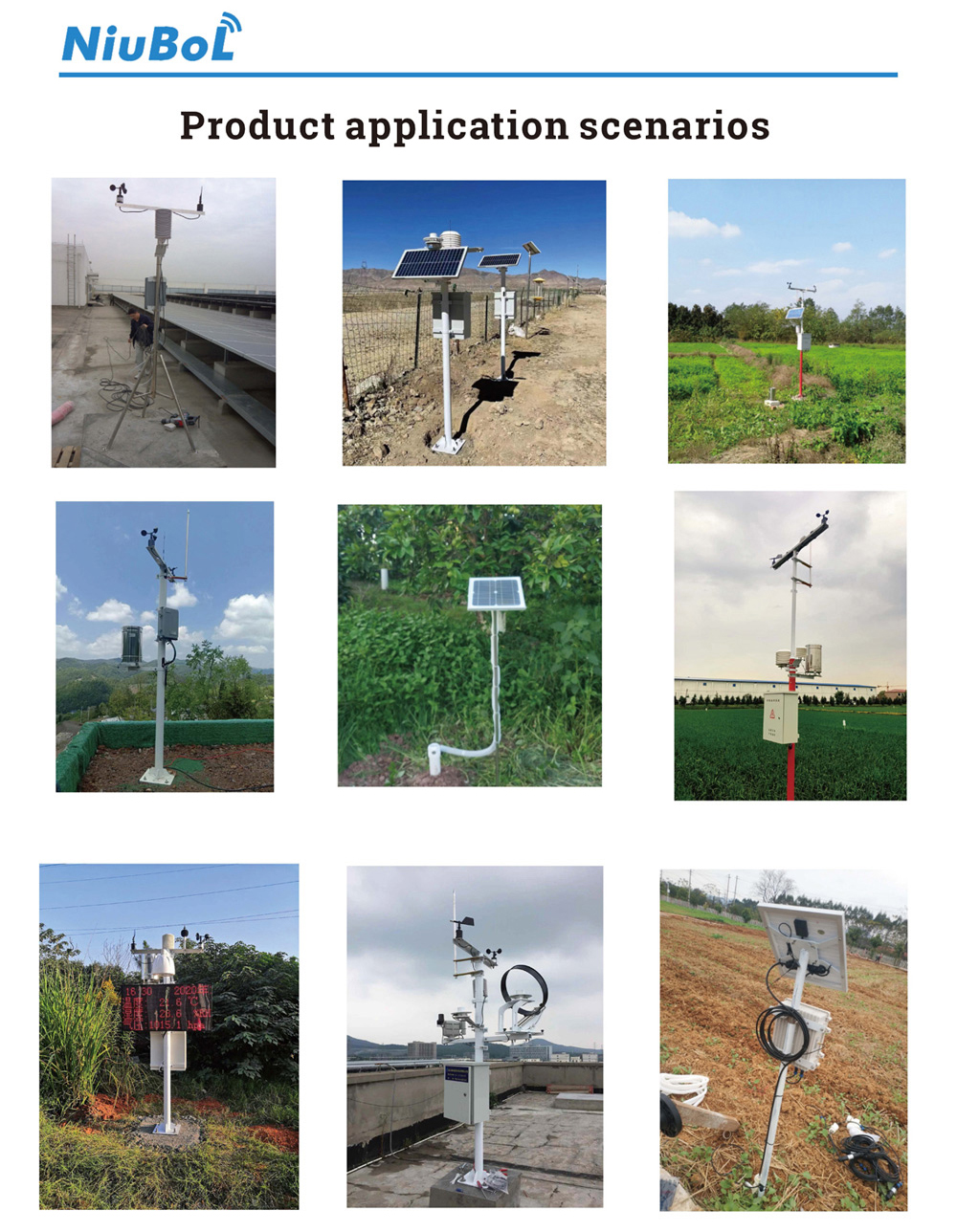
A: It should be installed in an open, representative location away from tall buildings, trees, heat sources and strong electromagnetic interference.
A: Strong electromagnetic interference can affect sensor or communication stability, reducing data credibility.
A: Mechanical installation may look simple, but sensor orientation, leveling, wiring and commissioning require trained personnel or technical guidance.
A: Common mistakes include blocked wind sensors, wrong wind direction alignment, poor cable protection and missing communication settings.
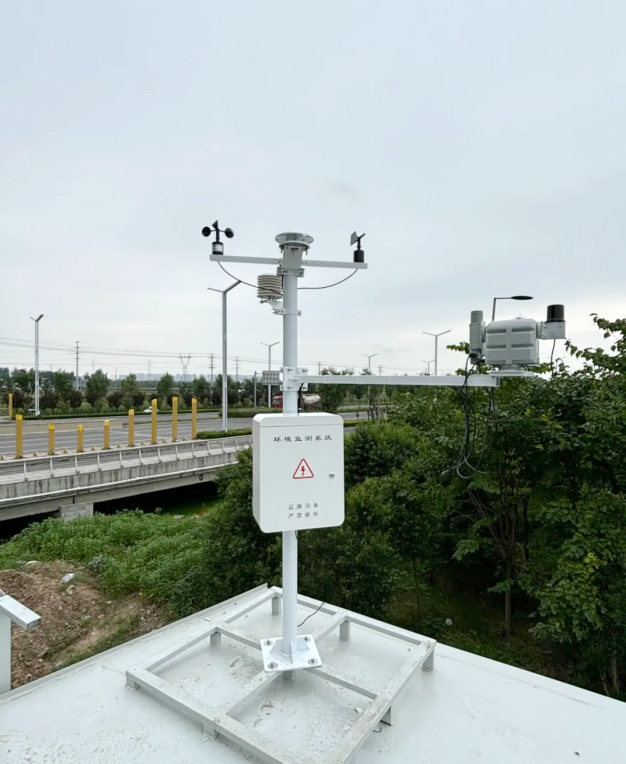
A: Check polarity, address, baud rate, terminal connection and whether each sensor responds correctly in the platform.
A: Outdoor stations should include grounding and lightning protection according to site risk and project standards.
A: Record coordinates, photos, sensor height, orientation, cable route, power source, communication settings and platform screenshots.
A: Review after storms, seasonal vegetation changes, construction nearby or any unexplained data shift. The station environment can change even when the sensor itself is still working.
A: NiuBoL provides weather station equipment and documentation that can support integrators during site deployment and commissioning.
A: Provide site photos, expected mounting height, foundation condition, power source, cable route, communication signal and nearby obstacles. This helps the supplier recommend bracket, cable, lightning protection and commissioning details.
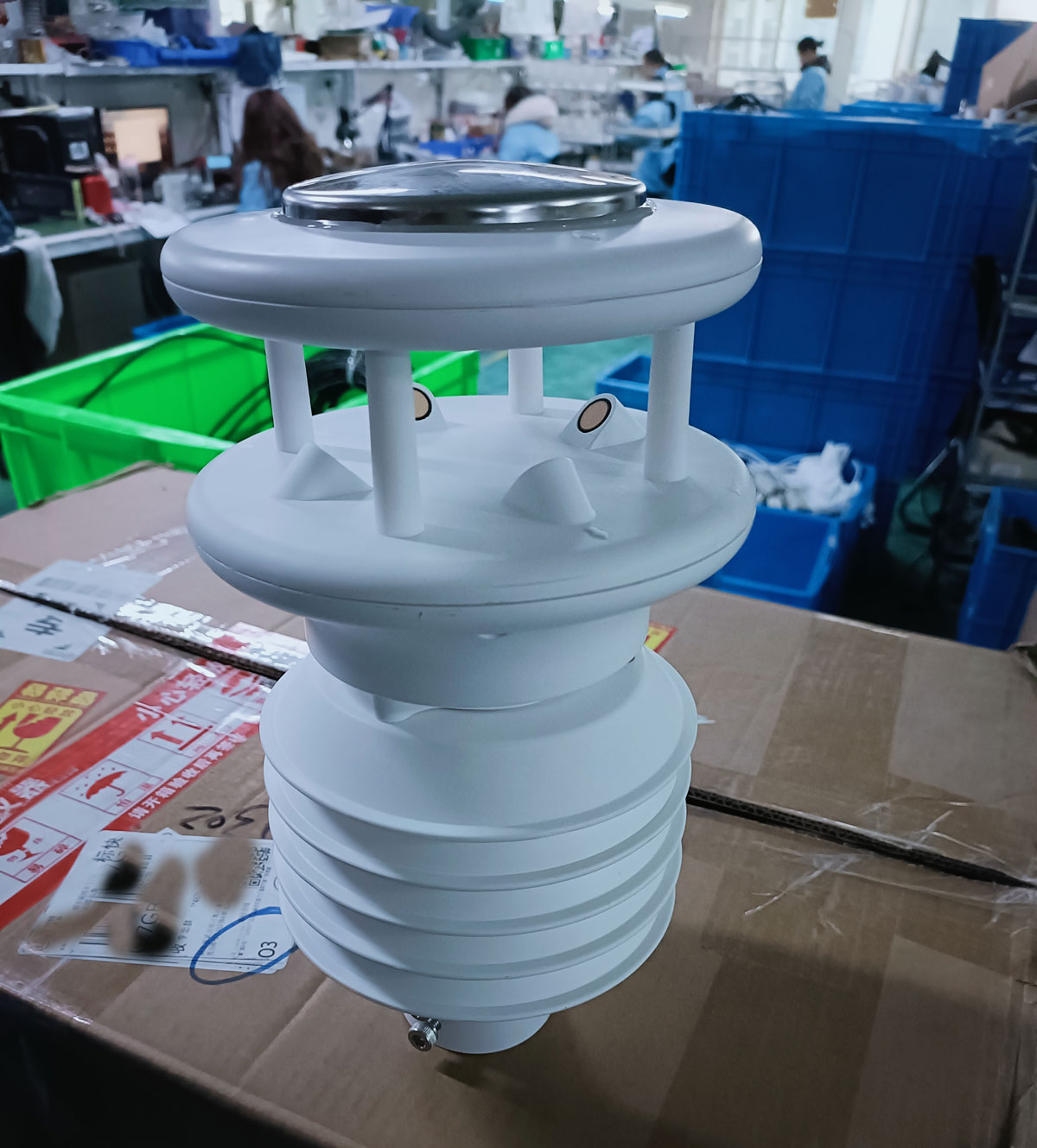
Automatic weather station installation determines whether later data can be trusted. Open surroundings, interference control, correct sensor orientation, stable power and documented commissioning are practical requirements, not optional details. Buyers should treat installation records as part of the delivered system.
Prev:Automatic Weather Station Working Principle and Its Role in Modern Meteorological Services
Next:Automatic Weather Station Monitoring Range: How to Select Station Spacing for Different Sites
Related recommendations
Sensors & Weather Stations Catalog
 Agriculture Sensors and Weather Stations Catalog-NiuBoL.pdf
Weather Stations Catalog-NiuBoL.pdf
Agriculture Sensors Catalog-NiuBoL.pdf
Water Quality Sensor Catalog-NiuBoL.pdf
Related products
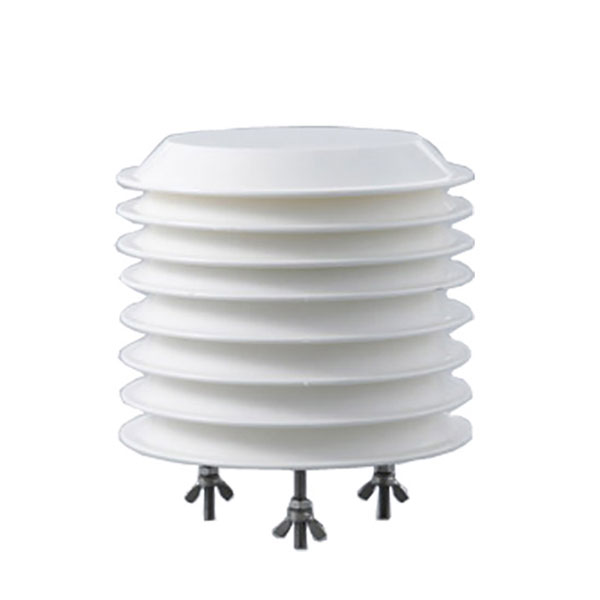 Combined air temperature and relative humidity sensor
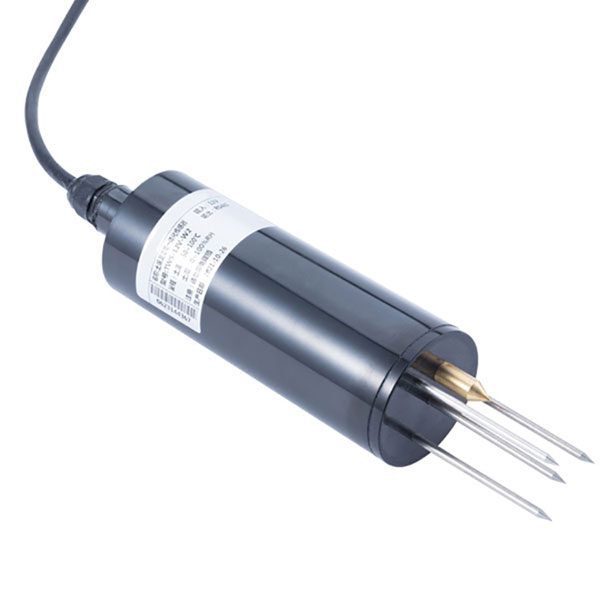 TDR Soil Moisture & Temperature Sensor for irrigation| RS485 |4-20mA| NBL-S-THR
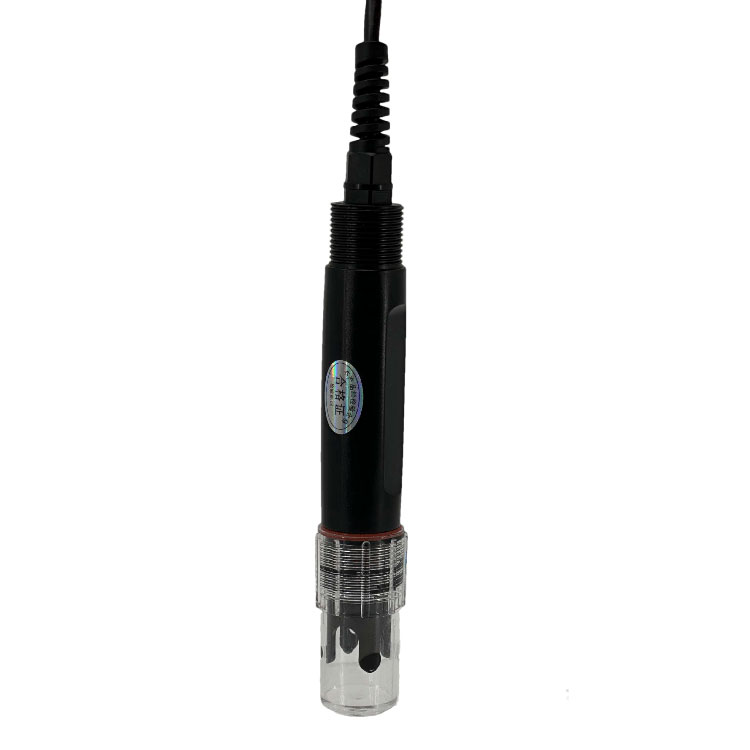 Soil pH sensor RS485 soil Testing instrument soil ph meter for agriculture |NBL-S-PH
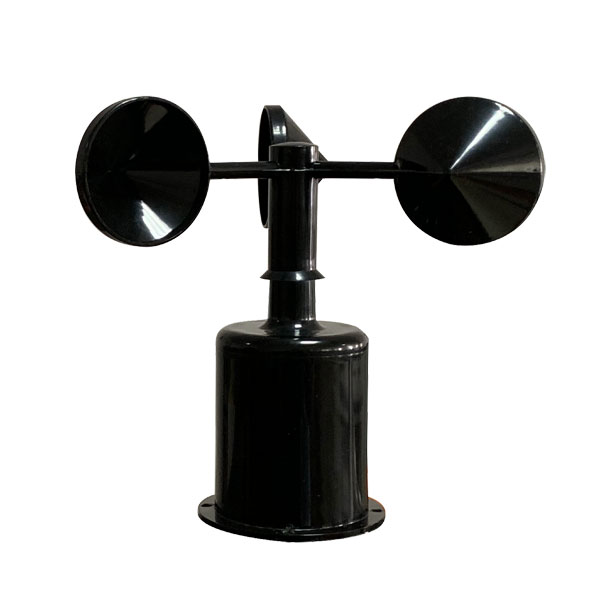 Wind Speed sensor Output Modbus/RS485/Analog/0-5V/4-20mA
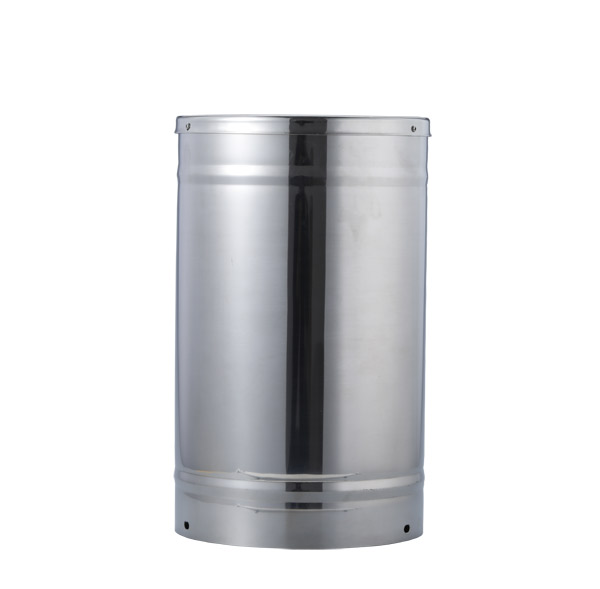 Tipping bucket rain gauge for weather monitoring auto rainfall sensor RS485/Outdoor/stainless steel
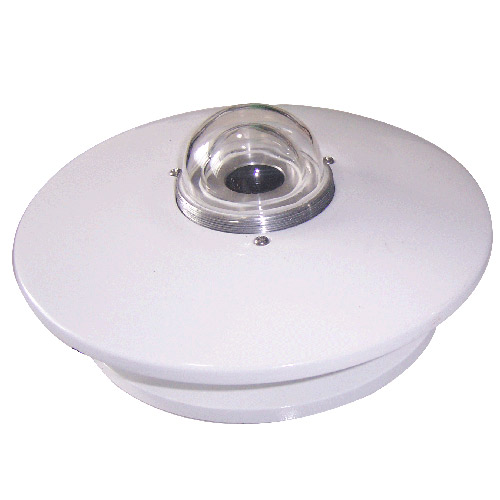 Pyranometer Solar Radiation Sensor 4-20mA/RS485

Screenshot, WhatsApp to identify the QR code
WhatsApp number:+8615367865107
(Click on WhatsApp to copy and add friends)