

— Blogs —
—Products—
 Consumer hotline +8618073152920
WhatsApp:+8615367865107
Address:Room 102, District D, Houhu Industrial Park, Yuelu District, Changsha City, Hunan Province, China
Product knowledge
Time:2024-10-02 20:30:06 Popularity:2279
A wireless weather station may avoid a data cable to the office, while a wired connection may use an existing site network. The appropriate choice depends on which route the site permits, who operates it and who can maintain access. Either arrangement can still use wired sensors, and neither is inherently more accurate, secure or immune to lightning.
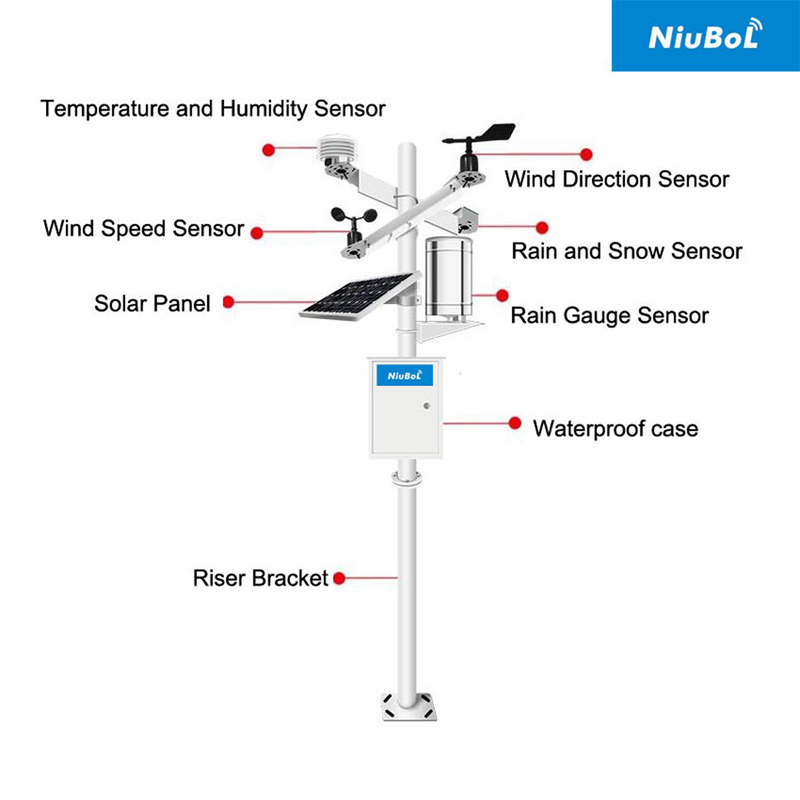
A factory may have an Ethernet network beside the proposed station, but the contractor may not be allowed to attach another device. A campus may provide an approved network connection but prohibit independent cellular equipment. A remote farm may have neither an approved cable route nor reliable coverage. These are different constraints, not a ranking of wired and wireless weather stations.
Identify the network owner before choosing the gateway. The owner may be the customer, a facility operator or another contractor. Establish who approves the connection, who provides the settings and who can resolve a blocked route later. A cable socket or a strong signal indicator does not establish permission or access to the intended server.
The measurement position still comes first. Do not move the weather mast behind a building simply to reach a LAN socket or Wi-Fi access point. Review an acceptable cable or antenna arrangement around the required observation location. If no usable route exists, revise the communications proposal rather than silently changing the measurements.
| Connection | Typical example | Decision to make |
|---|---|---|
| Instrument to acquisition equipment | RS485 Modbus RTU sensor to a compatible data logger | Correct interface, power, serial configuration and channel decoding. |
| Acquisition equipment to receiving network | Ethernet, configured cellular service or an optional local wireless connection | Approved route, compatible hardware and responsibility for the service. |
| Receiving application to the user | Customer server, hosted dashboard or permitted export | Authentication, user access and the required reporting functions. |
In one configuration, only the second connection is wireless. A station with wired weather instruments and a cellular uplink is a common possible arrangement, not a contradiction. For the measurement-by-measurement checks, use the related end-to-end transmission guide. Here the key choice is whether the site can authorize and sustain the proposed network route.
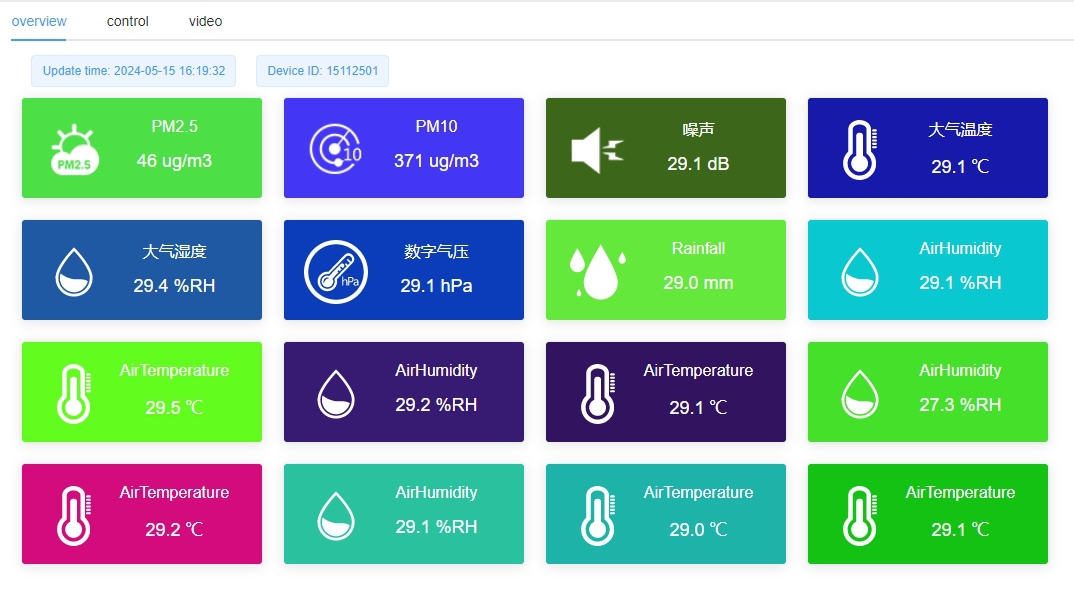
A wired network can be practical where a suitable route already reaches the observation point. Ask the site network team for the permitted connection and destination. Confirm how the device obtains its address, which onward connections are allowed and whether access depends on a gateway, proxy or other site-managed arrangement.
Do not assume that every available Ethernet port provides internet access, or that access to a local server permits access to an external platform. A project can be intended to remain on the customer's internal network. Specify that requirement before selecting software that depends on a supplier-hosted service.
The physical installation also needs review. Outdoor cable routing, building entries, electrical isolation and surge protection are site-engineering tasks. Wired does not mean unsafe, and wireless does not remove all conductive paths. Both arrangements still have power, sensor wiring and mounting equipment that need appropriate protection.
A cellular connection can avoid dependence on the customer's LAN, but it introduces a modem variant, operator service and an antenna arrangement. Confirm the installation country, supported bands and usable service at the intended position. Do not assume a modem intended for another region will operate merely because a SIM fits its holder.
Name the party responsible for the SIM or data service. A demonstration connection supplied by an installer may not be the customer's long-term service. Confirm service ownership, any ongoing charges and who can act if the account expires or the operator changes a setting. These arrangements should remain clear after installation personnel leave.
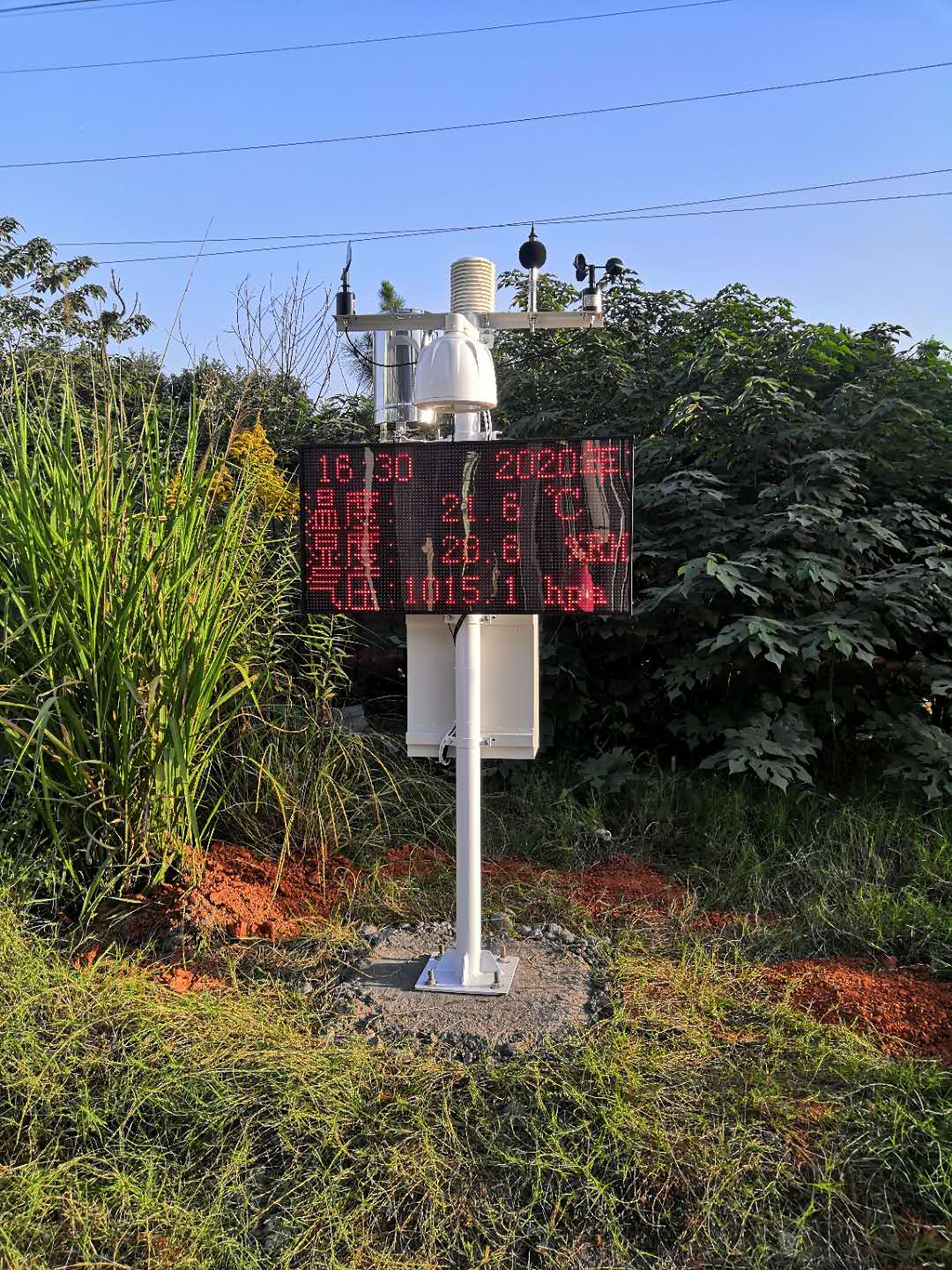
Wi-Fi is a different option from cellular service. It depends on an available compatible access point, adequate coverage and approved credentials. Outdoor coverage can change as structures or vegetation change. A station should not be described as supporting Wi-Fi unless the ordered equipment actually includes that option.
A radio connection also needs a defined receiving endpoint. Do not assume every wireless weather station includes a gateway, network service and server account. The sensor, gateway and receiving application may be separate items, with different responsibilities for configuration and support.
The NiuBoL TG462/TG462S logger family is one option for combining local acquisition and an approved onward connection. Its physical interfaces and regional or optional modules must be matched to the project. They do not establish permission to join a site network or automatic compatibility with every customer application.
| TG462/TG462S item | Available specification | Project check |
|---|---|---|
| RS485 | 3 ports | Identify supported sensors, serial settings and addresses. |
| Ethernet | 2 RJ45 ports; 10/100 Mbps | Obtain the approved network role and onward route. |
| Cellular | Selected modem and regional configuration | Match the installation country, operator service and antenna arrangement. |
| Wi-Fi | Optional module | Confirm it is included and that the site's access arrangement is compatible. |
| Data transfer | MQTT, TCP/UDP and Modbus gateway functions | Specify the actual application, payload and authentication. |
| DC supply | 5-35 V input | Design power for the logger and connected equipment, not just the network link. |
RS485 is not Ethernet, and Modbus RTU is not the same network transport as Modbus TCP. Where a gateway conversion is used, configure the mapping deliberately. Similarly, MQTT connectivity needs a defined broker and permitted credentials; a protocol name alone does not define which observations the customer receives.
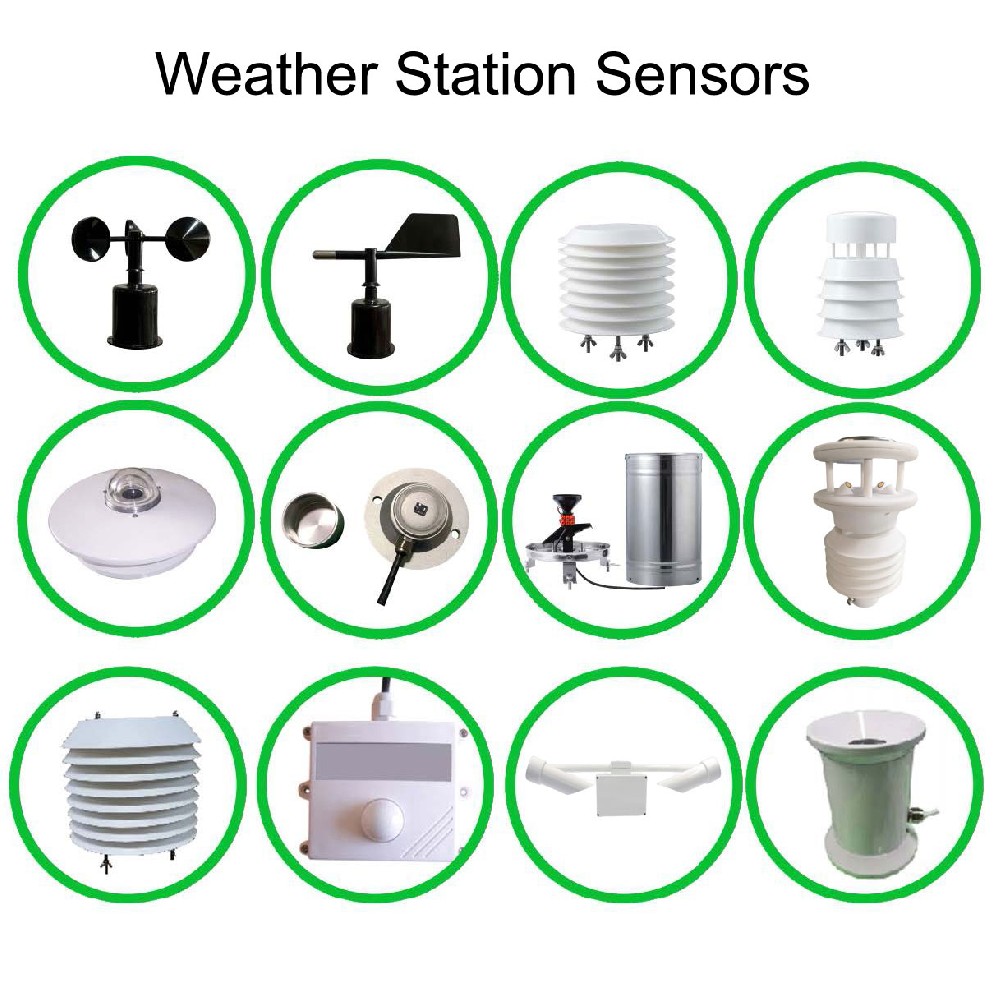
If the weather sensors remain connected to a compatible logger, changing the onward connection may leave the measurement inputs unchanged. However, check the actual logger variant, application and server configuration before promising a simple change from Ethernet to cellular or the reverse. The required modem or wireless module may not be fitted.
Preserve station identity and record definitions when a route changes. The receiving application should recognize whether the same observation point continues or a station has moved. A network change should not silently create a new rainfall reset, a different unit or a duplicate station record.
For temporary construction sites, review who will operate the system when the temporary network is removed. For a permanent facility, review what happens if the network team changes access settings. Agree the required local recording behavior separately; changing networks does not guarantee that historical observations will be recovered or retransmitted.
Test using the actual customer-approved connection and destination, not only the installer's hotspot. Demonstrate that the required records reach that destination and can be accessed by the intended user. If the project forbids external communication, verify the local arrangement without relying on a cloud account to prove success.
Confirm who can change the network settings and how the authorized service team will regain access after a configuration change. Use the customer's approved credential and remote-access practices. Neither Ethernet nor a SIM makes an installation secure by itself, and no shared password or unrestricted remote-management route should be assumed necessary.
The communication route does not determine the sensor's measurement accuracy. Compare the selected instruments, exposure and acquisition settings. A good transmission path can still deliver a poorly exposed measurement, while a network interruption can delay a valid observation without changing the sensor's physical response.
Only if it suits the project and is permitted. An available approved LAN may avoid a separate data service. Cellular may be useful where LAN access is unavailable, but it adds its own coverage and service requirements. Ask the network owner before specifying either route.
That depends on the required communication arrangement. Specify whether the device initiates an outbound connection or must accept an approved inbound connection, then confirm the operator service and security design. Do not assume that an ordinary SIM includes every addressing or remote-access feature the project needs.
Potentially, if the installed hardware and application support the new route. Check the modem or Wi-Fi option, service, antenna and destination settings first. Keep a record of the previous configuration and verify station identity and received data after the change.
That is a project agreement, not a property of the sensor. Identify responsibility for cellular service, hosted application access and any managed connection in the quotation. A hardware offer and an ongoing communications service should not be treated as the same deliverable.
No. The station still has exposed structure, power and possibly sensor cables or antennas. The site needs an appropriate protection and earthing design for the actual installation. Replacing one data cable with radio does not establish immunity to lightning or surge damage.
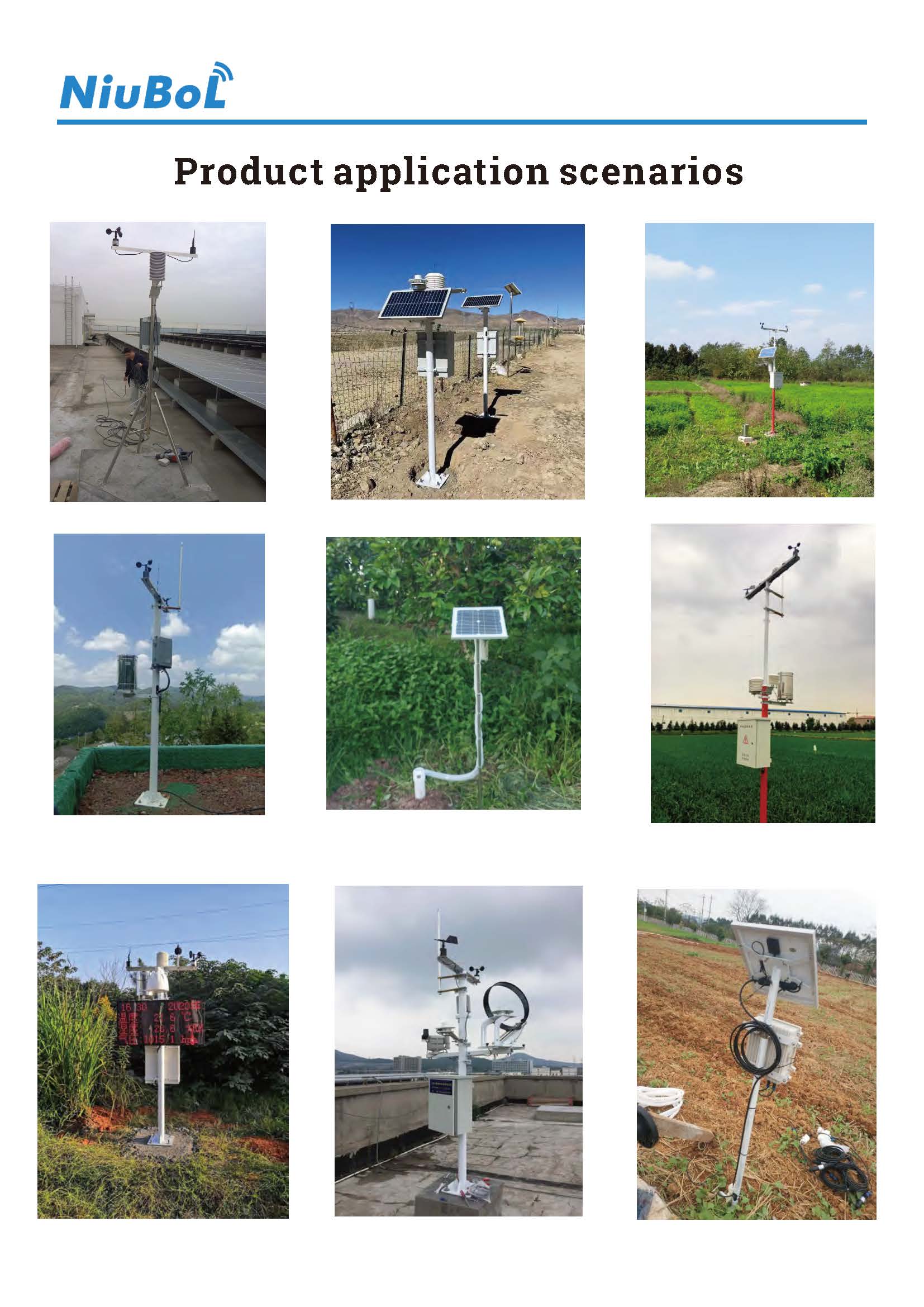
Choose a wired or wireless weather station connection around the site's permitted network and long-term operating responsibilities. Confirm the route, selected gateway variant, receiving destination and service ownership before ordering. Measurement quality, local operation and physical protection remain separate requirements whichever route is selected.
Prev:Golf Course Weather Station: Turf Irrigation Inputs and Integration
Next:Weather Station Parts: Shields, Cabinets and Mounting Hardware
Related recommendations
Sensors & Weather Stations Catalog
 Agriculture Sensors and Weather Stations Catalog-NiuBoL.pdf
Weather Stations Catalog-NiuBoL.pdf
Agriculture Sensors Catalog-NiuBoL.pdf
Water Quality Sensor Catalog-NiuBoL.pdf
Related products
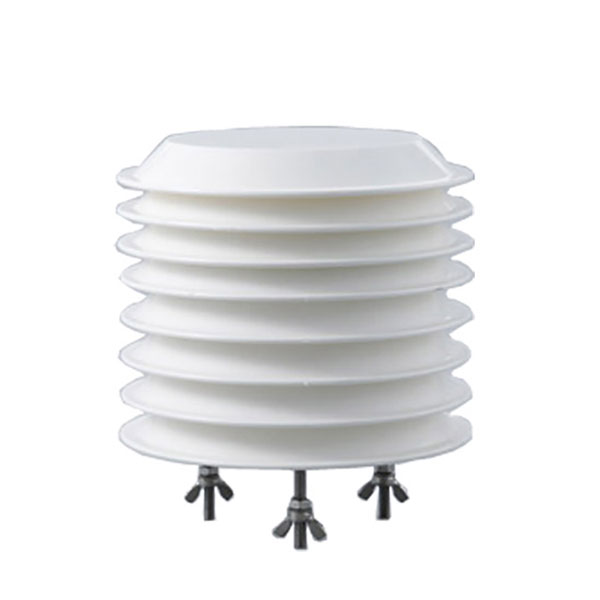 Combined air temperature and relative humidity sensor
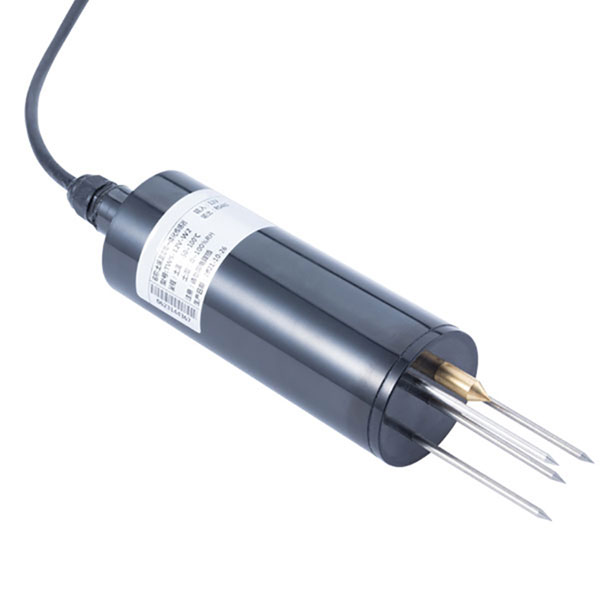 TDR Soil Moisture & Temperature Sensor for irrigation| RS485 |4-20mA| NBL-S-THR
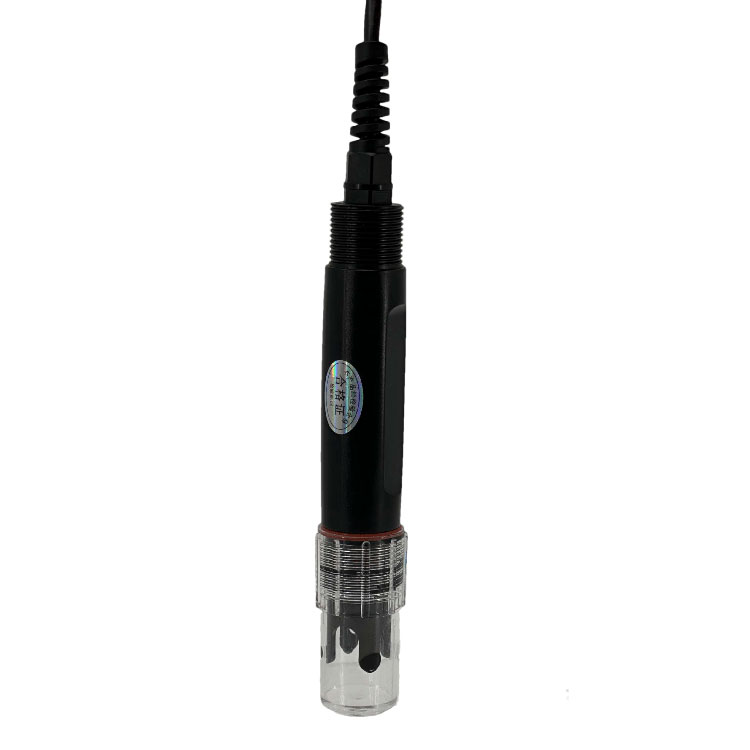 Soil pH sensor RS485 soil Testing instrument soil ph meter for agriculture |NBL-S-PH
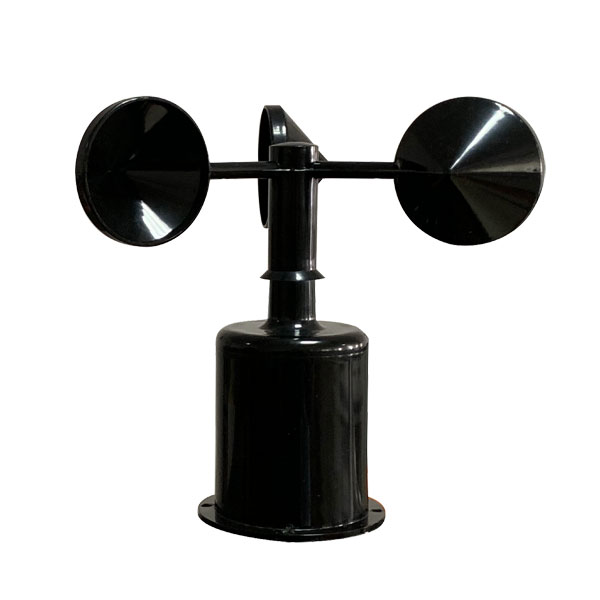 Wind Speed sensor Output Modbus/RS485/Analog/0-5V/4-20mA
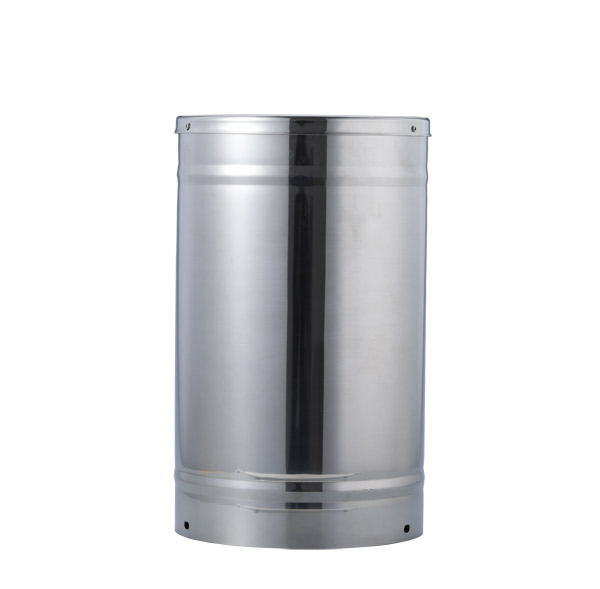 Tipping bucket rain gauge for weather monitoring auto rainfall sensor RS485/Outdoor/stainless steel
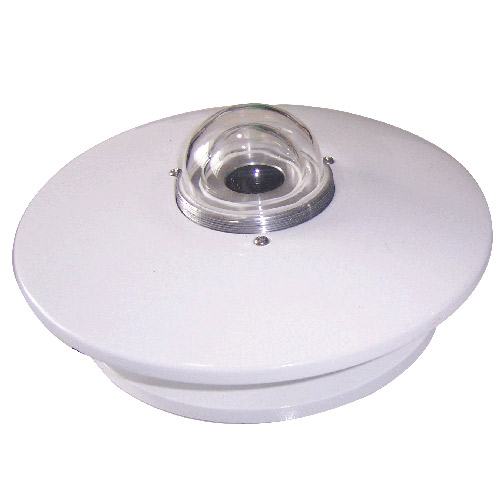 Pyranometer Solar Radiation Sensor 4-20mA/RS485


Screenshot, WhatsApp to identify the QR code
WhatsApp number:+8615367865107
(Click on WhatsApp to copy and add friends)