
— Blogs —
—Products—
 Consumer hotline +8618073152920
WhatsApp:+8615367865107
Address:Room 102, District D, Houhu Industrial Park, Yuelu District, Changsha City, Hunan Province, China
Product knowledge
Time:2026-08-29 09:03:00 Popularity:327
Quick Answer: An Arduino dissolved oxygen sensor installation using NiuBoL NBL-WQ-DO needs a separate 12-24 V DC probe supply, a compatible RS485 interface and Modbus RTU decoding. It is not an analogue oxygen probe connected directly to an input pin. Establish the raw DO and temperature values before adding logging, remote upload or alarms, and test how the controller identifies a failed or stale reading.
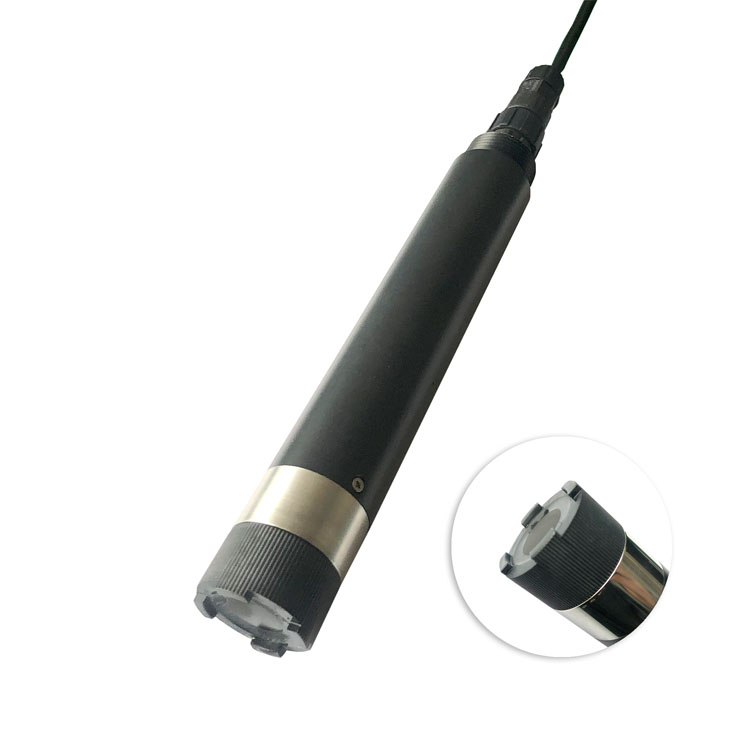
A development board can read several kinds of oxygen measurement hardware, but their signal paths differ. A bare electrochemical sensing element needs suitable conditioning electronics. An analogue transmitter needs an input that accepts its specified signal. The NBL-WQ-DO is a powered digital probe with an RS485 Modbus RTU output. Treating those arrangements as interchangeable can damage hardware or produce meaningless readings.
Use an RS485 transceiver or supported interface appropriate to the selected board. Confirm both the transmitter input levels and the receiver output voltage. A board using lower-voltage logic must not be exposed to an incompatible interface output. If isolation is required by the installation's grounding and noise conditions, specify an appropriate isolated arrangement rather than assuming a small converter provides it.
Keep the probe's power conductors separate from the data pair. Do not power it from an unverified board output or connect A/B directly to ordinary UART pins. Check the delivered cable identification before energising; a colour convention copied from another sensor is insufficient. Trial the complete supply and interface with one probe before assembling a shared field bus.
| Connection layer | Required check | Typical mistake |
|---|---|---|
| Probe power | Correct polarity and 12-24 V DC at the operating probe | Using a low-voltage logic supply as the sensor supply |
| Board logic | Transceiver input/output compatibility with the exact board | Assuming every converter is safe at either logic voltage |
| RS485 pair | Delivered A/B definition, appropriate cable and bus arrangement | Direct connection to UART receive/transmit pins |
| Protocol | Modbus RTU client with matching serial settings and device definition | Expecting an analogueRead operation to retrieve a digital measurement |
For the described basic NBL-WQ-DO, the default serial format is 9600 baud, eight data bits, no parity and one stop bit. The default device address is 5. A previously configured instrument may differ, so verify the delivered settings. Start with read-only measurement requests; calibration and factory-reset writes do not belong in the normal polling loop.
Use a maintained Modbus RTU implementation compatible with the board and interface. Configure transmit-enable handling where the transceiver requires it, and give the receiver time to accept the reply. Record the returned status and raw words during development. Printing a plausible concentration is not enough to prove that the software received a new, valid response from the intended probe.
When another probe is added, check its address and serial requirements independently. Two default devices replying to the same request can prevent useful communication. Use an engineered bus topology, appropriate cable and termination for the actual route. Avoid a universal cable-distance promise: transceivers, wiring, topology, grounding and the field environment all affect the usable arrangement.
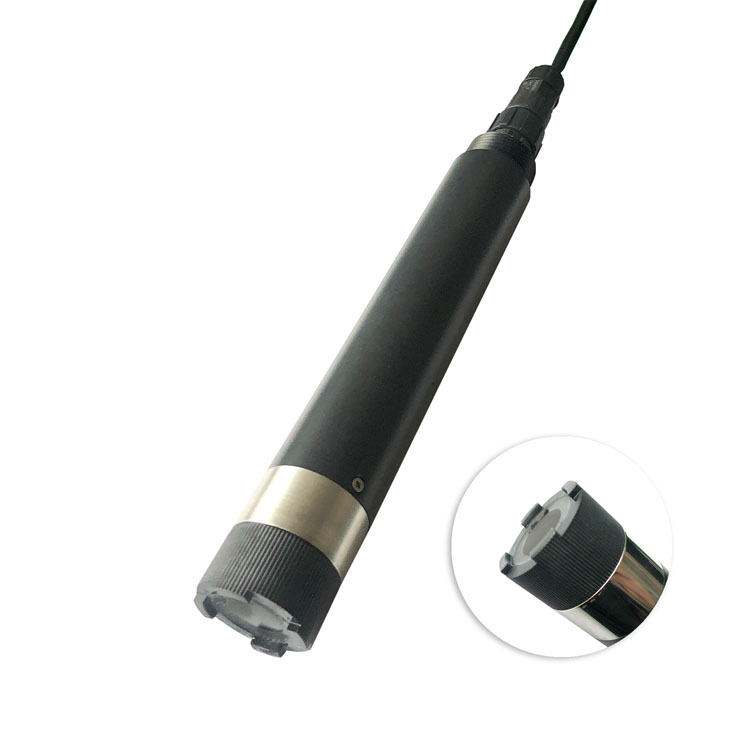
For this NBL-WQ-DO register definition, function 03 starting at protocol offset 0x0000 reads four 16-bit registers. The words form two value-and-decimal-count pairs. They are not two IEEE floating-point numbers. Keep the word order and each decimal count attached to the correct quantity.
| Protocol offset | Quantity | Example word and interpretation |
|---|---|---|
| 0x0000 | DO integer | 258 before decimal conversion |
| 0x0001 | DO decimal count | 2; divide 258 by 100 to obtain 2.58 mg/L |
| 0x0002 | Temperature integer | 176 before decimal conversion |
| 0x0003 | Temperature decimal count | 1; divide 176 by 10 to obtain 17.6 degrees C |
These values demonstrate the data definition, not a site acceptance result. A reading of 25.8 instead of 2.58 can arise from using a fixed divisor of ten. A temperature of 1.76 can arise from reusing the DO divisor for temperature. Inspect the raw words before changing sensor calibration.
Host libraries can use different register conventions. The human-readable holding-register label 40001 corresponds here to protocol offset zero; do not pass 40001 to a function expecting a zero-based protocol offset. Check the library's documentation and retain the accepted request configuration with the project.
Saturation is a separate register pair at offset 0x0004. Do not label it mg/L or assume it is interchangeable with concentration. The configured salinity-compensation value is also separate and is not a salinity measurement. Confirm the actual model and firmware before reusing this definition for another oxygen probe.
The NiuBoL NBL-WQ-DO fluorescence probe supplies the measurement independently of the development board. Software cannot improve its stated accuracy by showing more digits, and a successful serial read does not establish suitability for every oxygen concentration or process condition.
| Item | NBL-WQ-DO detail | Design consequence |
|---|---|---|
| Range and resolution | 0-20 mg/L; 0.01 mg/L | Keep resolution distinct from measurement accuracy |
| Accuracy | +/-2% full scale; temperature +/-0.3 degrees C | Check capability at the required oxygen decision band |
| Compensation | Pt1000 temperature compensation; configurable salinity compensation | Retain the settings used in reference comparisons |
| Operating limits | 0-45 degrees C; pressure below 0.2 MPa | Do not infer hot-cleaning or unrestricted pipeline suitability |
| Power | 12-24 V DC; less than 0.3 W at 12 V | Include board, interface and network loads separately |
| Assembly | POM and 316L stainless steel; IP68; standard 5 m cable | Protect the controller and external joints independently |
For an unattended point, use a suitable enclosure, protected terminals and a stable power arrangement. The probe's IP68 rating does not apply to the Arduino board or converter. Provide strain relief and a holder that permits retrieval without pulling on the lead. Keep the optical cap wetted in representative water and protect it from impact, deposits and scraping.
Store whether the last request succeeded and when that valid acquisition occurred. If a request fails, do not silently reuse the previous number as a new reading. If the display retains it for continuity, show its age or stale state. Do not replace a timeout with zero mg/L; that would make a data fault look like an actual oxygen event.
Check the response address, function, returned data length and CRC through the selected library. Treat an exception response as an error, not as measurement bytes. Set a bounded request timeout and test recovery after reconnection. The program should be able to distinguish a valid low concentration from a failed read without relying on a convenient undocumented sentinel number.
A remote record needs the observation time as well as any upload time. If the board has no dependable clock after a restart, establish how time is obtained and flag records whose time is unknown. A server timestamp assigned later cannot reconstruct exactly when an earlier measurement was made.
First verify the oxygen measurement through a suitable reference procedure under equivalent water conditions. Record temperature and applicable compensation. Then compare the probe's decoded value with the board's logged value. Finally test the enclosure, cable route, power restart and network behaviour in the intended installation.
A useful commissioning sequence includes an authorised sensor disconnection, restoration and controller restart. Check that invalid data are marked, the next valid value has a new acquisition time, and configuration remains correct. Where local storage is required, test how records are committed and recovered; a memory-card slot alone does not establish dependable buffering.
A DO channel does not become a BOD test because a program calculates a difference between readings. Laboratory BOD needs the applicable sample preparation, incubation and quality controls. Likewise, an Arduino oxygen prototype is not automatically a validated aerator controller. Control hardware, fallback behaviour and operating safety require a separate engineered design.
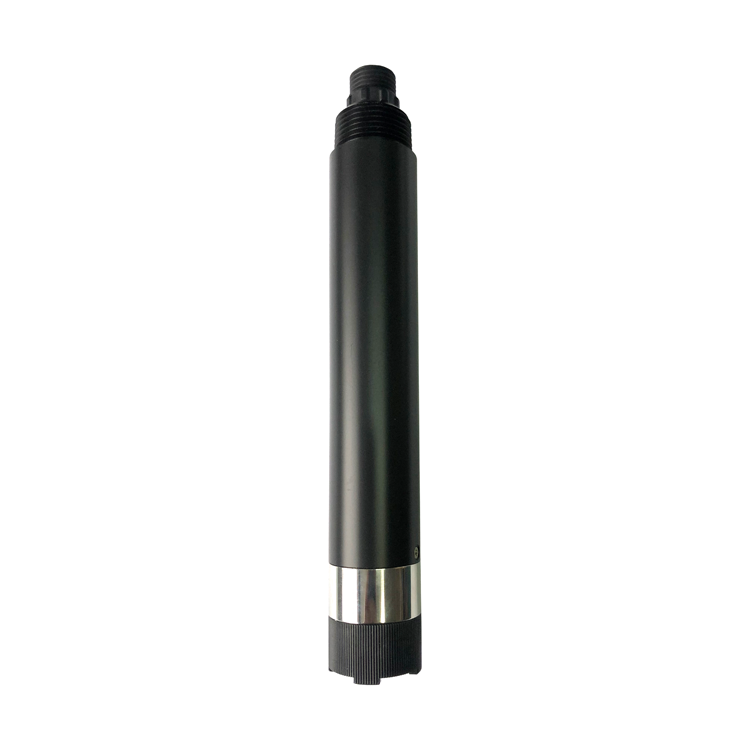
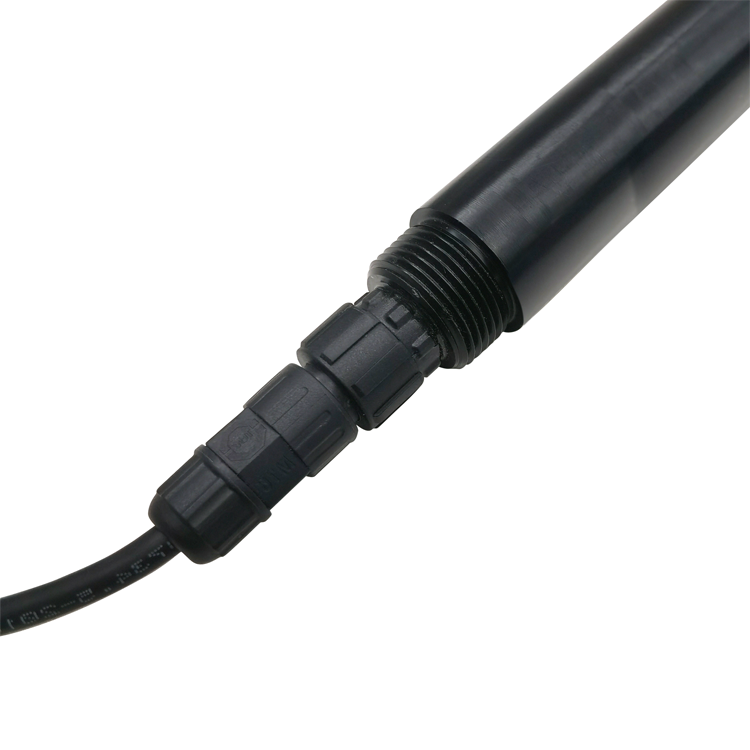
The electrical connector detail below needs protection and strain relief in the field assembly. A locked connector does not establish correct polarity or a valid serial response. Check those functions independently before closing the enclosure, and preserve access for later inspection.
No. RS485 needs a compatible electrical transceiver or supported interface. Check logic levels, power and direction control for the exact board and module. UART software alone does not create the RS485 physical interface.
No. The library handles communication, while the application still needs the right address, function, offsets and data interpretation. For this probe, DO and temperature have independent decimal-count words.
No. Start by restoring normal acquisition and checking status. Calibration is a controlled measurement procedure, not a startup command. An unintended write can alter a previously valid probe configuration.
Consider it when the project needs supported field acquisition and the team does not intend to maintain custom firmware. Compare the required protocols, storage and failure behaviour rather than assuming either controller type guarantees reliable water measurement.
Provide the probe model, board and RS485 module identities, supply arrangement, wiring, serial settings and raw request/result. Add the water conditions and intended duty. This separates a communication problem from an unsuitable measuring installation.
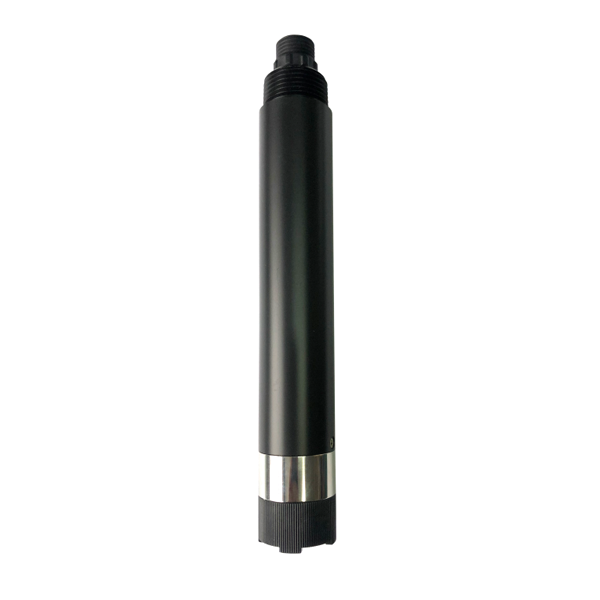
An Arduino dissolved oxygen sensor project needs a verified electrical interface and a correctly decoded, time-valid measurement. Establish one read-only NBL-WQ-DO channel before adding other devices, storage or remote access. NiuBoL can assess the probe configuration and protocol requirements; the complete field controller still needs its own deployment and failure tests.
Prev:pH Sensor for Batch Tanks: Valid Readings Through Fill and Drain
Next:Campus Weather Station Upgrade: Retain Sensors and Preserve Data
Related recommendations
Sensors & Weather Stations Catalog
 Agriculture Sensors and Weather Stations Catalog-NiuBoL.pdf
Weather Stations Catalog-NiuBoL.pdf
Agriculture Sensors Catalog-NiuBoL.pdf
Water Quality Sensor Catalog-NiuBoL.pdf
Related products
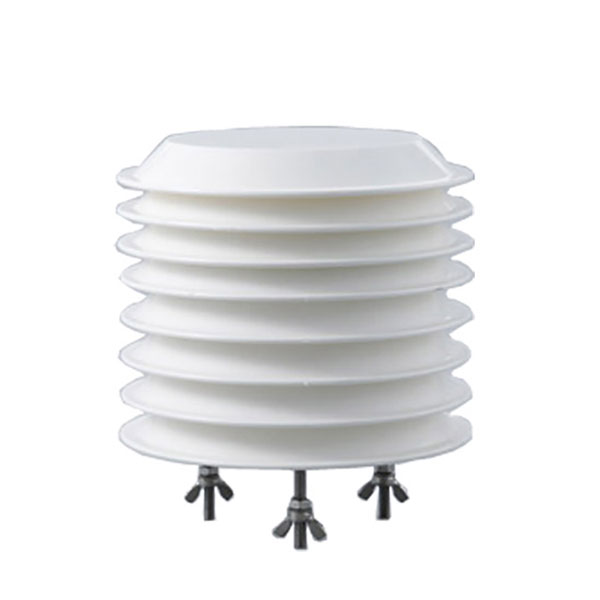 Combined air temperature and relative humidity sensor
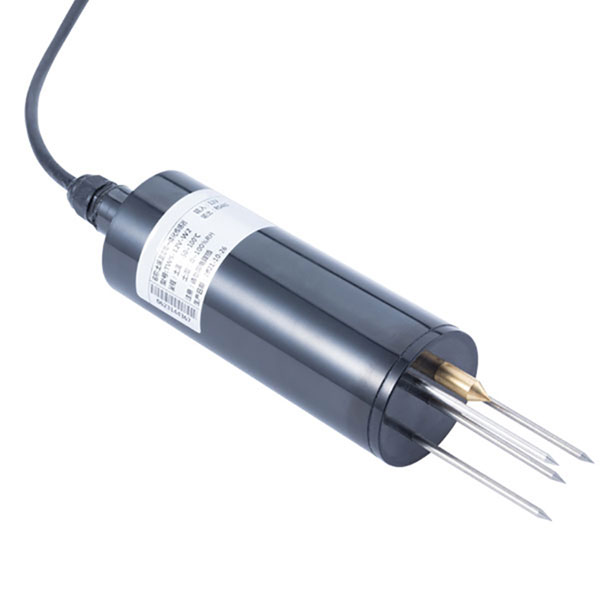 TDR Soil Moisture & Temperature Sensor for irrigation| RS485 |4-20mA| NBL-S-THR
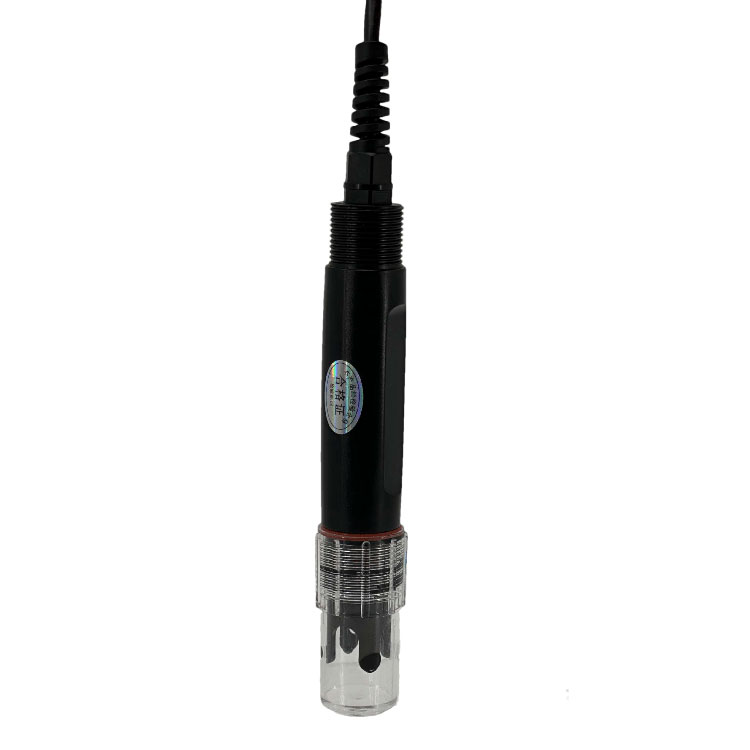 Soil pH sensor RS485 soil Testing instrument soil ph meter for agriculture |NBL-S-PH
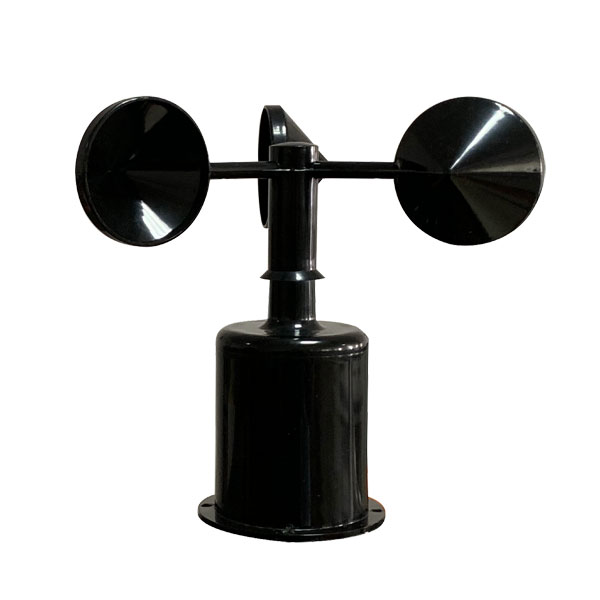 Wind Speed sensor Output Modbus/RS485/Analog/0-5V/4-20mA
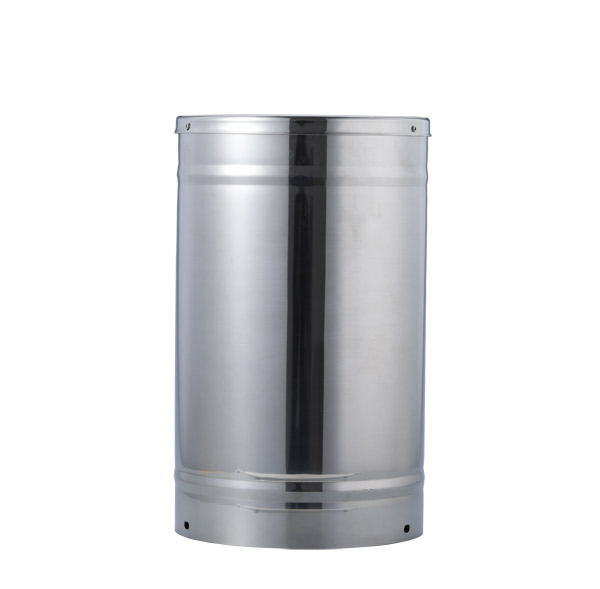 0.2mm Tipping Bucket Rain Gauge for Weather & Hydrology | NiuBoL
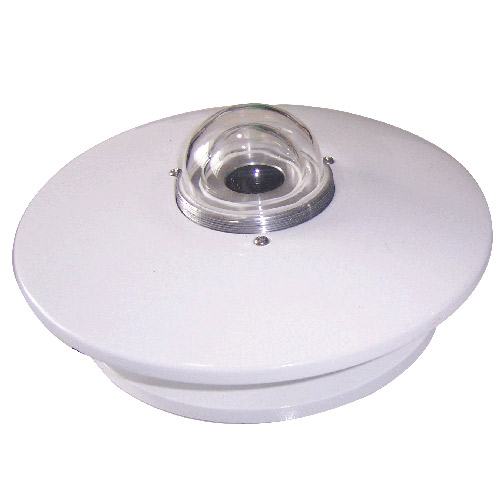 Pyranometer Solar Radiation Sensor 4-20mA/RS485
Screenshot, WhatsApp to identify the QR code
WhatsApp number:+8615367865107
(Click on WhatsApp to copy and add friends)