

— Blogs —
—Products—
 Consumer hotline +8618073152920
WhatsApp:+8615367865107
Address:Room 102, District D, Houhu Industrial Park, Yuelu District, Changsha City, Hunan Province, China
Product knowledge
Time:2025-01-16 11:10:11 Popularity:1301
Insect monitoring light control determines whether ambient illumination permits the attraction lamp to operate. It does not, by itself, command continuous photography or prove that a nightly sample is complete. When a station starts in daylight or misses a night, compare the light input, operating mode, time schedule and protective states before replacing the lamp or changing thresholds.
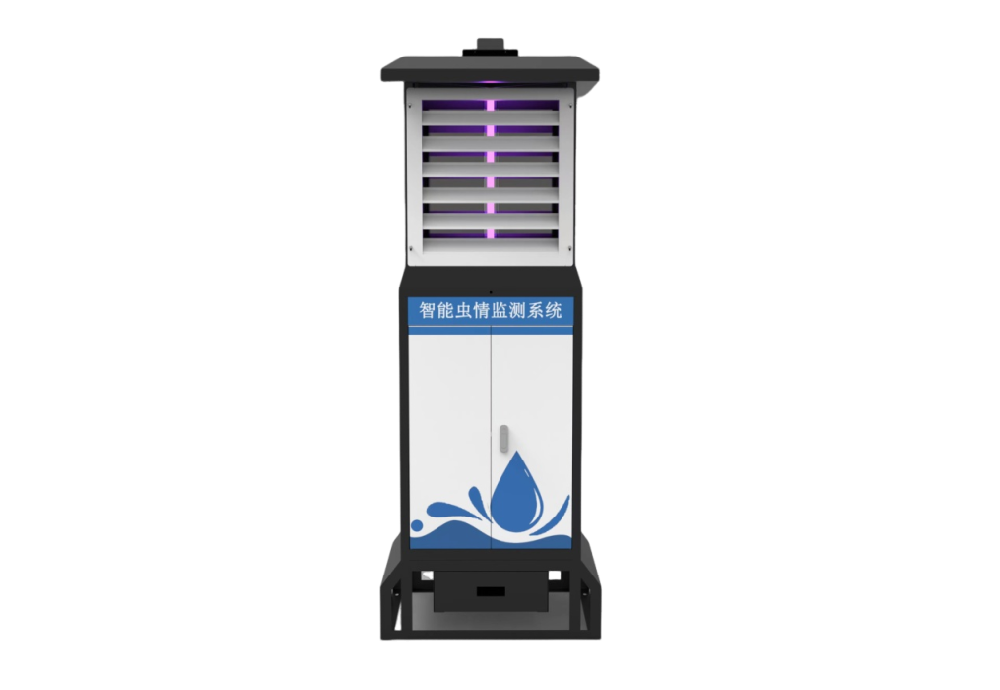
A NiuBoL insect monitoring station uses light, time and rain-related controls within its sampling sequence. The ambient-light input is one condition in that sequence. The attraction lamp, insect handling, camera and communications equipment have different jobs and may not switch together. A dark lamp therefore needs a controller-state check, not an immediate diagnosis of failed hardware.
The NBL-IoT-SRPMS remote insect monitoring system combines an attraction source, infrared processing, specimen presentation and photography. Its configured light-control behavior must be checked against the delivered controller version. Do not apply a solar insect-killer lamp's threshold or operating instructions to this larger monitoring cabinet simply because both products attract insects with light.
The NBL-IoT-SRPMS configuration includes an 850 lx light-control threshold. This is an illumination setting, not an attraction wavelength or a universal setting for every installation. Confirm whether the delivered unit exposes separate start and stop settings, a delay, or other filtering before specifying a site adjustment. Verify any delay from controller settings or a timed transition test.
| Observed symptom | Check at the station | Interpretation to test |
|---|---|---|
| Lamp operates during a bright day | Operating mode, reported light level, sensor obstruction and schedule | A shaded input or manual mode can differ from the intended automatic behavior |
| Lamp stays off after dusk | Time window, rain/protection status, supply and controller command | The light condition may be satisfied while another condition prevents operation |
| Nearby headlights appear to interrupt a night | Event time, light-input changes and actual lamp state | Distinguish a brief input disturbance from a sustained stop or another fault |
| Lamp runs but no new images appear | Photo schedule, sample sequence, local image and upload status | Light control is not proof of camera triggering or image delivery |
| Counts fall after a setting change | Actual attraction period and sample completeness | A shorter sampling period can change catch without a biological decline |
These checks identify competing explanations; they are not automatic fault codes. Record what the controller actually shows at the affected time. If a remote platform supplies only a general online indicator, obtain the relevant local states before concluding that the attraction source, photocell or network has failed.
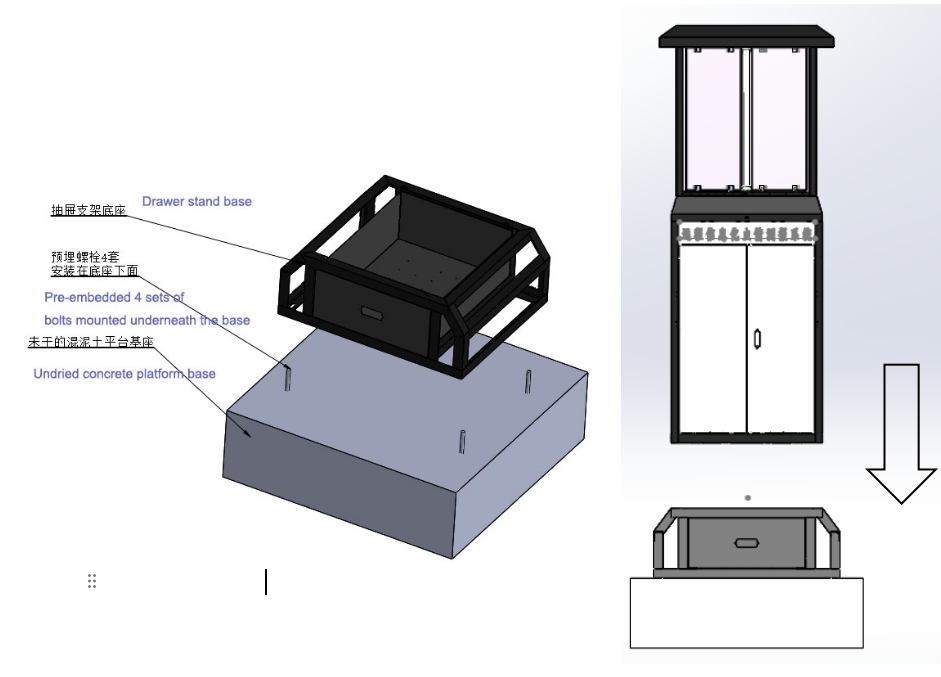
Look for dirt, insect material, leaves, newly installed covers or shadows around the sensing location. A nearby security light can also make the input differ from the general darkness of the crop block. Compare the installation with earlier site photographs if operation changed after vegetation growth or building work.
Use the approved service procedure for the installed controller. Briefly covering an input, where permitted as a diagnostic test, is not a permanent adjustment and should not bypass rain or equipment protections. Do not open energized sections or reach into heated and moving parts to observe a cycle. A qualified technician should handle internal electrical checks under the prescribed isolation procedure.
If a comparison light meter is used, record where and when the reading was taken. A meter held elsewhere on the mast may have different orientation and shading from the station's input. Agreement with a handheld reading is useful context, but it is not a calibration result unless the reference and method support that claim.
A manual lamp-on test checks only part of the system. To verify automatic operation, retain the intended mode and observe a permitted transition through the applicable schedule. Record the controller clock, input value where available, attraction-lamp response and any protective state. Repeat at the opposite transition if that response forms part of the acceptance requirement.
A timer and an illumination condition can both be active. Ask how the ordered software resolves them rather than assuming that darkness always overrides a stop time. After a power interruption, inspect the recovered clock and settings before attributing a missed operating period to the light sensor.
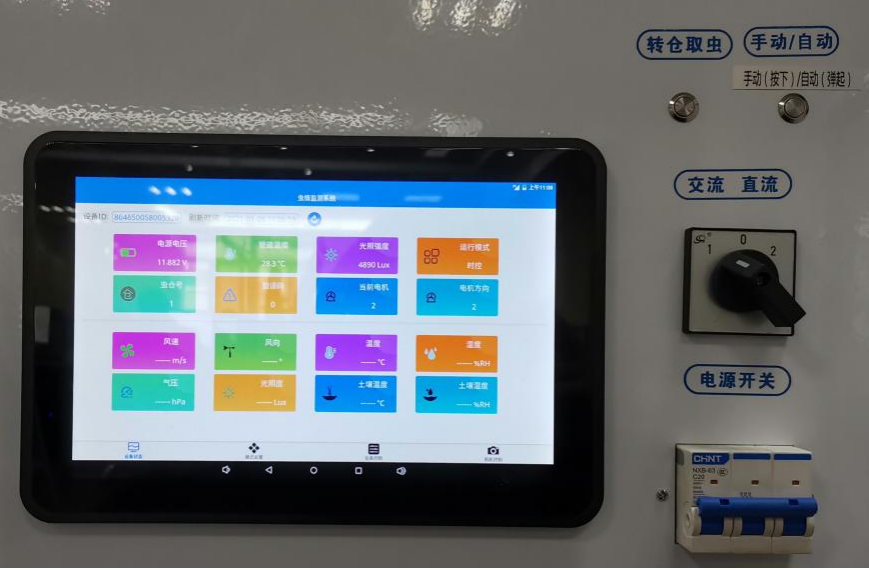
The NBL-IoT-SRPMS configuration uses an 18 W attraction source at 365-395 nm and a 12-megapixel camera. The wavelength relates to attraction; camera resolution relates to image acquisition. Neither value describes how often photographs are taken or when they become available remotely. Confirm the actual capture schedule and sample-handling sequence.
If an image exists locally but is absent remotely, investigate the configured 4G or Ethernet path and platform assignment. If there is no local image, investigate the camera trigger and preceding processing stages. A PLC or RTU receiving a supported status field over RS485 and Modbus RTU does not demonstrate successful image transfer.
After changing light-control settings, mark the effective time in the observation record. For example, extending a permitted capture window changes sampling opportunity. Do not join the resulting counts into an unchanged trend without a note. The goal is a valid observation period, not simply more insects in the collection drawer.
For support, send NiuBoL the equipment and controller versions, location photographs, intended schedule and a timestamped account of the fault. Include the observed mode and protection states, plus whether a local image was created. This is more diagnostic than reporting only that the unit was online but did not catch insects.
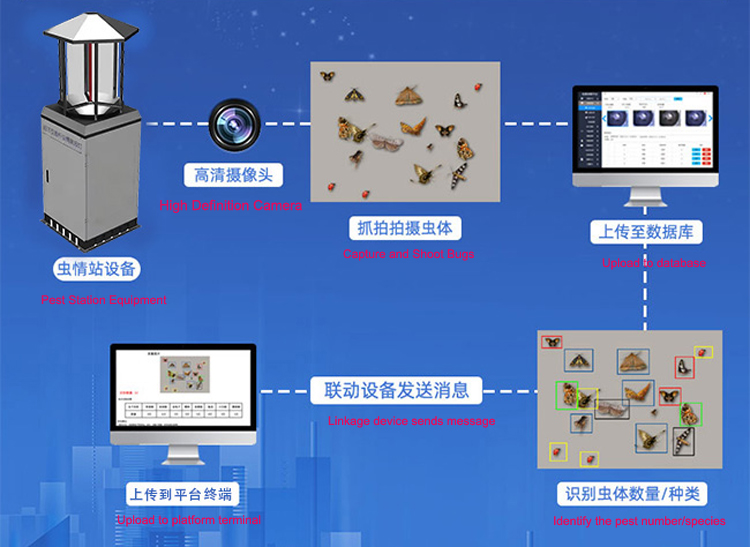
Not necessarily. Photography belongs to the configured sample-processing sequence. Confirm the capture interval and triggering conditions rather than treating the light-control signal as a continuous camera command.
No universal site setting follows from that configuration value. Check the delivered controller, target operating period, sensing exposure and supported adjustments before making a change.
No. Record and investigate the protective state using the service procedure. A protected interval is incomplete sampling, not a reason to expose the handling path or electronics to water.
A time-matched change in input and actual operating behavior is needed. A brief bright-light event alone does not prove a missed sample or identify the cause of a lower nightly count.
After the relevant automatic transition and the required sample-to-image record have been checked. A forced lamp-on command or a network heartbeat alone is insufficient for the full monitoring task.
Insect monitoring light control should be diagnosed as part of an operating sequence. Check illumination, mode, schedule and protection states, then verify photography and transfer separately. Keep setting changes visible in the sample history so an operating change is not mistaken for a change in field pest activity.
Prev:Agricultural IoT Cloud Platform: Monitoring, Control and Traceability
Next:Insect Monitoring Equipment: What Each Processing Stage Does
Related recommendations
Sensors & Weather Stations Catalog
 Agriculture Sensors and Weather Stations Catalog-NiuBoL.pdf
Weather Stations Catalog-NiuBoL.pdf
Agriculture Sensors Catalog-NiuBoL.pdf
Water Quality Sensor Catalog-NiuBoL.pdf
Related products
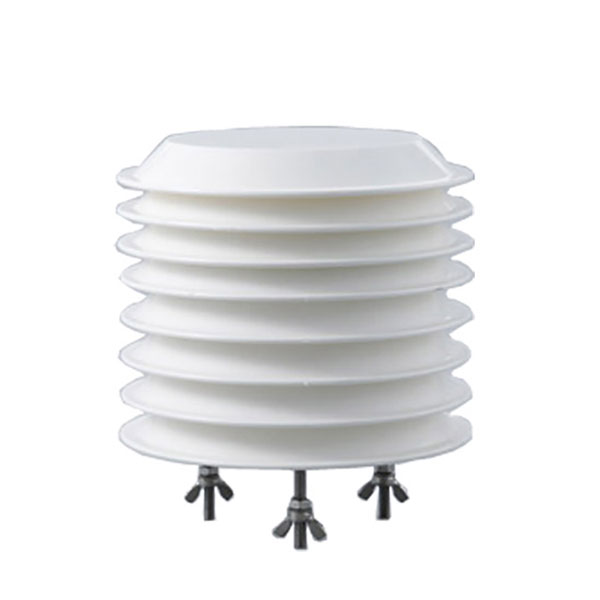 Combined air temperature and relative humidity sensor
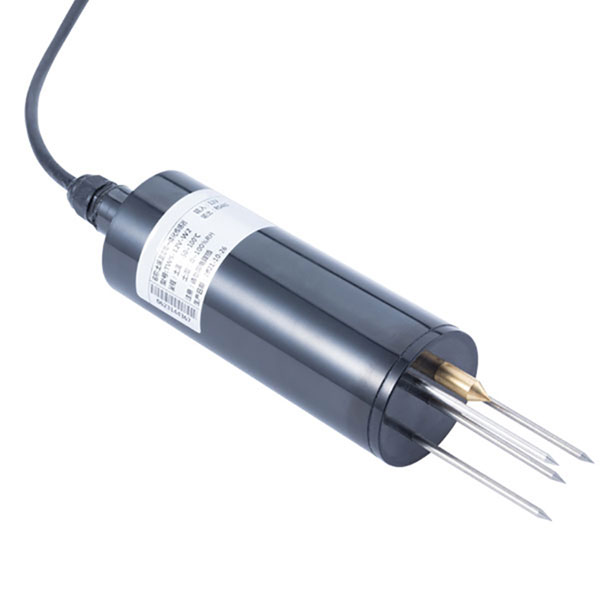 TDR Soil Moisture & Temperature Sensor for irrigation| RS485 |4-20mA| NBL-S-THR
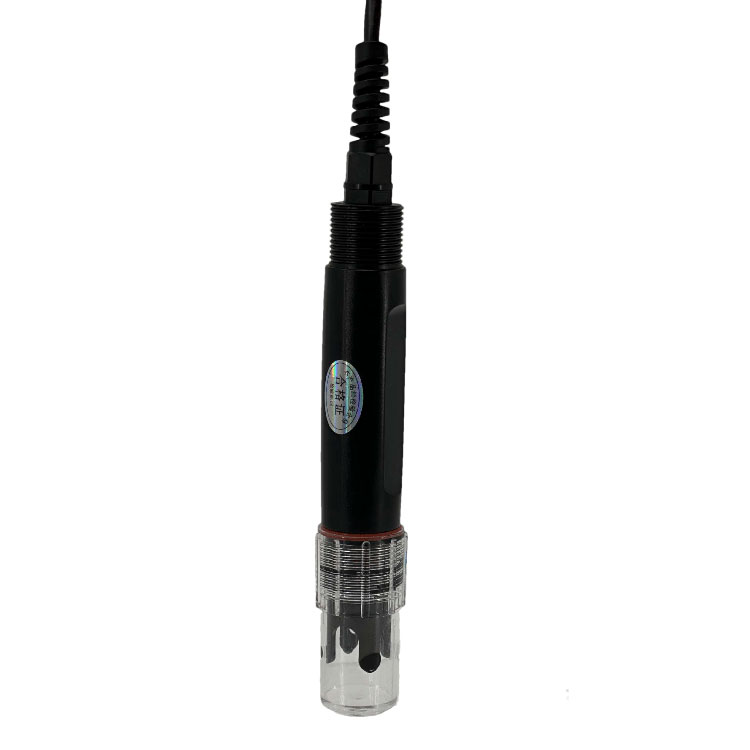 Soil pH sensor RS485 soil Testing instrument soil ph meter for agriculture |NBL-S-PH
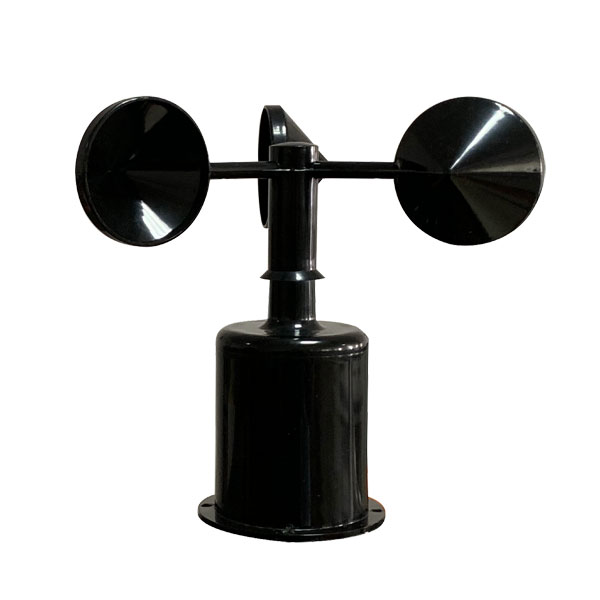 Wind Speed sensor Output Modbus/RS485/Analog/0-5V/4-20mA
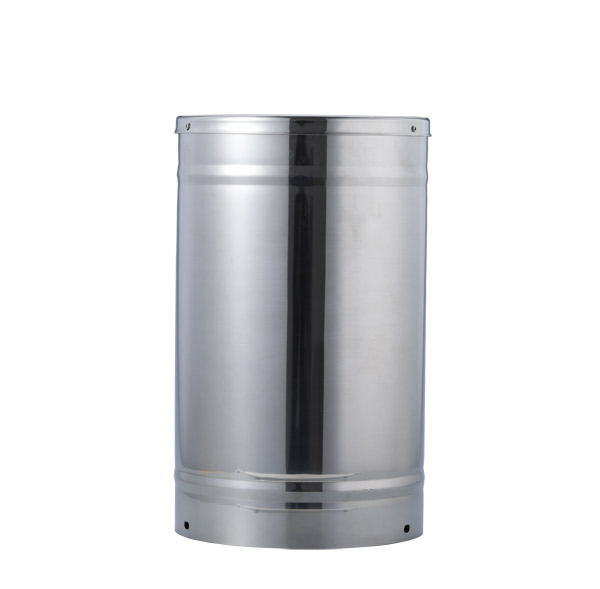 Tipping bucket rain gauge for weather monitoring auto rainfall sensor RS485/Outdoor/stainless steel
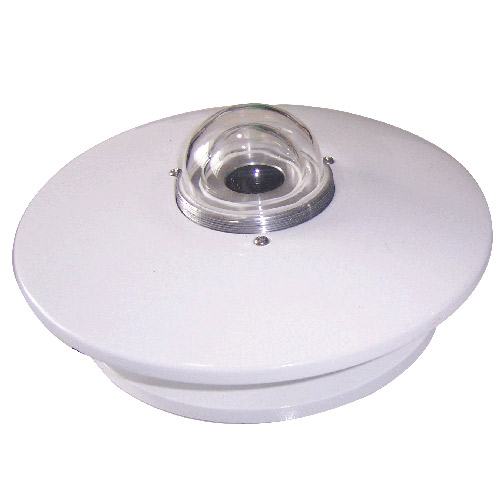 Pyranometer Solar Radiation Sensor 4-20mA/RS485
Screenshot, WhatsApp to identify the QR code
WhatsApp number:+8615367865107
(Click on WhatsApp to copy and add friends)