

— Blogs —
—Products—
 Consumer hotline +8618073152920
WhatsApp:+8615367865107
Address:Room 102, District D, Houhu Industrial Park, Yuelu District, Changsha City, Hunan Province, China
Product knowledge
Time:2025-01-16 11:28:29 Popularity:1884
Insect monitoring equipment turns a captured sample into an image record through separate attraction, collection, processing, presentation and communication stages. Killing an insect, photographing it and identifying its species are different tasks. Understanding those boundaries helps a project specify useful observations without assuming that the cabinet directly measures every pest or prevents crop damage.
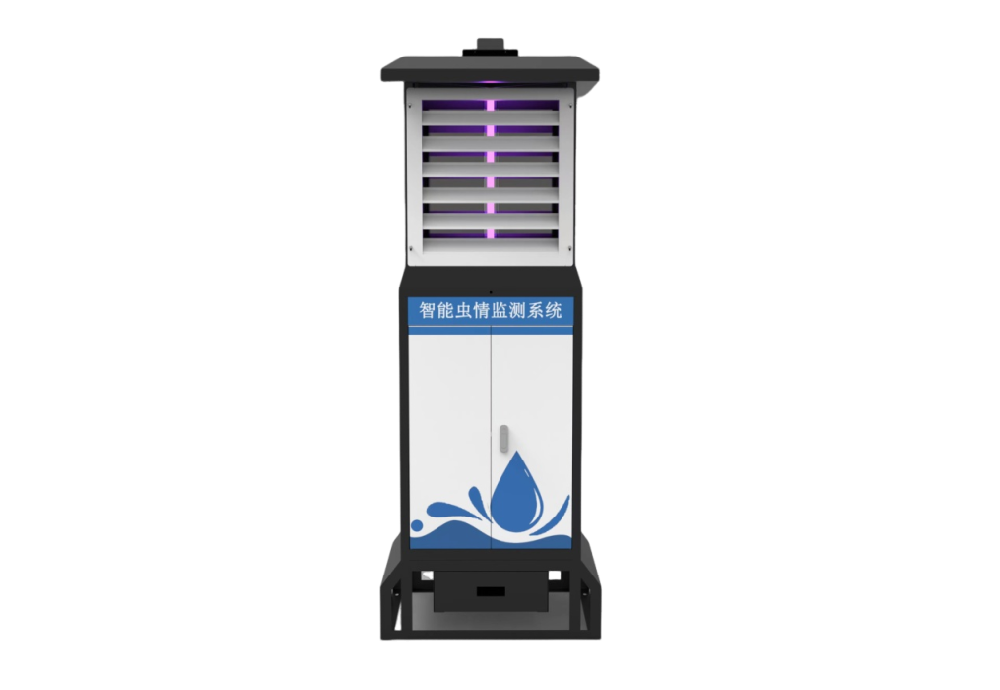
The NiuBoL NBL-IoT-SRPMS insect monitoring terminal uses a light source to attract responsive insects, processes captured specimens with infrared heating, acquires photographs and transfers records through the configured network. Software can then assist with classification and counting. The observation concerns insects that reached this sampling path, not every organism in the crop.
This explains why a remote station can be operational but provide an incomplete result. The controller may be online while the sample is obstructed. A clear image may contain an insect that the current recognition model cannot classify reliably. A count may be technically correct for a plate yet unsuitable for comparison with a different trapping method.
Light-based sampling depends on insects approaching the source under the actual site conditions. The configured source, surrounding illumination, insect activity and obstruction around the trap all matter. A light trap is not a universal detector of larvae hidden in stems, soil pests, plant disease or rodents.
For a crop-protection team, this means defining the target life stage before discussing recognition software. Adult flight activity can support a scouting plan, while crop injury still needs field assessment. A species label on a screen does not establish that the affected crop has reached a treatment threshold.
After attraction, the cabinet must guide insects into its handling path. Rain control and drainage protect this process, but the presence of those features does not mean every night provides a valid sample. A protected shutdown, blocked route or water-affected collection period needs to remain distinguishable from a genuine zero catch.
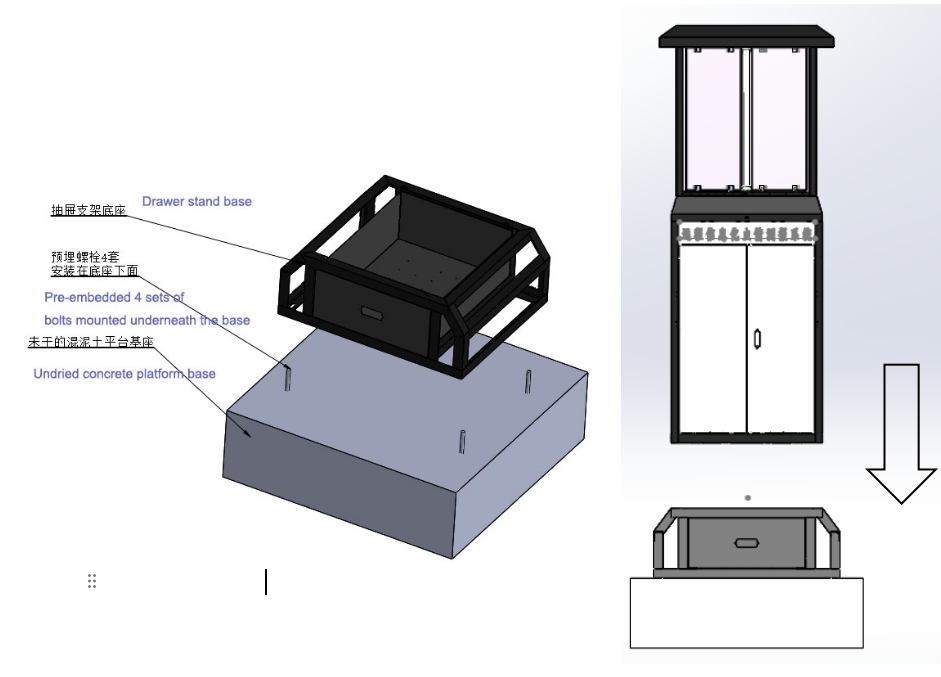
Physical installation matters here. The cabinet needs stable fixing, suitable drainage and accessible collection components. A mounting drawing explains the assembly arrangement; foundation design still depends on the installation version, ground and loading conditions. Do not treat the sample drawer as an inaccessible part that never needs attention after commissioning.
In the NBL-IoT-SRPMS configuration, far-infrared heating treats the captured insects before imaging. The specified treatment band is 80-90 C. This is a process temperature inside the treatment stage, not the permissible outdoor ambient temperature or a surface that an operator should touch.
The engineering purpose is to prepare specimens for presentation and review. It does not turn a treatment or mortality percentage into a species-recognition percentage. Those results have different denominators: one concerns insects processed, while another concerns identifications compared with an appropriate reference.
Heating, moving parts and electrical equipment require the prescribed isolation and service procedure. A contractor should not demonstrate internal operation with guards defeated or hands in the sample path. For routine fault finding, use the supported controller checks and observe the resulting sample and image instead of improvising live access.
| NBL-IoT-SRPMS element | Specified configuration | What it does not establish |
|---|---|---|
| Attraction light | 18 W LED source, 365-395 nm | Universal capture of all crop pests |
| Processing stage | Far-infrared treatment, 80-90 C | Species identification accuracy |
| Image sensor | 12-megapixel camera | Readable features in every photographed specimen |
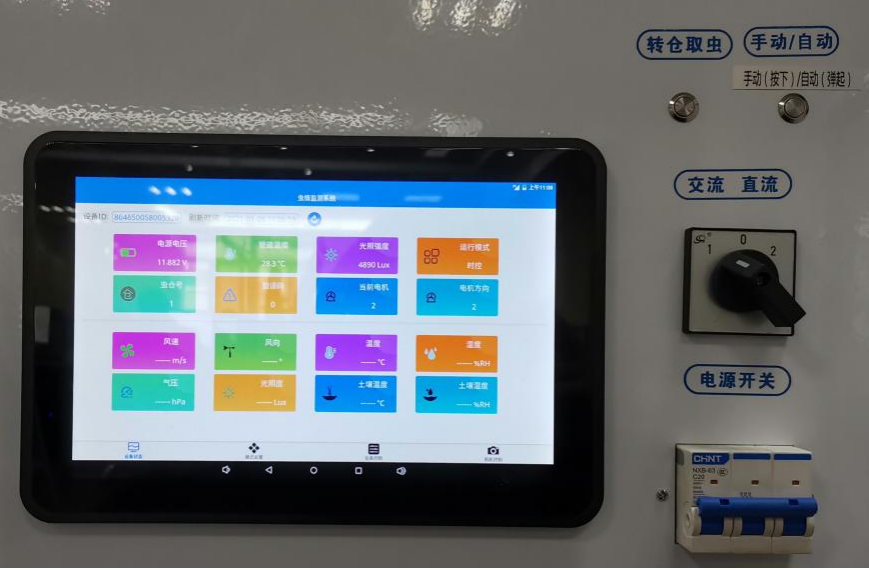
| Local operation | 10-inch touchscreen controller | A completed remote image transfer |
| Communications | 4G/Ethernet; RS485/RS232 interface provision | Identical fields and image access on every interface |
Match the order and interface documentation to the installed version. Earlier cabinets, replacement controllers and optional communications assemblies should not be assumed identical merely because their enclosures look similar.
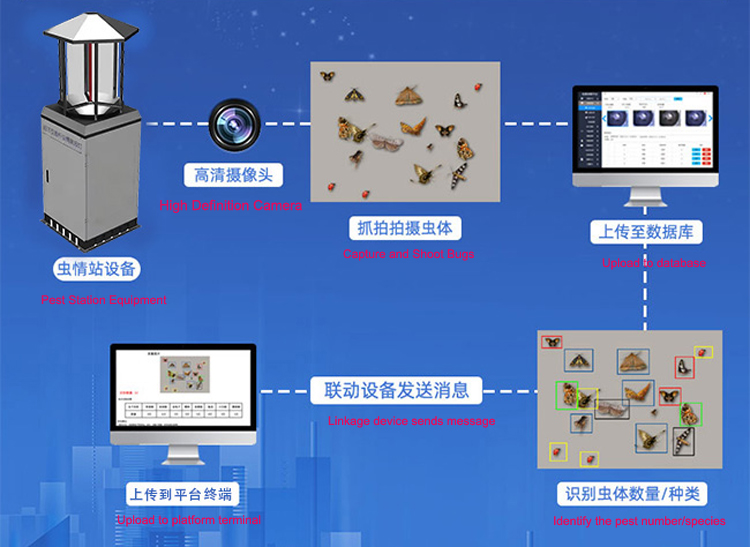
Specimens need to reach a photographable position. Overlap, fragments, dirt or poor presentation can hide distinguishing features even with a 12-megapixel camera. More pixels cannot recover a body part that is covered by another insect. Review sample condition before blaming a species-recognition result on the network or requesting a higher-resolution camera.
The sequence also matters: sample presentation, photography and cleaning must correspond to the intended collection period. A clean plate photographed before specimens arrive can create an apparently valid empty image. Residual material photographed again can produce repeat observations. These are sample-handling issues rather than changes in field abundance.
The remote platform receives image and equipment records through the configured data path. The classification software assigns labels and counts within its supported scope. An uncertain specimen should remain available for qualified review rather than being forced into a familiar pest category.
For a system integrator, keep image delivery separate from numeric integration. A PLC or RTU reading a supported status value through RS485 and Modbus RTU has not necessarily received a photograph. Confirm register definitions for numeric fields and a separate supported image or platform interface where needed. Test the actual receiving application instead of treating connector compatibility as data compatibility.
A research team may need comparable samples and access to original images. A cooperative may need a reviewed target-pest warning assigned to a named crop block. A maintenance contractor may need to distinguish an empty sample from a failed handling cycle. Each user needs a different part of the record, even when the hardware is shared.
Weather observations can provide context, but they should retain their own sensor locations and timestamps. A nearby weather station does not prove that the light trap samples every part of the surrounding field. Likewise, an insect station's label does not certify a disease diagnosis or justify an automatic pesticide application.
For a new project, send NiuBoL the target crop and pest stage, required observation interval, specimen-review method and receiving platform. Request a demonstration covering the relevant processing stages, not only a dashboard login. Physical servicing is covered separately in the automatic pest monitoring lamp maintenance guide; confirm the linked procedure against the installed model.

No. Processing concerns the captured sample. Recognition concerns correctly assigning identities to inspectable specimens. Ask for species-specific reviewed results rather than transferring one percentage to the other function.
No. It shows the material presented to the camera. Attraction and entry determine which insects reached the sample; species outside that path require a suitable alternative sampling method.
Network status does not prove an unobstructed sample path, correct timing or readable specimens. Inspect the corresponding image, collection period and handling status before accepting the count.
Do not assume so. Confirm what the ordered industrial interface exposes and how images are delivered. Demonstrate both paths in the receiving system when both are part of the project.
No. Trap records can direct attention to a target pest, but crop stage, injury and locally applicable treatment criteria still need agronomic assessment. The monitoring terminal is an observation tool, not a crop-protection guarantee.
Useful insect monitoring equipment keeps the distinction between capture, specimen processing, imaging and interpretation clear. Evaluate each stage against the observation the customer needs. That produces a more defensible equipment specification than a single promise of automatic pest detection and control.
Prev:Insect Monitoring Light Control: Diagnose Start and Stop Problems
Next:Pest Monitoring System Relocation: Keep Site Changes Visible in Trends
Related recommendations
Sensors & Weather Stations Catalog
 Agriculture Sensors and Weather Stations Catalog-NiuBoL.pdf
Weather Stations Catalog-NiuBoL.pdf
Agriculture Sensors Catalog-NiuBoL.pdf
Water Quality Sensor Catalog-NiuBoL.pdf
Related products
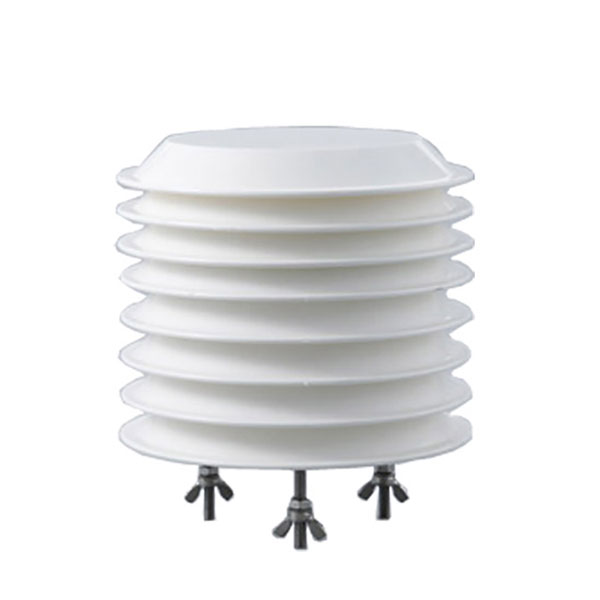 Combined air temperature and relative humidity sensor
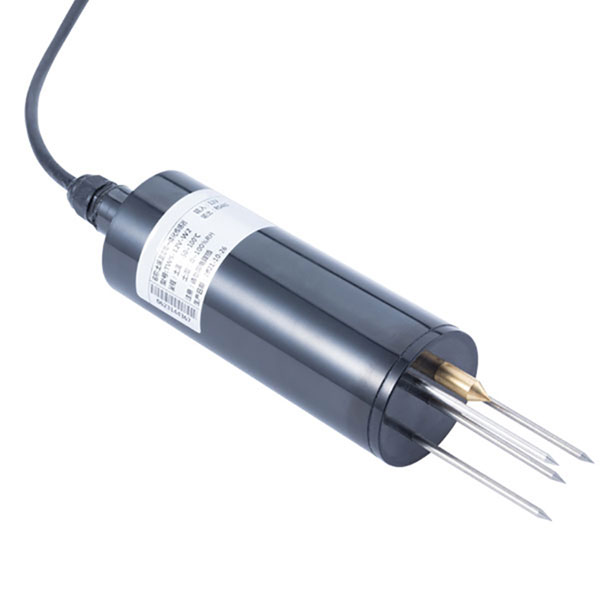 TDR Soil Moisture & Temperature Sensor for irrigation| RS485 |4-20mA| NBL-S-THR
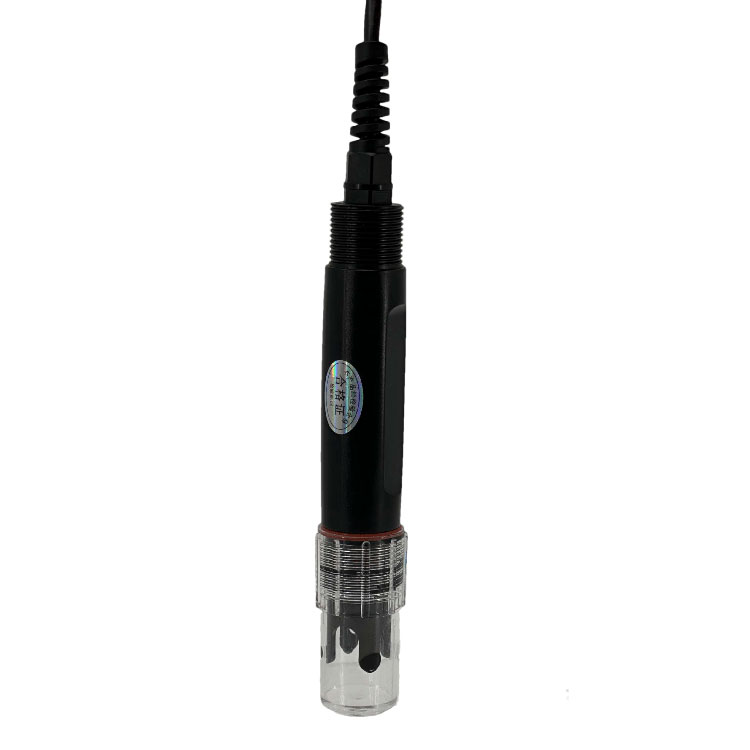 Soil pH sensor RS485 soil Testing instrument soil ph meter for agriculture |NBL-S-PH
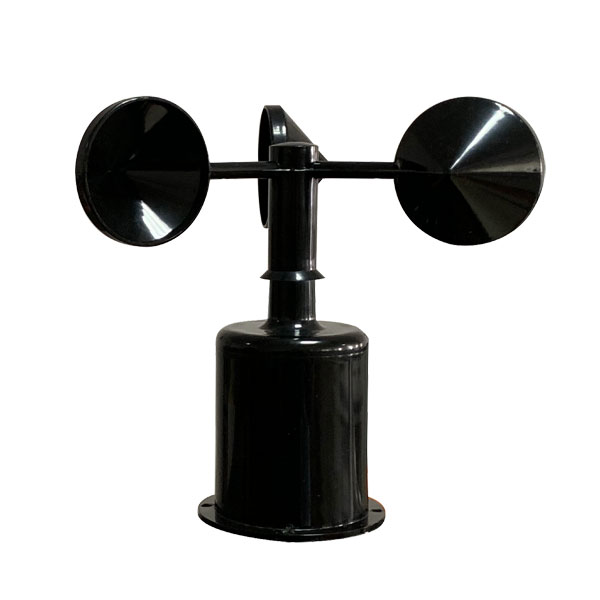 Wind Speed sensor Output Modbus/RS485/Analog/0-5V/4-20mA
 Tipping bucket rain gauge for weather monitoring auto rainfall sensor RS485/Outdoor/stainless steel
 Pyranometer Solar Radiation Sensor 4-20mA/RS485

Screenshot, WhatsApp to identify the QR code
WhatsApp number:+8615367865107
(Click on WhatsApp to copy and add friends)