

— Blogs —
—Products—
 Consumer hotline +8618073152920
WhatsApp:+8615367865107
Address:Room 102, District D, Houhu Industrial Park, Yuelu District, Changsha City, Hunan Province, China
Product knowledge
Time:2025-01-16 11:37:58 Popularity:2864
Pest monitoring system relocation changes the sampling point, even when the same cabinet and software remain in use. Close the old site's record, identify the new location and verify the first complete capture-to-image cycle. Keep the move visible in trend reports; a change in catch after relocation is not automatically a change in pest pressure.
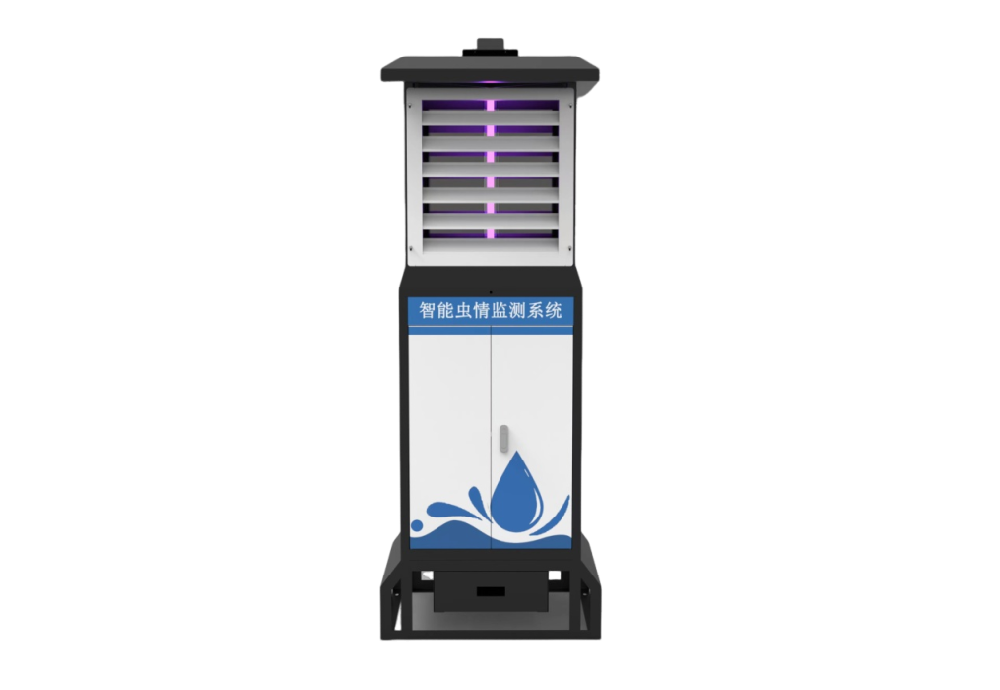
A road extension, irrigation works, crop rotation or loss of service access may require a NiuBoL insect station to move. Electrical operation can resume quickly while the biological comparison remains uncertain. A position beside a bright road, inside a developing canopy or across a crop-block boundary may expose the light trap to a different group of active insects.
Separate two questions before approving the move: can the equipment operate at the new point, and can its observations be compared with the old series? A successful upload answers neither question completely. The first needs power, mechanical and image checks; the second needs the site's crop, exposure and sampling history.
There is no universal relocation distance below which the record is guaranteed unchanged. A short move behind a screen of vegetation can matter, while a longer move between similar open positions may be easier to interpret. Record what changed around the trap rather than relying only on the distance between coordinates.
Keep the final valid observation time, device identity, site name, crop block and operating schedule. Record the collection and cleaning status so insects remaining inside the cabinet are not later assigned to the new location. Follow the model's shutdown and isolation procedure before handling electrical, moving or heated components.
If images remain awaiting upload, establish how they will retain the old site and original capture time. Changing the station's platform label first can attach a new location to an older image in a poorly configured system. Verify the platform behavior rather than assuming that an asset-name edit creates a historically correct site record.
| Record | Before the move | At the new site |
|---|---|---|
| Equipment identity | Retain serial or asset ID and configuration | Keep equipment identity distinct from the new site assignment |
| Observation period | Close at the last valid sample, not the truck departure time | Start at the first validated capture period, not simply at power-on |
| Field surroundings | Save crop block, canopy and nearby-light notes | Record the corresponding conditions and important differences |
| Sample path | Identify or clear residual material using the service procedure | Inspect and test the collection-to-image sequence |
| Data waiting for transfer | Identify old-site images and timestamps | Check that delayed uploads keep their original assignment |
A single cabinet can therefore have one equipment history and several site histories. This distinction is useful to contractors maintaining devices for multiple farms: replacing a failed camera concerns the equipment record, while moving the whole terminal concerns both equipment and sampling records.
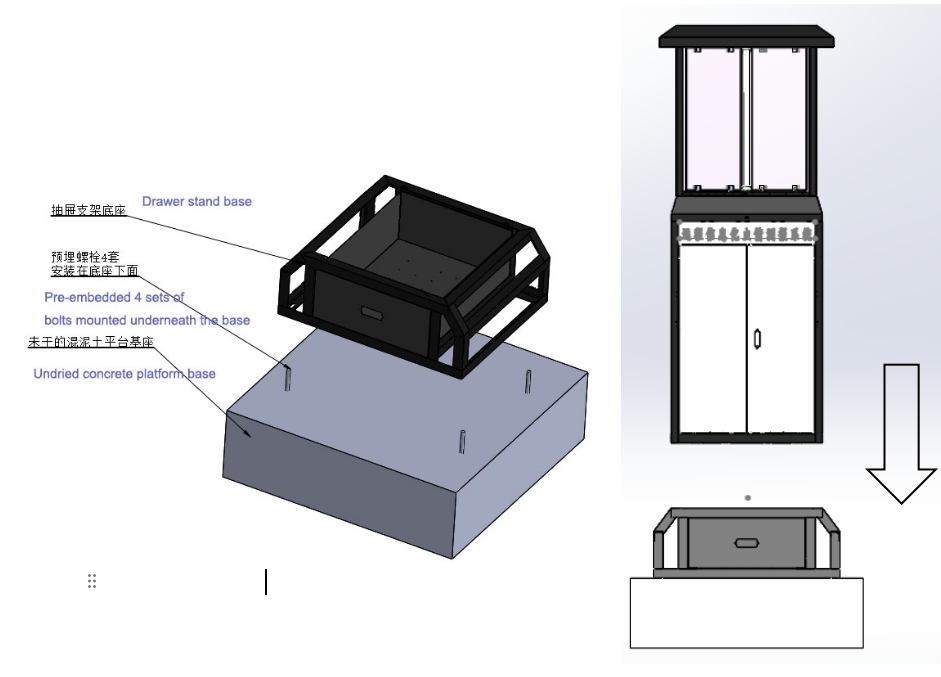
The new position needs a suitable foundation and fixing arrangement for its ground and exposure. Do not reuse a foundation dimension solely because it worked at the previous farm. Inspect the cabinet's level, fastening condition, drainage route and service clearances under the installation design for the ordered unit.
Allow access to the sample drawer and cabinet doors without stepping into an irrigation channel or a vehicle route. Vegetation that is low at installation can later obscure the attraction zone or obstruct servicing. Record the expected crop height and how the monitoring point will remain accessible through harvest.
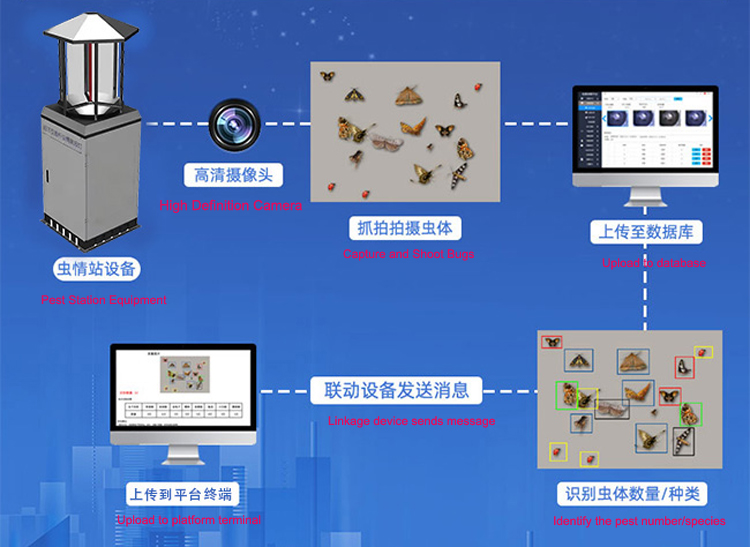
The NBL-IoT-SRPMS remote insect monitoring system combines attraction, infrared processing and photography. Its power demand is not equivalent to that of a small solar insect-control lamp. NiuBoL offers mains and configured solar arrangements; moving a terminal from mains to solar requires an actual supply design, not just an available panel.
The product's specified image camera is 12 megapixels and the attraction source is 18 W at 365-395 nm. Those component ratings help identify the required assembly, but neither determines the new site's total energy budget or insect-recognition performance. Match components and controller settings to the purchased version.
Test the actual image-transfer route at the new location. Numeric status arriving through RS485 or an approved Modbus RTU implementation does not prove that images reach the platform over 4G or Ethernet. Check the selected receiver and interface documents, then open a newly acquired image with the correct site identity and capture time.
Inspect for transport damage and loose connections before energizing. After the safe installation checks, verify the programmed operating period, sample handling, image acquisition and remote record. Do not shorten or bypass the insect-processing sequence to make a demonstration appear faster.
The restart record should distinguish the installation test from a normal observation. A photographed test sample does not belong in the first night's biological count. Equally, an empty plate during commissioning is not evidence that the surrounding crop has no target pests.
In the trend chart, mark the last old-site sample, the relocation interval and the first new-site sample. Where a brief overlap with another comparable station is feasible, it can help interpret the change, but it does not establish a universal correction factor. Crop conditions, lights, weather and service timing may differ during the comparison.
The physical asset ID may remain, but the site assignment needs an effective date and a retained history. Check how the platform handles old images before changing a location label.
Record the move even within one farm. Crop block, nearby lighting and canopy can change within short distances. Decide comparability from those conditions, not a fixed distance rule.
Identify them as belonging to the old sampling period or clear the path under the service procedure. Residual insects must not silently enter the first new-site count.
No. Verify an actual capture-to-image cycle and its remote record, including site, time and operating period. A heartbeat can succeed while image transmission or sample handling fails.
Provide the device version, photographs of the proposed position, ground and mounting conditions, crop surroundings, available power, network route and the planned service window. Identify any change from mains to solar or from an existing to a new platform.
Pest monitoring system relocation is both an installation change and a sampling change. Preserve the old observations, verify the new operating chain and keep the location boundary visible. This lets the farm distinguish a genuine pest trend from a change in where and how insects were sampled.
Prev:Insect Monitoring Equipment: What Each Processing Stage Does
Next:Vibrating Insecticidal Lamps: Light Attraction and Electric-Grid Capture
Related recommendations
Sensors & Weather Stations Catalog
 Agriculture Sensors and Weather Stations Catalog-NiuBoL.pdf
Weather Stations Catalog-NiuBoL.pdf
Agriculture Sensors Catalog-NiuBoL.pdf
Water Quality Sensor Catalog-NiuBoL.pdf
Related products
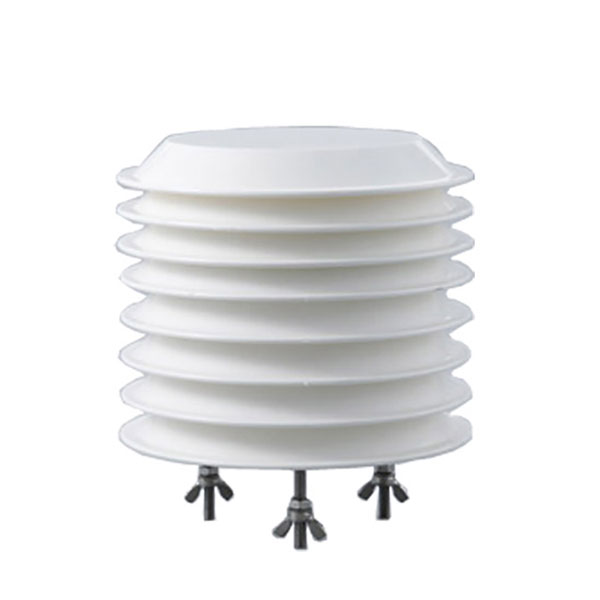 Combined air temperature and relative humidity sensor
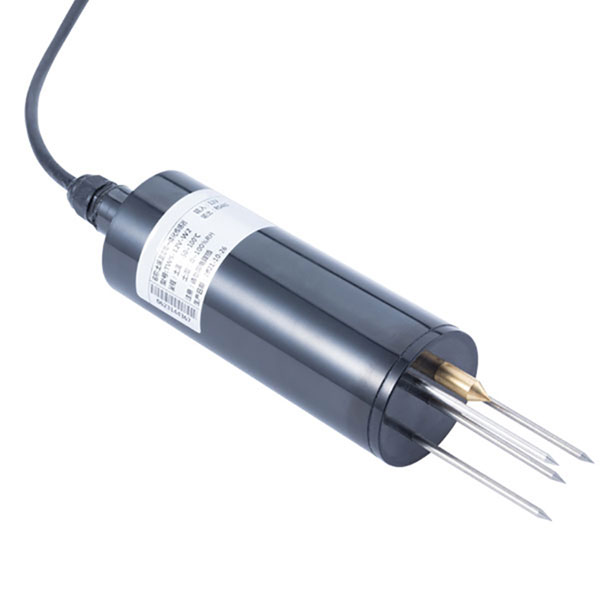 TDR Soil Moisture & Temperature Sensor for irrigation| RS485 |4-20mA| NBL-S-THR
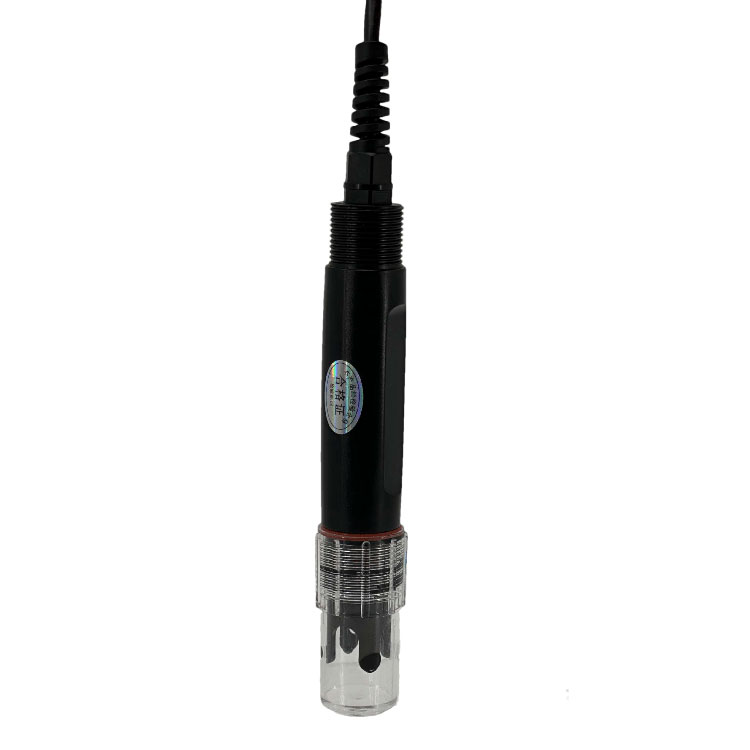 Soil pH sensor RS485 soil Testing instrument soil ph meter for agriculture |NBL-S-PH
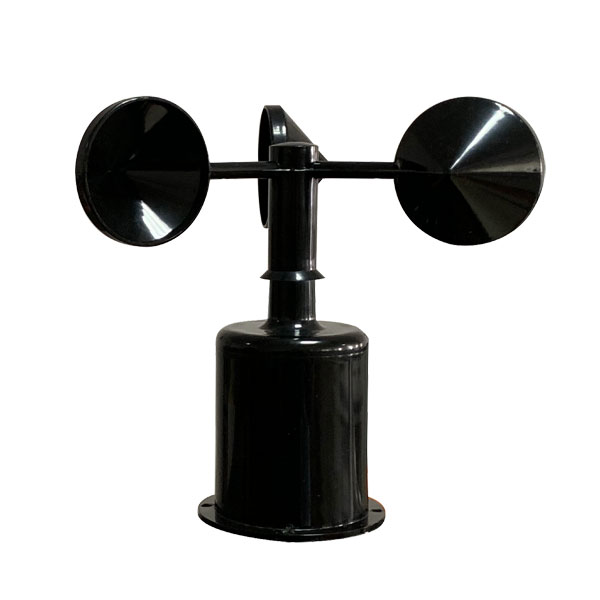 Wind Speed sensor Output Modbus/RS485/Analog/0-5V/4-20mA
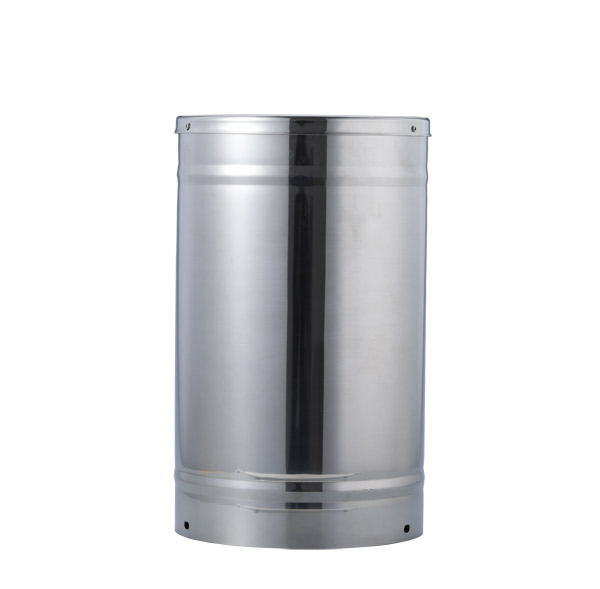 Tipping bucket rain gauge for weather monitoring auto rainfall sensor RS485/Outdoor/stainless steel
 Pyranometer Solar Radiation Sensor 4-20mA/RS485

Screenshot, WhatsApp to identify the QR code
WhatsApp number:+8615367865107
(Click on WhatsApp to copy and add friends)