

— Blogs —
—Products—
 Consumer hotline +8618073152920
WhatsApp:+8615367865107
Address:Room 102, District D, Houhu Industrial Park, Yuelu District, Changsha City, Hunan Province, China
Product knowledge
Time:2024-09-17 10:21:04 Popularity:2110
An indoor outdoor weather station can communicate correctly while showing the wrong location labels. Commissioning should trace each indoor and outdoor quantity from the physical instrument to the receiving channel. Check identity, units and observation times before comparing trends. Two plausible temperature readings do not prove that the room and outdoor fields have been assigned correctly.
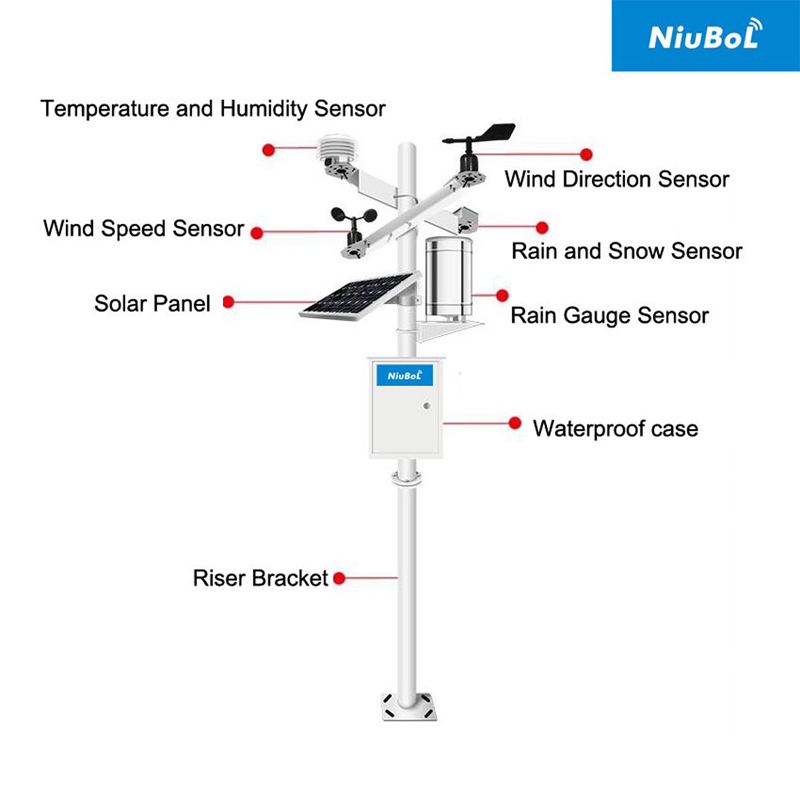
Begin with the physical indoor zone and outdoor reference. Give each device an installation identity, then list the quantities actually measured. A display in an office may receive outdoor observations without measuring office air. Use the indoor versus outdoor station comparison when defining that architecture; commissioning then proves the agreed assignments.
For each point, record its label, location and receiving path. If two identical combined sensors are installed, distinguish them before connecting both. Identical factory settings or reused software labels can make a fresh value appear under the wrong location even though neither sensing element is defective.
| Example point label | Physical source | Required check |
|---|---|---|
| Indoor air temperature | Identified sensor in the specified indoor zone. | Match source identity, temperature field, unit and time. |
| Indoor RH | The intended indoor humidity measurement. | Do not associate it with the outdoor temperature by mistake. |
| Outdoor air temperature | Identified, suitably exposed outdoor sensor. | Keep it distinct from cabinet or display temperature. |
| Outdoor RH | The intended outdoor humidity measurement. | Verify its source with the rest of the outdoor pair. |
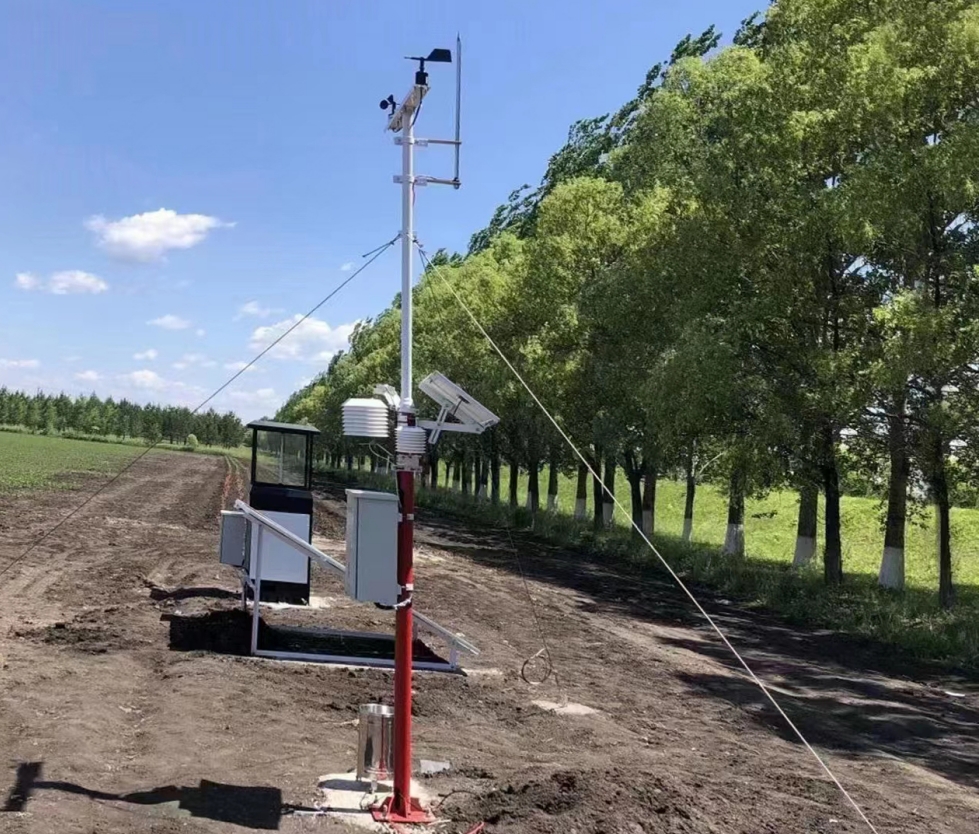
Check the receiver against the selected sensor's actual output. With digital devices, record the bus or port, device address and field definition. Where multiple Modbus RTU devices share an RS485 segment, resolve addressing and serial settings before treating the location label as evidence of identity. A field named Outdoor can still be reading the indoor device.
With analog instruments, trace the wire and input channel as well as the scaling. A current input assigned the wrong endpoints can produce a plausible temperature. A humidity input attached to the wrong software field can appear to follow weather changes. Verify the electrical and quantity mapping before deciding whether the sensor is inaccurate.
Use an approved commissioning method to identify each source; do not interrupt a running controller or move production sensors casually to create a test signal. Record the expected effect and examine the actual received values. If the system cannot expose enough source information to resolve the assignment, address that limitation before accepting the display.
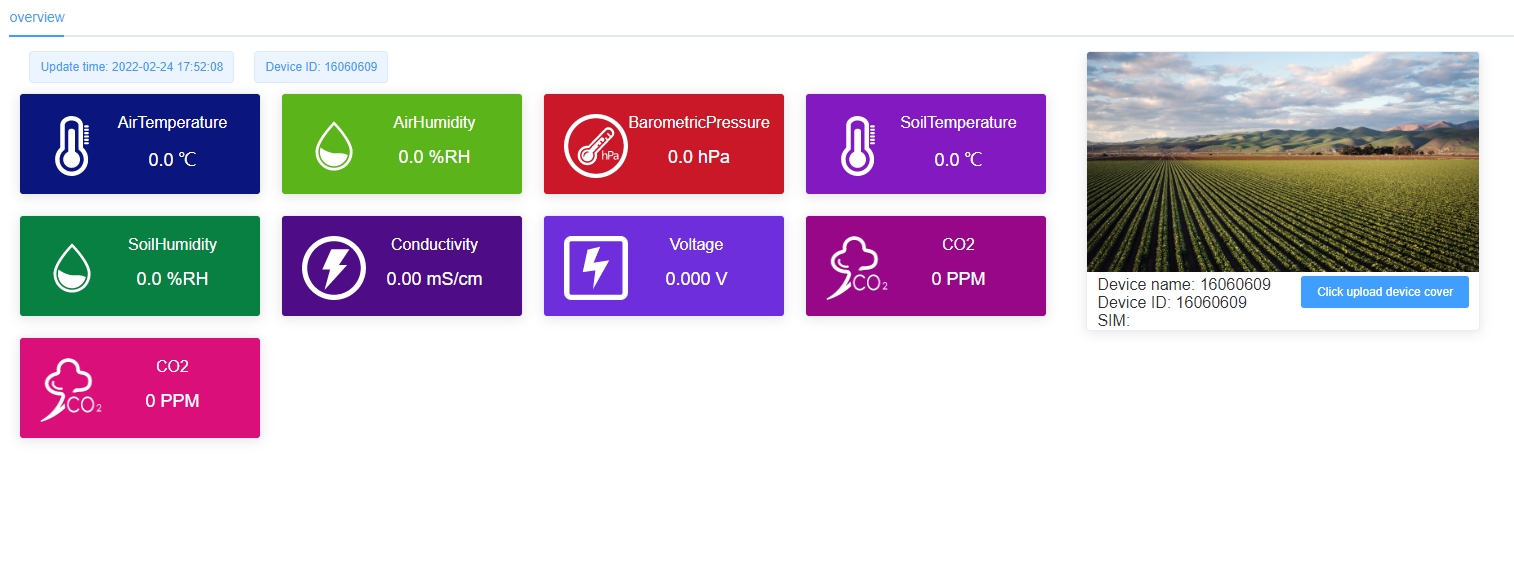
The NiuBoL NBL-W-LBTH combines temperature, RH and pressure. One digital device can therefore supply several quantities, but those fields still need distinct meanings in the receiver. Connecting one instrument successfully is not proof that all three quantities have the right register definition, unit and location label.
| Channel | NBL-W-LBTH specification | Mapping error to exclude |
|---|---|---|
| Temperature | -40 to 80°C; ±0.5°C; 0.1°C resolution. | Incorrect sign, scaling or indoor/outdoor assignment. |
| Relative humidity | 0–100%RH; ±5%RH; 0.1%RH resolution. | A fraction interpreted as a percentage, or pairing with another location's temperature. |
| Pressure | 10–1200 hPa; ±1.5 hPa; 0.1 hPa resolution. | Wrong pressure unit or a measured field mislabeled as a calculated product. |
| Supply / selected output | 12–24 V DC; selected digital or analog configuration. | Assuming every listed output is fitted simultaneously. |
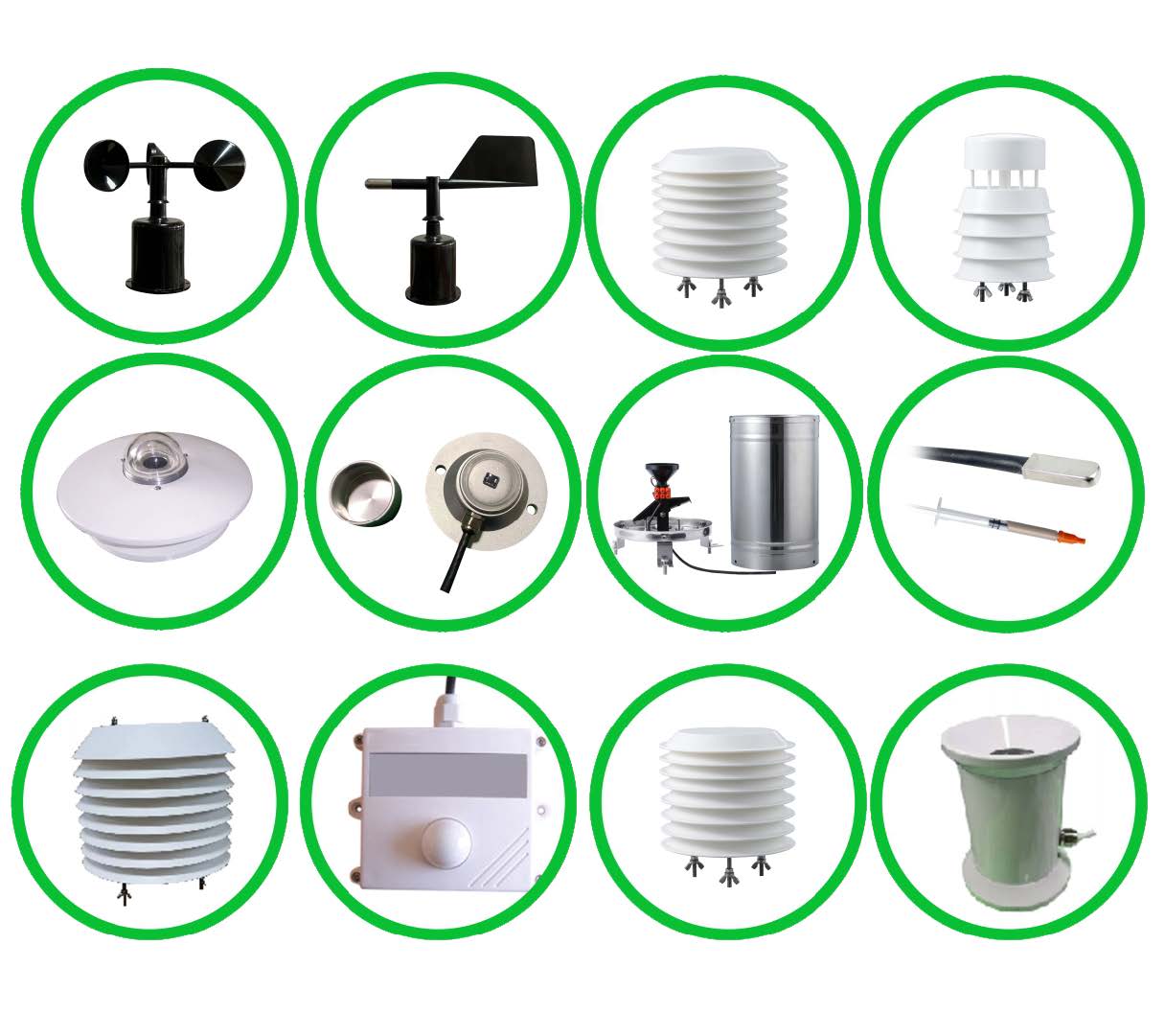
Review ordinary operating events already recorded by the site: a heating period, a greenhouse vent opening or an outdoor temperature change. These can help investigate whether a field follows the expected environment. Keep the event time and source observations. A single coincident change is not enough to prove the complete assignment.
If the two locations are physically similar at the time of testing, agreement is possible. Do not deliberately create a large temperature or humidity excursion just to make the curves separate. Use source identity and the commissioning arrangement to establish the mapping, then use later observations as supporting evidence.
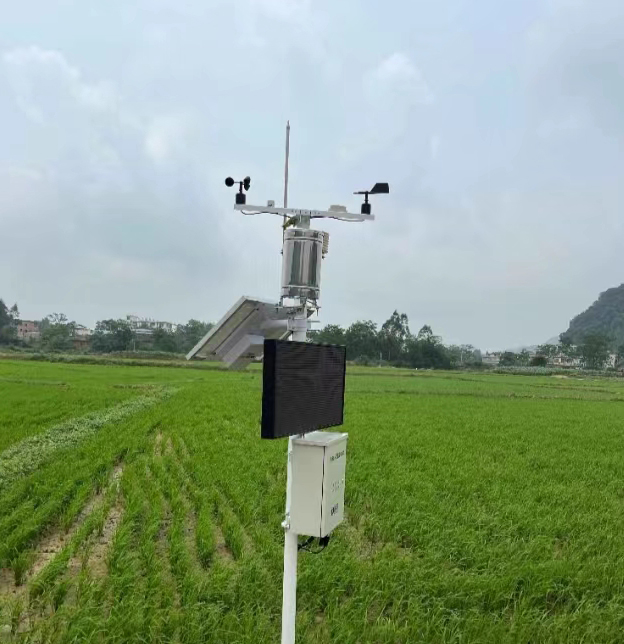
Check that each temperature/RH pair belongs to the same intended environment. A chart can look convincing if indoor temperature is paired with outdoor RH, especially during steady weather. Derived fields then inherit the wrong inputs even when the calculation itself is correct. Verify the input identities before enabling any calculated or advisory field.
Also distinguish observation time from upload time. An indoor value updated recently and an old outdoor value should not be presented as a simultaneous comparison. Define how unavailable or stale fields are identified. Data freshness does not prove correct location, but both are required before interpreting an indoor/outdoor difference.
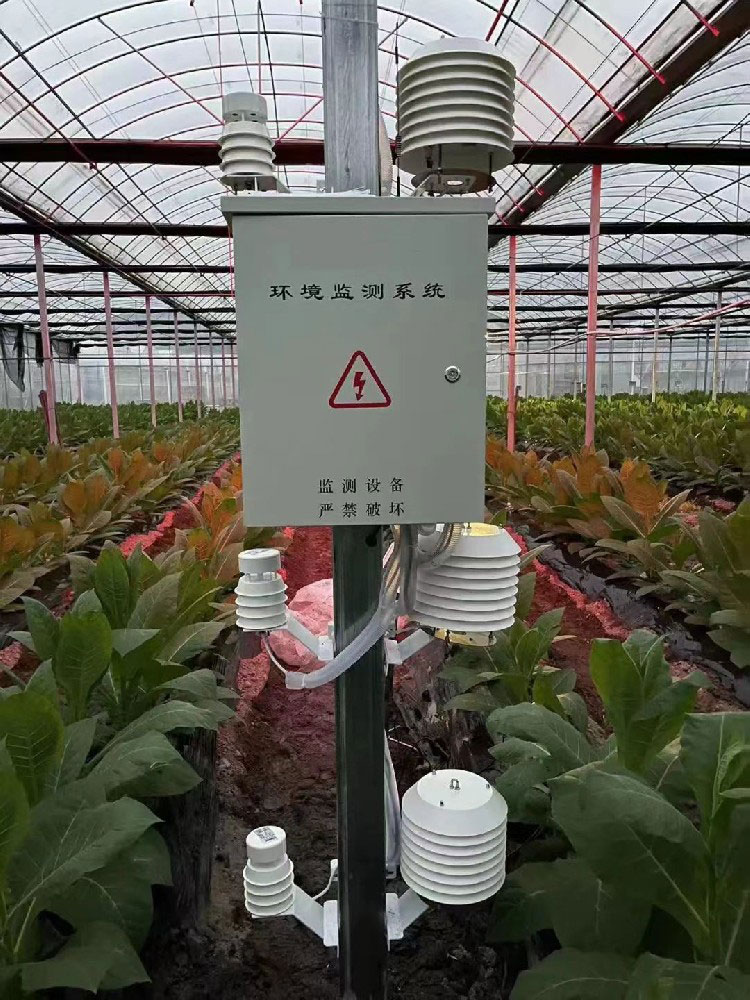
If a label or source assignment is corrected, record when the corrected configuration began to apply. Investigate the earlier data separately rather than silently presenting the whole historical trace as if the assignment had always been right. Where the earlier source cannot be established, retain that uncertainty rather than relabeling by guesswork.
Pass the final point list and the demonstrated mapping to the receiving-system team. With a compatible logger or gateway, shared acquisition can serve several environmental points; it still needs correct inputs and configuration. The number of displayed tiles is not the number of independently verified measurement locations.
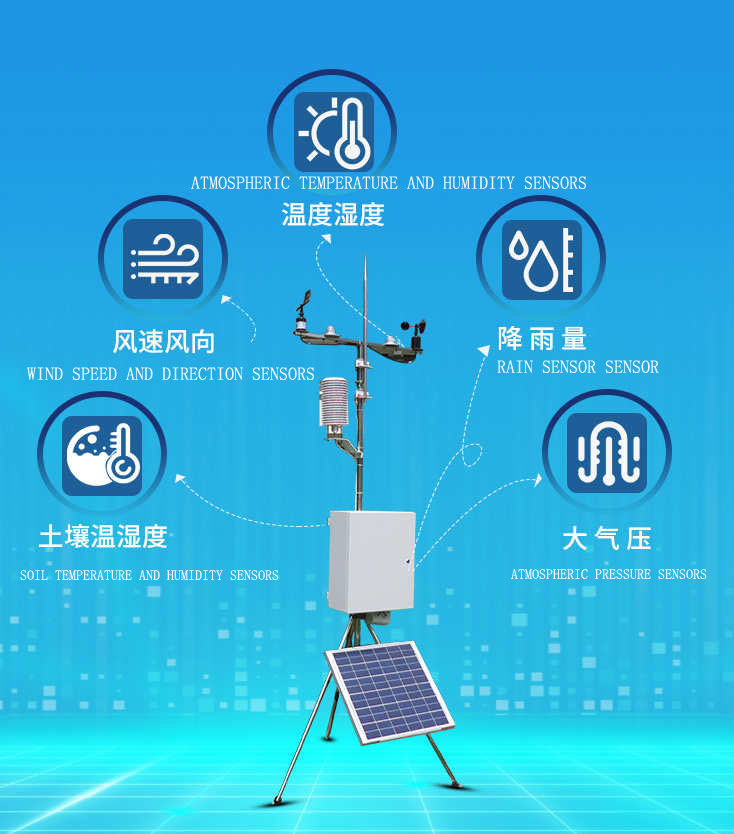
Both sensors may be operating correctly while the receiving configuration assigns their outputs to the wrong fields. Similar indoor and outdoor conditions can hide that fault. Verify physical device identity and the complete acquisition mapping rather than judging assignment from plausible temperatures alone.
No. It helps identify a device on the relevant bus, but the receiver must still associate that device with the correct installed location and quantities. Record the bus or port as well as the address; the same address can exist on separate segments without representing the same instrument.
Only if it actually measures the intended indoor air with suitable performance and exposure. A display can show remote data without sensing the room. Confirm the origin of its channel before using it to check an indoor sensor or compare it with outdoor observations.
Check identity, quantity mapping and time alignment first. A configuration swap is not a calibration fault. If the mapping is correct, review exposure and an appropriate reference comparison before adjusting measurement settings or replacing equipment.
Request an identified point list and a demonstration from each physical source to its final field. Include units, observation times and the treatment of stale or unavailable values. NiuBoL can discuss the sensing and acquisition configuration once the indoor zones, outdoor reference and receiving system are defined.
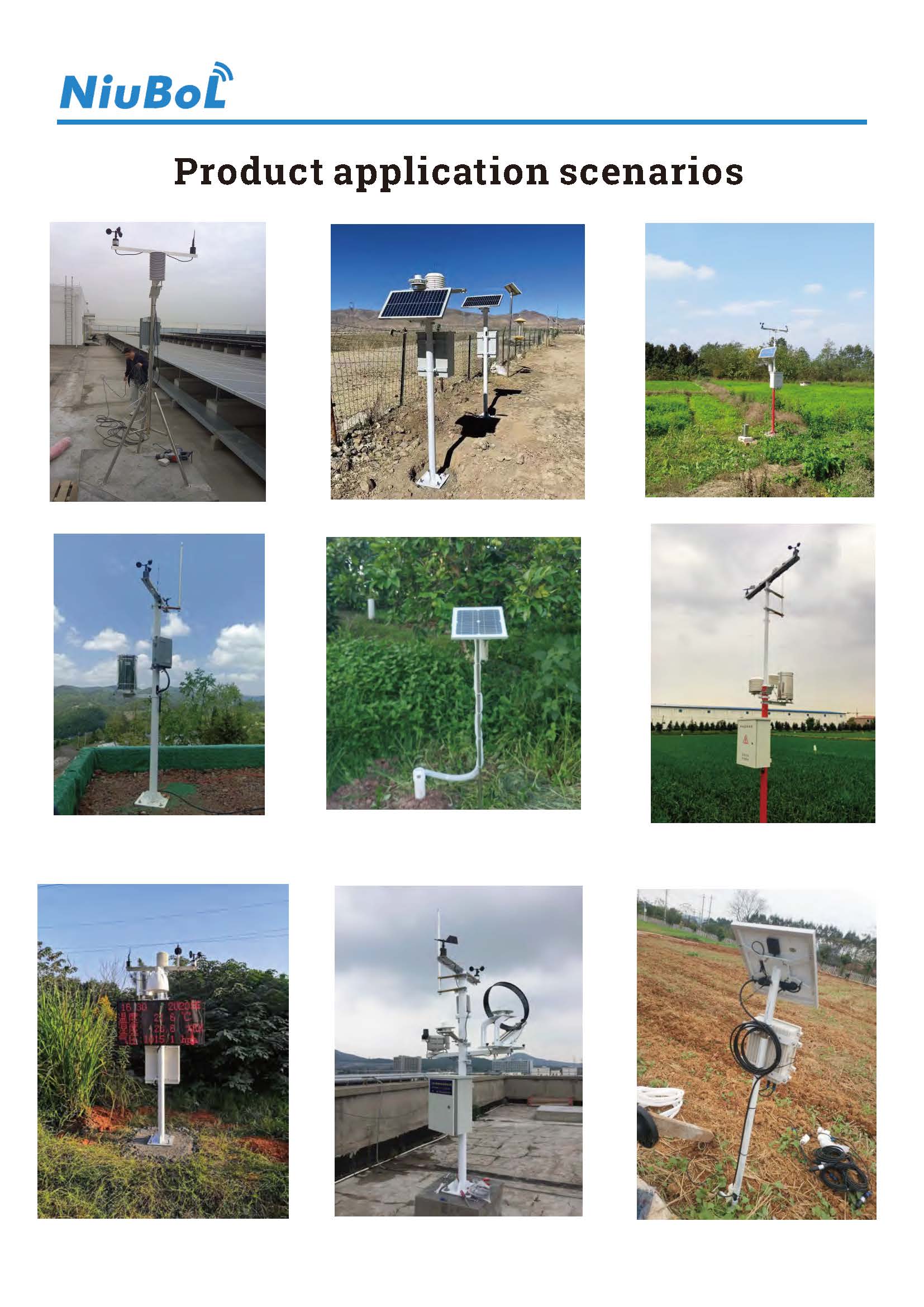
Commission an indoor outdoor weather station by proving source identity and channel mapping, not only a live dashboard. Preserve each location's temperature/RH pair, verify observation times, and record any correction to the assignments. Correct labels and quantities are necessary before the comparison can support an operational decision.
Prev:Automatic vs Handheld Weather Station: Compare Readings During Site Checks
Next:How Does an Ambient Barometer Work? Pressure Types and Sensor Selection
Related recommendations
Sensors & Weather Stations Catalog
 Agriculture Sensors and Weather Stations Catalog-NiuBoL.pdf
Weather Stations Catalog-NiuBoL.pdf
Agriculture Sensors Catalog-NiuBoL.pdf
Water Quality Sensor Catalog-NiuBoL.pdf
Related products
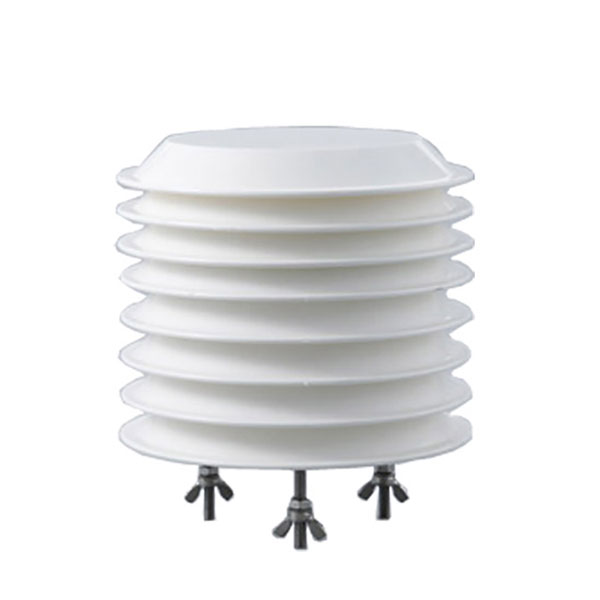 Combined air temperature and relative humidity sensor
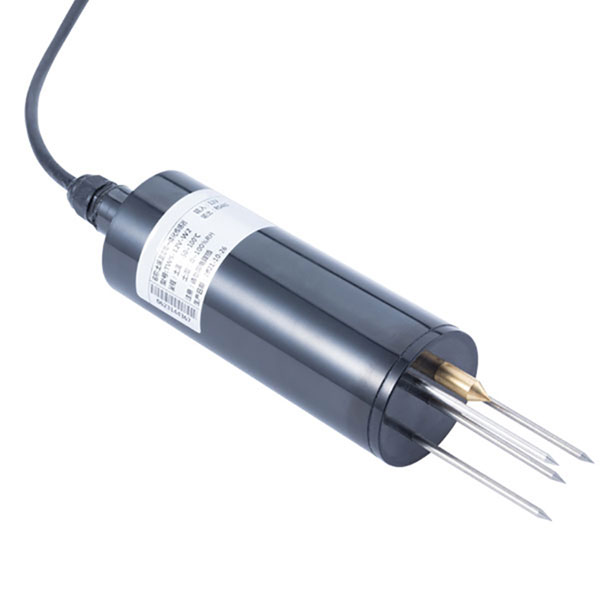 TDR Soil Moisture & Temperature Sensor for irrigation| RS485 |4-20mA| NBL-S-THR
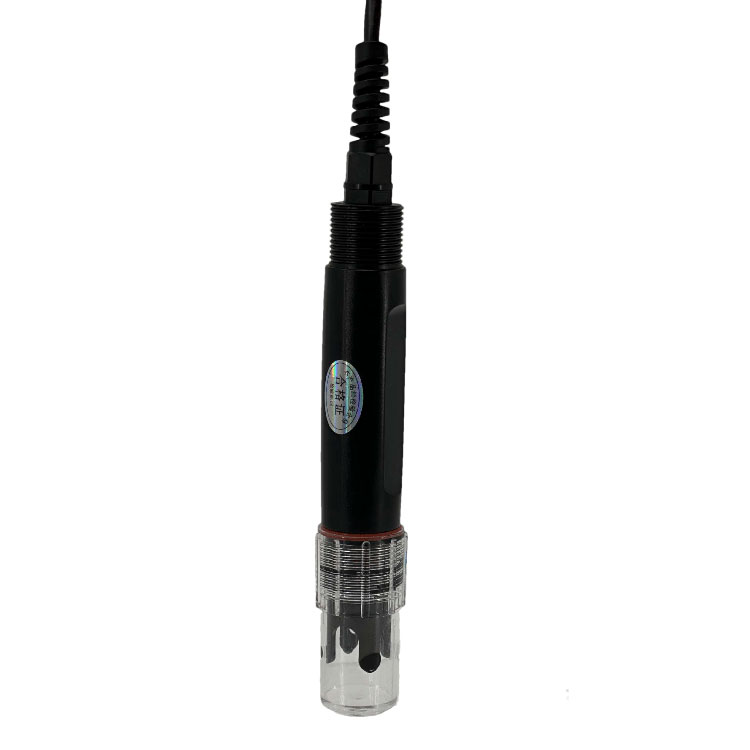 Soil pH sensor RS485 soil Testing instrument soil ph meter for agriculture |NBL-S-PH
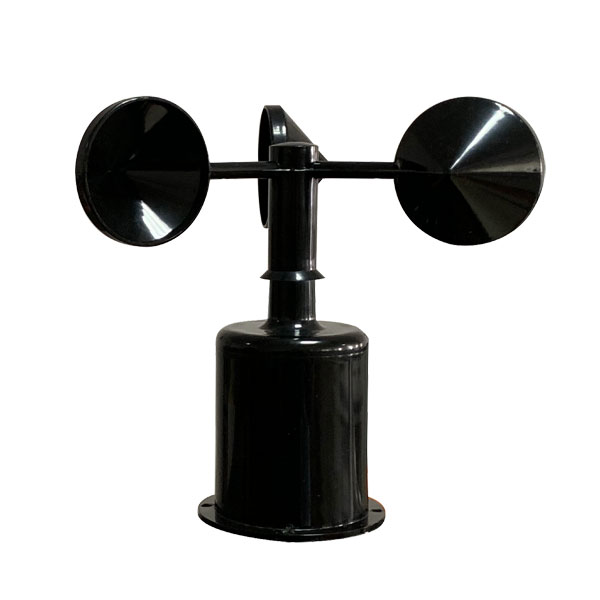 Wind Speed sensor Output Modbus/RS485/Analog/0-5V/4-20mA
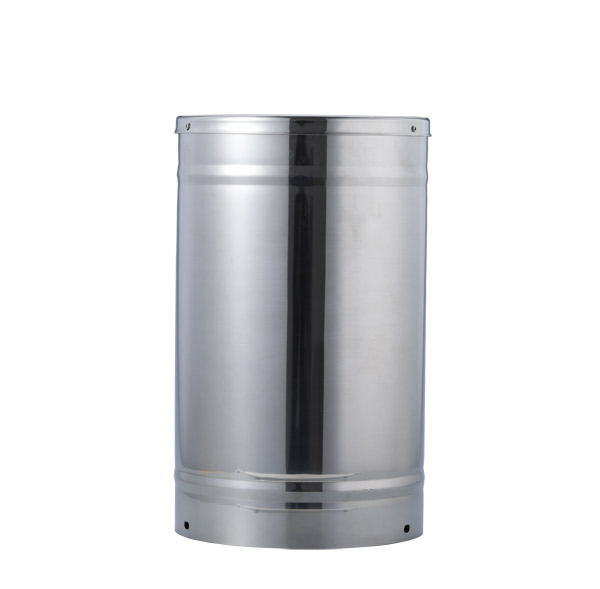 Tipping bucket rain gauge for weather monitoring auto rainfall sensor RS485/Outdoor/stainless steel
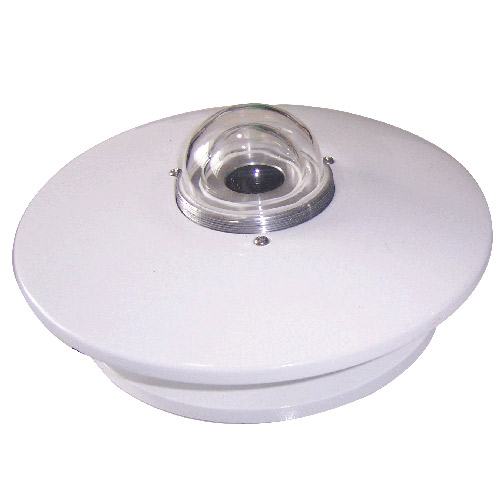 Pyranometer Solar Radiation Sensor 4-20mA/RS485

Screenshot, WhatsApp to identify the QR code
WhatsApp number:+8615367865107
(Click on WhatsApp to copy and add friends)