

— Blogs —
—Products—
 Consumer hotline +8618073152920
 WhatsApp:+8615367865107
Address:Room 102, District D, Houhu Industrial Park, Yuelu District, Changsha City, Hunan Province, China
Product knowledge
Time:2026-06-23 11:24:58 Popularity:214
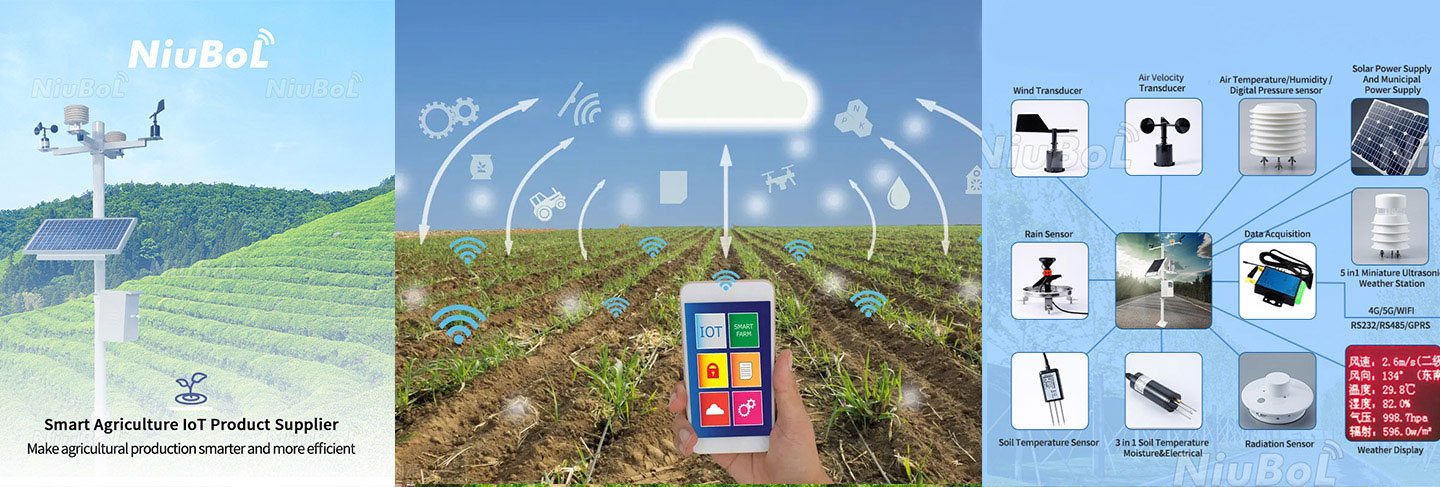
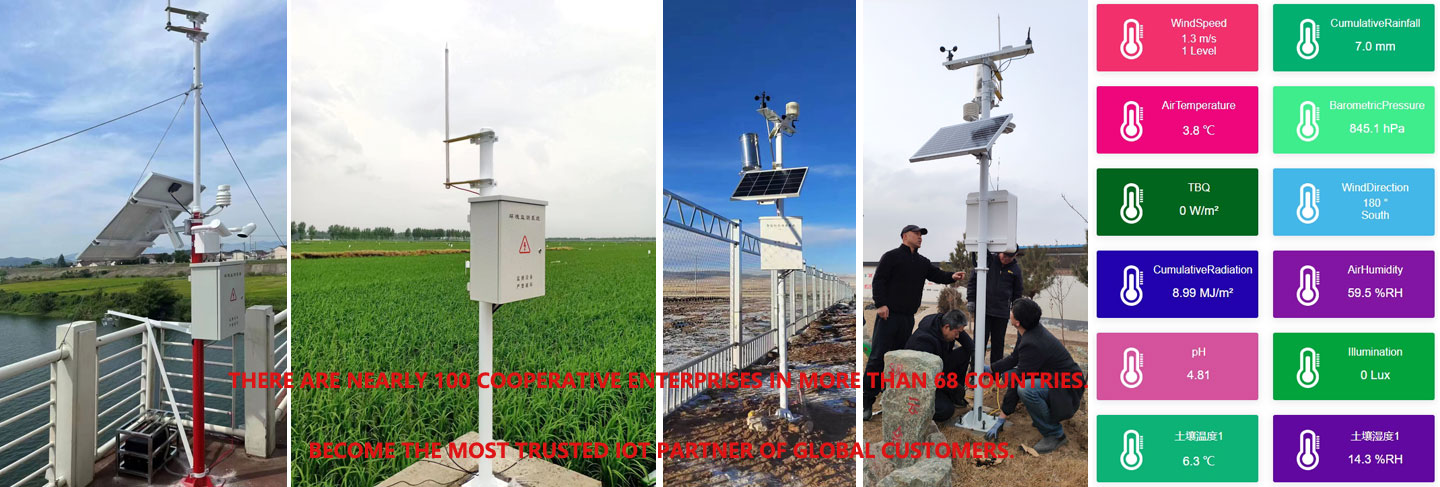
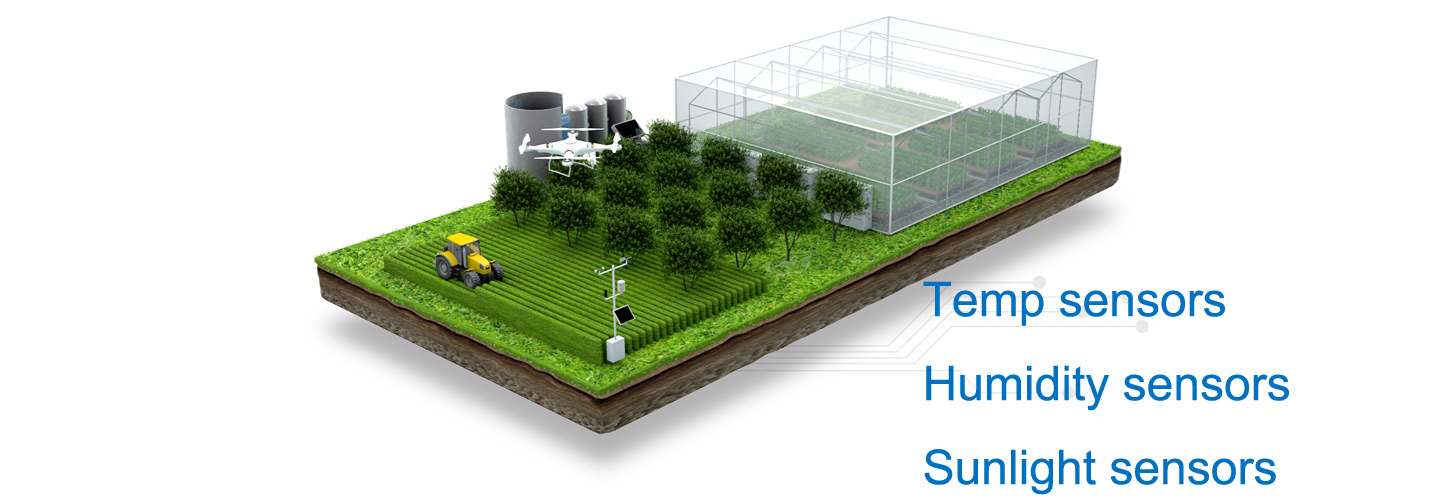
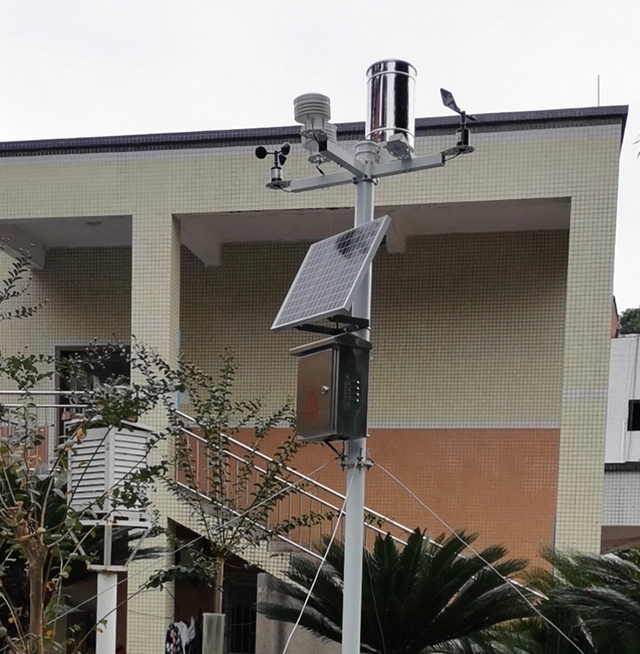
Meteorological education is increasingly moving from textbook explanation to on-site observation. A campus automatic weather station gives teachers and students a practical way to observe wind, temperature, humidity, rainfall, air pressure, light, particulate matter and noise. For schools, it is both an environmental monitoring device and a teaching facility.
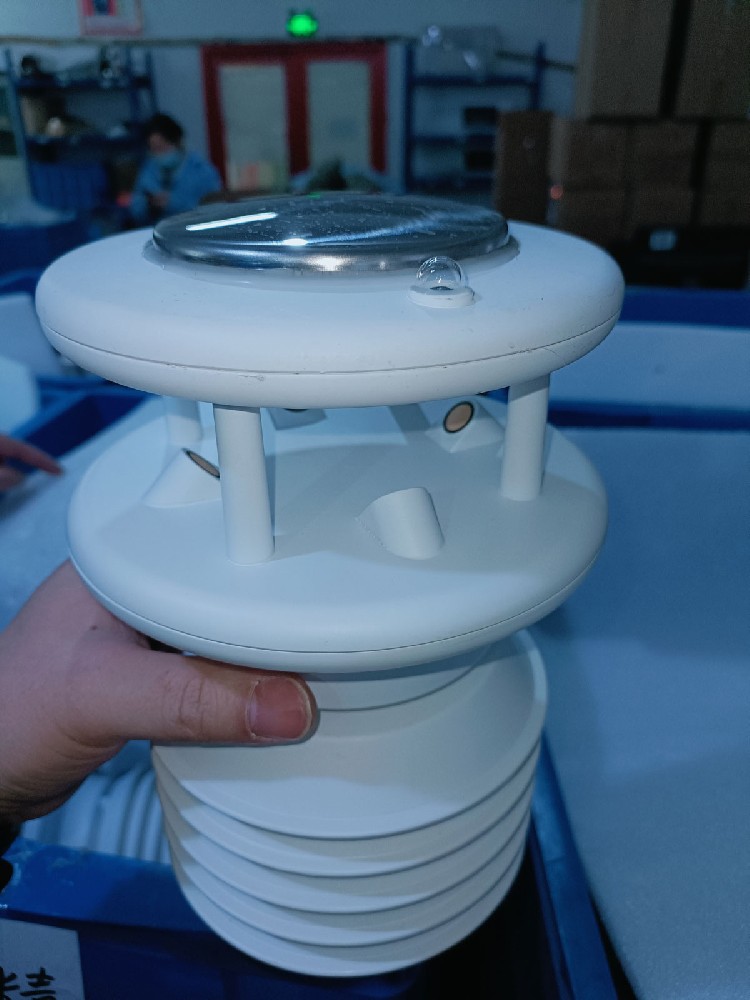
A campus weather station normally includes weather sensors, data collector and cloud platform. The sensors observe environmental elements around the school. The collector sends data to the platform for storage, display, statistics and teaching use. When the system is designed carefully, teachers can use real campus data in geography, science, environmental education and disaster prevention lessons.
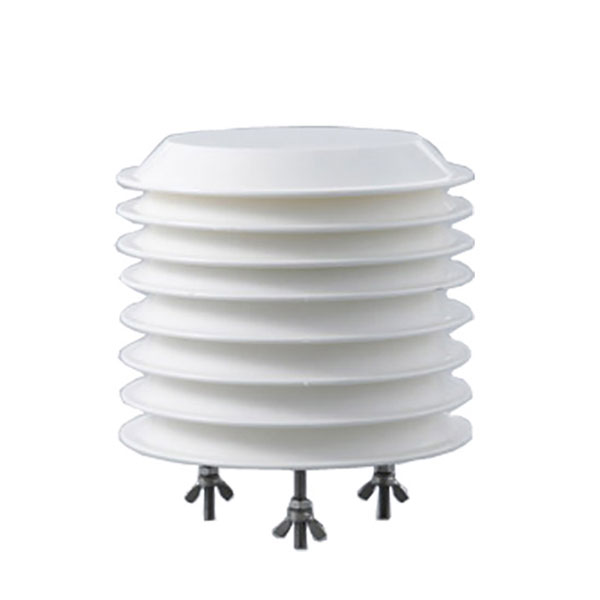
For education departments and schools, the main value is not only weather measurement. The station can encourage students to ask why temperature changes, how wind forms, why rainfall events differ and how air pollution affects outdoor activity. Student weather groups can record observations, compare platform curves and connect measured data with classroom knowledge.
The same station can also support school operation. When PM2.5 or PM10 is high, the school can reduce outdoor activity. When temperature drops, staff can issue reminders. Before severe weather, the school can notify parents and prepare campus management actions. This makes the station useful beyond display.
| Parameter | Reference Value | Procurement Note |
|---|---|---|
| Wind speed and direction | Measures campus wind condition | Useful for weather education and safety observation |
| Air temperature and humidity | Measures basic atmospheric conditions | Supports daily weather records and comfort review |
| Atmospheric pressure | Tracks pressure trend | Useful for weather-change teaching |
| Light or illumination | Records solar exposure and daylight condition | Supports environmental and plant observation activities |
| Optical rainfall | Measures rainfall without mechanical tipping bucket in compact projects | Useful for visible rainfall records |
| PM2.5 and PM10 | Monitors particulate pollution | Supports environmental education and outdoor activity decisions |
| Noise sensor | Measures campus sound environment | Useful for environmental management and student projects |
| Data collector | Collects sensor values and sends them to platform | Confirm display, export and user account functions |
| Communication | RS485 sensors to collector; platform upload by configured network | Confirm wiring route and classroom display needs |
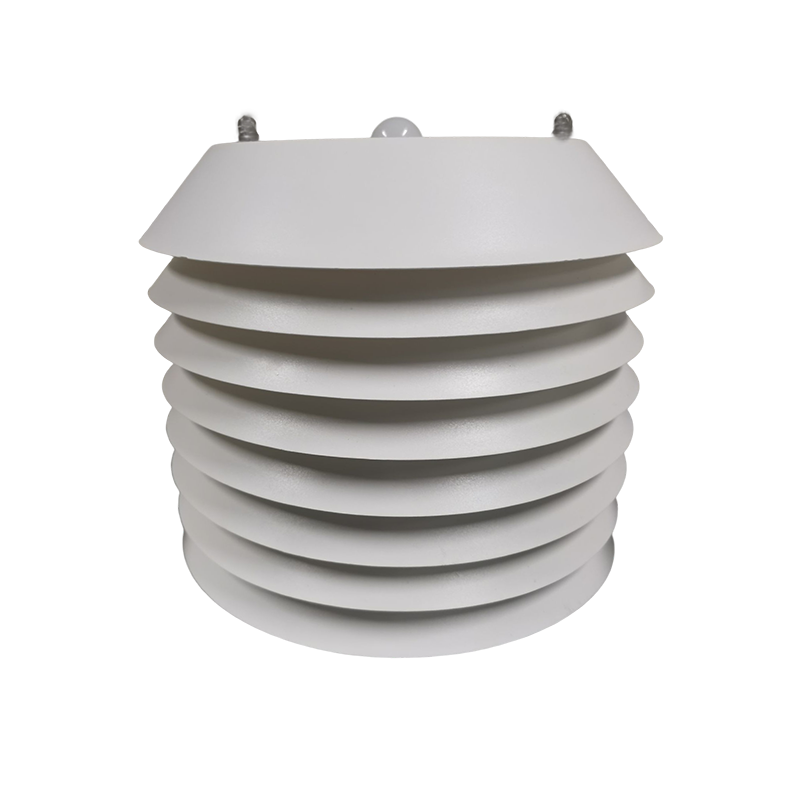
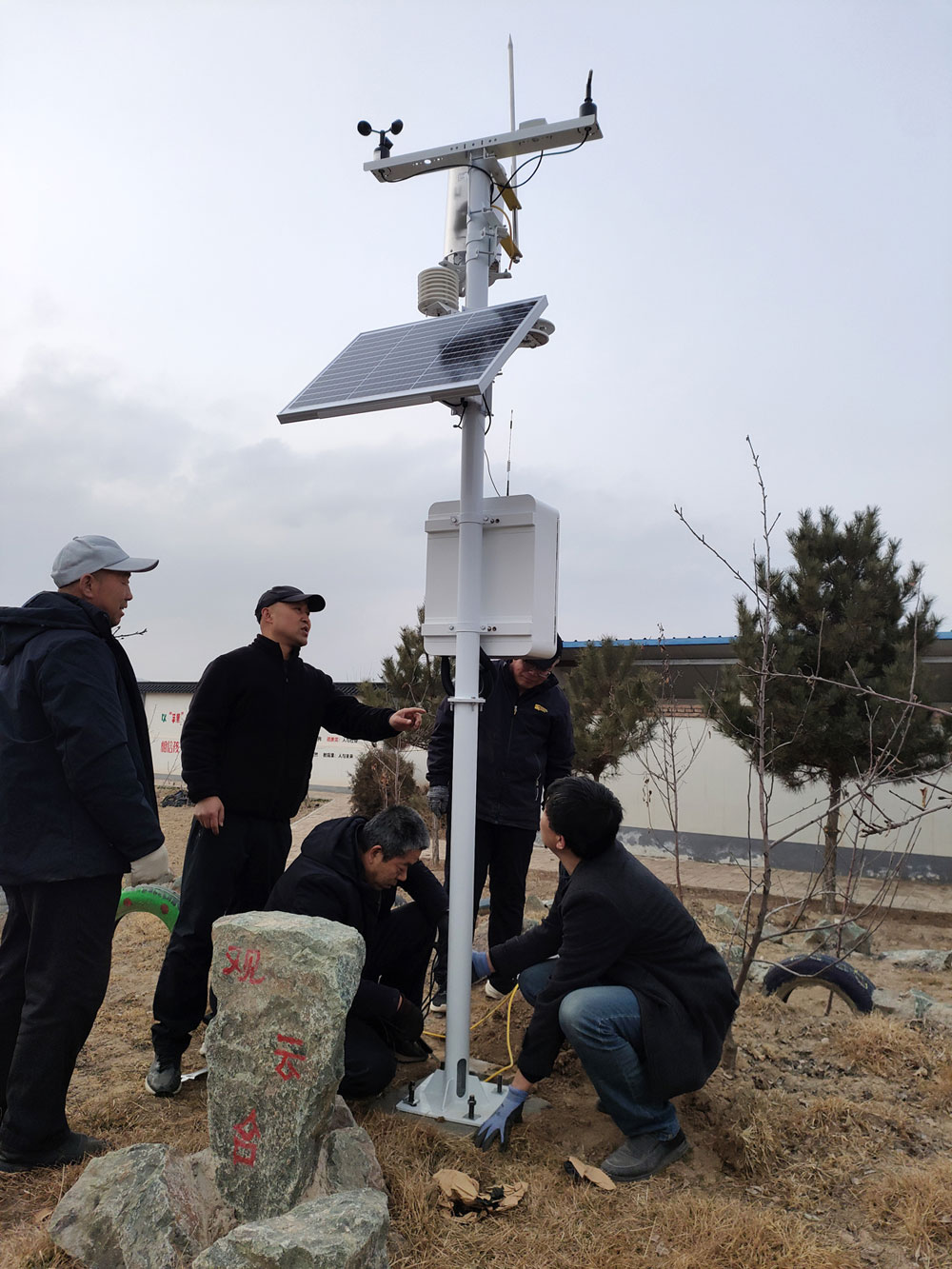
Campus weather stations should be installed in a location that is safe, visible and representative enough for observation. The pole, protective box, cable route and power supply must be arranged to avoid student safety risks. If the station is used for demonstration, the display interface should be accessible to teachers and students without exposing administrative settings.
Data naming should be simple and consistent. Teachers need clear parameter names, units and historical charts. If the school plans student projects, export functions are useful. For education bureaus managing several schools, a unified platform can compare multiple campus stations and support regional education activities.
Site challenge: Students need direct observation rather than abstract weather descriptions.
System integration scheme: Install a campus station with platform display and teacher access.
User value: Teachers can use local data in science, geography and environmental lessons.
Site challenge: Student groups need repeatable data collection tasks.
System integration scheme: Use scheduled observation, platform charts and exportable records.
User value: Students learn measurement, data comparison and basic analysis.
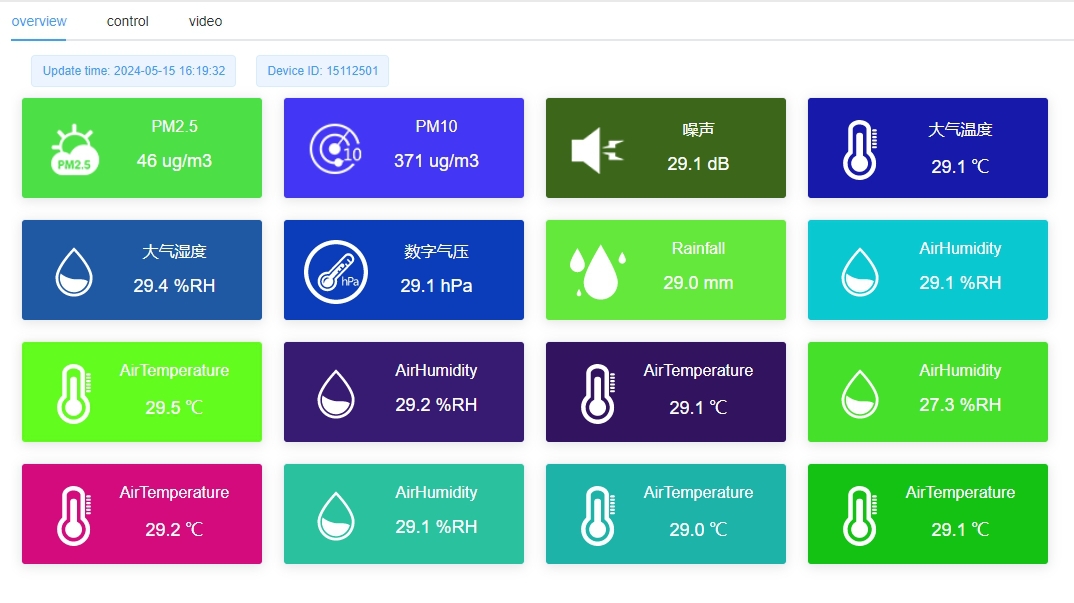
Site challenge: PM, noise, temperature and severe weather affect daily activity planning.
System integration scheme: Configure PM2.5, PM10, noise and weather sensors with practical thresholds.
User value: School managers can make outdoor activity decisions using measured data.
Site challenge: Students need to understand weather hazards and preparedness.
System integration scheme: Use station data during wind, rain, cold or heat events for safety education.
User value: The school improves awareness of disaster prevention and response.
Site challenge: Regional projects need consistent equipment and comparable data.
System integration scheme: Deploy standardized campus stations and a unified platform.
User value: Education teams can create practical meteorological learning bases.
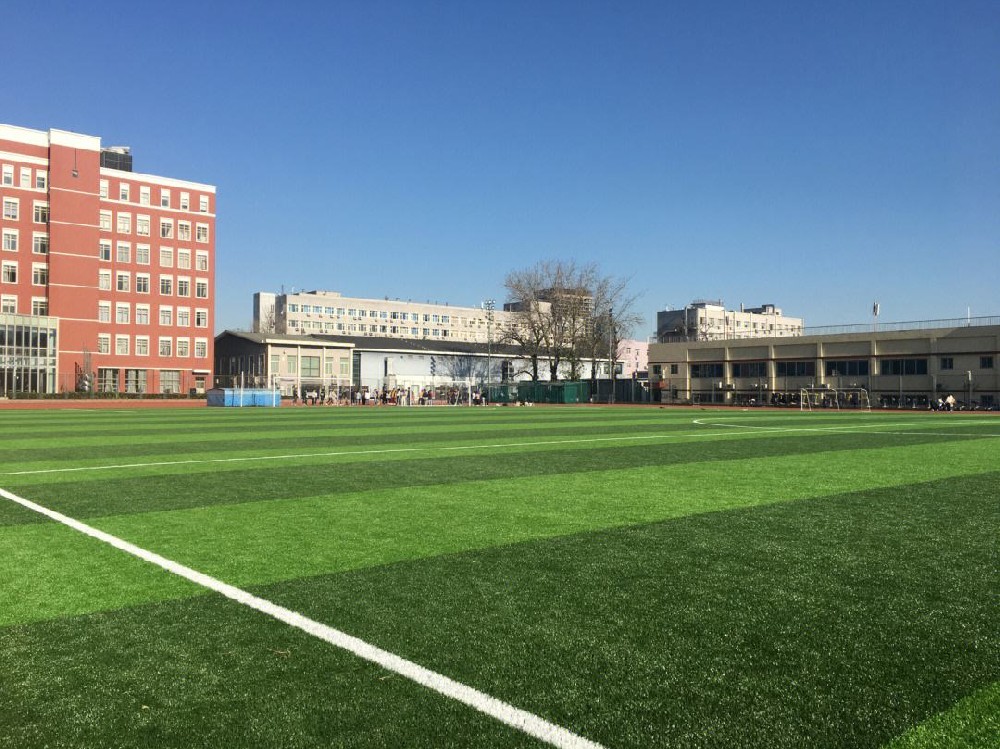
A campus automatic weather station should be planned as an education facility and an environmental monitoring node at the same time. The project owner should decide whether the primary user is a science teacher, geography teacher, campus safety office, education bureau or student weather club. This decision affects the sensor list, screen layout, data export function and user permission design.
For teaching use, the platform should make trend charts easy to read. Students need daily, weekly and seasonal comparisons, not only real-time numbers. For campus management, the station should support practical thresholds such as high PM2.5, high temperature, heavy rainfall, strong wind or excessive noise. A good system lets the school use the same equipment for both classroom learning and routine decisions.
The buyer should confirm how teachers will access the data before installation. Some schools need a web dashboard in classrooms, some need a screen in a science corridor, and some need data export for student projects. If several schools are involved, station names, parameter units and user permissions should be standardized so that students can compare data between campuses.
A useful handover package should include sensor descriptions written in language teachers can use, platform login instructions, data export steps, example class activities and maintenance notes. This makes the system usable after the contractor leaves.
Acceptance should verify more than sensor readings. The school should check whether students can view charts, whether teachers can export data, whether the installation is safe, whether cables and poles are protected, and whether the system can support weather-related safety reminders. This turns the station from a display device into a practical education resource.
A single-school project usually focuses on classroom use and student observation. The station should be easy to view, easy to explain and safe to maintain. A compact weather station with temperature, humidity, pressure, rainfall, wind and light can already support many teaching tasks. If the school also wants environmental education, PM2.5, PM10 and noise can be added.
A multi-campus project needs consistency more than complexity. Each school should use the same parameter names, units, station naming rules and data export format. This allows teachers to compare rainfall, temperature, wind or air quality across different schools and create regional observation activities.
Before procurement, the school should decide what students will actually do with the data. Typical outputs include daily observation forms, monthly climate charts, rainfall event reports, air quality comparisons and simple warning records. When these outputs are known, the supplier can configure the platform and export format more appropriately.
For a science corridor display, large visual charts may matter more than API access. For student research activities, CSV export and historical query are more important. For campus safety management, alarm rules and responsible staff accounts are more important. These details should be written into the project scope.
A common mistake is placing the station only where it is easiest to install, not where it can measure representative data. Another mistake is giving teachers only an administrator account without simple teaching guidance. A third mistake is ignoring future maintenance: rain sensors need inspection, solar panels need cleaning and platform passwords need to be managed when staff changes.
For a campus project, the most durable value comes from daily use. The school should assign an owner for platform accounts, data download, simple cleaning and classroom coordination. If no person is responsible after installation, even a well-configured station can become a static display.
The project document should also define whether the station is used for public display. If data appears on a school website or lobby screen, parameter names and units should be understandable to non-technical users. If the station is used mainly for teaching, the platform should keep enough historical data for assignments and student comparison.
A good supplier should provide a short training session for teachers or administrators. The training does not need to be complicated: how to log in, view curves, export data, read sensor names, check device status and report a problem. This small step often decides whether the station continues to be used after the first semester.
A: It provides measured weather and environmental data from the school site. Teachers can use the data for science and geography lessons, while school managers can use it for outdoor activity decisions and weather-safety reminders.
A: A practical first configuration usually includes air temperature, relative humidity, wind speed, wind direction, air pressure, rainfall and light. PM2.5, PM10 and noise sensors can be added when the project also supports campus environmental education.
A: The hardware may be similar, but the user requirements are different. A campus station needs safe installation, simple data display, historical charts for teaching, exportable records for student activities and user permissions that protect system settings.
A: It should be placed in a safe, maintainable and reasonably open location. Avoid roof edges without protection, dense trees, exhaust outlets, high walls and areas where students may touch cables or sensors without supervision.
A: Yes. A unified platform is useful for education bureaus because it allows station comparison, shared teaching activities and regional environmental observation. Station names, units and user permissions should be standardized before deployment.
A: Include sensors, data collector, communication method, power supply, pole or bracket, protective cabinet, platform account, display method, installation service, training materials and maintenance responsibility.
A: Teachers can compare daily temperature curves, rainfall events, wind direction changes, air quality records and seasonal trends. Students can also export data and use it for simple statistics, charts and project reports.
A: A buyer needs to know what to buy, where to install it, how teachers will use it, how safety is handled and how acceptance is performed. These answers reduce vague procurement and make the station easier to operate.
A: Check sensor values, platform display, historical data, export function, account access, pole safety, cable protection, installation photos and basic teacher training. Acceptance should include a short test lesson or data export test.
A: The school should arrange periodic cleaning, visual inspection, platform account review, rainfall sensor inspection and annual checks of cables, pole stability and power supply.
A campus automatic weather station connects science education with real environmental data. For schools and education projects, the most important decisions are sensor configuration, installation safety, platform usability and teaching data access. When these are defined clearly, the station can support classroom learning, student projects, environmental awareness and campus safety management.
Related recommendations
Sensors & Weather Stations Catalog
 Agriculture Sensors and Weather Stations Catalog-NiuBoL.pdf
Weather Stations Catalog-NiuBoL.pdf
Agriculture Sensors Catalog-NiuBoL.pdf
Water Quality Sensor Catalog-NiuBoL.pdf
Related products
Combined air temperature and relative humidity sensor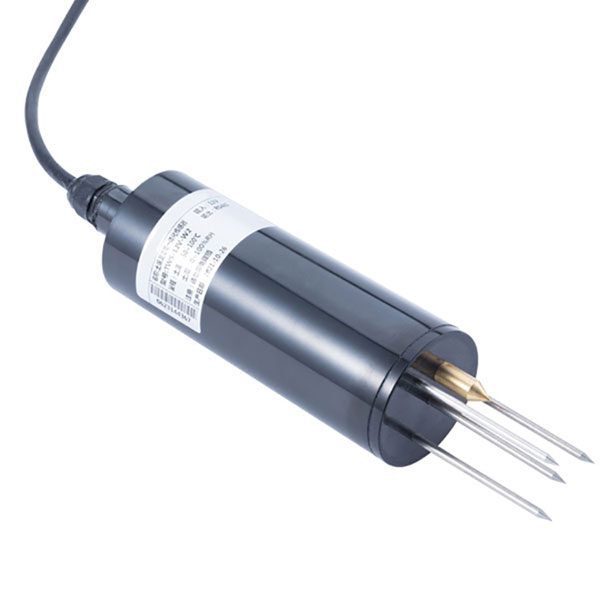 TDR Soil Moisture & Temperature Sensor for irrigation| RS485 |4-20mA| NBL-S-THR
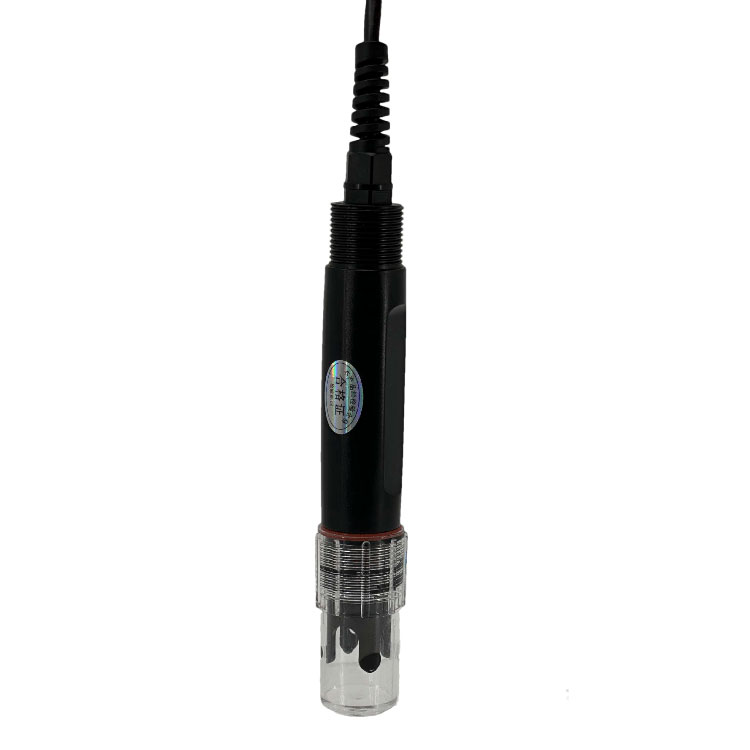 Soil pH sensor RS485 soil Testing instrument soil ph meter for agriculture |NBL-S-PH
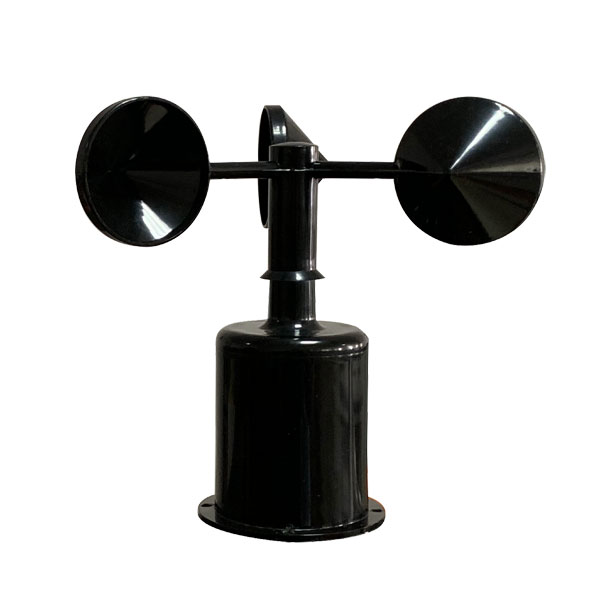 Wind Speed sensor Output Modbus/RS485/Analog/0-5V/4-20mA
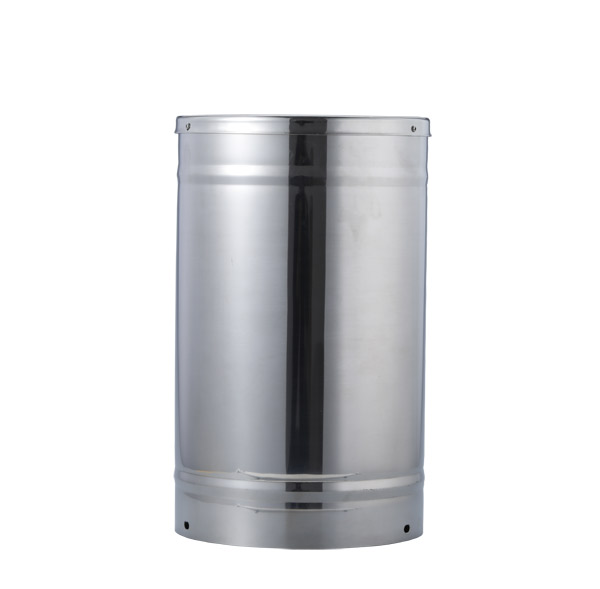 Tipping bucket rain gauge for weather monitoring auto rainfall sensor RS485/Outdoor/stainless steel
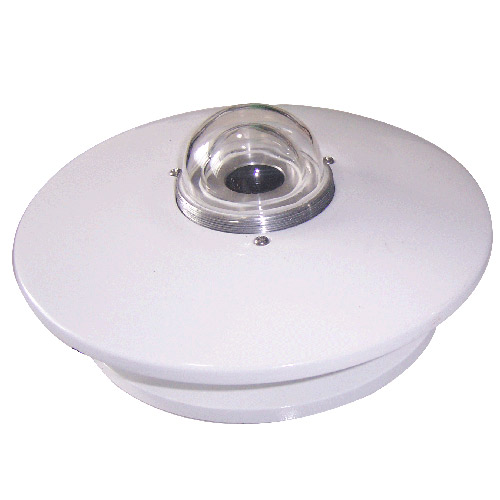 Pyranometer Solar Radiation Sensor 4-20mA/RS485
Screenshot, WhatsApp to identify the QR code
WhatsApp number:+8615367865107
(Click on WhatsApp to copy and add friends)