

— Blogs —
—Products—
 Consumer hotline +8618073152920
 WhatsApp:+8615367865107
Address:Room 102, District D, Houhu Industrial Park, Yuelu District, Changsha City, Hunan Province, China
Product knowledge
Time:2026-07-10 16:52:31 Popularity:242
Dust Monitoring System Installation projects should be planned around data use, not only around sensor purchase. The buyer needs PM2.5, PM10, TSP, noise, temperature, humidity, wind speed and wind direction data only when those values support accurate site data and alarm reliability. A useful system turns site dust into records, alarms and corrective action.
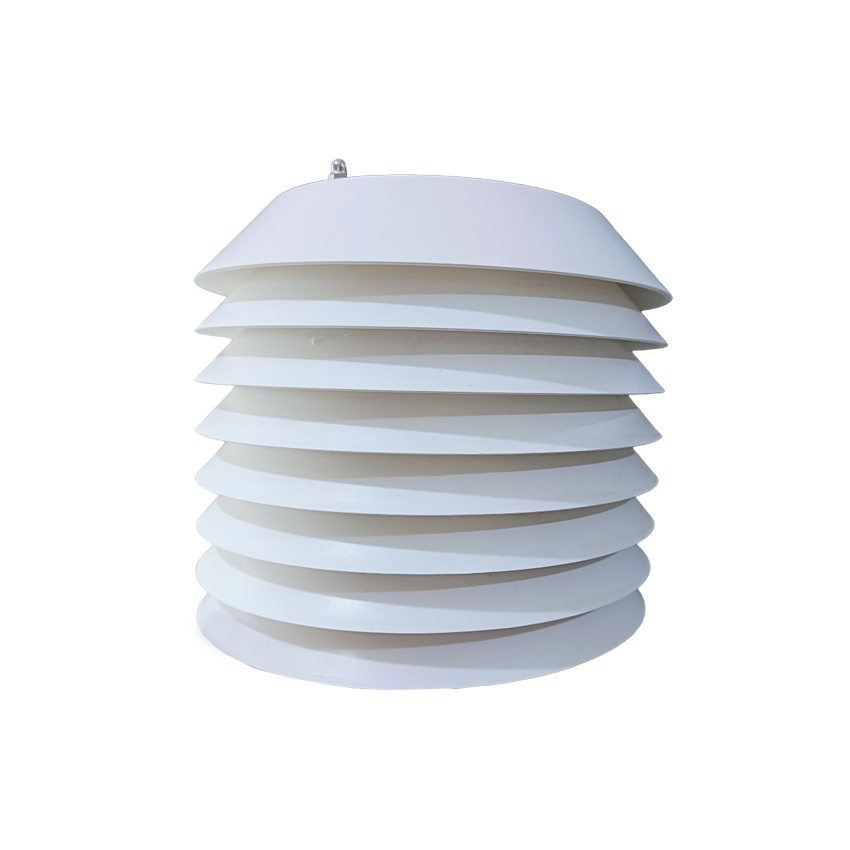
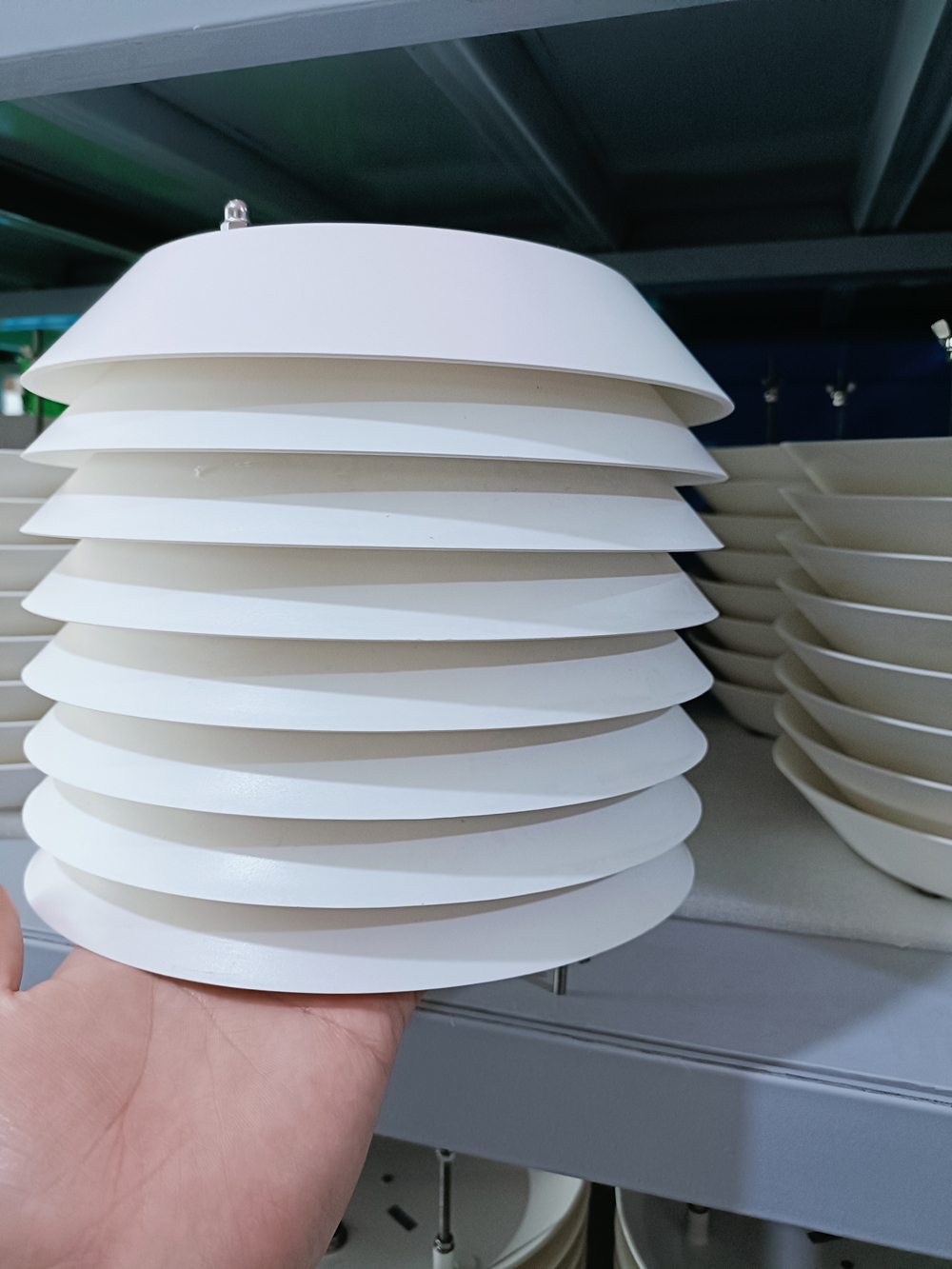
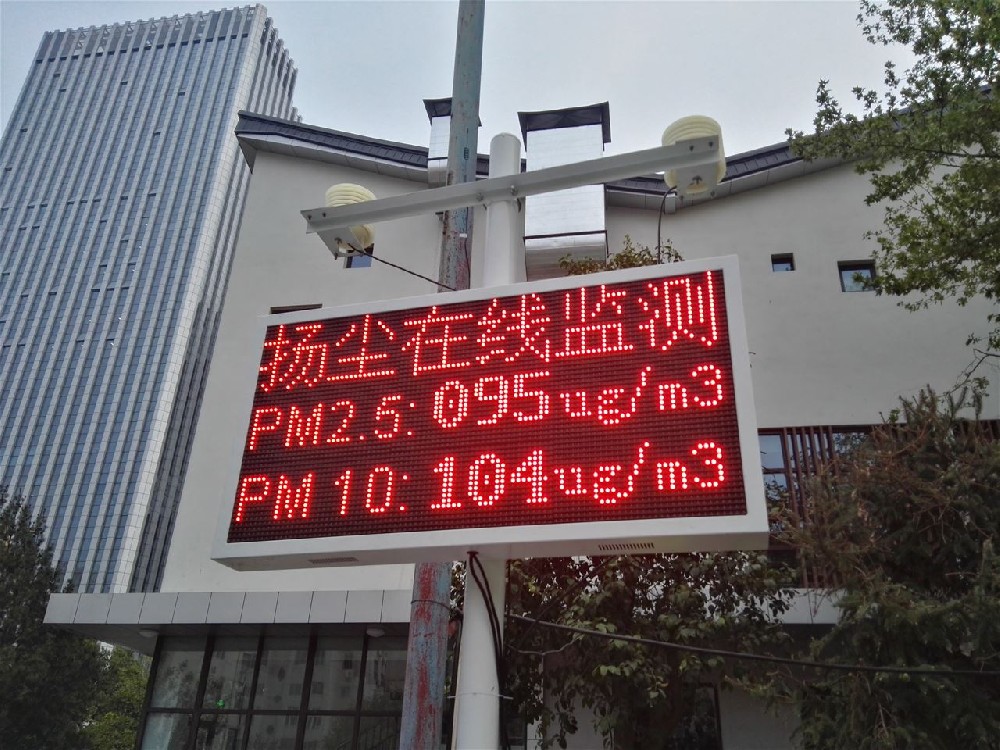
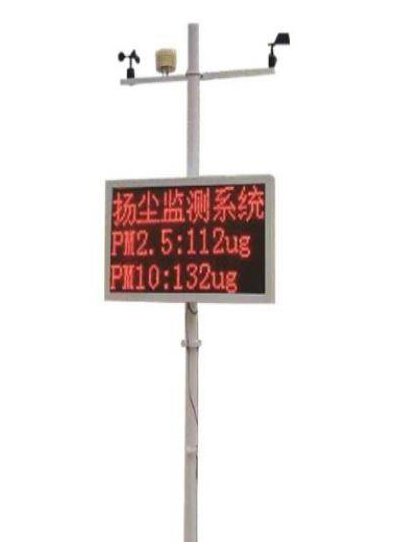
A NiuBoL dust monitoring system can include data collector, sensors, video monitoring, wireless transmission, backend data processing and a management platform. It can support real-time data display, historical query, alarm, statistics, reports, camera evidence and linkage with dust control devices such as fog cannon systems.
A dust monitoring article has practical value when it distinguishes procurement intent. A buyer may need system price, installation requirements, PM sensor parameters, platform alarms, port dust control or construction-site compliance. The article should answer one clear intent instead of repeating the same product description.
| Layer | Typical Content | Project Value |
|---|---|---|
| Sensing layer | PM2.5, PM10, TSP, noise, temperature, humidity, wind speed and direction | Provides quantitative site evidence |
| Data acquisition | Collector and communication module | Converts sensor readings into uploadable records |
| Display layer | Outdoor LED display, optional single or dual color | Shows public or site-level data |
| Platform | Real-time data, history, alarms, reports | Supports management and compliance review |
| Linkage | Fog cannon, tower crane spray or video capture | Turns monitoring into corrective action |
| Element | Range | Resolution | Accuracy |
|---|---|---|---|
| PM2.5 | 0-1000 ug/m3 | 0.1 ug/m3 | ±20% |
| PM10 | 0-2000 ug/m3 | 0.1 ug/m3 | ±20% |
| Noise | 30-130 dB | 0.1 dB | ±5 dB |
| Air temperature | -50 to +100 C | 0.1 C | ±0.5 C |
| Relative humidity | 0-100% RH | 0.1% RH | ±3% RH |
| Wind speed | 0-45 m/s | 0.1 m/s | ±(0.3±0.03V) m/s |
| Wind direction | 0-360 degrees | 1 degree | ±3 degrees |
| Scenario | Field Challenge | Recommended Configuration |
|---|---|---|
| Construction site | Dust varies with earthwork, transport and wind | PM, noise, wind, LED display, 4G platform, camera |
| Sand and gravel yard | Unorganized dust from loading and storage | PM10/TSP, wind data, threshold alarm and spray linkage |
| Coal yard or mine | High particle load and heavy-duty environment | Outdoor enclosure, platform records and maintenance plan |
| Urban road project | Dust and noise close to residential areas | PM, noise, video evidence and public display |
| Port bulk cargo | Wind-driven dust during loading and unloading | PM, wind direction, video and control linkage |
Choose a system when dust data must be recorded, reported or linked to control. Choose a simpler particulate sensor only when the buyer has an existing cabinet, collector and platform. For official or compliance-related projects, ask whether sensors have third-party test reports and whether the platform can export normal and over-limit data separately.
Before acceptance, the project team should confirm that the station is vertical, the display is firmly fixed, the air inlet is unobstructed, the wind sensor is not shielded, the camera view is useful, the 4G signal is stable and the platform receives real-time data. Alarm thresholds should be tested with simulated over-limit values before the contractor leaves the site.
A dust monitoring station does not prove the source of every particle by itself. It provides time, concentration, wind and often video context. Managers should compare PM peaks with site activities, wind direction and camera images. This is why an installation guide must discuss data use, not only screws and poles.
A monitoring point should represent the air that the project needs to manage. For a construction site, that may be the site boundary facing nearby residents. For a material yard, it may be the downwind side of the stockpile. For a road project, it may be near the active work zone but away from direct physical damage. The station should not be hidden behind walls, trees, containers or temporary sheds.
The buyer should decide whether the goal is internal management, public display, complaint response or official acceptance. Each goal changes the suitable installation location. Public display needs visibility and safety. Complaint response needs boundary representativeness. Internal management needs a location close enough to reflect site operations.
| Step | Action | Result to Confirm |
|---|---|---|
| 1 | Check station verticality and foundation | No shaking or tilt |
| 2 | Power on sensors, display and communication module | Stable startup and no repeated restart |
| 3 | Confirm PM, noise and weather readings | Values appear on local display and platform |
| 4 | Test alarm thresholds | Platform, SMS or email alert is received |
| 5 | Check camera and linkage if included | Image direction and relay action are correct |
A dust monitoring system works in dirty conditions, so maintenance must be written into the project. The air inlet and enclosure should be inspected regularly. The LED display should be checked for visibility and heat dissipation. The SIM card or network connection should be monitored. If the system uses filter protection against insects or debris, filter condition should be checked according to site dust load.
A practical supplier document should include installation drawings, wiring labels, platform login details, alarm setup, basic troubleshooting and spare-part list. Without these, the installer may complete the physical installation but leave the buyer with a system that is hard to operate.
Rework usually comes from missing site preparation. Before delivery, confirm the foundation location, power supply, SIM card or network access, display direction, pole height, camera view and fog cannon interface. If the station arrives before these are ready, the installer may place it in a convenient but poor location. That creates weak data and later relocation cost.
A good installation plan includes photos of the proposed point, a simple site map, cable route, grounding point and maintenance access. The map does not need to be complex, but it should make the monitoring purpose visible. If the purpose is boundary control, the point should be at the boundary. If the purpose is operation management, the point should reflect the active dust source.
The site team should know how to read PM trends, where to see alarms, how to export records, how to clean the inlet and who to contact when data stops uploading. Without this training, the monitoring system becomes a display device instead of a management tool.
Send the supplier site photos, proposed installation point, power distance, network condition, display direction, monitoring purpose and whether camera or spray linkage is required. For construction sites, also state whether the monitoring point will move as the project advances. This helps the supplier prepare pole, cabinet, cable, SIM card, platform account and installation accessories before shipment.
A: Install the station where it represents the area being managed: site boundary for complaint response, downwind side for material yards, or active work area for internal management. Avoid walls, trees, containers, exhaust outlets and locations where workers may damage the station.
A: Check foundation, pole height, power supply, 4G or network signal, LED display direction, camera view, grounding and maintenance access. If fog cannon or spray linkage is required, confirm control wiring and safety logic before the equipment reaches the site.
A: PM sensors need representative airflow. If the inlet is blocked or shielded, the readings may look stable but fail to reflect site dust. Good exposure allows PM, wind and video data to describe the same site condition more reliably.
A: Alarm thresholds should follow local project requirements, site management rules or acceptance limits. During commissioning, test a temporary threshold to confirm that the platform, SMS, email or control output actually responds before the contractor leaves the site.
A: Confirm sensor readings, LED display content, platform upload, history storage, camera view, alarm rule, linkage output and user account access. Also record installation photos and station location so future maintenance teams understand the original setup.
A: Maintenance depends on dust load and weather. The inlet, enclosure, display, communication module and power supply should be inspected regularly. Sites with heavy dust, insects or strong rain need shorter inspection intervals than cleaner urban locations.
A: It can be moved, but the new point should be documented and recommissioned. Construction projects change over time, and a station that was representative during earthwork may not be suitable when the active dust source moves.
A: Installers should receive site photos, proposed monitoring point, power distance, network condition, display direction, camera requirement, linkage requirement and mounting method. This reduces rework and prevents the station from being installed in a convenient but poor location.
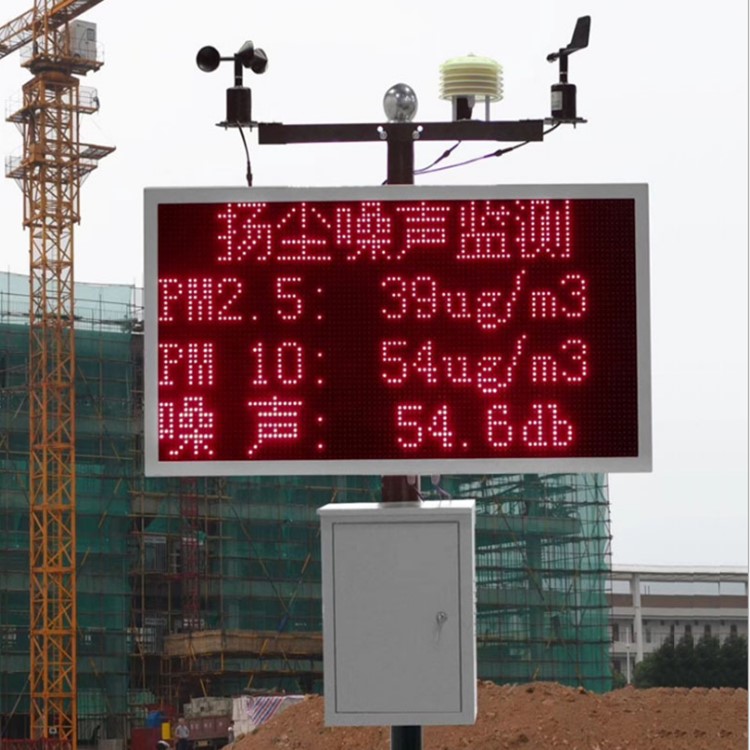
Dust Monitoring System Installation should be purchased as a management tool. The value is not only measuring particles; it is the ability to record, alarm, verify and support timely dust control action.
If you are not sure which configuration fits your dust monitoring system installation project, send the site type, required parameters, communication method, power condition, installation country and expected quantity. NiuBoL can help match a practical configuration instead of only quoting a sensor list.
Prev:Online Dust Monitoring System Procurement Guide for Construction and Industrial Sites
Next:Integrated Online Dust Monitor Selection Guide for PM, Noise, Weather and Video Linkage
Related recommendations
Sensors & Weather Stations Catalog
 Agriculture Sensors and Weather Stations Catalog-NiuBoL.pdf
Weather Stations Catalog-NiuBoL.pdf
Agriculture Sensors Catalog-NiuBoL.pdf
Water Quality Sensor Catalog-NiuBoL.pdf
Related products
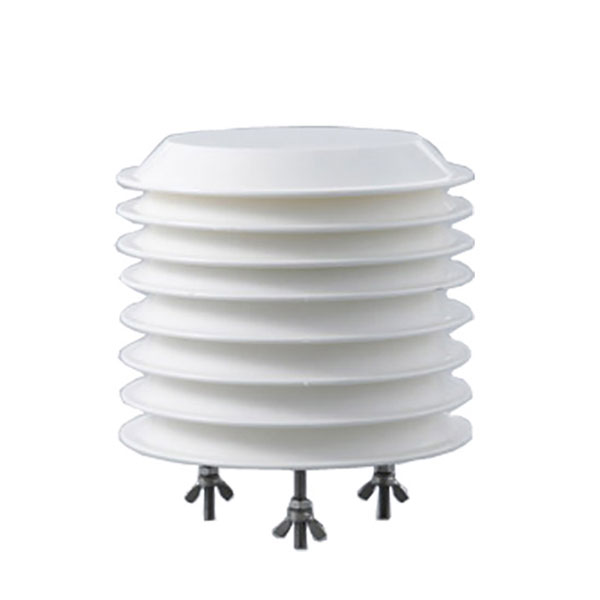 Combined air temperature and relative humidity sensor
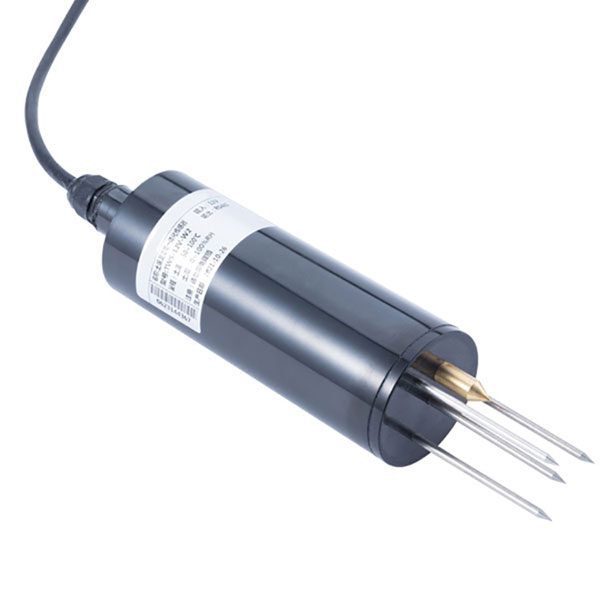 TDR Soil Moisture & Temperature Sensor for irrigation| RS485 |4-20mA| NBL-S-THR
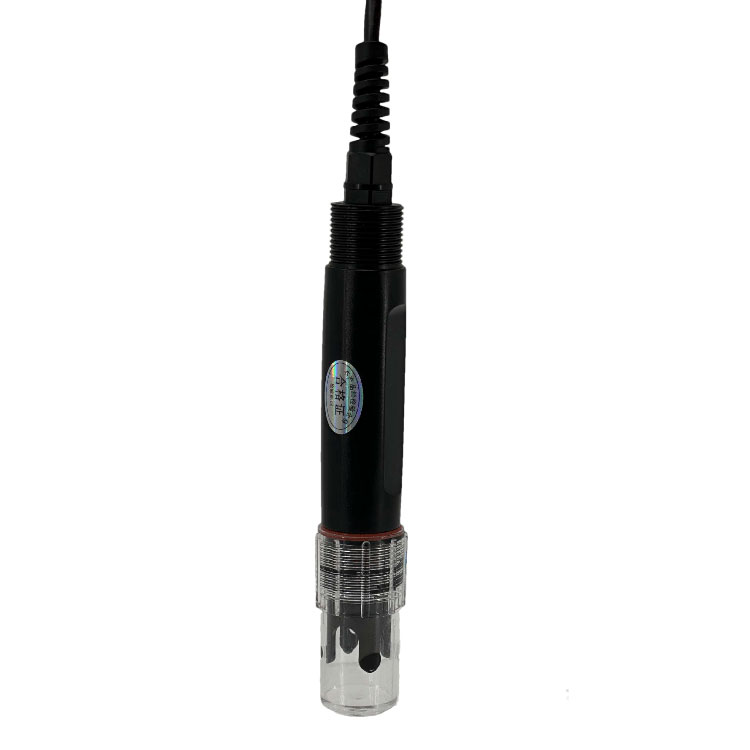 Soil pH sensor RS485 soil Testing instrument soil ph meter for agriculture |NBL-S-PH
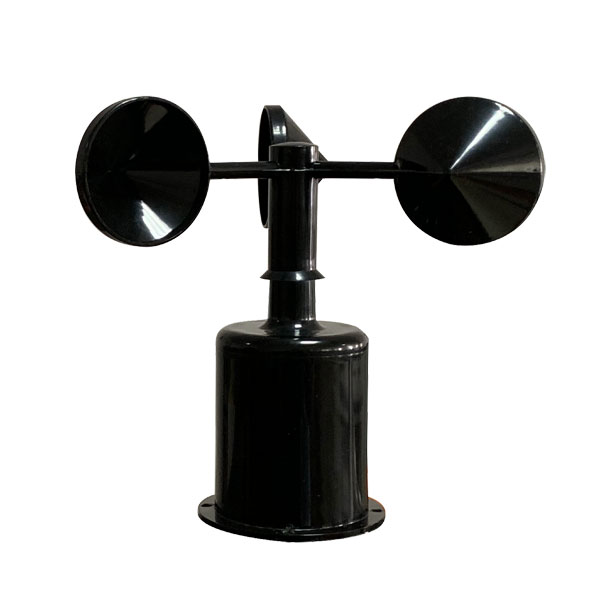 Wind Speed sensor Output Modbus/RS485/Analog/0-5V/4-20mA
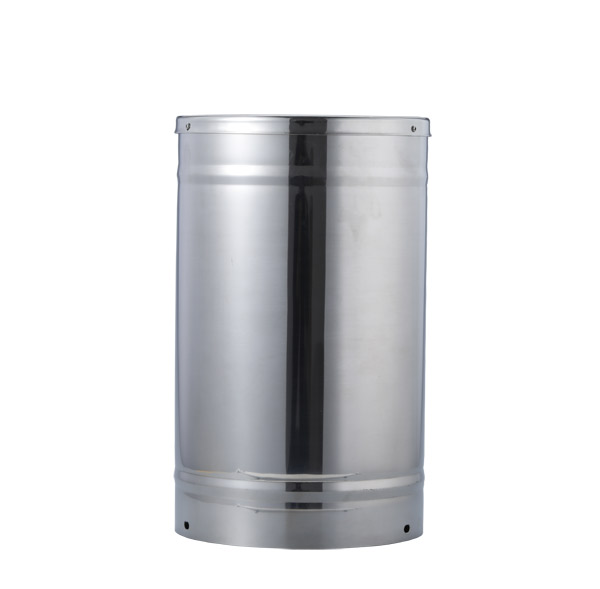 Tipping bucket rain gauge for weather monitoring auto rainfall sensor RS485/Outdoor/stainless steel
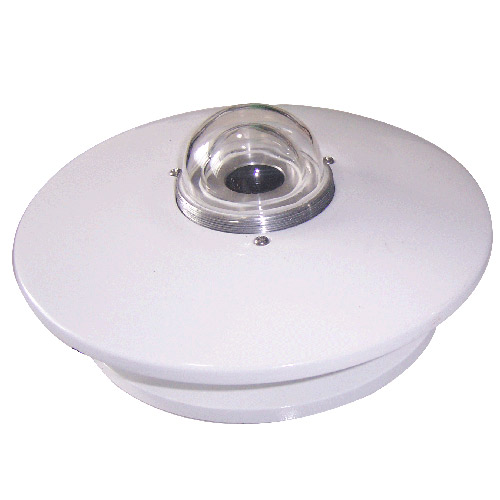 Pyranometer Solar Radiation Sensor 4-20mA/RS485

Screenshot, WhatsApp to identify the QR code
WhatsApp number:+8615367865107
(Click on WhatsApp to copy and add friends)