

— Blogs —
—Products—
 Consumer hotline +8618073152920
WhatsApp:+8615367865107
Address:Room 102, District D, Houhu Industrial Park, Yuelu District, Changsha City, Hunan Province, China
Product knowledge
Time:2026-08-16 09:07:00 Popularity:333
Quick Answer: An IoT pest monitoring dashboard should connect each trap image and reviewed count to a field location, collection period and follow-up task. A missing upload is not a zero catch, and a trap count is not a field population census. Build the dashboard around those distinctions before using it to prioritize scouting.
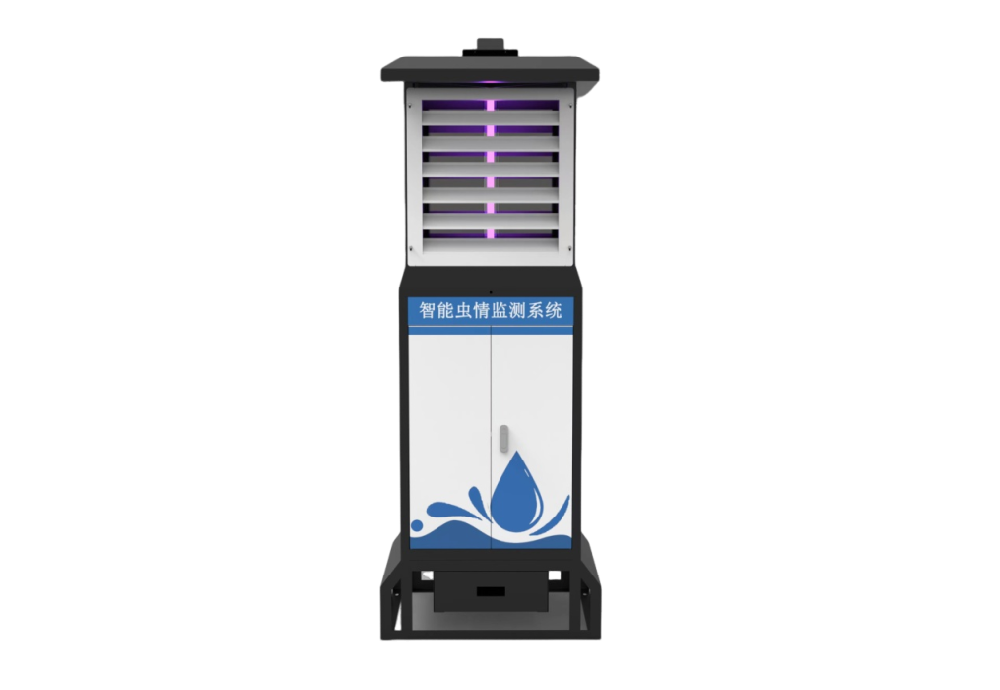
The NiuBoL NBL-IoT-SRPMS collects light-attracted insects, processes them and captures images for remote review. Its collection board is cleared after imaging, so the useful data unit is a defined collection event, not an unqualified cumulative count. The farm needs to know which interval a photograph represents and whether collection completed normally.
Link the event to a stable terminal ID and field-block ID. Keep location changes in the record instead of silently replacing the coordinates. A higher catch after relocation may reflect the new position or exposure, not a change across the entire farm.
For crop managers, separate automatic classifications from reviewed identifications. Keep the original image accessible beside any corrected count. A reviewer should be able to see why an event was flagged and what changed, rather than receiving only a final total with no way to check it.
| Dashboard record | What it lets the user judge |
|---|---|
| Terminal, block and collection period | Where and when the observation applies |
| Image and review state | Whether identification is pending, checked or corrected |
| Target-species count | Which reviewed catches matter to the crop, without treating all insects as pests |
| Operating and upload state | Whether an apparent absence reflects a completed collection or a missing record |
| Scouting and action note | Who inspected the block and what the field check found |
These are functional requirements for the project dashboard, not a claim that every field is available in every standard interface. Confirm the delivered software's export and editing behavior before agreeing the reporting workflow.
A trap image is evidence of a catch at that terminal. It does not establish crop damage, larval density within plants or a farm-wide treatment requirement. Target species, crop stage and field inspection determine how the observation should influence action.
The EPA integrated pest management principles distinguish monitoring and identification from action thresholds. Apply a crop-appropriate decision rule with the agronomist; do not invent a universal insects-per-night threshold in the dashboard.
For a rice field, a rising reviewed catch can prompt a crop inspection at the relevant growth stage. In an orchard, compare the monitored block and crop observations before expanding the inspection area. In a research plot, retain consistent collection periods and document changes to the trap settings. None of these uses makes a light-attraction terminal a substitute for all pest-survey methods.
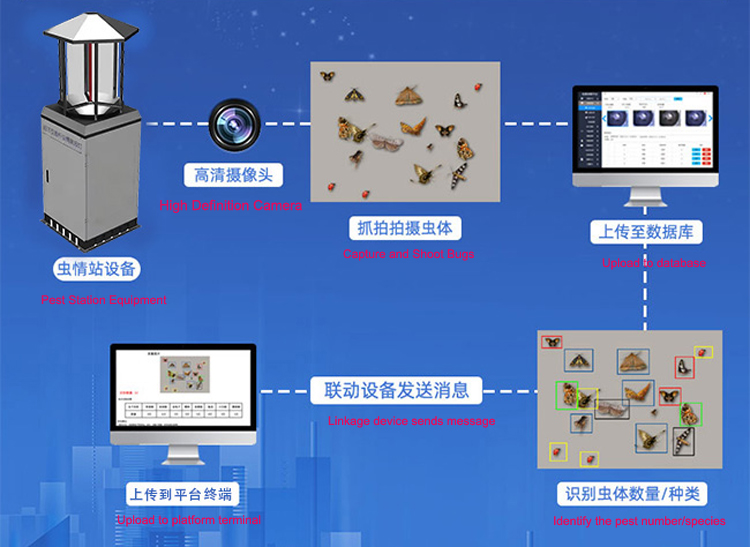
Distinguish a completed event with no target insects from an unreviewed image, a rain-interrupted collection and a terminal that has not uploaded. Display the last collection time separately from the last communication time. A healthy connection today does not prove that the previous night's collection completed.
Trend comparisons also need equivalent observation periods. If one terminal operated for a shorter period, its raw count should not be ranked against a full-period count without qualification. Record the operating window; do not manufacture a normalized rate when the actual collection duration is unknown.
Define how delayed images are handled. An event identifier and capture time help prevent retransmissions from becoming duplicate catches. Ask the supplier and platform integrator to demonstrate the proposed interruption and recovery behavior; local memory alone does not prove that every image will be replayed automatically.
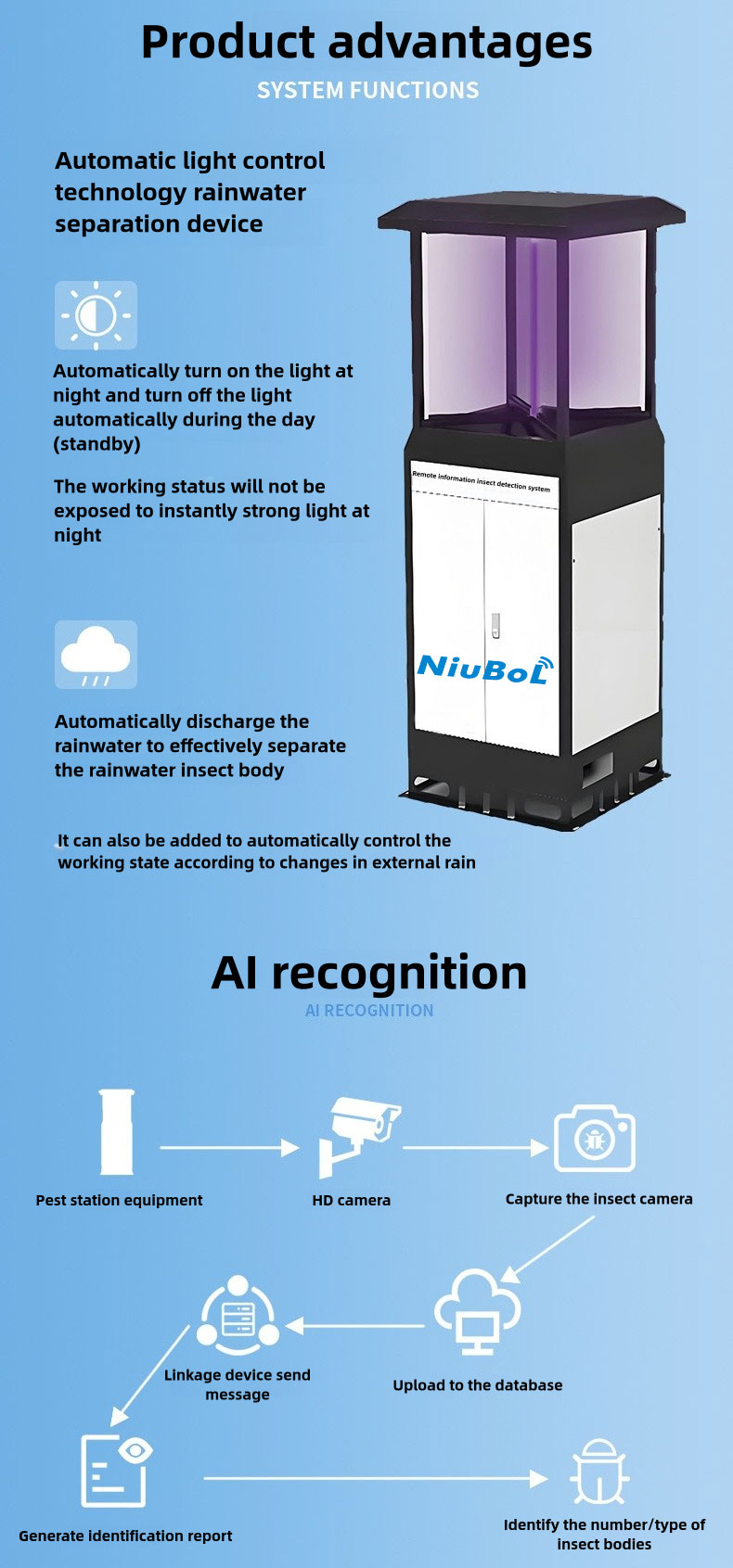
The NBL-IoT-SRPMS uses an attraction lamp, processing and drying functions, imaging, controls and communications. The 18 W lamp rating is not the full terminal's power demand. Heating and other intermittent loads must be included when assessing a remote solar installation.
| NBL-IoT-SRPMS item | Configuration detail and purchasing implication |
|---|---|
| Attraction light | 18 W LED; 365-395 nm. Confirm suitability for the target insects rather than assuming every pest is attracted. |
| Operating / standby power | Specified limits of 225 W operating and 15 W standby; assess energy from the actual working and heating schedule. |
| Power options | AC 220 V or a 400 W solar-array / 200 Ah battery configuration. Battery voltage, usable capacity and site conditions still determine autonomy. |
| Image collection / local control | 12-megapixel camera; 10-inch Android touchscreen. Pixel count does not establish identification accuracy. |
| Communication | 4G / Ethernet for platform exchange; reserved RS485/RS232 interfaces require a version-specific integration definition. |
| Physical processing | Infrared processing and drying, vibration-assisted spreading and motorized collection-board cleaning |
| Outdoor construction | Stainless steel and coated galvanized construction; drainage, electrical protection and service access remain installation requirements. |
Specify the collection and photograph schedule together. Allow the required processing cycle to finish before the next event. For solar sizing, obtain the configured duty cycle and battery details, then assess local seasonal solar availability and charging losses. Panel watts and battery ampere-hours alone do not support a guaranteed number of cloudy days.
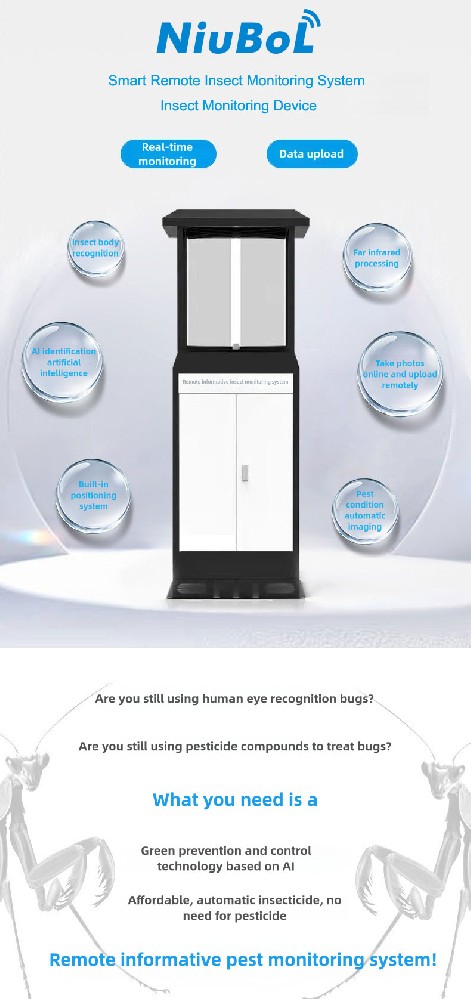
The image route and a numerical sensor bus are different integration tasks. Do not assume that an RS485 connector provides a transferable photograph, a species list or every dashboard status. If the farm platform requires Modbus RTU, obtain the supported register map for the selected version and demonstrate the required numerical values.
For images and associated event data, define the available server interface, authentication, file access and retention. Confirm whether a remote image is a downloadable file or only a view in the supplier's platform. Also test what an exported report contains after an identification has been corrected.
Weather, soil or irrigation records can be shown alongside pest observations when their interfaces and timing are compatible. Keep the measuring-point identities and timestamps intact. A shared screen does not prove that an insect catch and a weather reading describe the same location or collection interval.
Use a representative field position and the intended target-species list. Review usable images, overlapping specimens, non-target insects and uncertain identifications. Compare automatic results with a qualified review of the same images; a general recognition percentage does not describe performance on the farm's particular species and image conditions.
Walk through the daily task: an image arrives, an uncertain result is checked, the appropriate block is scouted and the outcome is recorded. If staff cannot complete that sequence, adding terminals will increase the volume of unresolved records rather than improve decisions.
Include routine service in the trial. Check access to the collection drawer, attraction light, screens, rain-control sensor and imaging area. Electrical work and access to heated or moving components require the appropriate isolation and competent personnel. Remote access does not remove physical cleaning and inspection.
No. It can help prioritize field checks and retain catch history. Crop inspection remains necessary to assess damage, life stage and whether a locally appropriate action threshold is met.
Base the layout on crops, target insects, field blocks, surrounding habitat and access. Start with a monitoring plan and a representative pilot; a generic hectares-per-terminal claim does not establish representative coverage.
No. Check whether collection ran, whether an image was captured and whether transmission completed. Report a missing or interrupted event separately from a reviewed zero-target catch.
Only supported numerical fields can be assumed after the specific register map has been checked. Images, review edits and reports need their own supported exchange method; a reserved serial interface does not establish that complete data path.
Identify mains or solar power, installation work, mobile connectivity, platform access, data retention and any private-platform integration. Include physical servicing and review responsibilities so a device-only offer is not compared with an operational monitoring service.
For a NiuBoL configuration review, provide the crop, target insects, field-block layout, season, proposed operating periods and available network. State who reviews uncertain records and whether images and corrections must be exported to the farm's own system.

The value of connected insect monitoring lies in traceable collection events that lead to informed field checks. Keep capture conditions, data gaps and reviewed identifications visible. Configure the NBL-IoT-SRPMS and its platform connection around that workflow rather than treating a rising count or an online terminal as a treatment decision.
Prev:Portable DO Meter Checks During an Online Monitoring Upgrade
Next:COD Sensor SCADA Integration: Decode Values and Validate Tags
Related recommendations
Sensors & Weather Stations Catalog
 Agriculture Sensors and Weather Stations Catalog-NiuBoL.pdf
Weather Stations Catalog-NiuBoL.pdf
Agriculture Sensors Catalog-NiuBoL.pdf
Water Quality Sensor Catalog-NiuBoL.pdf
Related products
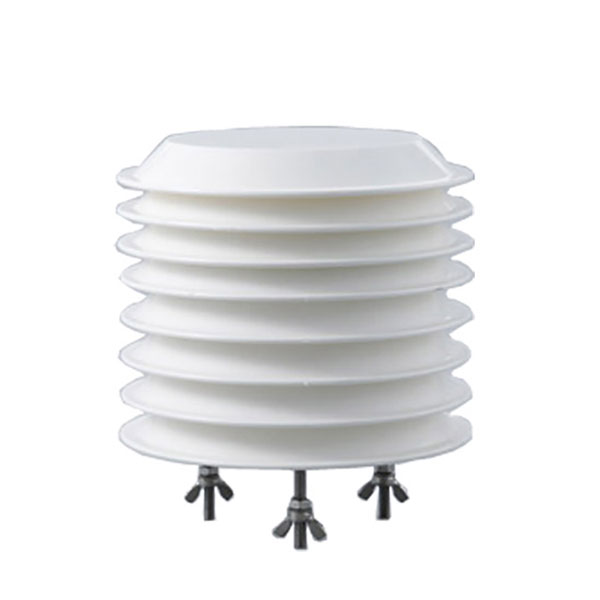 Combined air temperature and relative humidity sensor
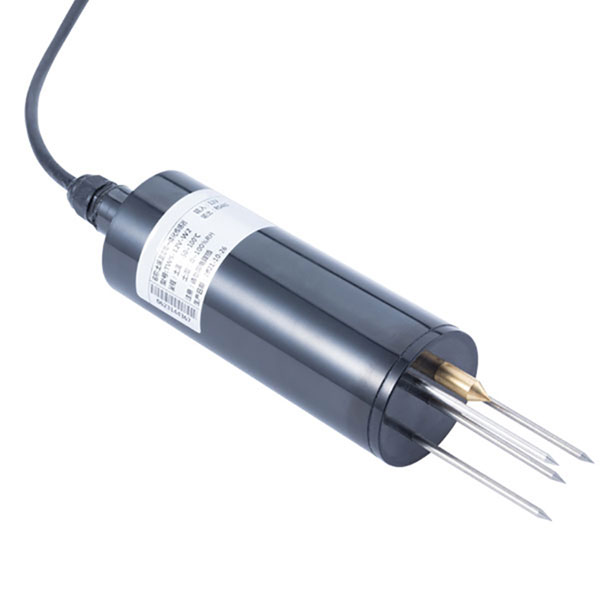 TDR Soil Moisture & Temperature Sensor for irrigation| RS485 |4-20mA| NBL-S-THR
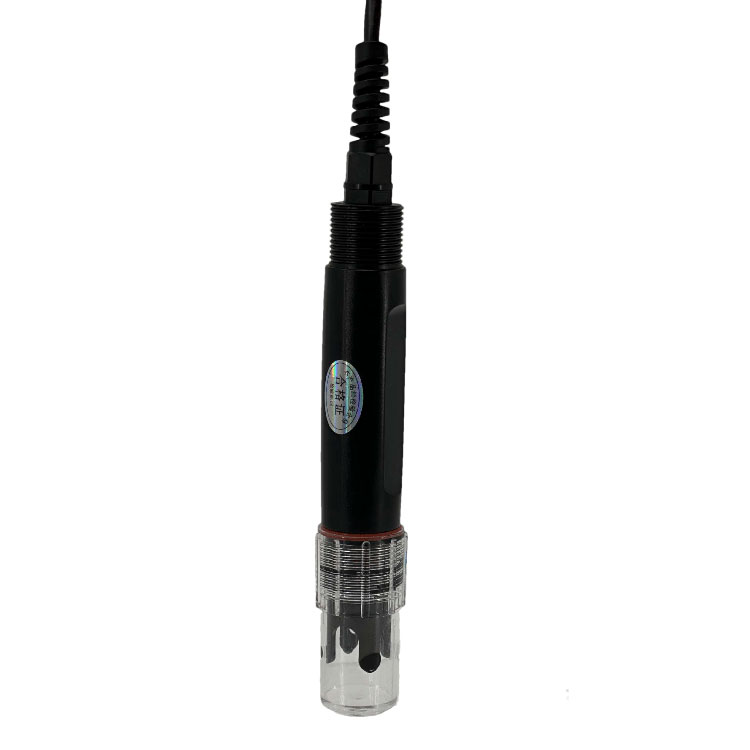 Soil pH sensor RS485 soil Testing instrument soil ph meter for agriculture |NBL-S-PH
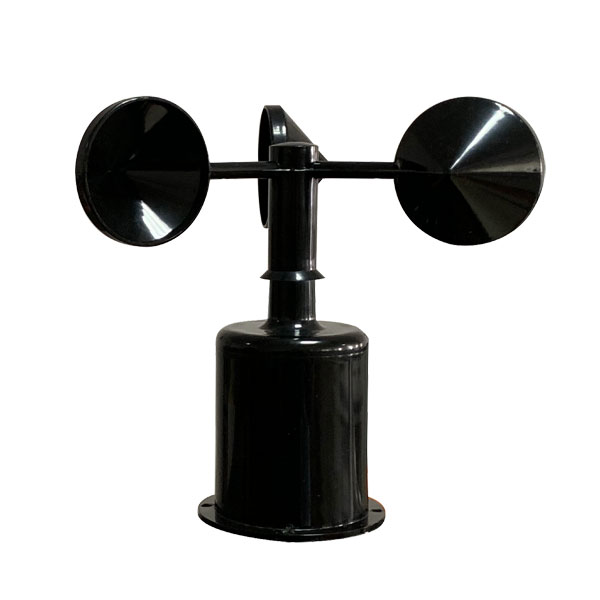 Wind Speed sensor Output Modbus/RS485/Analog/0-5V/4-20mA
 Tipping bucket rain gauge for weather monitoring auto rainfall sensor RS485/Outdoor/stainless steel
 Pyranometer Solar Radiation Sensor 4-20mA/RS485
Screenshot, WhatsApp to identify the QR code
WhatsApp number:+8615367865107
(Click on WhatsApp to copy and add friends)