

— Blogs —
—Products—
 Consumer hotline +8618073152920
WhatsApp:+8615367865107
Address:Room 102, District D, Houhu Industrial Park, Yuelu District, Changsha City, Hunan Province, China
Product knowledge
Time:2024-09-12 10:11:38 Popularity:1775
A Wi-Fi weather station uses Wi-Fi on a defined part of its data path, commonly between the logger and a local network. AP mode lets a compatible device provide a local wireless network; Client mode lets it join an existing access point. Neither mode automatically makes every sensor wireless or gives a phone internet access. Identify the intended role before choosing or configuring the communication equipment.

In AP mode, the configured gateway provides the wireless network that a nearby phone or computer can join. Where the delivered firmware provides a local management page, that connection can support onsite configuration or inspection. The local service and its access address must be part of the actual device configuration.
In Client mode, the gateway joins an existing site access point. The site network then provides the permitted route toward the receiving service. Joining the wireless network and delivering a valid weather record are different milestones; the destination and application settings still need to be correct.
| Role | What the gateway does | Assumption to avoid |
|---|---|---|
| AP mode | Provides a local wireless network for permitted client devices. | A local hotspot is not proof of an internet uplink or remote-server delivery. |
| Client mode | Joins an existing access point using the approved settings. | Network association does not prove that the application has received the data. |
| Combined or alternative modes | Depend on the actual hardware and firmware configuration. | Do not assume AP and Client operate simultaneously or provide automatic failover. |
A station can use wired RS485 Modbus RTU instruments and a Wi-Fi-enabled logger at the same time. The weather sensors still need their specified power and field connections. Wi-Fi changes the network path; it does not change a temperature probe's accuracy or a rain gauge's collection method.
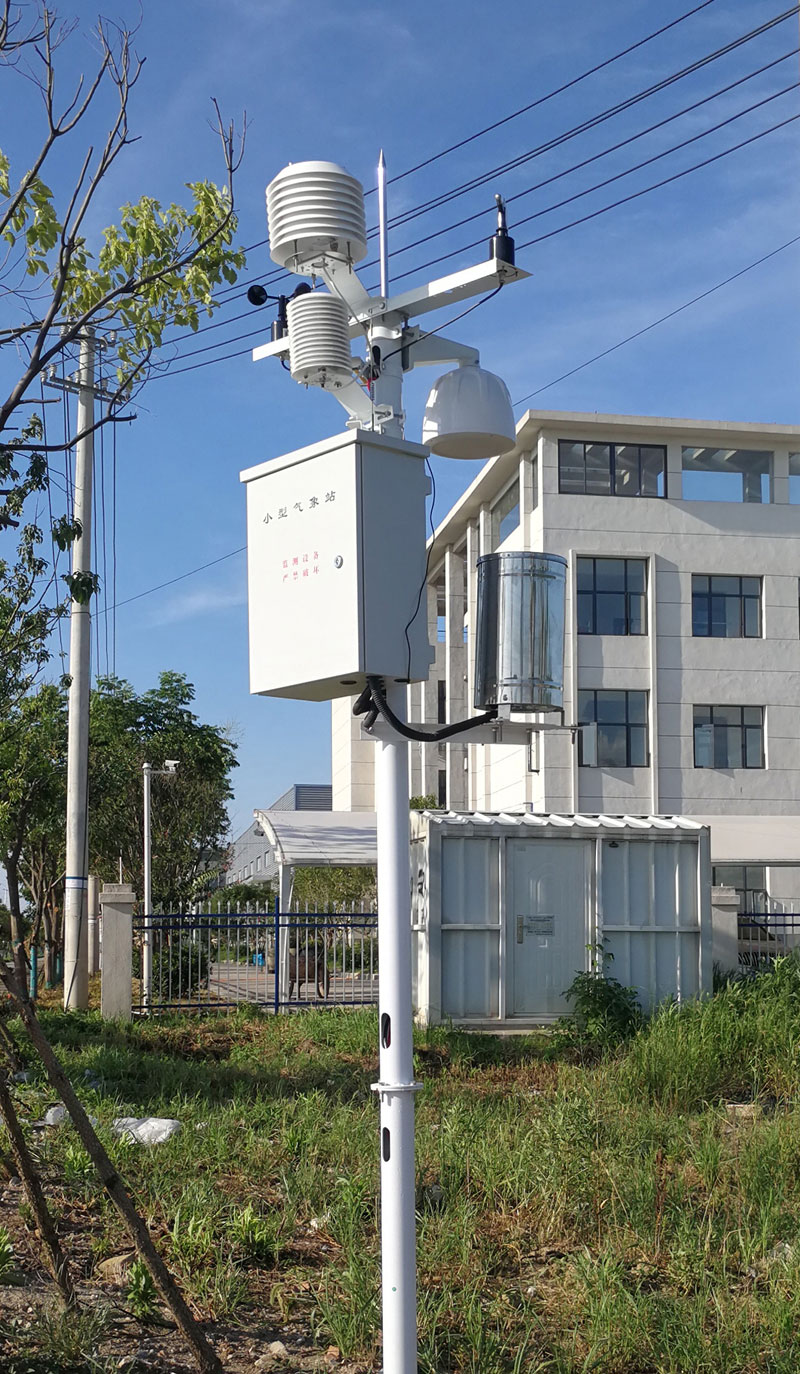
A modular station may contain wind, rain, temperature, humidity and pressure instruments, with optional radiation or soil measurements. Those channel choices should be defined independently of the wireless role. Specify each sensor output and logger input; the selected Wi-Fi option does not define them.
The NiuBoL TG462 / TG462S has an optional Wi-Fi configuration supporting AP and Client modes. Specify that option when it is needed. Do not assume that a cellular-equipped logger also contains the optional Wi-Fi hardware.
| TG462-series item | Available capability | Project implication |
|---|---|---|
| Wi-Fi | Optional module; AP and Client modes. | Identify the ordered option and required operating role. |
| Field interfaces | 3 RS485 ports; selected analog and other inputs. | Sensor connections remain a separate design task. |
| Ethernet | 2 RJ45 interfaces. | A wired network path is a distinct connection choice. |
| Local display | TG462S adds a 7-inch touchscreen. | A display and a wireless network perform different functions. |
| Enclosure protection | IP30. | Install inside a suitable field cabinet rather than directly exposed outdoors. |
For an attended service visit without an available site network, AP mode may provide a local connection to supported management functions. That does not establish that historical data can be exported through the same page; demonstrate the actual service workflow and permissions required by the project.
At a greenhouse or industrial site with an approved wireless network, Client mode can provide the onward connection. Confirm the required access method and that the receiving service is reachable. For detailed admission and coverage questions, use the Wi-Fi weather-station network requirements guide.
At a remote field site outside usable Wi-Fi coverage, changing between AP and Client does not create an uplink. Review a supported cellular, wired or engineered radio arrangement instead. A phone hotspot can only be evaluated as the specific connection offered; it should not silently become the permanent communications plan for an unattended installation.
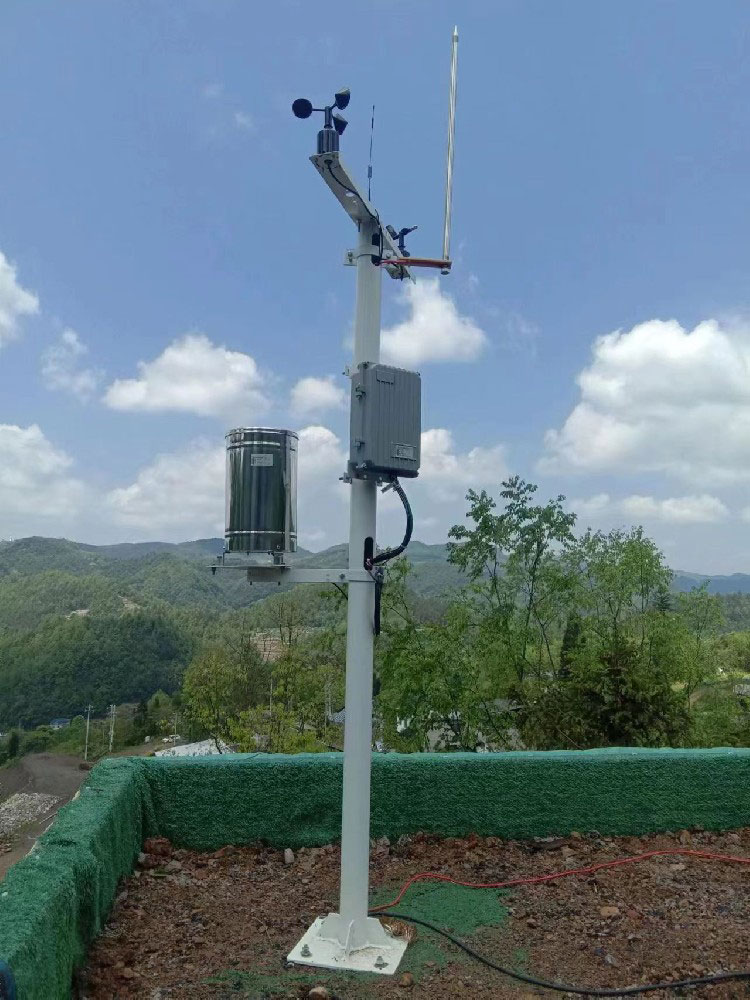
A phone connected to a gateway's local AP may reach local functions while its operating system reports no internet connection. That status does not by itself establish a sensor fault. Conversely, a phone with working internet does not prove that the weather station has successfully sent a current observation.
Offsite viewing needs a defined receiving service and access arrangement. A gateway publishing to a customer MQTT broker needs the appropriate broker settings, topic and payload definition. A local management page and a cloud dashboard are different services, even when both are viewed in a browser.
Use approved credentials and the site's access policy. Do not assume that a consumer app, an arbitrary enterprise authentication method or a customer API is supported simply because the device has Wi-Fi. Confirm the required implementation before the station is installed.
First verify the configured sensor values locally through a supported interface. Then confirm the intended AP or Client role and test the required local or remote service. For a remote record, compare station identity, units and observation time at the receiving end rather than checking only a wireless signal indicator.
Also test what happens when the wireless link is unavailable. Sensors may continue measuring, but retention, retrieval and later retransmission depend on the logger software. The existence of memory or a Wi-Fi module does not guarantee that every missed upload will appear automatically when the connection returns.

No. AP mode establishes a local wireless role. Internet routing requires an available uplink and an appropriate configuration; a local hotspot alone does not provide them.
Do not assume simultaneous operation from a specification listing both modes. Confirm the delivered firmware, required topology and supported combination, then demonstrate it if the project depends on both roles.
No. It describes the gateway's connection to the site access point. The field instruments still use their selected local interfaces and power arrangements.
It is an option that should be identified in the order. Confirm the supplied communication hardware rather than inferring it from the product family name, antenna or cellular capability.
Tell NiuBoL whether the task is onsite service access, connection to a site network or remote record delivery. Provide the intended AP/Client role, site access requirements, sensor list, receiving service and power arrangement. These details determine whether the proposed option meets the actual workflow.

A Wi-Fi weather station needs an explicit wireless role. Use AP mode for supported local connections and Client mode to join an existing access point, without assuming internet access, simultaneous modes or wireless field sensors. Verify the required service separately from the underlying weather measurements.
Prev:How Does a Rain Gauge Work? Types & Measurement Principles
Next:Why Is Rainfall Measured in mm? What 1 mm of Rain Means
Related recommendations
Sensors & Weather Stations Catalog
 Agriculture Sensors and Weather Stations Catalog-NiuBoL.pdf
Weather Stations Catalog-NiuBoL.pdf
Agriculture Sensors Catalog-NiuBoL.pdf
Water Quality Sensor Catalog-NiuBoL.pdf
Related products
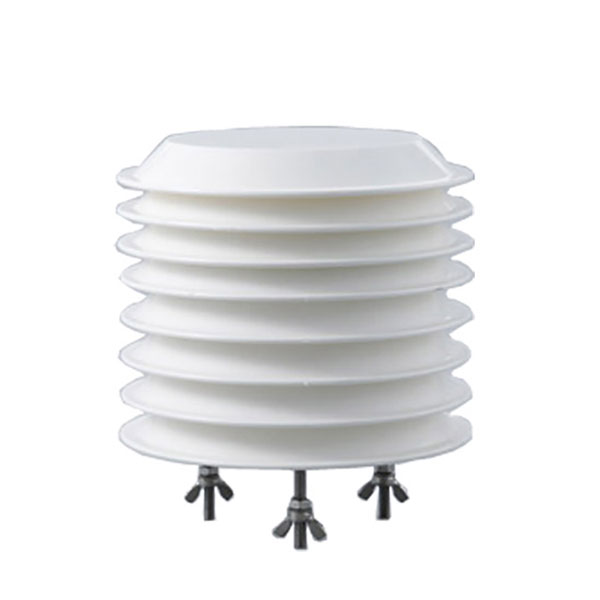 Combined air temperature and relative humidity sensor
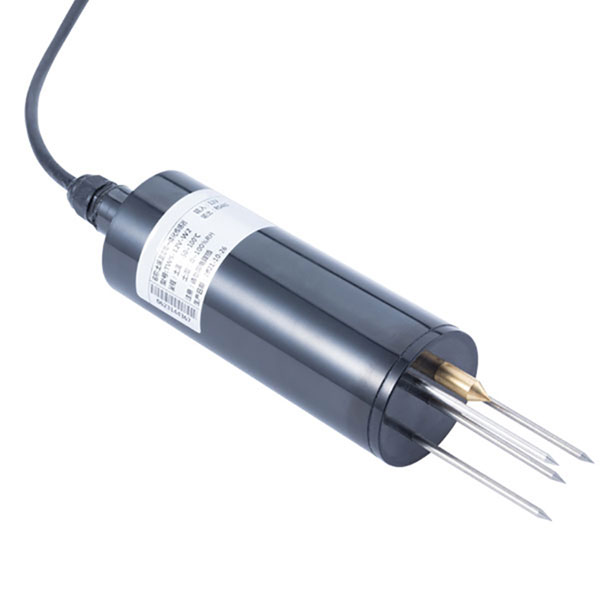 TDR Soil Moisture & Temperature Sensor for irrigation| RS485 |4-20mA| NBL-S-THR
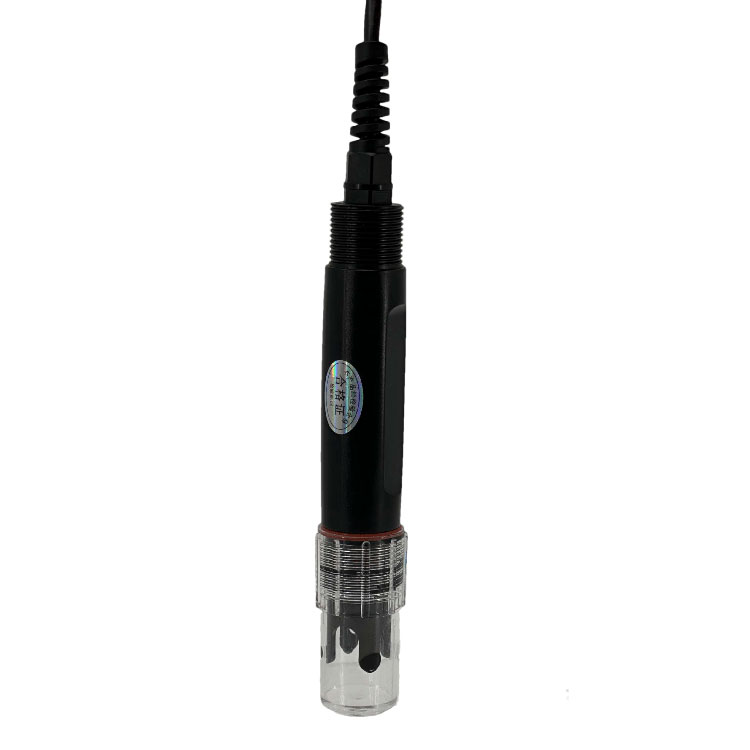 Soil pH sensor RS485 soil Testing instrument soil ph meter for agriculture |NBL-S-PH
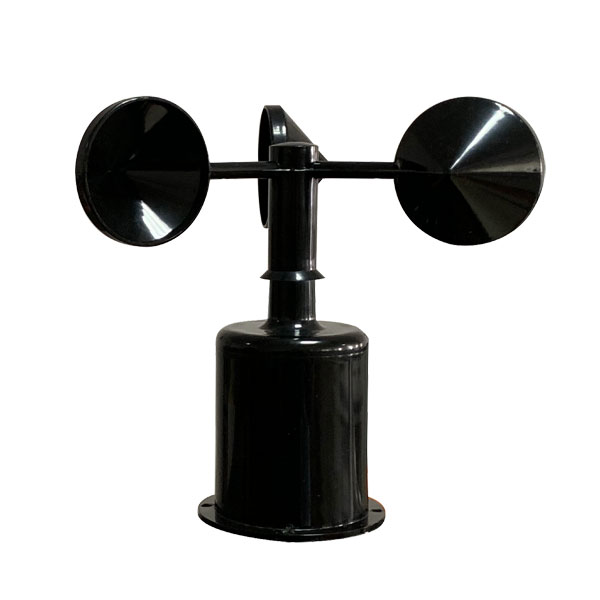 Wind Speed sensor Output Modbus/RS485/Analog/0-5V/4-20mA
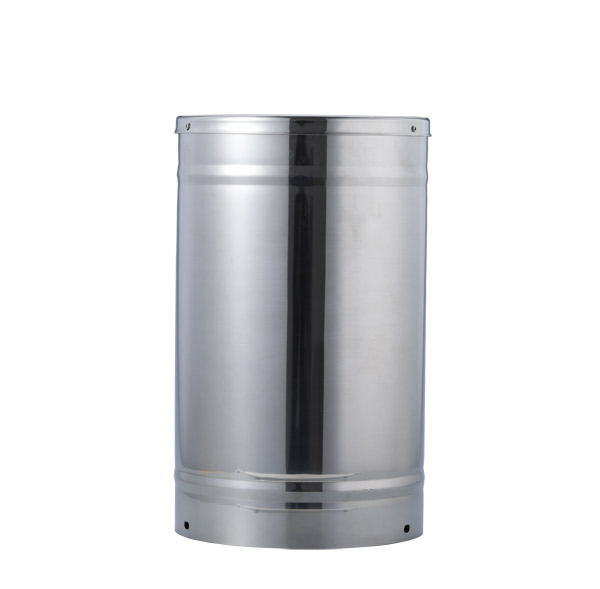 Tipping bucket rain gauge for weather monitoring auto rainfall sensor RS485/Outdoor/stainless steel
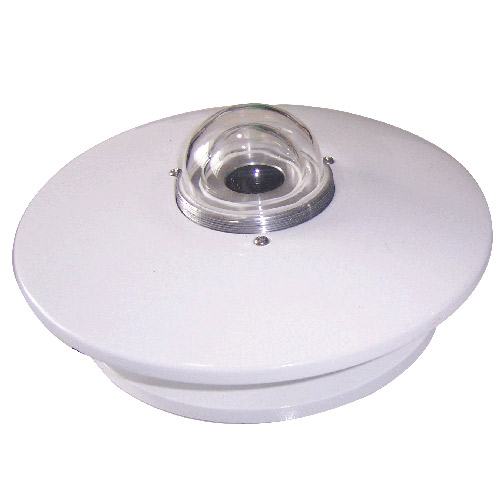 Pyranometer Solar Radiation Sensor 4-20mA/RS485


Screenshot, WhatsApp to identify the QR code
WhatsApp number:+8615367865107
(Click on WhatsApp to copy and add friends)