

— Blogs —
—Products—
 Consumer hotline +8618073152920
WhatsApp:+8615367865107
Address:Room 102, District D, Houhu Industrial Park, Yuelu District, Changsha City, Hunan Province, China
Product knowledge
Time:2026-08-20 09:02:00 Popularity:239
An anemometer data logger needs an unambiguous time record as well as a wind value. A clock correction can create repeated local timestamps, apparent gaps or records assigned to the wrong reporting interval. Before accepting wind data after a restart or time change, check acquisition time, record order and export behavior rather than assuming the latest dashboard time proves the history is correct.

Acquisition time identifies when the logger obtained the observation. Record time may identify the interval or database entry used to store it. Upload time identifies when another system received it. These may differ, especially after a network interruption.
Determine what the selected application actually records. A sensor reading copied repeatedly into a dashboard can receive new upload timestamps without becoming a new wind observation. If the logger software does not preserve acquisition time, make that limitation explicit before promising event reconstruction or interval analysis.
The NiuBoL TG462/TG462S data-logger family provides industrial acquisition and networking hardware. The touchscreen TG462S is a different configuration from the non-touchscreen TG462. Retention, export format, clock handling and application behavior must be checked for the selected firmware and project configuration.
| Component | Relevant specification | Time-record implication |
|---|---|---|
| TG462/TG462S logger | 5-35 V DC input; nominal 12 V supply; IP30; -35 to 75 degrees C | Use a suitable outdoor cabinet. A weather sensor's protection rating does not apply to the logger. |
| Acquisition and storage | RS485/RS232 and other configured inputs; USB; Micro SD up to 32 GB | Storage hardware alone does not establish record retention after restart or clock correction. |
| Logger variants | TG462: 256 MB flash, 1 GB option; TG462S: 1 GB flash and 7-inch touchscreen | Identify the supplied version rather than assuming the largest memory or local display. |
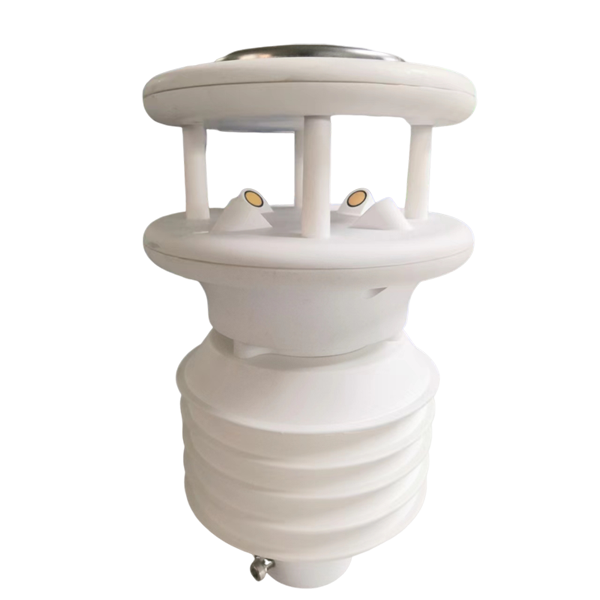
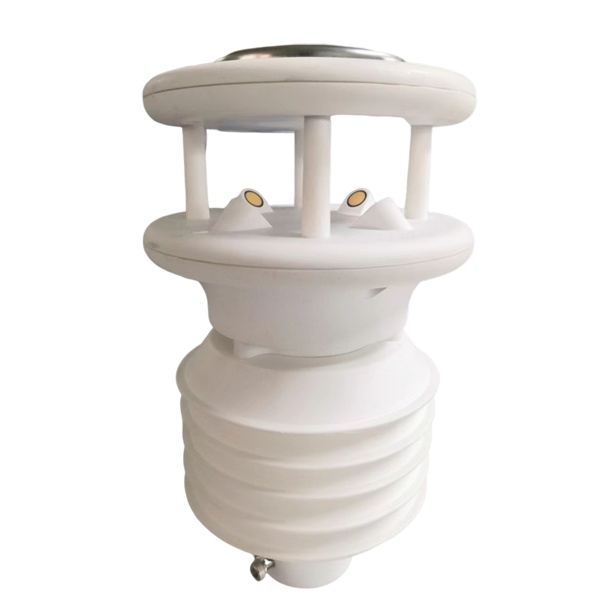
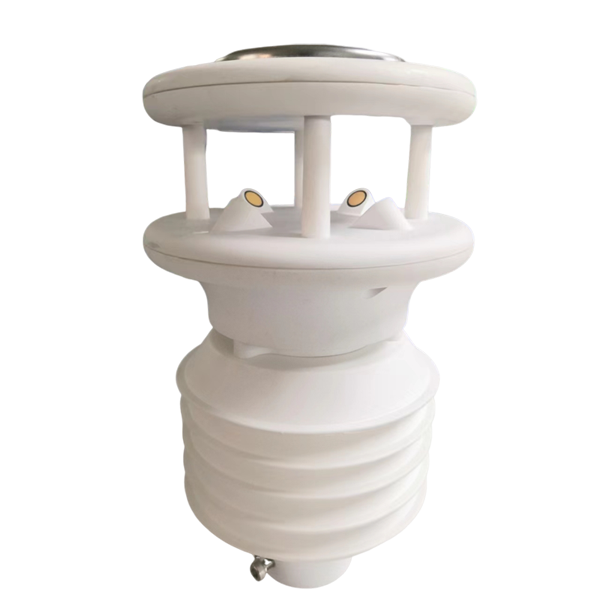
| Wind input example | NBL-W-81GUWS: RS485 Modbus RTU; 9-24 V DC; IP65 | Obtain its update behavior and register map; the host must assign and preserve the intended time. |
GPS and Wi-Fi are optional in the logger family. A listed GPS option does not by itself establish timestamp accuracy, a particular synchronization method or the format of exported records. Request the clock source, behavior without that source and correction policy required by the project.
Where supported, retain acquisition timestamps in UTC and display local civil time separately, or preserve an explicit UTC offset. A local clock value alone can be ambiguous when clocks move backward. Changing a display timezone should not silently rewrite the underlying observation sequence.
For example, two records both labelled 01:30 may represent different moments if the local offset changed. A database keyed only by local date and time may overwrite one unless the application has another way to identify records. Verify the selected software's behavior rather than assuming that every data logger prevents this.
If the clock is corrected forward, distinguish the resulting timestamp jump from an acquisition outage. If it is corrected backward, check whether records remain in acquisition order and whether exports duplicate, overwrite or relabel earlier rows. Preserve a time-correction event where the application supports it.
An interval average or maximum needs its interval definition, valid sample count and time basis. Do not assign a group of cached values to the upload minute and then calculate a new wind maximum from that arrival time. Also distinguish a sensor's internally averaged value from raw samples or a logger-calculated statistic.
After a clock change, inspect intervals on both sides of the event. Confirm whether the logger closes, restarts or continues an active interval. The correct interpretation depends on the agreed processing method; this article does not prescribe one gust or averaging standard for every wind project.
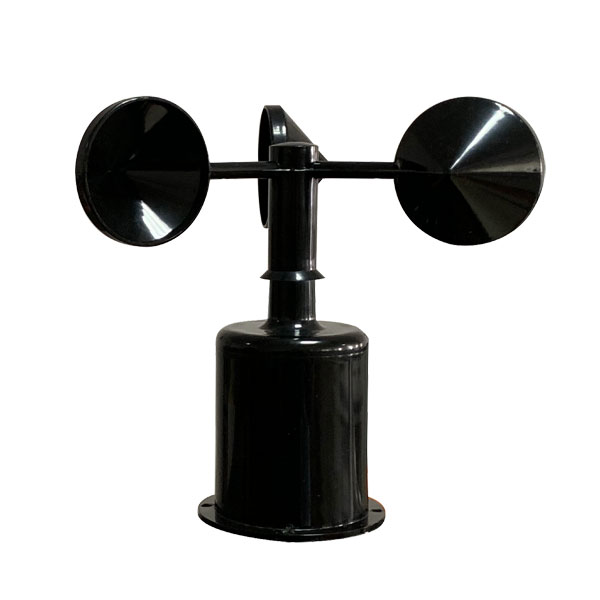
A cup anemometer supplies a wind-speed signal through the ordered interface. It does not make the receiving system's clock accurate. Retain separate checks for the field signal and the logger's time and statistical processing.
Do not change a live production clock merely to make a demonstration. Agree the test arrangement with the operator, and keep the test record separate from accepted observations. Any required automatic buffering, retransmission or correction audit trail must be demonstrated on the delivered configuration.
No. It may be the arrival time of an older or repeated value. Check the acquisition timestamp, update status and the selected logger's treatment of cached data.
Not reliably where the clock can move backward or local offsets change. Use a supported unambiguous time representation and record identity, then test export and platform behavior.
No. Confirm how the chosen firmware uses the optional module and what happens when it is unavailable. Position reporting and timestamp synchronization are separate requirements.
No. Retention also depends on the application, file management, restart behavior and timestamp handling. Specify the required duration and recovery behavior and test them with the intended configuration.
State clock source, timezone or offset handling, acquisition and averaging intervals, export fields and behavior after restart or correction. Identify any audit-trail or retransmission requirement before configuration is priced.
Accept an anemometer data logger on the integrity of its exported observation history, not just its live display. Separate acquisition and upload times, test clock changes in a controlled environment and verify interval processing. NiuBoL can review the logger hardware and project configuration against those requirements.
Prev:Water Quality Testing Devices on RS485: Isolate a Failed Branch
Next:Smart Irrigation Controller: Return from Manual Watering to Auto
Related recommendations
Sensors & Weather Stations Catalog
 Agriculture Sensors and Weather Stations Catalog-NiuBoL.pdf
Weather Stations Catalog-NiuBoL.pdf
Agriculture Sensors Catalog-NiuBoL.pdf
Water Quality Sensor Catalog-NiuBoL.pdf
Related products
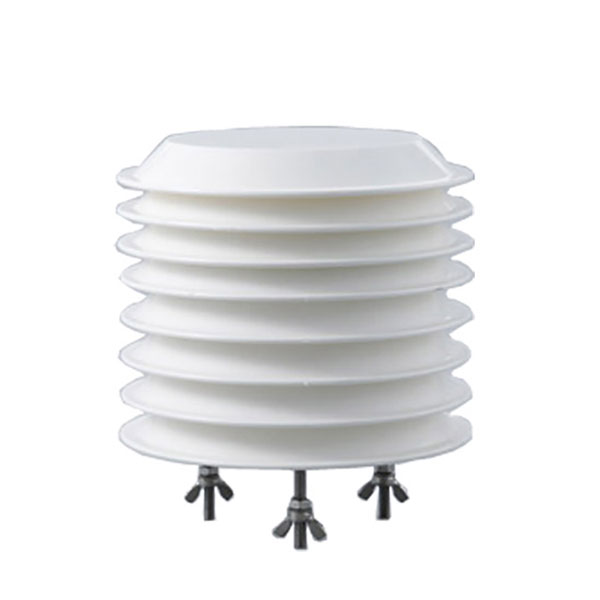 Combined air temperature and relative humidity sensor
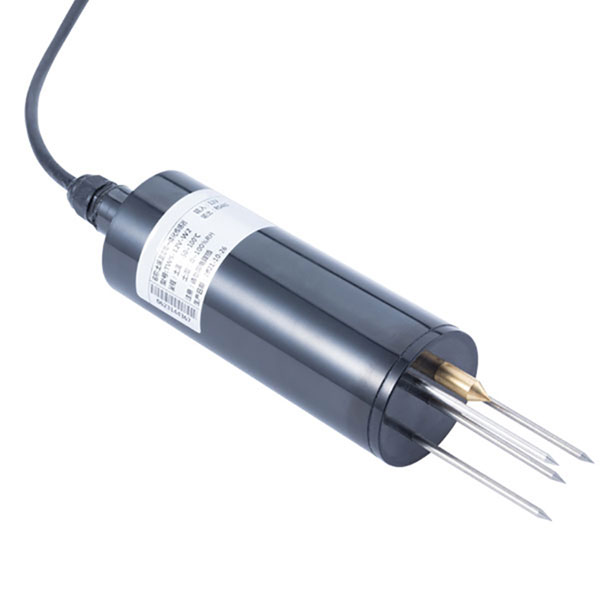 TDR Soil Moisture & Temperature Sensor for irrigation| RS485 |4-20mA| NBL-S-THR
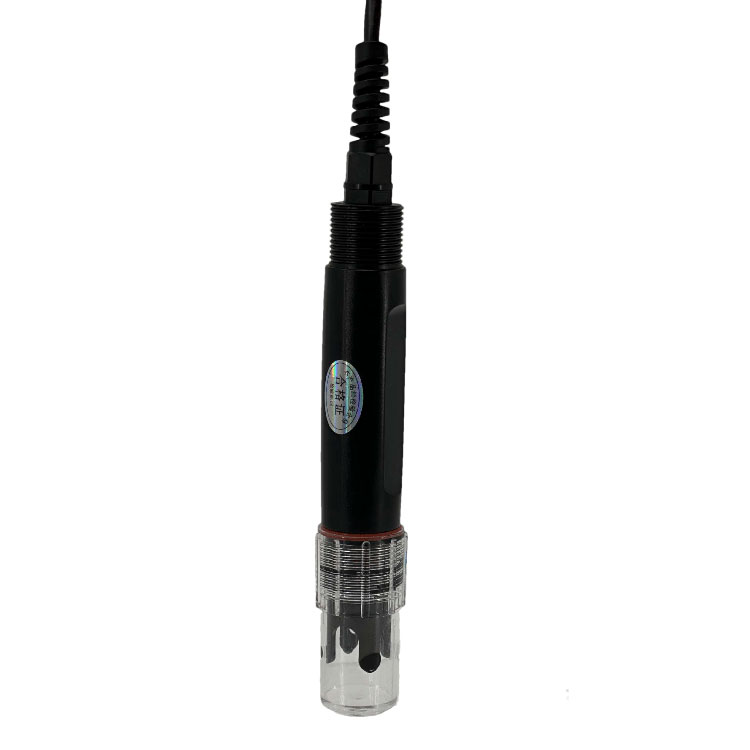 Soil pH sensor RS485 soil Testing instrument soil ph meter for agriculture |NBL-S-PH Wind Speed sensor Output Modbus/RS485/Analog/0-5V/4-20mA
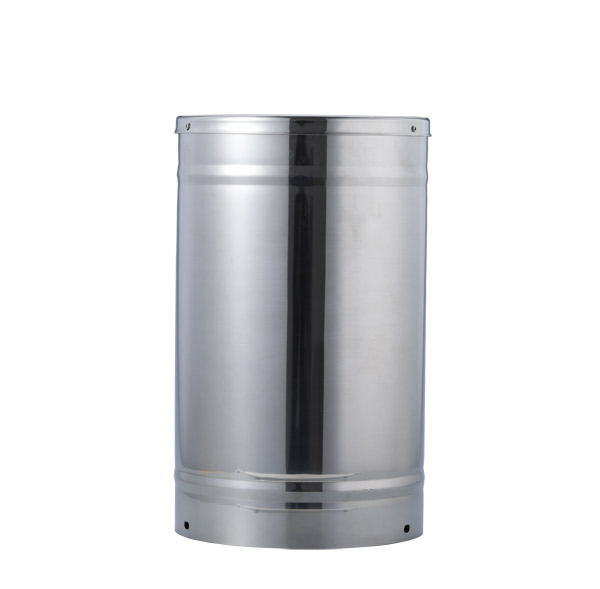 Tipping bucket rain gauge for weather monitoring auto rainfall sensor RS485/Outdoor/stainless steel
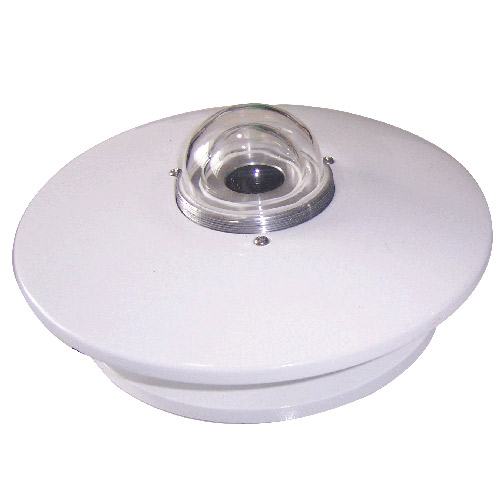 Pyranometer Solar Radiation Sensor 4-20mA/RS485
Screenshot, WhatsApp to identify the QR code
WhatsApp number:+8615367865107
(Click on WhatsApp to copy and add friends)