

— Blogs —
—Products—
 Consumer hotline +8618073152920
WhatsApp:+8615367865107
Address:Room 102, District D, Houhu Industrial Park, Yuelu District, Changsha City, Hunan Province, China
Product knowledge
Time:2026-03-25 11:25:05 Popularity:743
Pest monitoring system data integration must connect an insect image with its sample, count and equipment condition. Exporting a number without that relationship leaves the receiving platform unable to explain what was counted or whether the sample was valid. For private-platform projects, agree the data objects and access method before assuming that an RS485 connector or a cloud dashboard supplies the complete record.
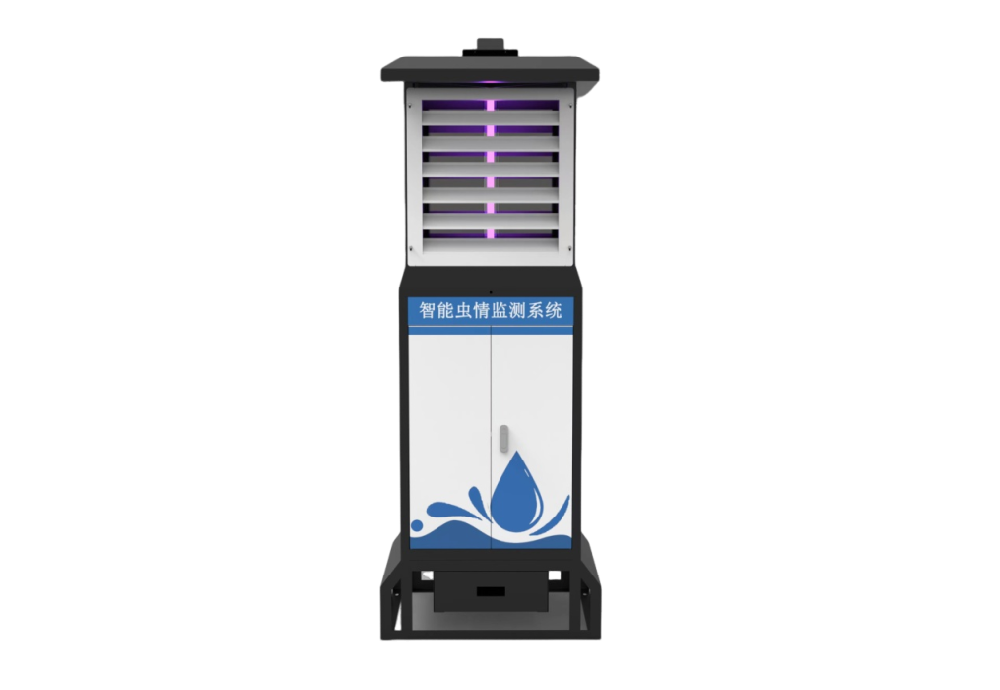
A device record identifies the installed equipment. A sample record identifies the collection period and conditions. An image is evidence captured from that sample. A count is an interpretation of the visible material, potentially revised after review. These records can be related without being stored as one unqualified "pest value."
A fifth record may describe device status, such as a reported operating state or a communications problem. That is not a biological observation. A healthy network connection cannot prove that an image is usable, while a valid retained image can remain useful after a temporary connection failure.
| Data object | Fields to agree for integration | Why the relationship matters |
|---|---|---|
| Sample | Station and sample identity, collection period, validity | Separates a new sample from retransmission or an incomplete period |
| Image | Image identity, sample reference, capture time and retrieval method | Allows a reported result to be checked against its evidence |
| Count result | Image/sample reference, taxonomic label, count, review state and revision | Prevents an updated interpretation from appearing as another catch |
| Equipment status | Device identity, observation time and defined status values | Distinguishes unavailable acquisition from low insect activity |
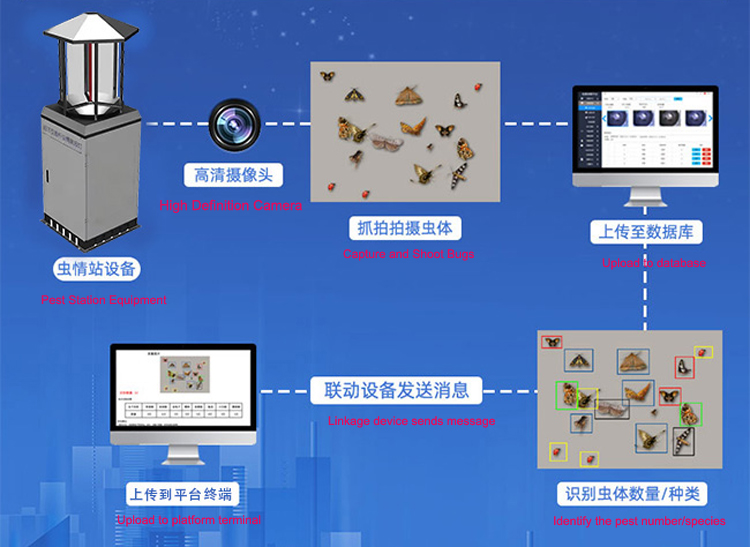
This is a proposed interface requirement, not a claim that every supplied platform exports these fields by default. Ask the supplier and receiving developer to identify which fields are available and demonstrate a representative record. Where a required relationship is absent, resolve the gap before deployment.
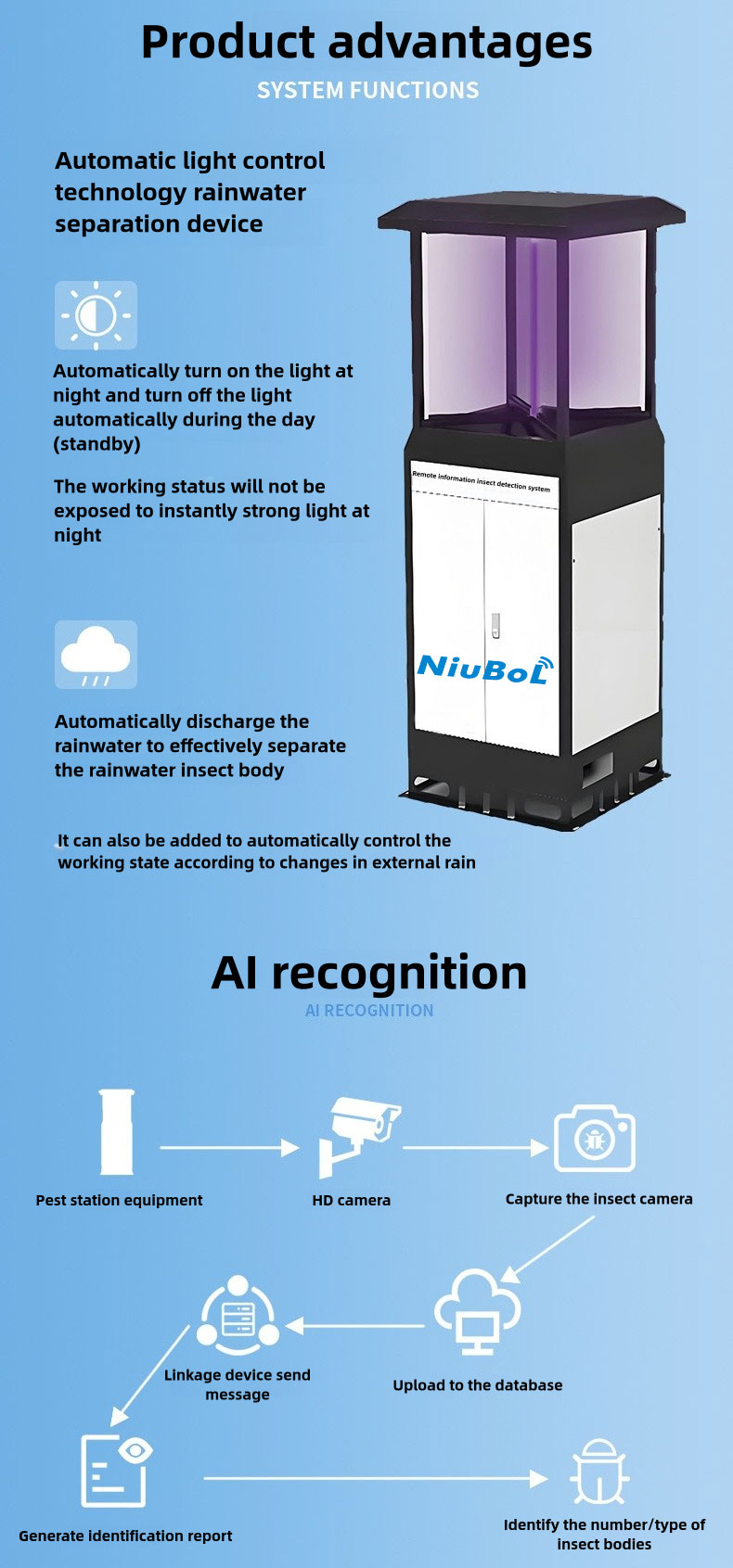
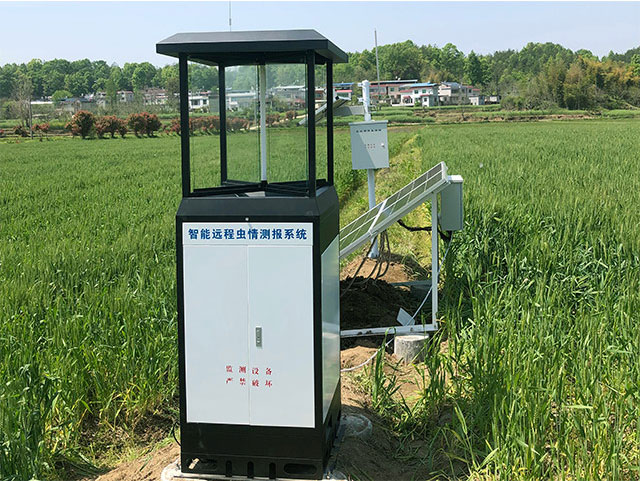
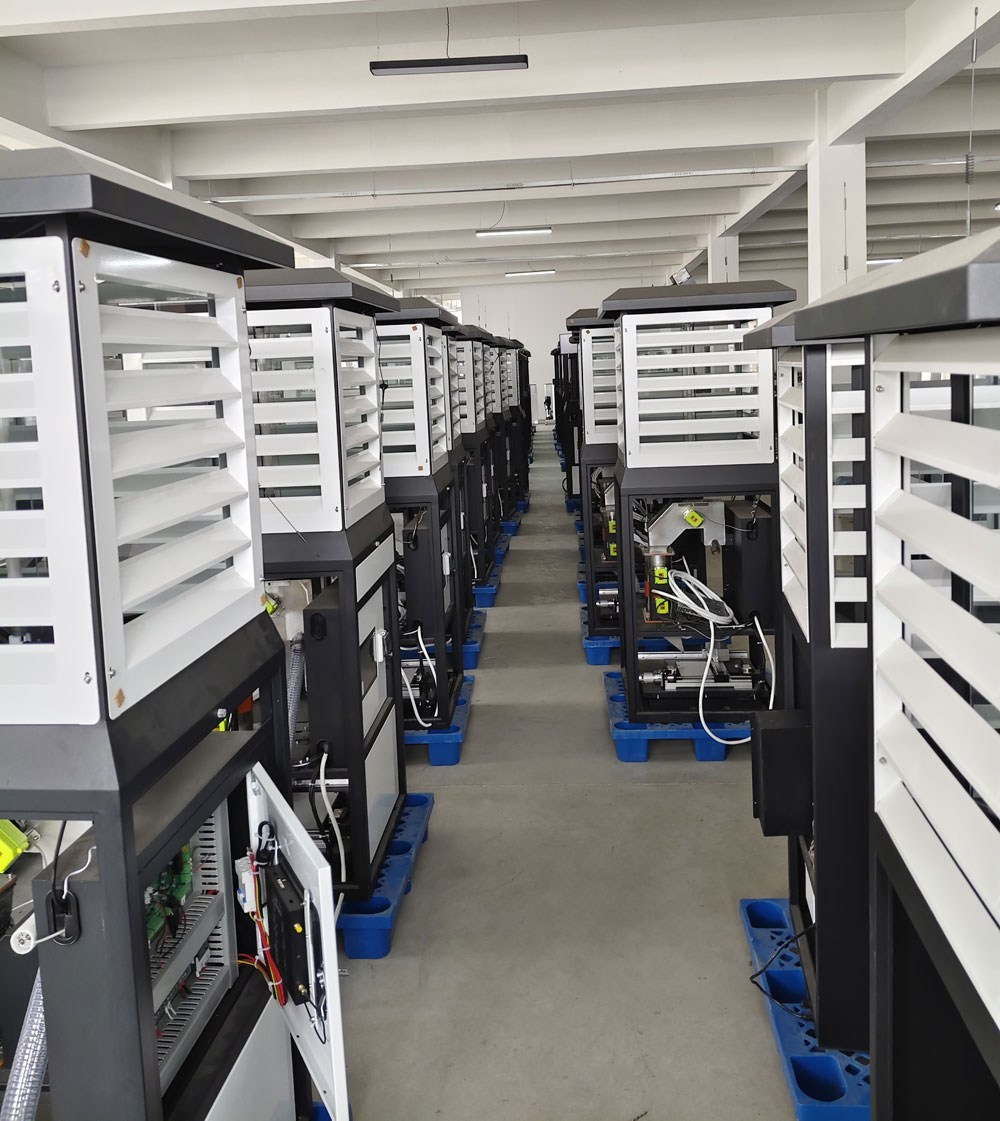
The NiuBoL NBL-IoT-SRPMS provides automated collection, infrared sample handling and industrial image acquisition. Its specified camera is 12 megapixels, not a 2000 W electrical load. The selected equipment uses 4G or Ethernet for data exchange and includes reserved serial interfaces whose implementation must be confirmed for the project.
| Component | Configuration detail | Integration check |
|---|---|---|
| Camera | 12-megapixel industrial camera | Confirm delivered file dimensions and compression separately |
| Local control | 10-inch Android touchscreen | Distinguish local configuration from an external programming interface |
| Processing chamber | 85 ±5°C operating condition | Identify any available sample-processing status |
| Transport and expansion | 4G / Ethernet; reserved RS485 / RS232 | Confirm the offered image path and supported serial data |
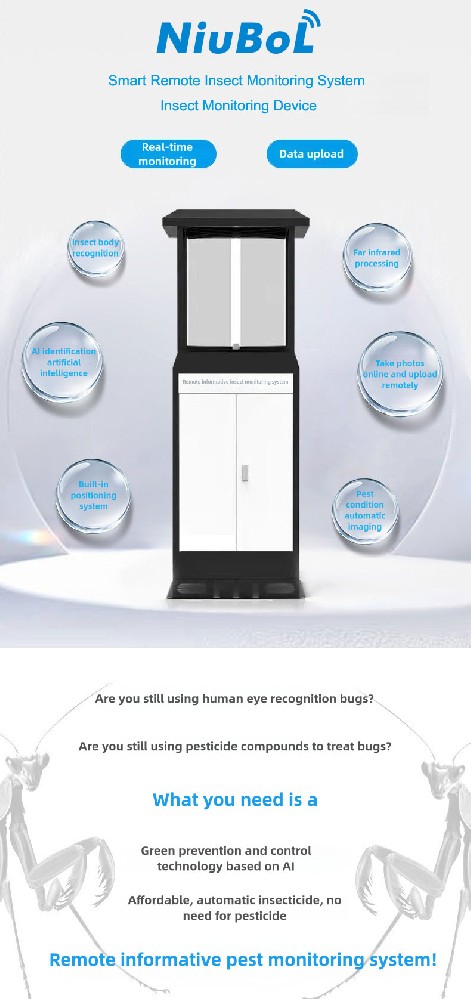
RS485 Modbus RTU is appropriate for defined serial register data where the selected device supports it. That does not mean a high-resolution insect image is delivered as an ordinary weather-sensor register. Identify whether images are obtained from a device service, a hosted platform or another documented route.
A successful ping, a working local touchscreen and a visible cloud image establish different things. For acceptance, retrieve the image and associated result through the interface the project will actually use. A demonstration in the supplier's account is insufficient if the owner needs an independent private-platform connection.
Agree who can retrieve the original images, export results and retain data when the service arrangement changes. Confirm authentication, account ownership and access scope. If an integration uses temporary image URLs, ask how authorized applications obtain a fresh URL when reviewing an old sample.
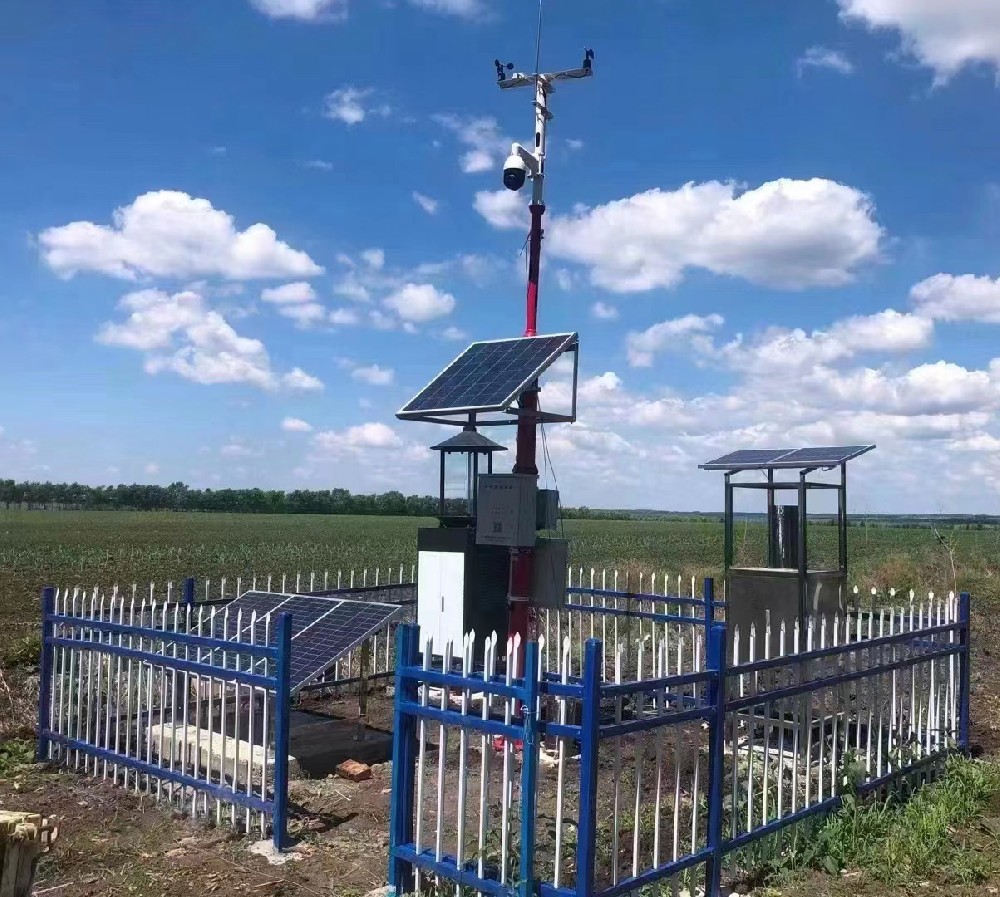
Where weather data accompanies insect observations, retain a separate reference to the weather station and observation period. A weather record provides context, not an image file or an insect sample. Do not make two unrelated devices share a sample identity solely because they are shown on the same site map.
Networks can deliver the same result again after a retry. The receiving system needs a stable identity or another agreed rule to recognize that it has already processed the record. Inserting every received message as a new catch can inflate a daily total while all messages appear technically valid.
Test a repeated record in a separate acceptance dataset. The platform should retain the intended result without adding another biological observation. Also test a later correction to that record. A retry of an unchanged result and a revised interpretation need different treatment even if both refer to the same image.
If a reviewer changes a label or count, preserve the link to the original image and identify which interpretation is current. For an illustrative sample, an automated count of eight targets may be reviewed as six targets and two non-targets. The current target total is six; adding the old and new totals would incorrectly produce fourteen.
The example is a data-handling test, not a recognition performance claim. The receiving application should be able to show the current reviewed result while retaining the earlier interpretation where the project requires an audit trail. It should not silently rewrite an already issued report without identifying that a revision occurred.
An image may arrive before its result, or a count may arrive while image retrieval is temporarily unavailable. Define whether the destination holds the record pending, marks it incomplete or accepts a qualified result. Do not label it fully reviewable until the required evidence is accessible.
Likewise, a device offering both cellular and Ethernet connections does not automatically provide tested automatic failover. Local storage, recovery order and retained capacity need configuration-specific evidence. Test only the functions included in the order and distinguish loss of upload from loss of collection.

Use the actual destination to demonstrate a normal sample, a repeated delivery, a corrected count, an incomplete sample and a delayed image. Check time zones and collection periods in the exported file as well as the dashboard. A result received after midnight should not move into a new collection day merely because of its delivery time.
Record what the receiver stores and what it only links to remotely. If images must remain available for a defined project period, agree retention and retrieval responsibilities. A link that works on commissioning day does not establish long-term access to the file.
Send NiuBoL an example of the destination's required sample and result records. State the target labels, image-retention need, export frequency, authentication requirements and whether corrections must be synchronized. Request the actual supported interface and any development work separately from the cabinet hardware.
Keep operational controls outside the initial read-only data connection unless they are explicitly required. A service allowed to retrieve images need not also be allowed to restart equipment or alter the collecting schedule. Define command authorization and verification separately where those functions are included.
Only the values and operations supported by the selected implementation are available through it. Confirm the image-transfer route separately and demonstrate the relationship between images, samples and count results.
Retries, processing and revisions can create several records associated with one collection period. An agreed identity lets the receiver distinguish another message about the same sample from a genuinely new sample.
No, not when it is a revision of the same result. Retain the relationship and identify the current interpretation. Otherwise one physical sample can be counted twice.
No. Access may depend on permissions, service retention or an expiring URL. Agree how authorized users retrieve older evidence and who retains the actual file.
No. Available ports do not establish failover behavior. Specify and test the selected configuration's switching, local retention and recovery requirements if the project needs them.
A working connection to the intended destination, linked sample/image/result records and successful handling of agreed exceptional cases. Keep any unsupported fields or recovery functions explicit rather than treating a live dashboard as complete acceptance.
Pest monitoring system data integration is useful when the destination preserves the evidence behind each result. Link images, samples, reviewed counts and equipment states; test retries and revisions without creating new catches. NiuBoL equipment can supply the observation source, while the project must confirm the interface and retention arrangement actually delivered.
 Intelligent Remote Insect Monitoring and Reporting System(Insect Monitoring Device) Data Sheet.pdf
Prev:Insect Pest Forecasting Lamp: Check Sample Batches and Carryover
Next:Ultrasonic Automatic Weather Station: Diagnose Wind-Channel Data Gaps
Related recommendations
Sensors & Weather Stations Catalog
Agriculture Sensors and Weather Stations Catalog-NiuBoL.pdf
Weather Stations Catalog-NiuBoL.pdf
Agriculture Sensors Catalog-NiuBoL.pdf
Water Quality Sensor Catalog-NiuBoL.pdf
Related products
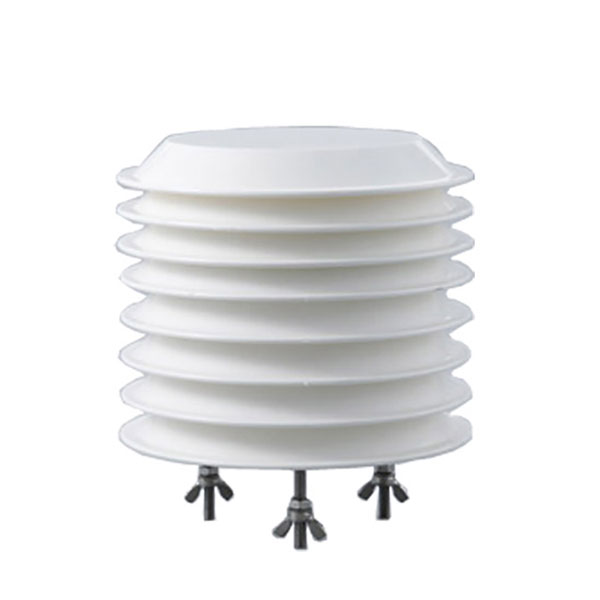 Combined air temperature and relative humidity sensor
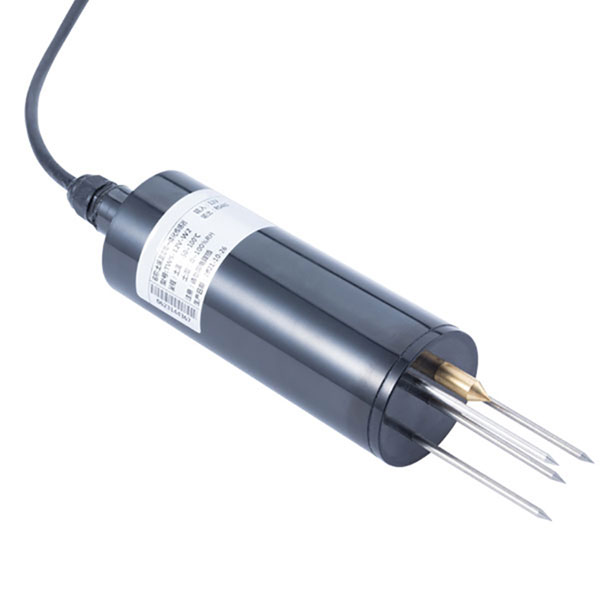 TDR Soil Moisture & Temperature Sensor for irrigation| RS485 |4-20mA| NBL-S-THR
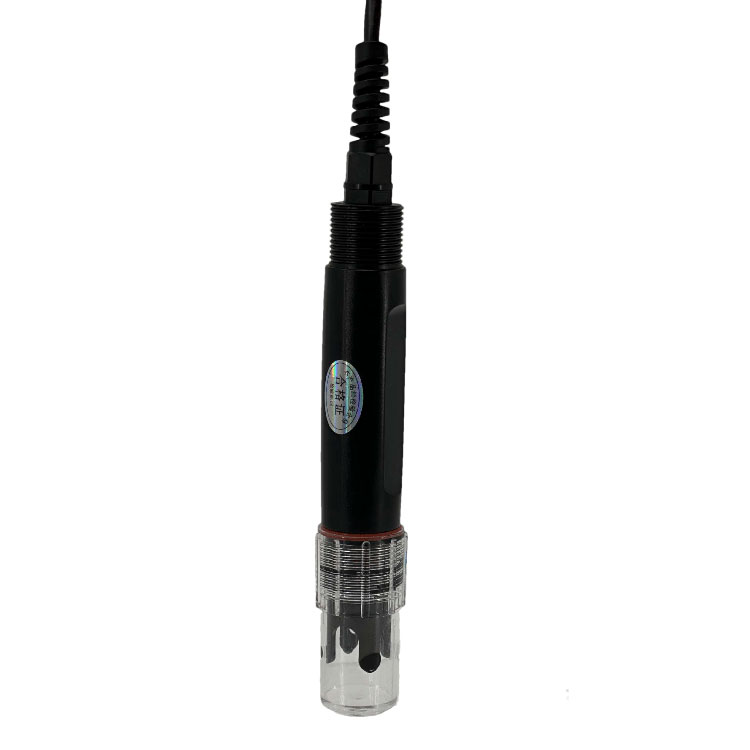 Soil pH sensor RS485 soil Testing instrument soil ph meter for agriculture |NBL-S-PH
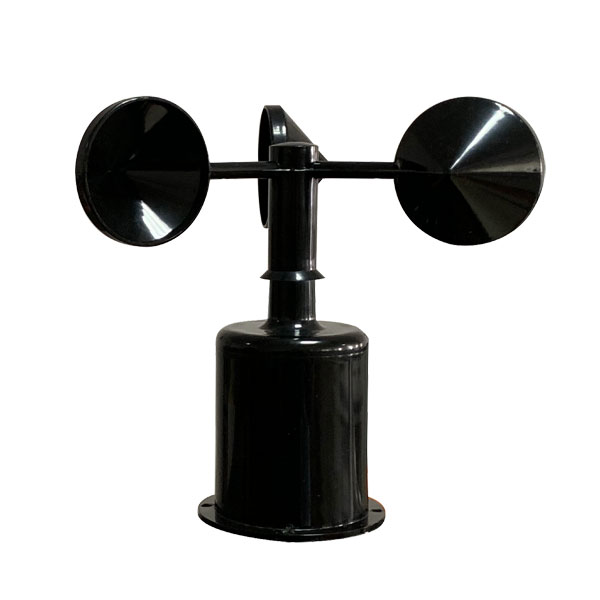 Wind Speed sensor Output Modbus/RS485/Analog/0-5V/4-20mA
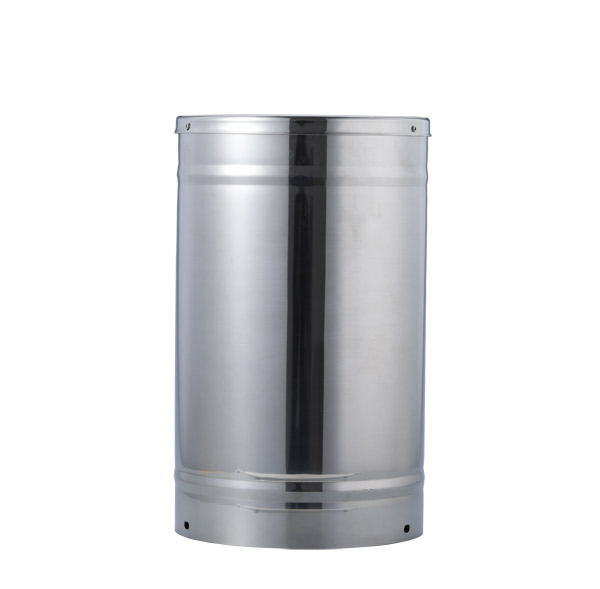 Tipping bucket rain gauge for weather monitoring auto rainfall sensor RS485/Outdoor/stainless steel
 Pyranometer Solar Radiation Sensor 4-20mA/RS485

Screenshot, WhatsApp to identify the QR code
WhatsApp number:+8615367865107
(Click on WhatsApp to copy and add friends)