

— Blogs —
—Products—
 Consumer hotline +8618073152920
WhatsApp:+8615367865107
Address:Room 102, District D, Houhu Industrial Park, Yuelu District, Changsha City, Hunan Province, China
Product knowledge
Time:2025-01-11 16:50:41 Popularity:2597
Pest monitoring system software updates can change insect names, counts, operating schedules or data delivery even when the physical station stays in place. Before an update, retain representative images and the current configuration. Compare the same images under the old and new recognition versions, keep reviewed results identifiable, and test the receiving platform before treating a changed trend as a change in field insect activity.
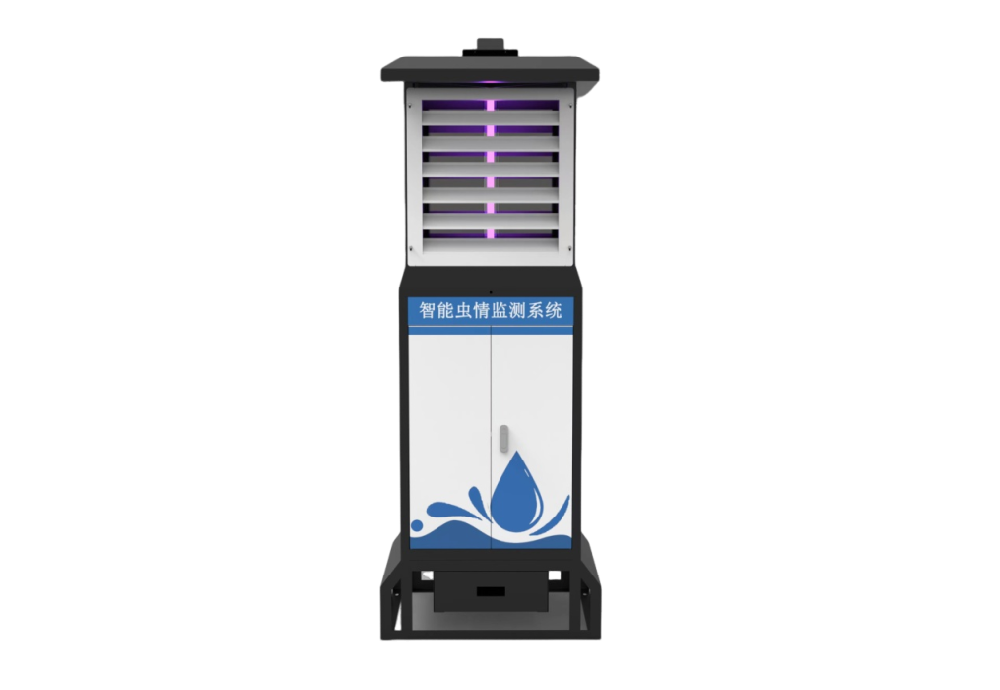
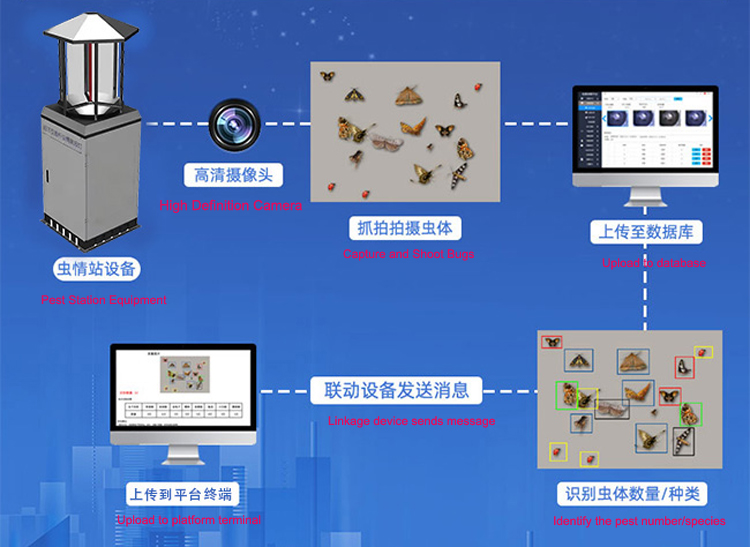
An intelligent insect monitoring station collects a physical sample, photographs it and passes the images into a recognition and reporting process. A change in the recognition library may split a former category, merge two labels or alter how uncertain insects are counted. The hardware may be working normally while the meaning of the exported count changes.
This matters to farm-service companies, research teams and integrators responsible for multi-site comparisons. A chart crossing an update date may contain two different classification methods. If old images are reprocessed, previously exported totals may also differ from the current dashboard. Neither situation should be presented as a biological increase or decrease without checking what changed.
The NiuBoL NBL-IoT-SRPMS combines light-based attraction, far-infrared processing, a 12-megapixel camera, a local 10-inch touchscreen and remote reporting. These are separate stages. An update to the recognition platform is different from a firmware change that modifies lamp hours, rain-control behavior or image capture.
Keep the installed location and physical sampling arrangement unchanged during a recognition comparison. Do not alter the lamp position, nearby lighting or attraction hours during that comparison. If the station is moved or its operating hours change at the same time, a difference in catch cannot be attributed to the recognition update alone.
| Change | Possible effect on the insect record | Useful check |
|---|---|---|
| Species library or recognition version | Different names, category boundaries or accepted counts | Compare the same retained images and review the disagreements |
| Device firmware or controller settings | Different attraction, processing or imaging periods | Verify a complete operating cycle and compare active sampling hours |
| Platform or export format | Changed field names, identifiers or handling of corrections | Read a test export in the customer's receiving system |
| User permissions or account settings | Changed access to images, review or historical records | Test the actual operator and reviewer accounts |
Select images that represent the target insects and common local look-alikes, including difficult but still usable examples. Include empty frames and uncertain identifications. Do not select only clear photographs of a few familiar insects; they are unlikely to expose the differences that affect operational reports.
Keep image identity stable through the test. The same file should not be counted as a new field catch merely because it is submitted again for recognition. Record the capture location and time separately from the reprocessing time. Ask how the system distinguishes an original prediction, a new prediction and a human-reviewed correction.
Use a competent reviewer to establish the comparison labels at the level that can actually be supported by the image. Some insects may only be identifiable to a broader group. A forced species name is not a better reference than an honest unresolved label. For performance metrics, the insect recognition accuracy guide explains why different error measures should not be compressed into one unqualified percentage.
As an illustrative example, an old result could place 18 insects in one category, while a new library separates the same images into 12 and 6 in two categories. The grand total remains 18, but a target-species alarm could behave differently. Conversely, identical category names do not prove that the definition or confidence rule stayed the same.
For each target, inspect insects newly accepted, newly rejected or moved into another category. Review whether an uncertain category is retained rather than silently treated as zero. The purchasing question is whether the update helps the project's target observations and preserves interpretability, not whether it increases the number of names in a species list.
A useful change record identifies the device, firmware, recognition-library version, affected dates, approved configuration and the outcome of the comparison. If a platform does not expose those identifiers directly, agree a practical supplier record before relying on long-term comparisons. Do not assume version history, historical reprocessing or rollback is a default function of every package.
Choose explicitly what happens to historical images. One option is to preserve the original counts and start the new method from a stated date. Another is to reprocess a defined historical period, while retaining the original results and the reason for the revision. Mixing updated and original counts without a label makes the time series difficult to interpret.
The NBL-IoT-SRPMS provides industrial communication interfaces and supports Modbus-related integration; its image and platform functions also involve network communication. Where RS485 Modbus RTU is supplied, access to supported numeric or status values is not evidence that the same register connection delivers full image files, all review history or recognition-library management.
Identify which software change affects which connection. After a device update, check configured addresses, serial settings and supported status values. After a platform change, test the actual image, count and correction routes used by the customer's system. Confirm that a correction replaces or revises the intended record rather than creating an extra catch.
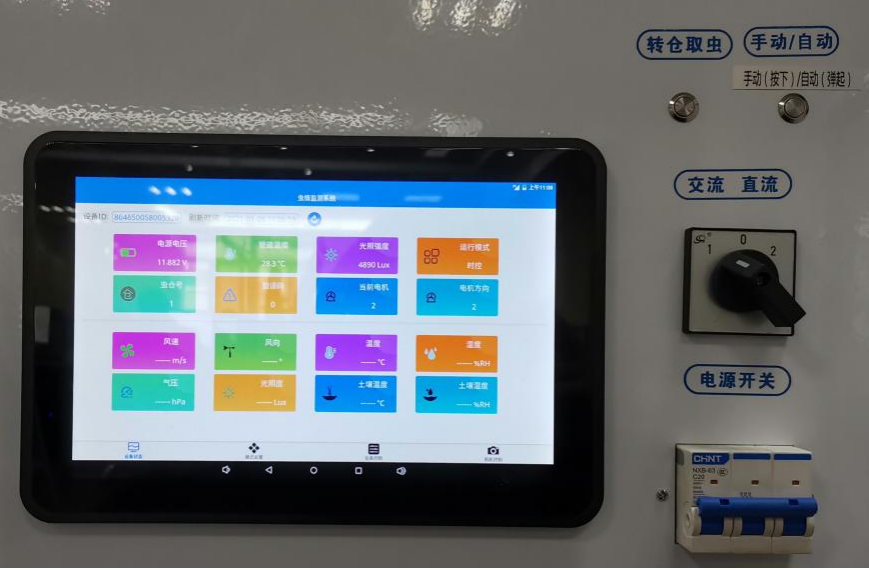
Operate the local touchscreen with the intended site-user account. Verify that schedules, rain-control settings and image intervals remain as approved. If power loss or loss of the network is included in the test, use the agreed procedure and check the resulting record sequence; do not assume an update preserves every unfinished operation without demonstrating it.
If a rollback is required, first confirm that the vendor supports it and what happens to data created after the update. Where rollback is unavailable, a controlled test environment or limited initial deployment may be more appropriate than changing every operating station at once. These are project requirements to agree, not claims that every installation includes identical software tools.
Ask NiuBoL which parts of the supplied configuration can be updated, how changes are documented and which image or data functions the customer can access. Provide target insects, representative local images, the receiving platform and any need to preserve reviewed results. Clarify support for historical records before the first seasonal update, when the cost of an ambiguous change is harder to resolve.
A maintained recognition library can be useful, but the maintenance should not erase the distinction between a new catch and a new interpretation of an old image. For a project comparing sites or seasons, that distinction is part of the monitoring result.
Not automatically. First identify the affected stage. A recognition-library change needs an image comparison, while a controller change may require checks of operating hours and sample processing. Do not change the physical installation merely because the platform version changes.
Only after checking whether categories, review rules and sampling conditions are comparable. Keep the version boundary visible. If old images are reprocessed, retain the distinction between the original and revised results.
No. Test the target insects and likely local confusions. A longer list does not establish that the station attracts those insects or that the new recognition results are more accurate at the site.
Not silently. Agree the revision policy and preserve the reviewed result and its provenance. The user should be able to distinguish human review from a later automated interpretation of the same image.
Only if those functions are explicitly implemented in the supplied integration. Obtain the actual register map and separate image or platform interface details. A serial-port label does not establish every required data function.
Agree the affected versions, comparison images, target-category acceptance, controller checks, data treatment and a supported recovery method. Use a staged deployment when the comparison or recovery behavior is still uncertain.
Pest monitoring system software updates should preserve the meaning of the record as well as device operation. Compare the same images, separate sampling changes from recognition changes and label revised history. This allows an integrator to maintain the system without mistaking a software change for a change in field insect activity.
Prev:Insect Monitoring Equipment for Specimen Collection: Images and Physical Samples
Next:Nighttime Visibility Observations: MOR, Lights and Observer Reports
Related recommendations
Sensors & Weather Stations Catalog
 Agriculture Sensors and Weather Stations Catalog-NiuBoL.pdf
Weather Stations Catalog-NiuBoL.pdf
Agriculture Sensors Catalog-NiuBoL.pdf
Water Quality Sensor Catalog-NiuBoL.pdf
Related products
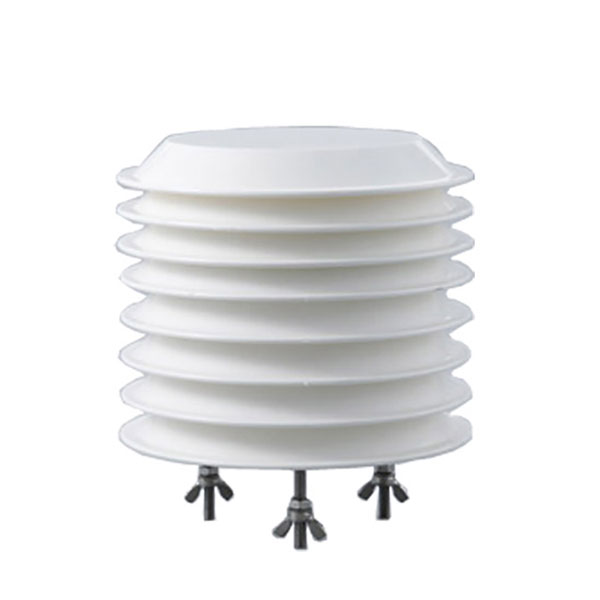 Combined air temperature and relative humidity sensor
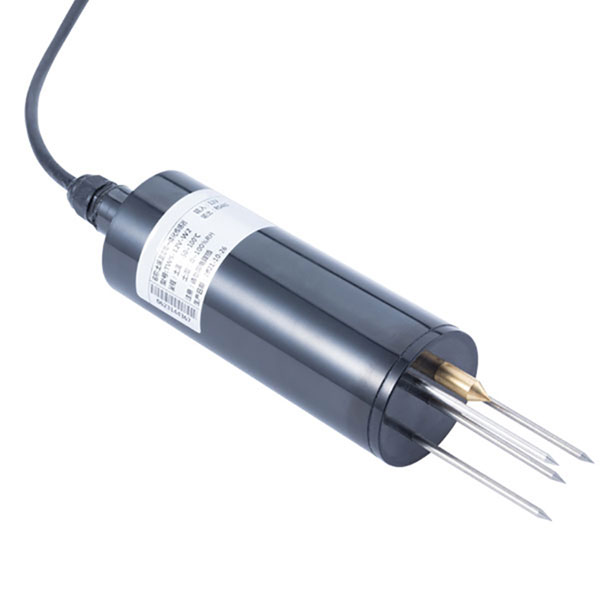 TDR Soil Moisture & Temperature Sensor for irrigation| RS485 |4-20mA| NBL-S-THR
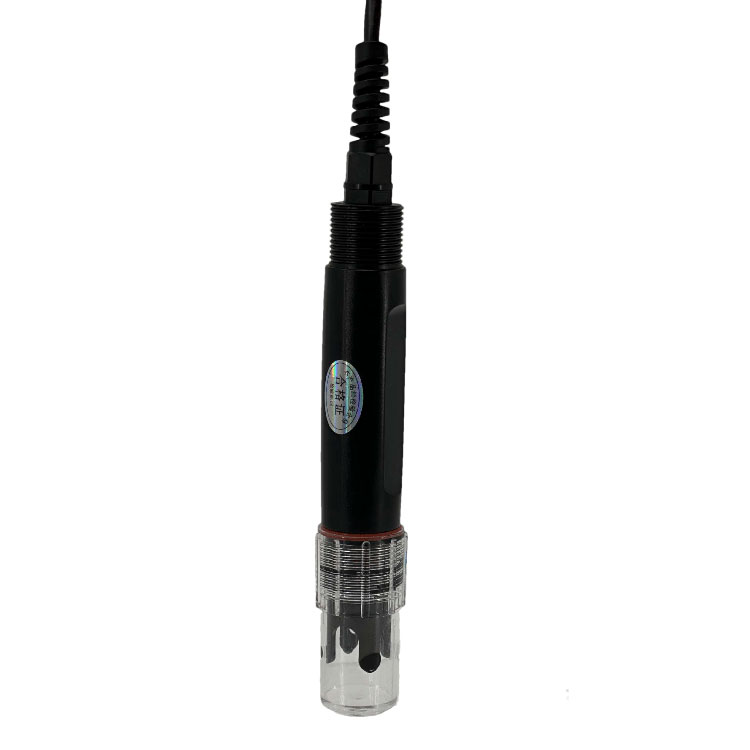 Soil pH sensor RS485 soil Testing instrument soil ph meter for agriculture |NBL-S-PH
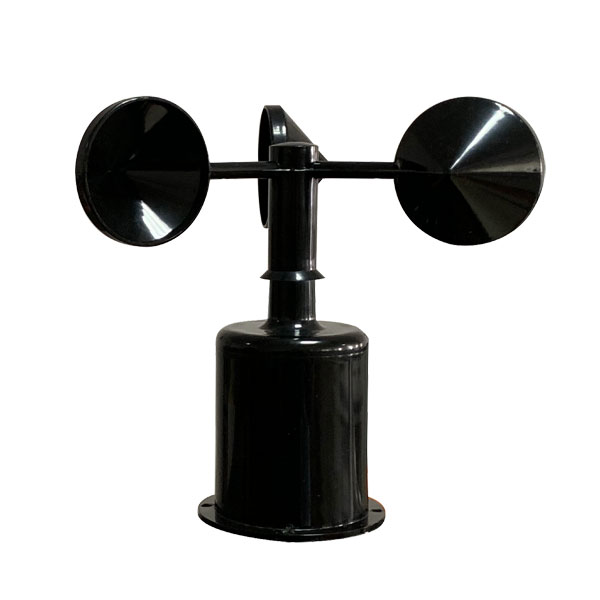 Wind Speed sensor Output Modbus/RS485/Analog/0-5V/4-20mA
 Tipping bucket rain gauge for weather monitoring auto rainfall sensor RS485/Outdoor/stainless steel
 Pyranometer Solar Radiation Sensor 4-20mA/RS485


Screenshot, WhatsApp to identify the QR code
WhatsApp number:+8615367865107
(Click on WhatsApp to copy and add friends)