

— Blogs —
—Products—
 Consumer hotline +8618073152920
WhatsApp:+8615367865107
Address:Room 102, District D, Houhu Industrial Park, Yuelu District, Changsha City, Hunan Province, China
Product knowledge
Time:2025-01-20 15:45:34 Popularity:1916
Small weather station display options should be chosen around who needs the readings and where they work. An on-site screen helps field staff check current conditions; remote access serves off-site operators; a logger preserves records only when its recording behavior is configured. A display is not a substitute for storage, and a remote dashboard is not proof that data remains available during an outage.
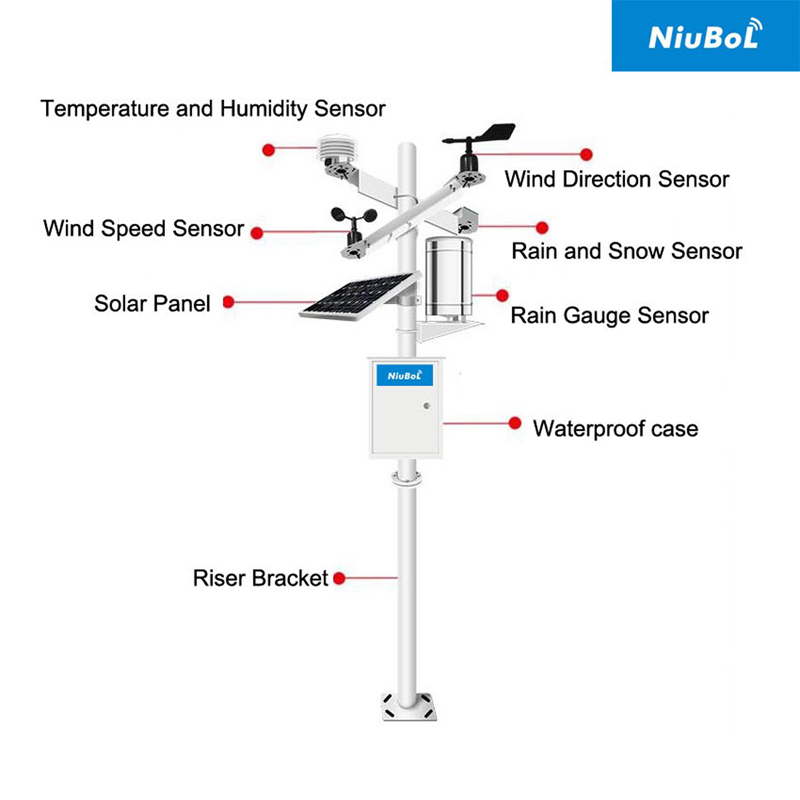
A small weather station may contain several instruments, a logger, communications equipment and one or more displays. These components perform different jobs. A temperature sensor produces a measurement, the acquisition system interprets it, storage retains a history, and an interface presents selected values. Compact packaging does not make those functions interchangeable.
This matters when two suppliers quote apparently similar stations. One may include an outdoor numerical display but no retrievable archive. Another may include remote reporting but require a phone or computer for local access. Compare the actual operating tasks rather than the size of the screen or the number of visible values.
A local readout is useful at an agricultural demonstration site, an outdoor work area or a station visited by technicians. Staff can see selected channels without first establishing a remote connection. For commissioning, it can also help an installer compare a physical instrument response with the value being acquired.
However, a large outdoor numerical display and an enclosed logger touchscreen are different products. Specify viewing distance, displayed channels, mounting position and permitted interaction. A screen inside a locked enclosure is suited to service access, not necessarily to readings by people passing the station.
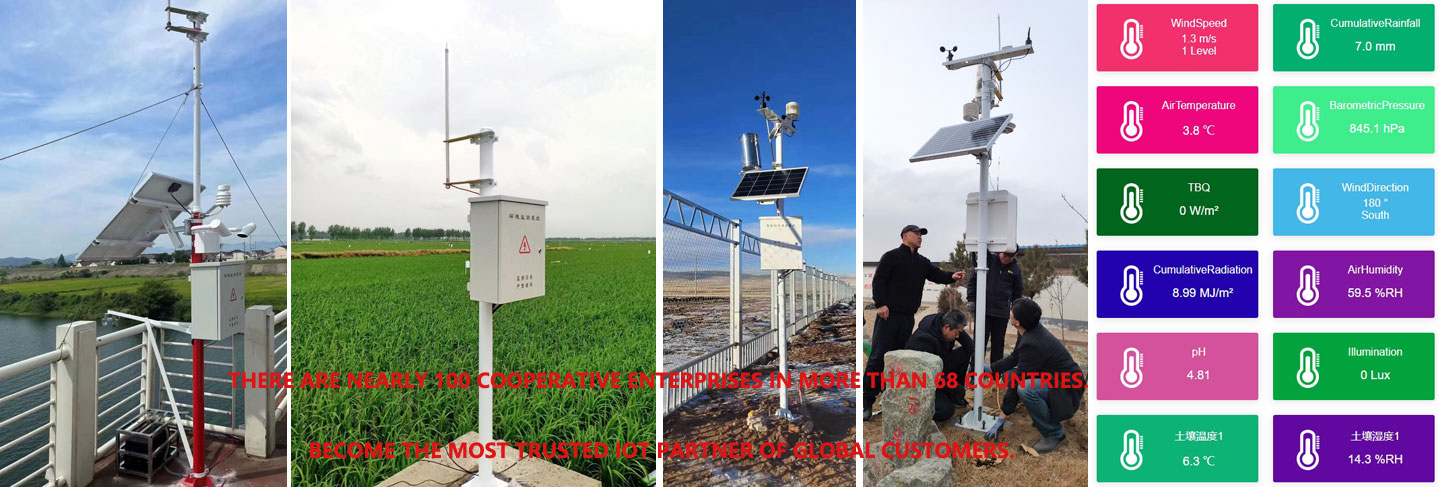
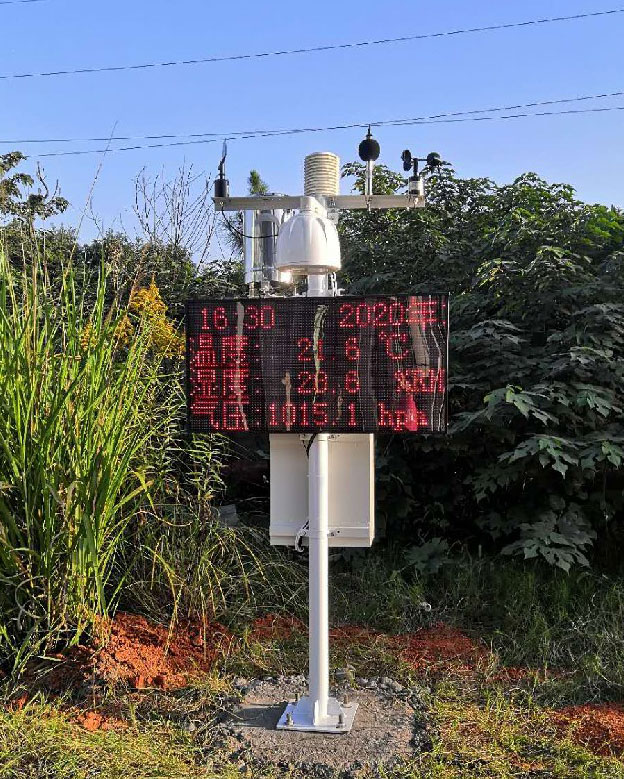
The photograph below illustrates a station with an external display. It does not imply that every small weather station includes that display or that the screen itself records data. Request the exact display arrangement as a separate line in the configuration.
| Arrangement | Suitable operating task | Question to settle before ordering |
|---|---|---|
| External local display | Quick readings at a site without opening a cabinet | Which values, units, refresh behavior and stale-data indication are included? |
| Logger touchscreen | Service checks and configured local interaction | Where is it protected, and which users may change settings? |
| Remote dashboard | Reviewing distributed stations from an office | What communications, accounts and server functions are required? |
| Direct system integration | Using observations in an existing PLC, RTU or SCADA workflow | What data mapping and network interface must be demonstrated? |
| Local archive | Retrieving observations for analysis or an interruption period | What is recorded, for how long, and how is it exported? |
These arrangements can be combined. A research station may require an archive and remote access but no public screen. A contractor may want local commissioning access while sending observations to an existing control room. The right choice reduces unnecessary hardware without removing the function that makes the record useful.
The TG462 / TG462S data logger and gateway family provides a concrete comparison. The TG462S includes a touchscreen; the TG462 does not. The displayed project interface, logging rules and network exchange still need to be defined for the ordered application.
| Item | TG462 | TG462S |
|---|---|---|
| Built-in touchscreen | No | 7-inch TFT, 800 x 480 |
| Internal flash | 256 MB; 1 GB option | 1 GB |
| RS485 ports | 3 | 3 |
| Ethernet | 2 RJ45 ports | 2 RJ45 ports |
| Input voltage | DC 5-35 V | DC 5-35 V |
| Enclosure protection | IP30 | IP30 |
| Micro SD support | Up to 32 GB | Up to 32 GB |
Both logger versions need suitable outdoor protection. IP30 is not a weatherproof rating, and a touchscreen does not change it. Provide a field enclosure with appropriate access and environmental protection. Storage capacity also does not specify retention duration until the record size, interval and application behavior are known.

A rooftop station and a field station may show identical channel names while observing different environments. Neither a larger display nor a faster dashboard corrects poor sensor exposure. Identify the station's purpose and location on the interface so users do not mistake a roof-level reading for conditions in a crop block.
For example, the NBL-W-LBTH offers RS485 Modbus RTU and 4-20 mA versions for atmospheric measurements. The NBL-W-SS wind sensor has its own selected output and measurement range, with IP65 protection. Specify which channels are supplied and how they reach the logger; the screen layout does not establish sensor compatibility.
For a shared RS485 Modbus RTU bus, assign distinct addresses and verify register decoding, units and polling settings. A display connected independently to sensors may create a different architecture from one that reads the logger's processed values. Agree on a supported connection arrangement rather than adding another polling device without checking the bus design.
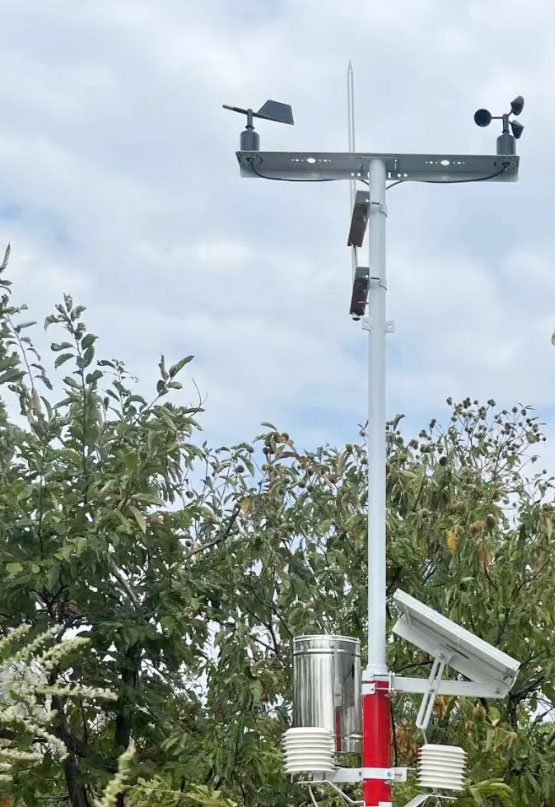
At acceptance, compare a known input or controlled functional response with the acquired value and its displayed unit. Then inspect the measurement timestamp, refresh behavior and channel labels. A changing clock in the screen header must not be mistaken for a newly acquired sensor value.
Disconnect a sensor and verify that its last value cannot silently appear current. Interrupt the network to check what remains locally available and what the remote operator sees. Restore the connection and test any required archive recovery. These are configuration tests, not reasons to assume every display or gateway has the same functions.
Finally, check who can change the configuration. Public viewing, technician access and system administration have different responsibilities. Document how the project owner receives the settings and any required access credentials without leaving the installation dependent on an individual operator's personal account.
No. It is useful when someone works at the station or needs local service access. A remotely managed installation may instead prioritize communications and retrievable records.
Not the TG462S without suitable protection. Its IP30 rating requires an appropriate outdoor enclosure. Review cabinet access and viewing requirements together.
No. Retention depends on record size, channel count, interval and configured storage behavior. Request a demonstrated retention and export arrangement for the proposed application.
It depends on its data path and local power. A screen using locally acquired values may remain useful, while a cloud-dependent interface may not. Demonstrate the ordered arrangement during an actual network interruption.
State who will view the readings, required viewing locations, channels, archive needs, available network and existing receiving system. Ask for separate display, logger, communications and application-software inclusions.
Choose small weather station display options by the tasks they support: reading conditions on site, servicing instruments, reviewing remote stations or retrieving records. Confirm those functions independently, protect the logger appropriately, and test stale-data behavior before accepting the installation.
Prev:Agricultural Weather Sensor Power Supply: 5 V, 12 V or 24 V?
Next:PV Weather Station for Cleaning Decisions: Rain Is Not a Cleanliness Test
Related recommendations
Sensors & Weather Stations Catalog
 Agriculture Sensors and Weather Stations Catalog-NiuBoL.pdf
Weather Stations Catalog-NiuBoL.pdf
Agriculture Sensors Catalog-NiuBoL.pdf
Water Quality Sensor Catalog-NiuBoL.pdf
Related products
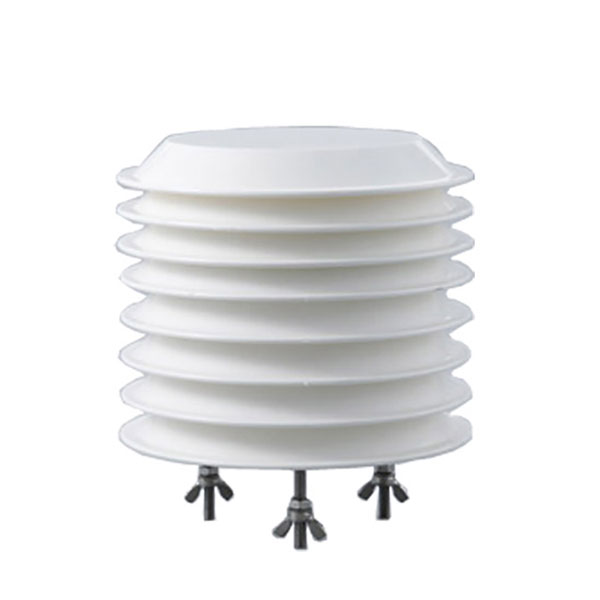 Combined air temperature and relative humidity sensor
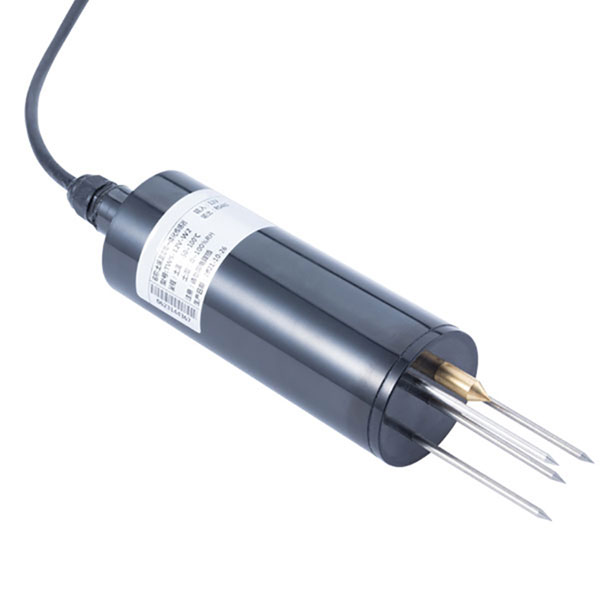 TDR Soil Moisture & Temperature Sensor for irrigation| RS485 |4-20mA| NBL-S-THR
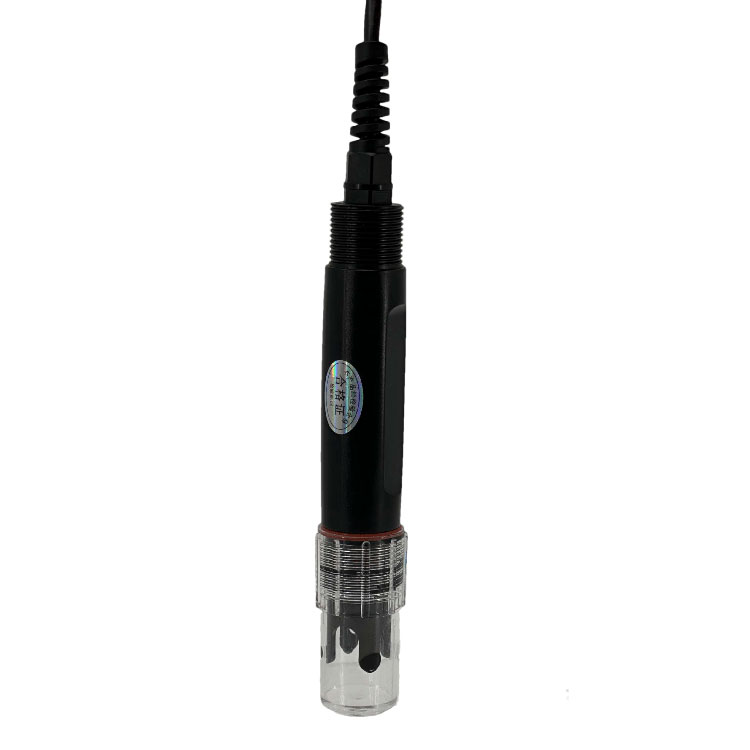 Soil pH sensor RS485 soil Testing instrument soil ph meter for agriculture |NBL-S-PH
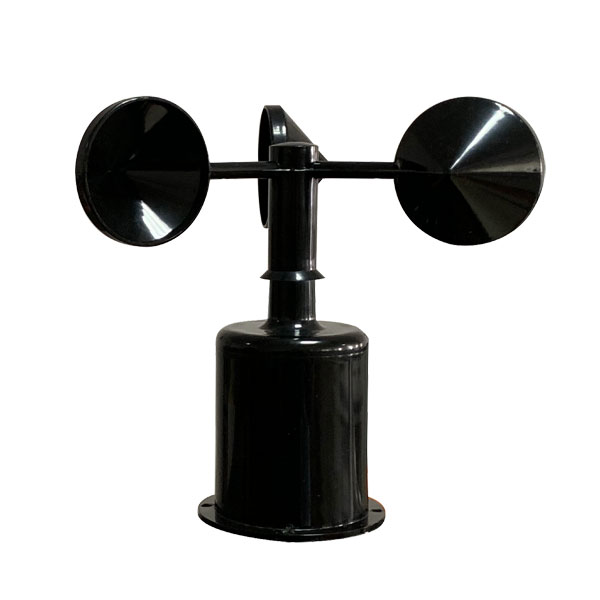 Wind Speed sensor Output Modbus/RS485/Analog/0-5V/4-20mA
 Tipping bucket rain gauge for weather monitoring auto rainfall sensor RS485/Outdoor/stainless steel
 Pyranometer Solar Radiation Sensor 4-20mA/RS485
Screenshot, WhatsApp to identify the QR code
WhatsApp number:+8615367865107
(Click on WhatsApp to copy and add friends)