

— Blogs —
—Products—
 Consumer hotline +8618073152920
WhatsApp:+8615367865107
Address:Room 102, District D, Houhu Industrial Park, Yuelu District, Changsha City, Hunan Province, China
Product knowledge
Time:2025-01-16 14:04:24 Popularity:2244
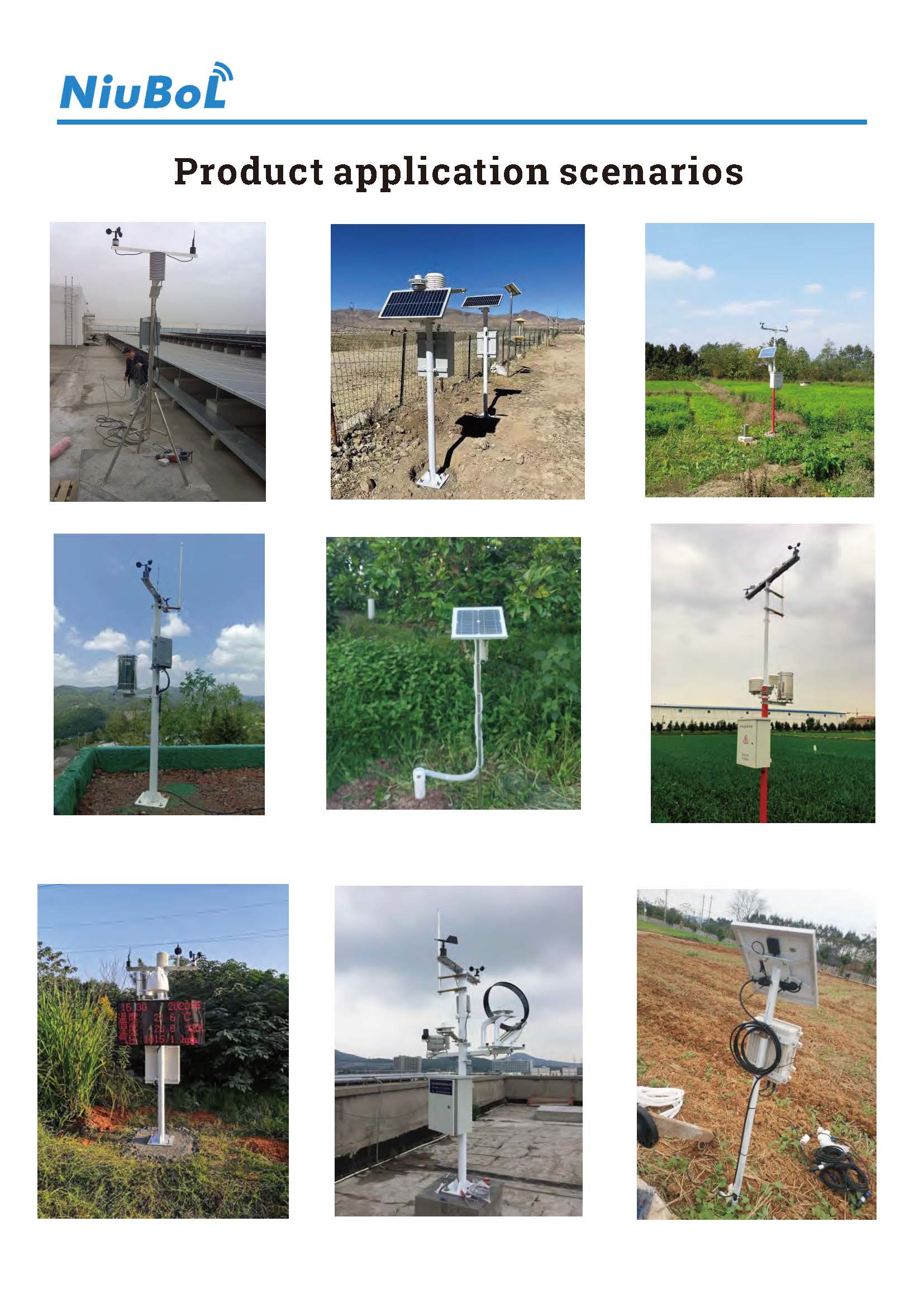
Smart weather station configuration changes should be tested against the installed sensors and receiving system before normal operation resumes. A firmware, driver or platform update can leave communication working while units, scaling, timestamps or alarm behavior are wrong. Keep an identifiable pre-change configuration and verify the measurements and records affected by the change.
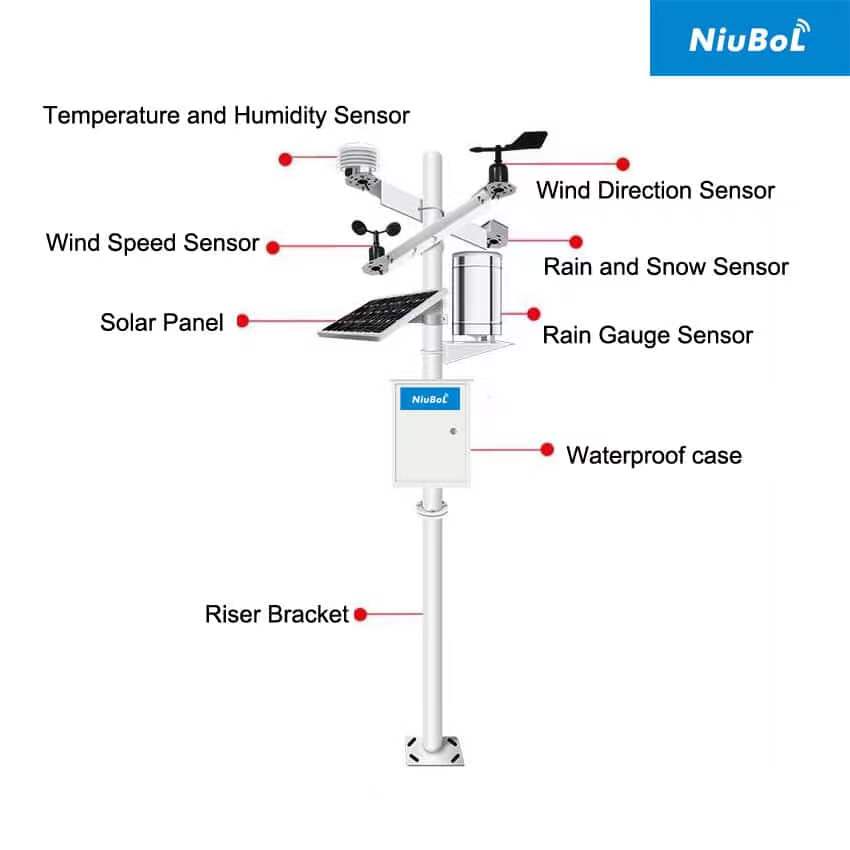
A smart weather station combines instruments, a data logger or gateway and receiving software. These are separate components. Updating a dashboard is not the same task as changing a sensor's communication settings, replacing gateway firmware or installing a new data parser.
Identify the component, the proposed version or setting and the intended reason for the change. Ask which existing sensor drivers and application functions remain supported. Do not install an unrelated package because the device enclosure or product-family name looks similar.
When possible, test the proposed configuration on a representative setup before the field change. Use the actual sensor models and output versions, not a demonstration screen with sample values. A test should expose incorrect decoding as well as a complete loss of communication.
| Installed example | Relevant specification | Post-change check |
|---|---|---|
| NBL-W-LBTH | Temperature -40 to 80 C, accuracy +/-0.5 C; humidity 0-100% RH, accuracy +/-5% RH; pressure 10-1200 hPa, accuracy +/-1.5 hPa | Keep temperature, humidity and pressure mapped to the correct units and labels |
| NBL-W-LBTH digital connection | DC 12-24 V; RS485 Modbus RTU | Confirm address, serial settings, register interpretation and selected output version |
| NBL-W-RS rainfall | 0.2 mm per tip for the named configuration | Preserve pulse scaling, accumulation and reset behavior |
| TG462 / TG462S gateway | RS485 interfaces, Ethernet and configurable networking; IP30 enclosure | Check the required application and keep the gateway protected outdoors |
The NBL-W-LBTH atmospheric sensor is one example of several quantities sharing one digital connection. A reply from that address does not prove that the receiver has assigned each value to the correct field. Keep a channel list containing the model, output, engineering unit and installed location.
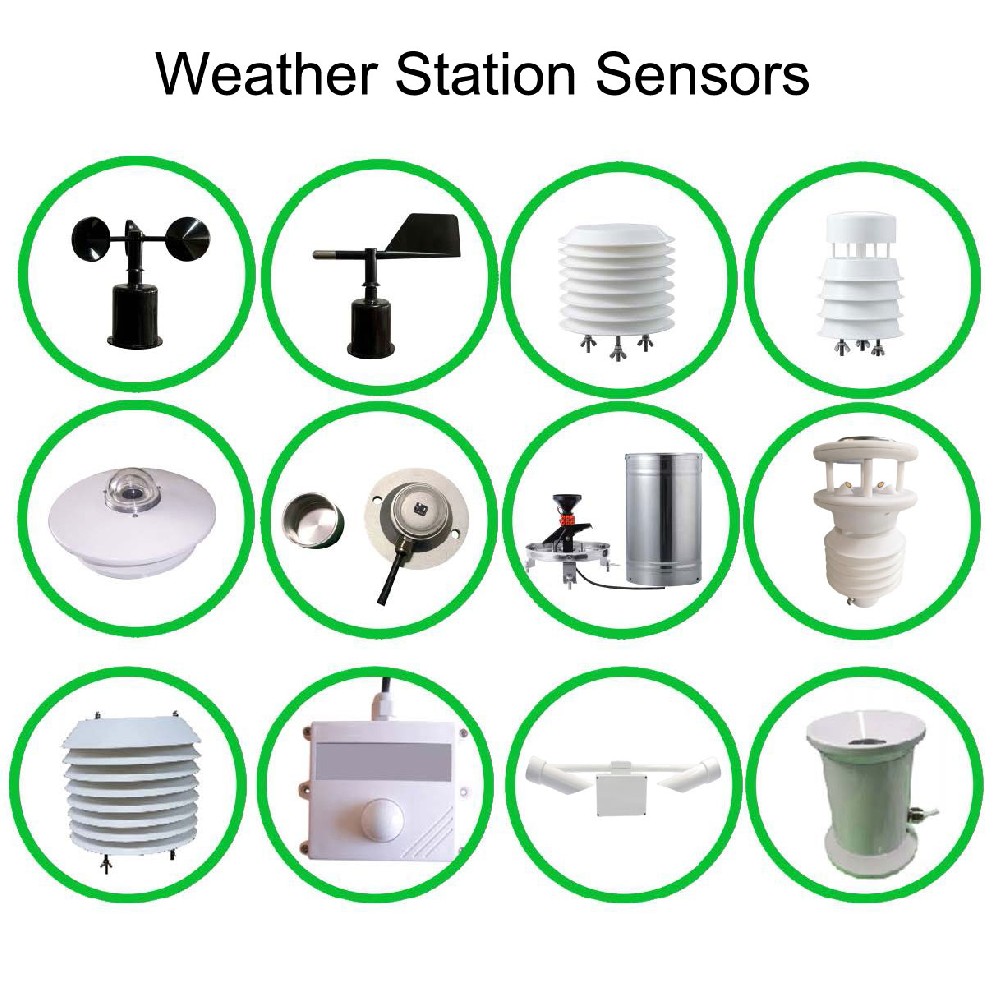
Prepare a small set of known test records or an approved interface test. For example, a test temperature of 18.0 C must not become 180 C, and a pressure value in hPa must not be displayed as kPa without the corresponding conversion. These are receiver checks, not claims that a sensor was exposed to those conditions.
For a 0.2 mm-per-tip rain channel, five accepted test pulses should represent 1.0 mm. Verify what happens at the configured daily reset and when the acquisition device restarts. A change to counting or accumulation can create a plausible total that is nevertheless inconsistent with the previous record.
Do not use an apparently reasonable screen to approve the whole change. Check the local acquisition value, transmitted record and exported history where those paths are affected. Instrument calibration and site exposure remain separate requirements; a software test cannot establish physical measurement accuracy.
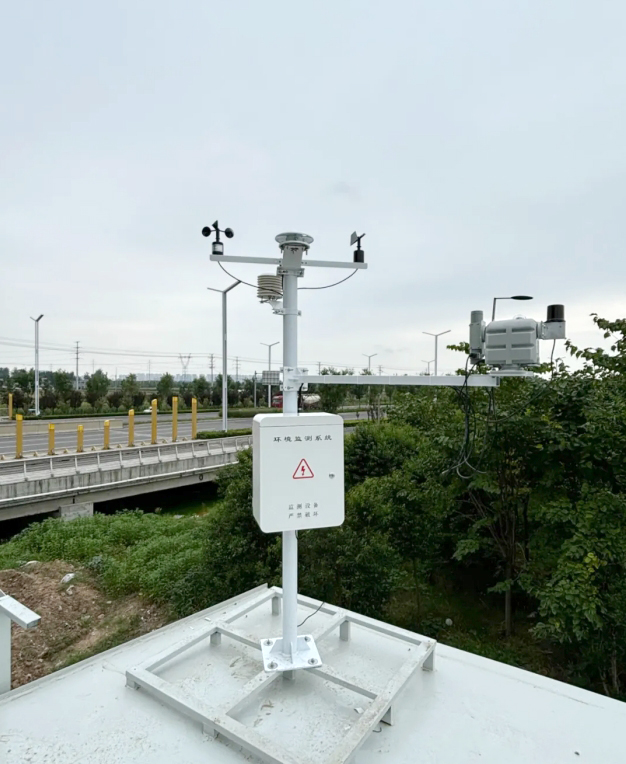
Record when the change begins, which observations are interrupted and when verified operation resumes. Check timezone, station time and the distinction between observation time and upload time. A software restart or delayed upload should not move an old observation into the current period.
Determine whether stored records remain accessible in the proposed application. A new database or export format may require a migration or a separate archive. Do not assume that a larger storage device, a new display or a new account automatically retains all previous history.
The TG462 / TG462S gateway supports configurable acquisition and networking functions, but a project's buffering, retransmission and retention behavior depends on its software. Include those requirements in the change test when the project relies on them.
If alarms or control outputs use the weather data, arrange an appropriate service state before the change. After testing, verify thresholds, units, message recipients and clearing behavior. A threshold copied without its unit can be wrong even when the displayed measurement is correct.
Keep application access and equipment configuration access distinguishable. Confirm that the staff who need observations can retrieve them, while only authorized personnel can change the station. Test the access arrangement in the delivered system rather than inferring it from an administrator's successful login.
Agree a recovery method before the update window. It may involve restoring a supported configuration, reverting to an approved version or obtaining supplier assistance. Do not assume that every sensor, gateway or platform supports automatic rollback or that a remote update can always be completed without site access.
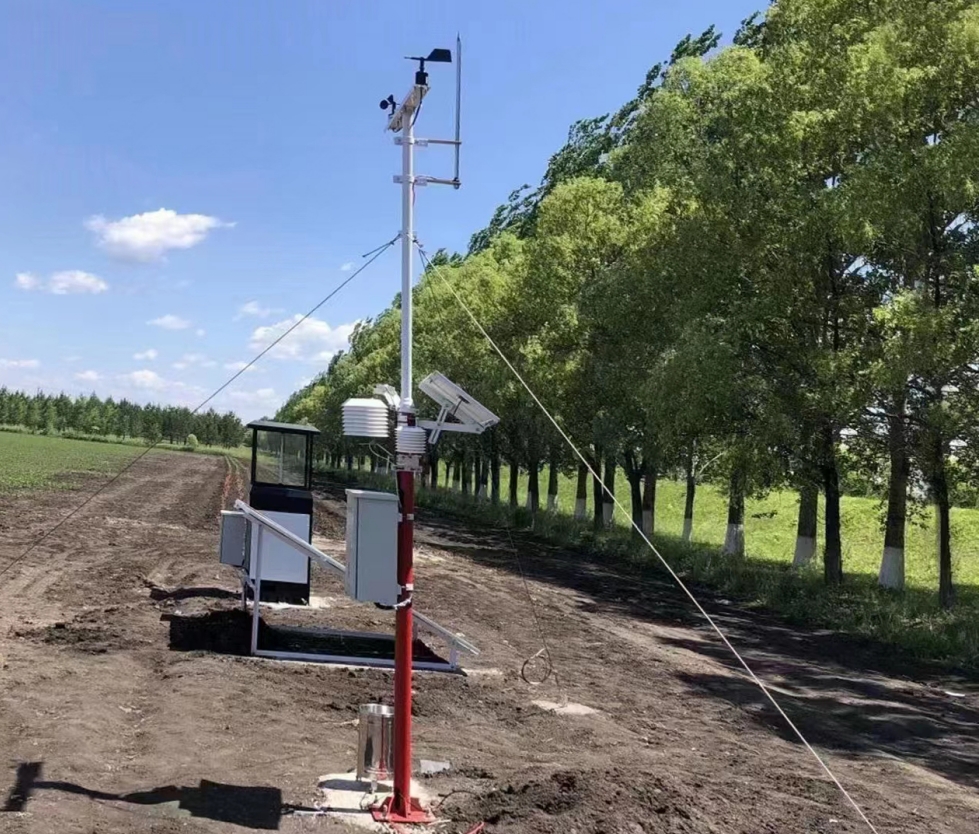
For NiuBoL technical support, identify the sensor and gateway models, software versions, the changed setting and the receiving platform. Provide a before-and-after example showing the affected quantity and expected unit. Include the time of the change and whether other channels still operate.
A useful support request might say that rainfall scaling changed after a gateway application update while the physical pulse counter still increments. That directs investigation to the acquisition and record conversion rather than an unexplained request to replace the rain gauge.
For a proposed upgrade quotation, separate hardware replacement, driver work, historical-data handling, access configuration and testing. Smart features are only useful when the updated system continues to provide the observations and functions the operator actually relies on.
No. Verify the affected channel values, units, timestamps, history and any alarms or outputs. A system can restart and communicate while interpreting data incorrectly.
No. Matching wiring does not establish matching data definitions. Confirm the protocol and register interpretation for each installed sensor, including compatible Modbus RTU versions.
No. It checks the receiver and software conversion. Physical calibration requires a suitable reference and method for the particular instrument.
Preserve the original observations and document any transformation. If a correction is needed, retain enough information to distinguish corrected results from the earlier data and to explain the method.
Identify the exact component and supported version, compatibility checks, configuration preservation, history handling, service interruption and recovery responsibilities. Confirm any need for a field visit before scheduling the change.
Smart weather station configuration changes need channel-specific acceptance, not just a working network connection. Establish the change scope, preserve an identifiable configuration and test values, time, history and affected operating functions. This makes an update a controlled improvement instead of an unexplained break in the station record.
Prev:Ultrasonic Snow Depth Monitoring Station: Zero Reference and Mast Movement
Next:Agricultural Weather Station During Tillage: Protect Soil Probes and Cables
Related recommendations
Sensors & Weather Stations Catalog
 Agriculture Sensors and Weather Stations Catalog-NiuBoL.pdf
Weather Stations Catalog-NiuBoL.pdf
Agriculture Sensors Catalog-NiuBoL.pdf
Water Quality Sensor Catalog-NiuBoL.pdf
Related products
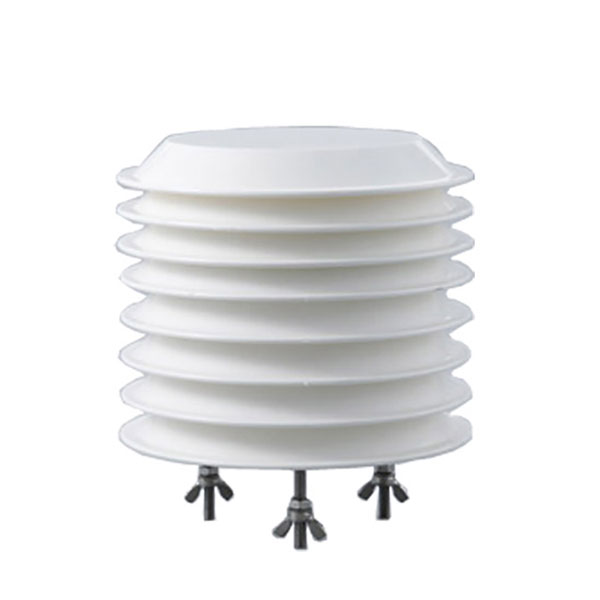 Combined air temperature and relative humidity sensor
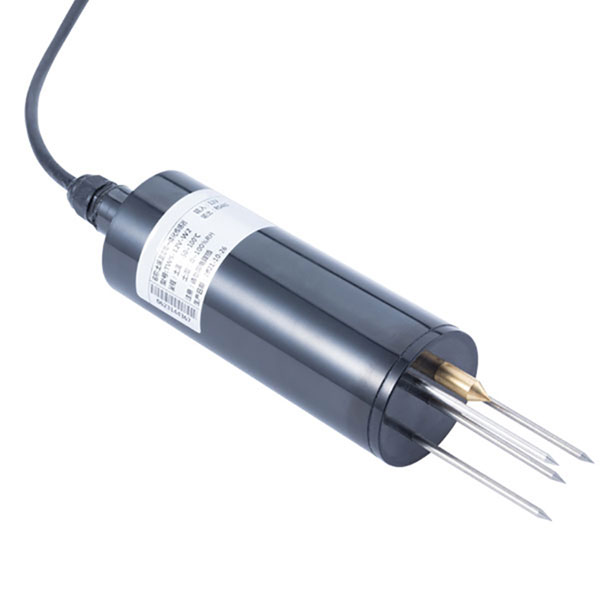 TDR Soil Moisture & Temperature Sensor for irrigation| RS485 |4-20mA| NBL-S-THR
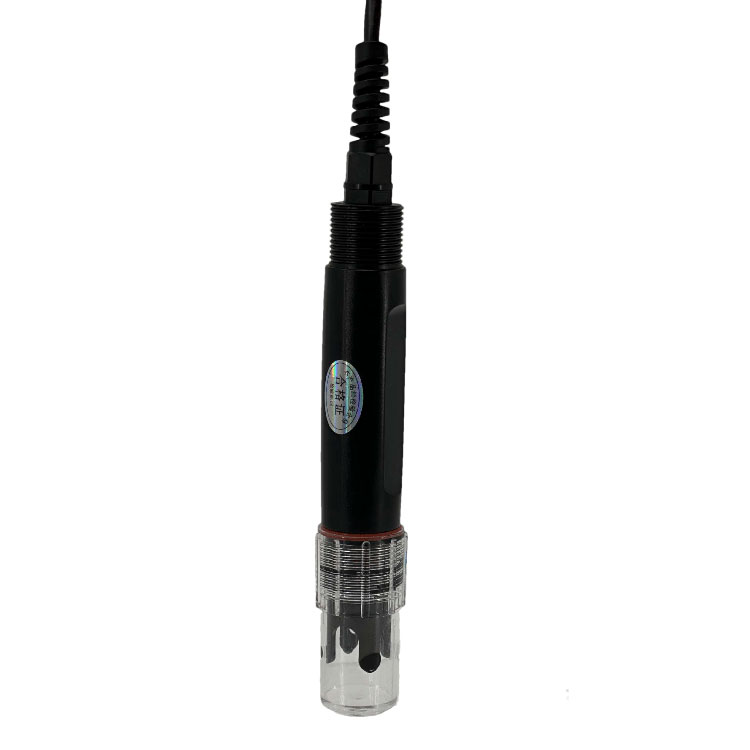 Soil pH sensor RS485 soil Testing instrument soil ph meter for agriculture |NBL-S-PH
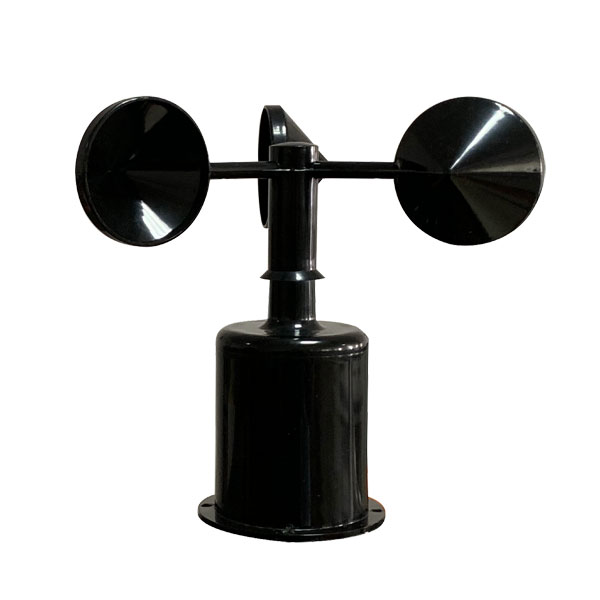 Wind Speed sensor Output Modbus/RS485/Analog/0-5V/4-20mA
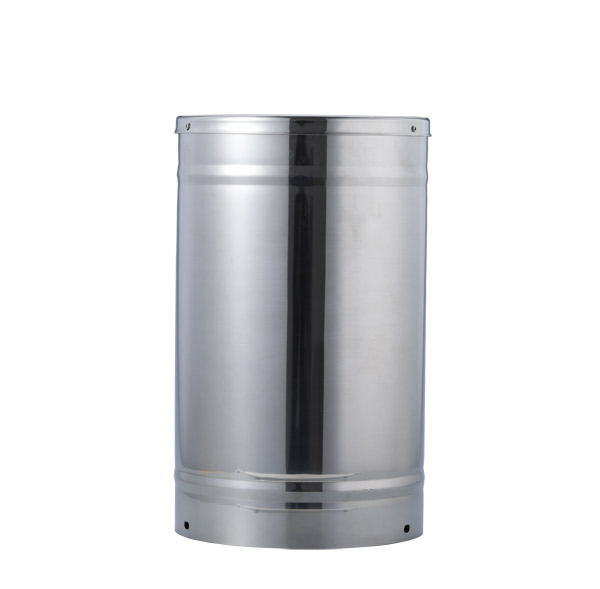 Tipping bucket rain gauge for weather monitoring auto rainfall sensor RS485/Outdoor/stainless steel
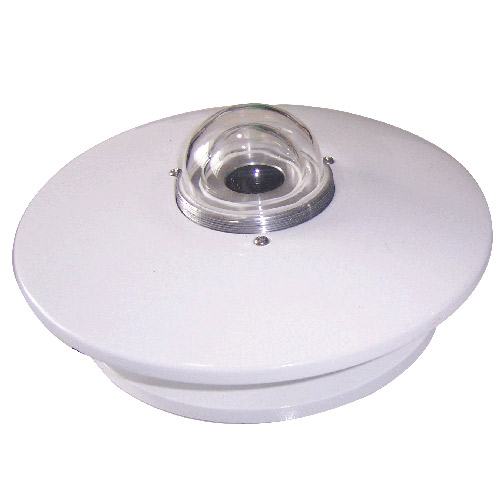 Pyranometer Solar Radiation Sensor 4-20mA/RS485
Screenshot, WhatsApp to identify the QR code
WhatsApp number:+8615367865107
(Click on WhatsApp to copy and add friends)