

— Blogs —
—Products—
 Consumer hotline +8618073152920
WhatsApp:+8615367865107
Address:Room 102, District D, Houhu Industrial Park, Yuelu District, Changsha City, Hunan Province, China
Product knowledge
Time:2025-02-16 19:37:47 Popularity:1492
Campus weather station network access should separate student use of observations from maintenance access to sensors and logger settings. A teaching website or exported dataset can provide useful records without exposing field-device configuration. Agree the access architecture with the institution's IT team before selecting the logger, remote connection and classroom application.
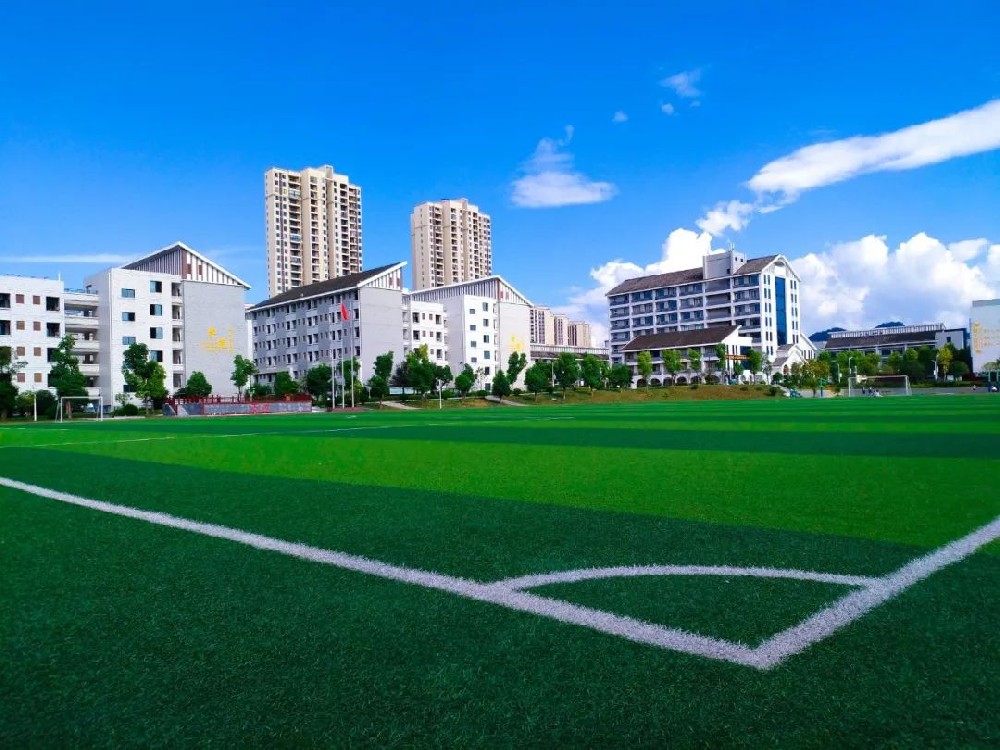
A campus automatic weather station can support geography teaching, research plots and facilities work. Those users do not need identical permissions. Students may need historical values and site descriptions; a technician needs calibration and communication settings; the IT team needs to manage network connectivity. Combining all three in a shared administrator login makes an accidental setting change harder to prevent or trace.
Define the actions, not just the number of accounts. Reading a dataset, downloading a file, changing an alarm rule, writing a sensor address and updating logger software are separate tasks. Ask which functions the proposed application actually supports and which require a separate maintenance tool. Do not assume that a browser screen provides configurable user roles.
| User or function | Normal requirement | Access to keep separate |
|---|---|---|
| Classroom users | Read observations and obtain an approved dataset | Sensor addresses, scaling and acquisition settings |
| Teacher or research supervisor | Select records and explain site or maintenance changes | Network administration unless specifically assigned |
| Facilities technician | Inspect equipment and perform authorized service | Unrelated institutional applications and student information |
| IT administrator | Approve connectivity and maintain access controls | Unreviewed changes to measurement interpretation |
RS485 Modbus RTU is an instrument communication method, not a student portal. The logger or RTU polls the selected sensors and makes observations available through the configured application. Classroom computers should normally consume those records rather than directly poll the field bus. This also avoids multiple software clients competing to communicate with the same instrument.
The NiuBoL TG462 / TG462S logger provides three RS485 ports and two Ethernet interfaces, with cellular availability depending on configuration. Those interfaces allow several possible architectures, but they do not by themselves provide institutional network approval, application permissions or a particular security certification. Specify how data will leave the field network and where it will be stored.
For a school-managed server, obtain the required data format and connection policy first. For a hosted service, clarify who owns the account and how teachers retrieve their records. Do not expose a logger directly to the public Internet merely to make classroom access convenient; use an architecture reviewed by the institution's IT team.
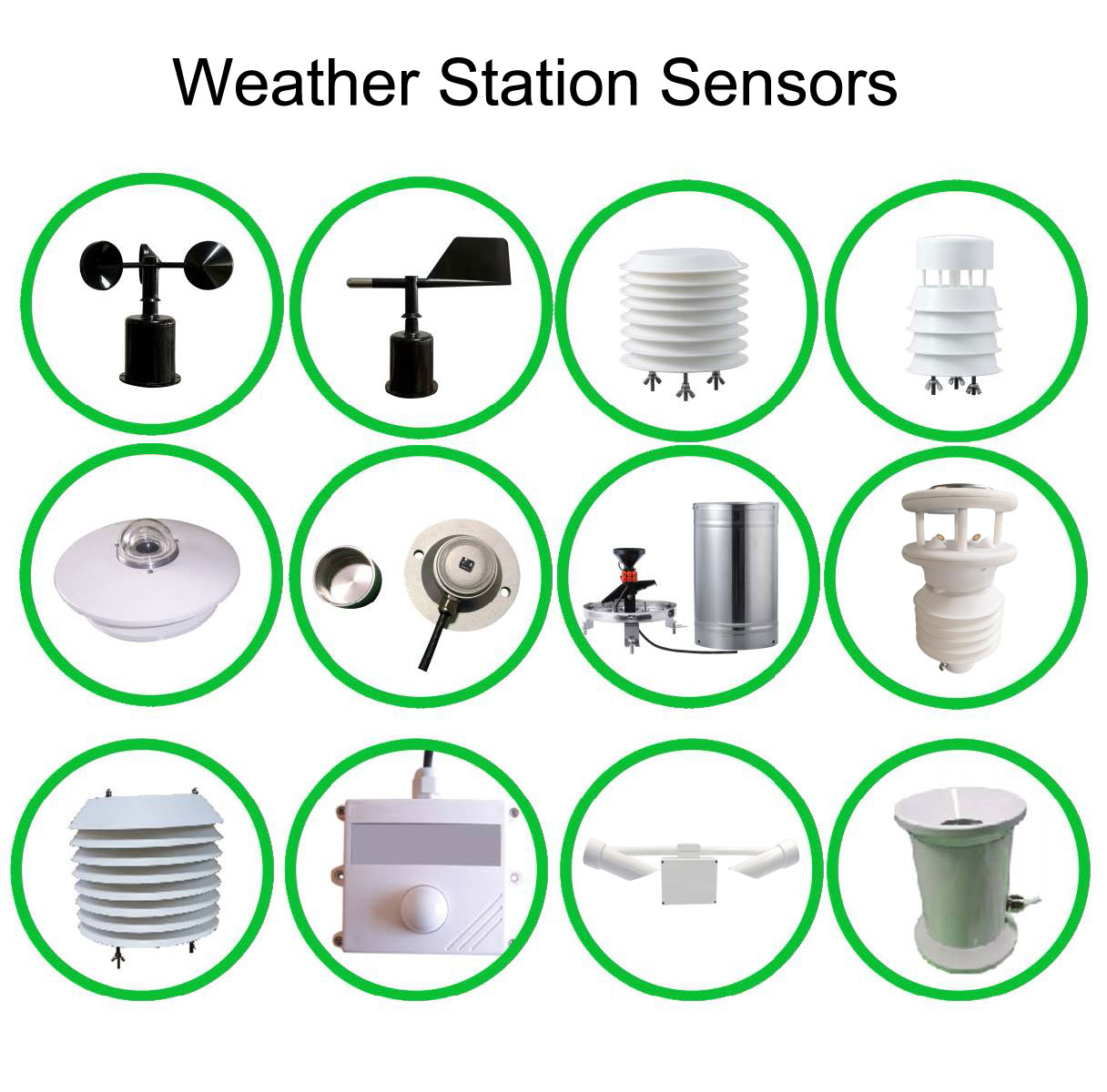
The station can be configured around the teaching or research programme. An introductory observation project may need air conditions, rainfall and wind. A soil study needs additional buried instruments and depth records; a solar project may need a pyranometer. The number of measured parameters is a configuration choice, not a fixed capability of every campus station.
| Component example | Parameters relevant to the project | Data-access check |
|---|---|---|
| NBL-W-LBTH | Temperature -40 to 80 C, +/-0.5 C; RH 0-100%, +/-5% RH; pressure 10-1200 hPa, +/-1.5 hPa | Return three correctly labelled measurements rather than one ambiguous environment value. |
| NBL-W-SS and NBL-W-DS | Separate wind speed and direction; IP65 | Keep speed units and direction reference available with the dataset. |
| NBL-W-RS | 0.2 mm resolution; 0-4 mm/min intensity range; operation 0-50 C | Document the accumulation interval and reset rule. |
| TG462 / TG462S | 3 RS485 ports; IP30 device protection | Confirm the application and provide outdoor cabinet protection separately. |
A live dashboard is useful for observation, but a lesson should not depend on every student keeping a session connected to the station. Provide an approved historical extract when that suits the activity. Include station identity, units, observation interval and location information with the file so it can be interpreted after the live connection is closed.
Ask for a sample export before purchasing a software package. Check that teachers can obtain the required period and that missing values are distinguishable from valid zeros. Confirm whether export, archive retention and multiple user accounts are included or separately configured. A hardware USB port or memory specification does not establish those application functions.
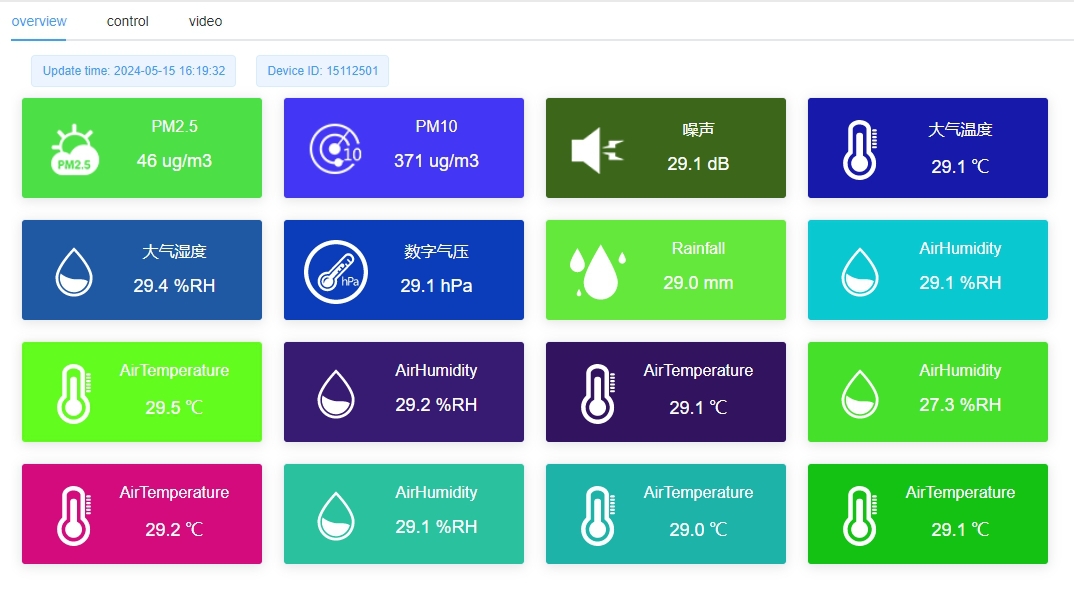
Campus weather station network access should be demonstrated using the proposed accounts and network, not just a supplier's administrator session. A teacher should be able to retrieve the intended records. A student-facing view should not offer instrument writes or maintenance commands. The authorized service route should remain available to staff without sharing its credentials with the class.
Keep maintenance notes accessible to the person interpreting the records. Sensor relocation or a changed averaging interval can affect a comparison even when the network works correctly. Network access should preserve the meaning of the observations, not merely make a screen reachable.
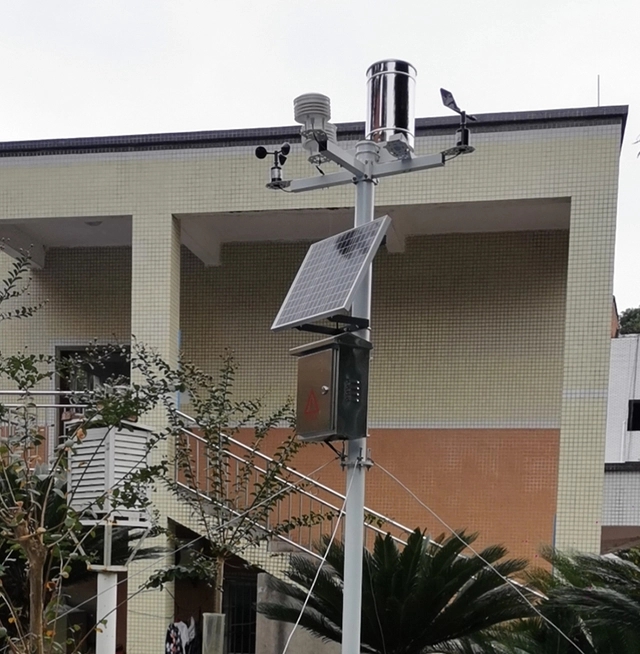
That is usually unnecessary for a weather-data lesson. Use the logger's approved output or an exported dataset. Direct instrument work belongs in a supervised technical exercise with suitable equipment and authorization, isolated from the operating station where appropriate.
No. Ethernet provides a network interface; the portal still needs a compatible data service or file workflow. Supply its format, authentication and network requirements before the logger application is configured.
Do not assume so. Permissions depend on the selected application and service architecture. Ask for the proposed roles and a demonstration using a restricted account; keep configuration access separate if the application cannot provide the required separation.
Local observations can inform staff, but they are not automatically an authorized forecast or emergency-warning service. Retain the institution's approved alert sources and operating procedures. Any local notification logic needs a separately defined purpose and responsible owner.
Provide the measurement list, teaching data workflow, expected users, network restrictions and preferred storage destination. State whether the scope includes a portal connection or only a local dataset. NiuBoL can then match the sensing and acquisition hardware to an explicit access requirement.
Campus weather station network access works more reliably when teaching access and station configuration follow separate routes. Select the observations first, agree the receiving application with IT and demonstrate the intended user permissions. This gives classes useful weather records without making instrument administration part of everyday student access.
Prev:Automatic Weather Station Components: What Can Be Replaced Separately?
Next:Forest Fire Hazard Meteorological Monitoring Station: Site Selection, Configuration
Related recommendations
Sensors & Weather Stations Catalog
 Agriculture Sensors and Weather Stations Catalog-NiuBoL.pdf
Weather Stations Catalog-NiuBoL.pdf
Agriculture Sensors Catalog-NiuBoL.pdf
Water Quality Sensor Catalog-NiuBoL.pdf
Related products
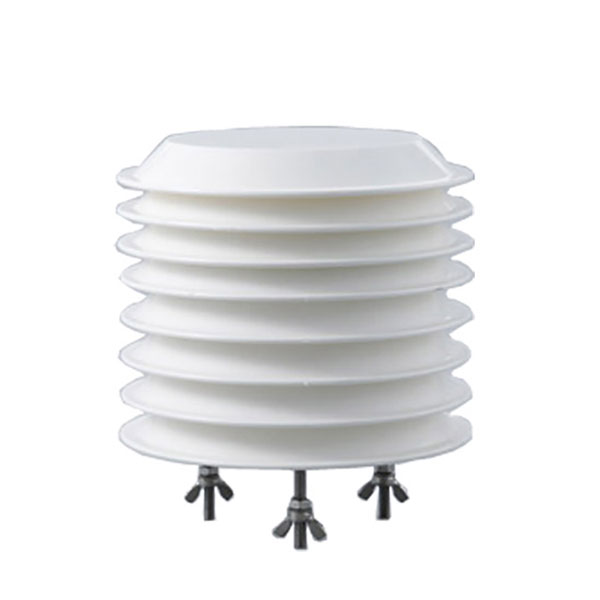 Combined air temperature and relative humidity sensor
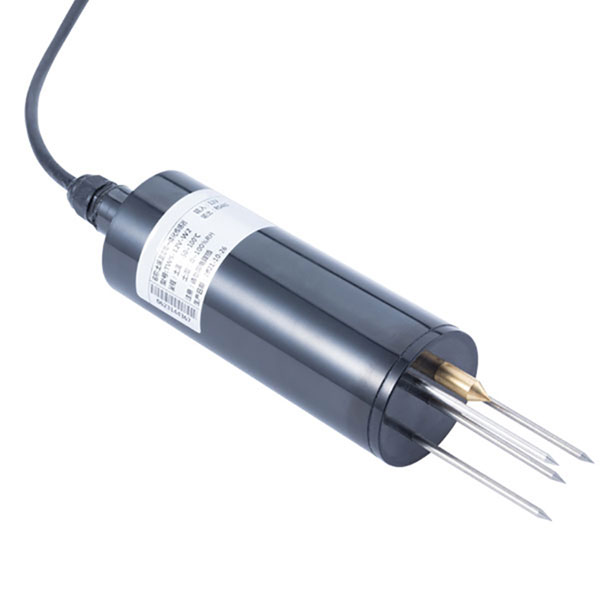 TDR Soil Moisture & Temperature Sensor for irrigation| RS485 |4-20mA| NBL-S-THR
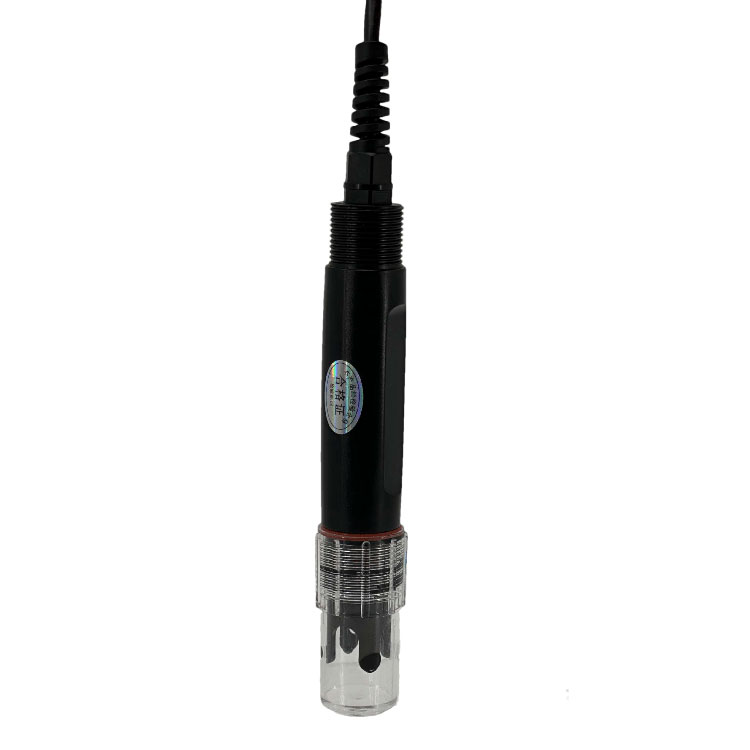 Soil pH sensor RS485 soil Testing instrument soil ph meter for agriculture |NBL-S-PH
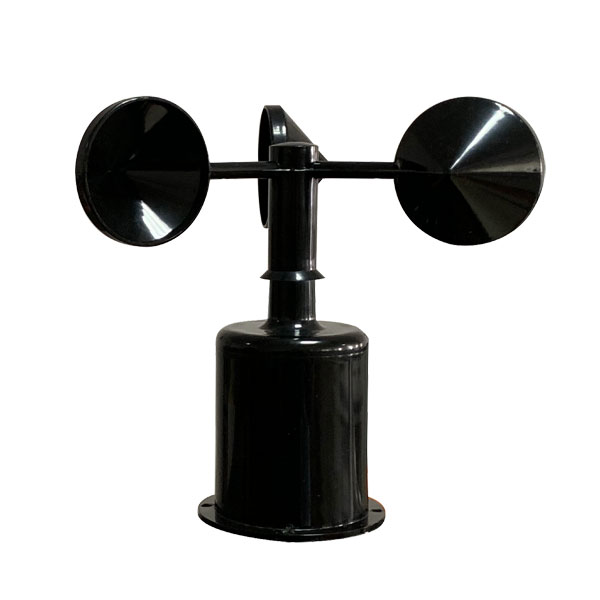 Wind Speed sensor Output Modbus/RS485/Analog/0-5V/4-20mA
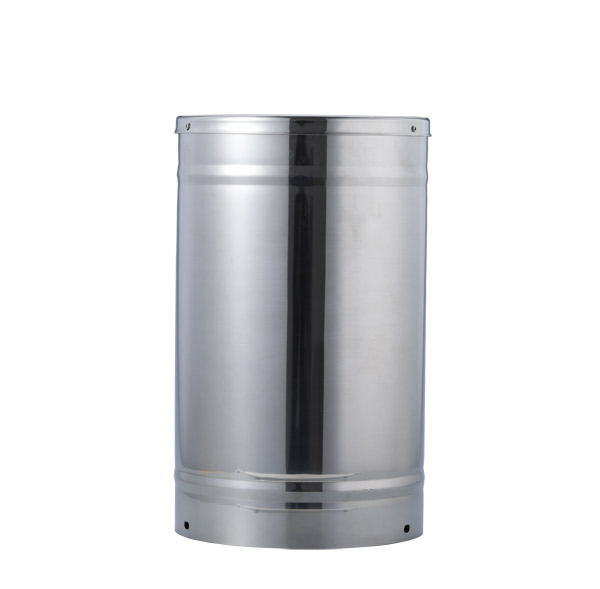 Tipping bucket rain gauge for weather monitoring auto rainfall sensor RS485/Outdoor/stainless steel
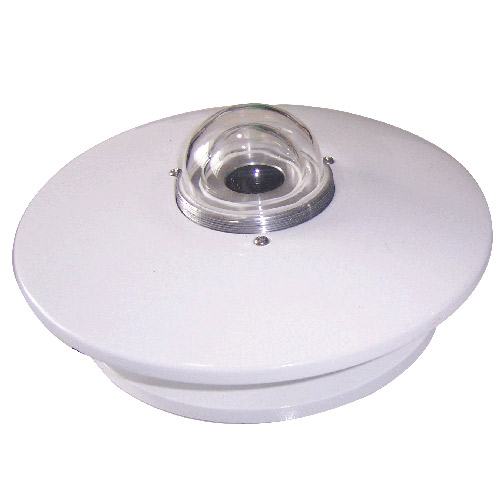 Pyranometer Solar Radiation Sensor 4-20mA/RS485
Screenshot, WhatsApp to identify the QR code
WhatsApp number:+8615367865107
(Click on WhatsApp to copy and add friends)