

— Blogs —
—Products—
 Consumer hotline +8618073152920
WhatsApp:+8615367865107
Address:Room 102, District D, Houhu Industrial Park, Yuelu District, Changsha City, Hunan Province, China
Product knowledge
Time:2025-03-20 11:10:01 Popularity:1319
Weather station software compatibility has several parts: the sensor interface, the logger application, the computer connection and the exported records. A statement that equipment supports RS485, USB or a desktop operating system does not demonstrate all four. Test the intended workflow with the proposed configuration before approving a compact station.
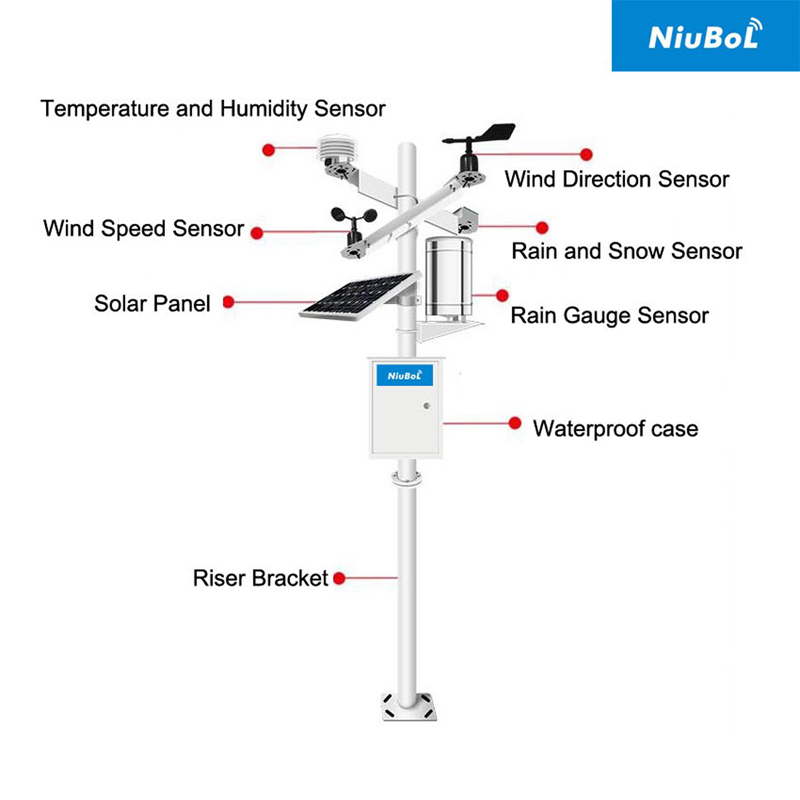
A small intelligent meteorological station may need to show live measurements, recover historical records, change field settings or send data to an existing server. These tasks can use different tools and permissions. A browser dashboard that displays current conditions may not allow local configuration or historical export; a service utility may communicate with a logger without providing the school's or contractor's archive.
Describe the required task and the equipment that will perform it. Identify whether staff will use a field laptop, a fixed workstation or a customer-managed server. Record operating-system and network restrictions as project inputs, then ask for a demonstration of the actual workflow rather than a general statement that the station works with computers.
| Layer | What must match | What an interface name does not prove |
|---|---|---|
| Sensor to acquisition device | Supply, electrical signal, serial settings and decoded units | RS485 alone does not identify the registers or scaling. |
| Acquisition application | Required channels, timestamps, recording and access method | Available memory does not establish a working archive. |
| Service computer | Supported software, adapter or network connection and permissions | A USB port does not automatically provide downloadable station data. |
| Remote destination | Protocol, authentication, record fields and server behavior | Cellular connectivity does not define the receiving application's format. |
| Exported file | Encoding, delimiters, time zone, units and missing-value convention | A file opening in a spreadsheet does not prove correct interpretation. |
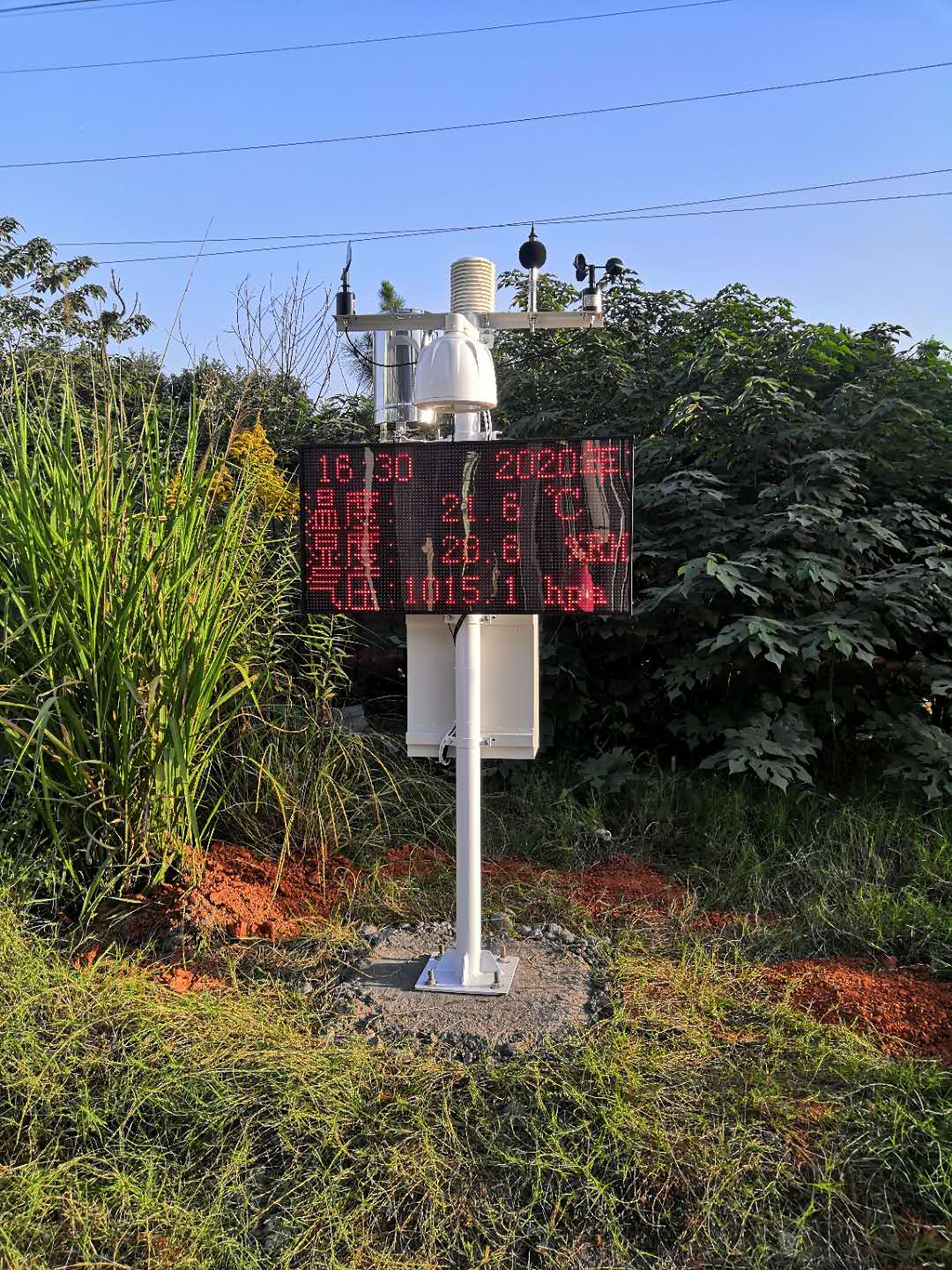
The NiuBoL NBL-W-LBTH is available with RS485 Modbus RTU or 4-20 mA output. The receiver must match the purchased version. For the digital version, a compatible electrical connection still needs the correct device address, serial settings and register interpretation before air measurements appear correctly in the application.
| Example component | Relevant specification | Software check |
|---|---|---|
| NBL-W-LBTH | 12-24 V DC; RS485 Modbus RTU or 4-20 mA versions | Decode air temperature, humidity and pressure into the correct channels and units. |
| NBL-W-RS | 0.2 mm rainfall increment; switching, voltage or RS485 versions | Match pulse conversion or the selected transmitter output rather than assuming one common input. |
| TG462/TG462S | Three RS485 ports, eight 12-bit analog inputs and two Ethernet interfaces | Confirm input configuration and the required acquisition application. |
When several sensors share a bus, retain the channel map with the project records. A plausible value is not enough: verify which instrument produced it. A wrong address or conversion can populate the wrong dashboard field while communication appears healthy.
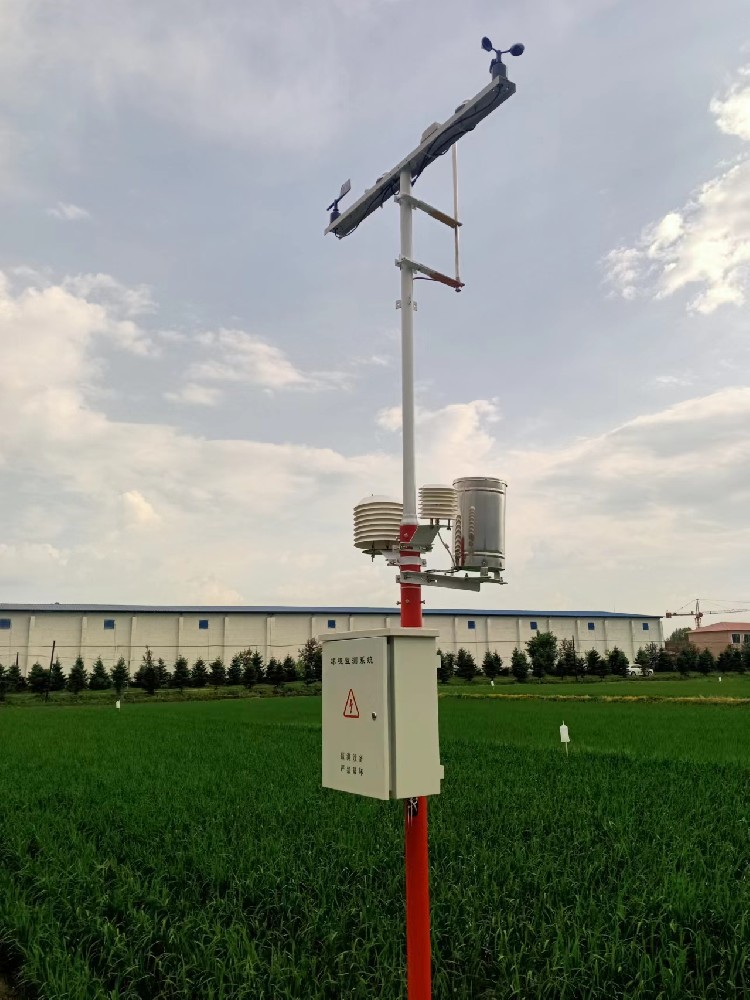
The TG462/TG462S family uses an OpenWrt-based platform for its embedded functions. That describes the device environment; it is not a promise that every desktop utility, browser or driver works on every computer. Confirm how the supplied application exposes data and configuration to the intended user.
For a network-accessed application, test the required browser workflow and the school's or site's network rules. For a local utility, confirm its supported environment, installation privileges and any required adapter. Avoid relying on an old operating-system compatibility statement when no one has demonstrated the current hardware and application together.
A USB or memory-card facility should be checked for the intended function. A maintenance port, external-storage connection and automated historical export are different capabilities. Ask for the exact steps and a sample file, rather than assuming that inserting a drive will retrieve all records.
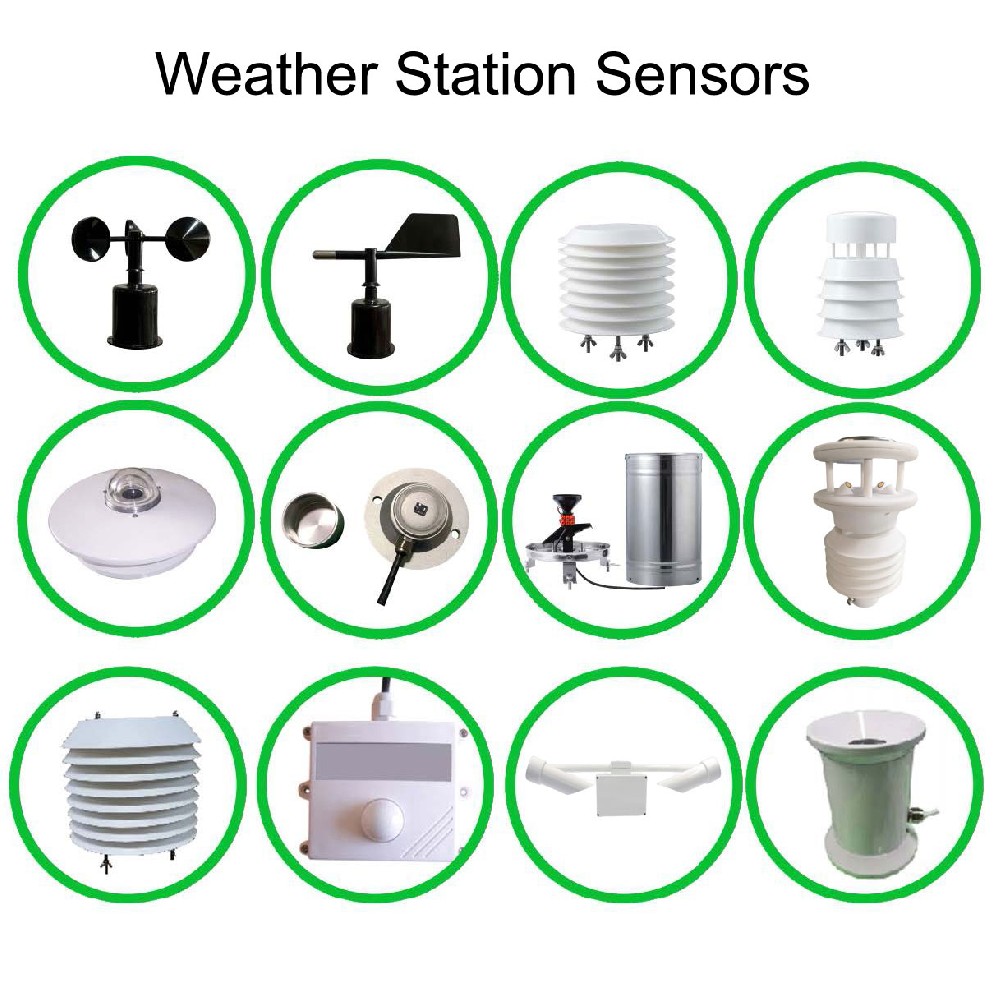
Create a trial record with a known station identifier, several different channel values and an identifiable missing interval. Export it using the intended method. Open it on the actual computer and check that dates, decimal values, unit labels and missing data remain correct. Confirm that the file covers the requested period rather than only the visible screen.
If users need a private server, specify the destination protocol and record structure. Sensor-side Modbus RTU does not determine an MQTT topic, an application payload or a server API. Agree who configures the receiving system and test the final destination with the proposed station software.
Preserve measurement time separately from any delayed transfer time. A record arriving after a connection outage should not silently appear as a new live observation. Define how staff recognize stale values and how older records are recovered if that behavior is required.

Identify the administrator, ordinary users and the person responsible for retaining credentials. State whether users can export their own data, whether any software or hosted service has recurring charges and what remains available if a service is discontinued. These are supply-scope questions, not properties established by the sensor specification.
Retain the approved channel map and a sample export with the handover. Test access after a planned restart and network interruption. Do not reset a field logger or remove the previous utility until the required archive and configuration have been recovered and checked.
No. RS485 is a field electrical interface. Computer access also depends on the adapter or network path, software and interpretation of the device data. Verify the complete connection and intended task.
No. Confirm the port's supported use and the supplied software workflow. Request an actual historical export covering a defined interval before treating USB retrieval as part of the package.
Yes. Dates, delimiters, units, scaling and missing values can be misinterpreted. Check a known trial record in the intended application and keep the original export unchanged.
Not necessarily. A modem provides a network route. The server protocol, authentication, data structure and application configuration must also be agreed and demonstrated.
Provide the sensor list, logger model, required local and remote tasks, computer environment, network restrictions and target file or server format. A sample of the required record is particularly useful for avoiding integration assumptions.
Weather station software compatibility is demonstrated by a working task from instrument to user. Match the field interface, acquisition application, computer access and exported record. A configuration-specific review with NiuBoL can identify the required hardware and software work before the station is deployed.
Prev:Automatic Weather Station Optional Sensors: PAR, Sunshine, Soil and CO2
Next:Scenic Area Weather Station Specifications: Compare Measurements, Not Labels
Related recommendations
Sensors & Weather Stations Catalog
 Agriculture Sensors and Weather Stations Catalog-NiuBoL.pdf
Weather Stations Catalog-NiuBoL.pdf
Agriculture Sensors Catalog-NiuBoL.pdf
Water Quality Sensor Catalog-NiuBoL.pdf
Related products
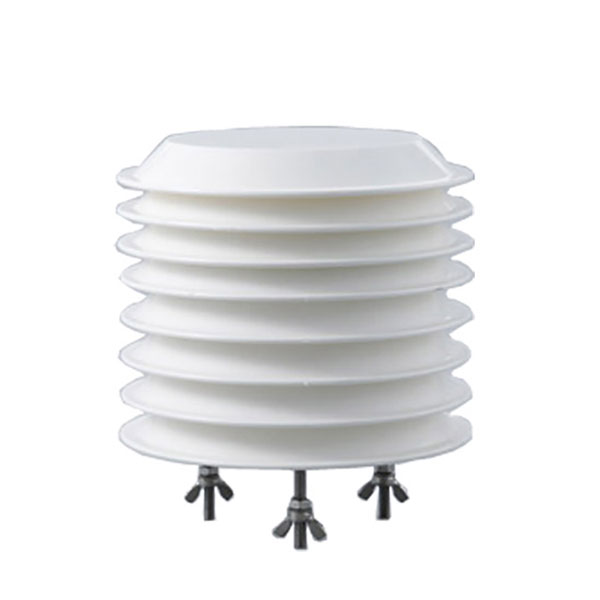 Combined air temperature and relative humidity sensor
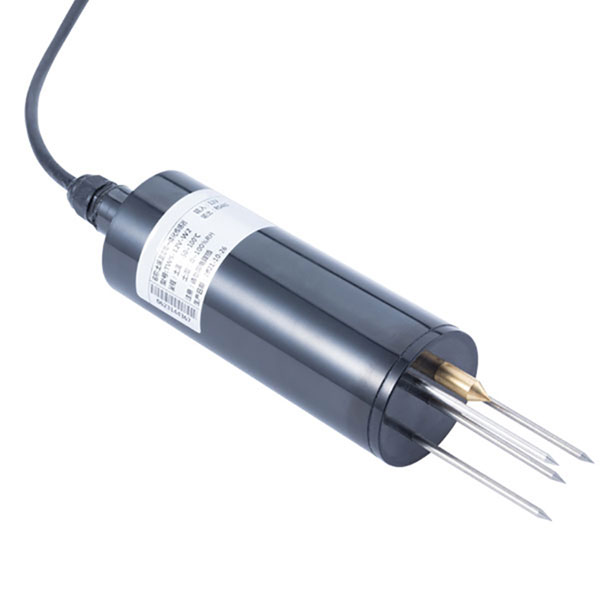 TDR Soil Moisture & Temperature Sensor for irrigation| RS485 |4-20mA| NBL-S-THR
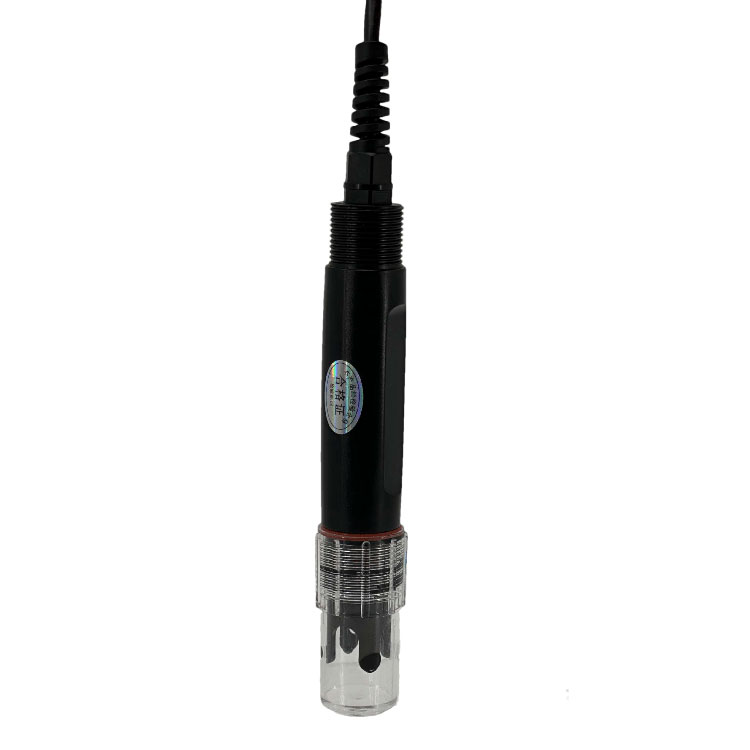 Soil pH sensor RS485 soil Testing instrument soil ph meter for agriculture |NBL-S-PH
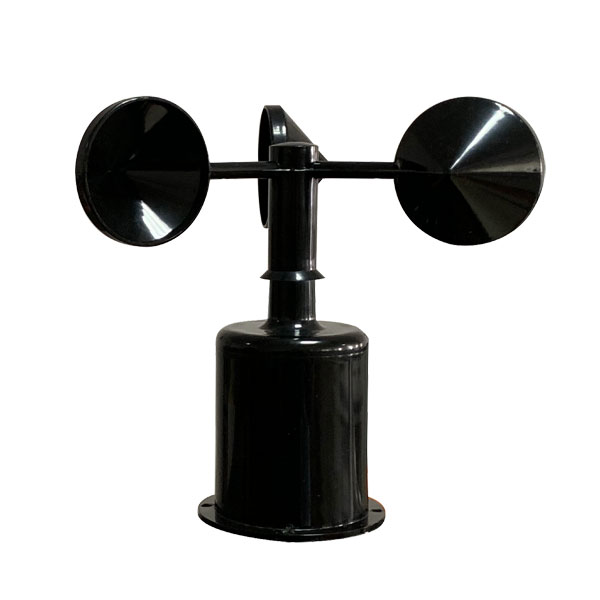 Wind Speed sensor Output Modbus/RS485/Analog/0-5V/4-20mA
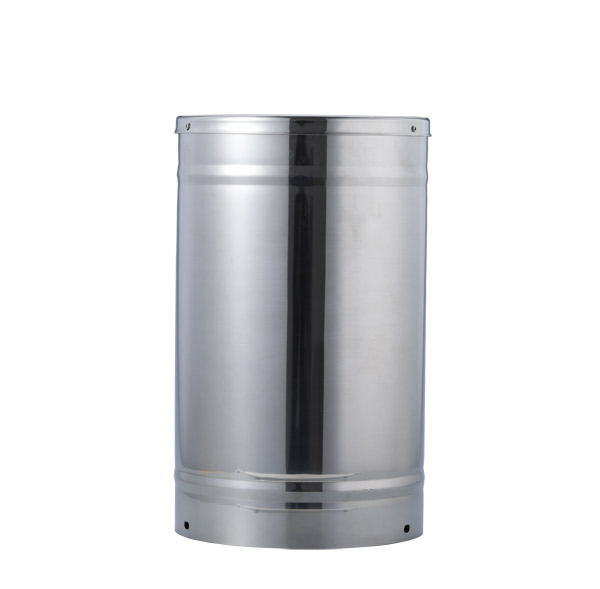 Tipping bucket rain gauge for weather monitoring auto rainfall sensor RS485/Outdoor/stainless steel
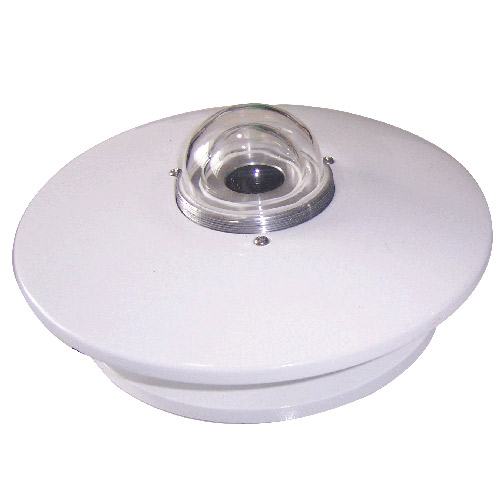 Pyranometer Solar Radiation Sensor 4-20mA/RS485

Screenshot, WhatsApp to identify the QR code
WhatsApp number:+8615367865107
(Click on WhatsApp to copy and add friends)