

— Blogs —
—Products—
 Consumer hotline +8618073152920
 WhatsApp:+8615367865107
Address:Room 102, District D, Houhu Industrial Park, Yuelu District, Changsha City, Hunan Province, China
Product knowledge
Time:2026-08-08 13:54:00 Popularity:329
Quick Answer: A turbidity sensor Arduino project should pass two separate tests: correct communications and credible turbidity measurement. An RS485 response with a valid checksum proves neither optical cleanliness nor agreement with a reference sample. Use the selected sensor's power supply, register map and installation limits, then test the complete acquisition record before deploying it unattended.
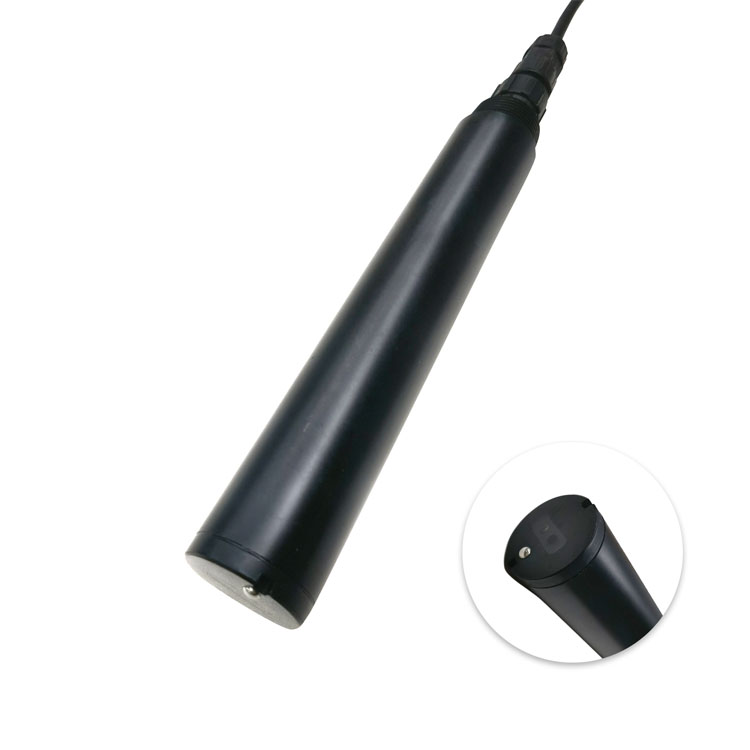
A development board can show a changing number while reading the wrong register, applying the wrong decimal scaling or retaining an old observation. It can also decode the correct value from a probe that is looking at bubbles or a vessel wall. Treat these as different faults so software changes do not conceal a measurement problem.
The NiuBoL NBL-WQ-TS online turbidity sensor uses a 90-degree scattered-light principle and an infrared source. Its industrial probe is the measurement element; the board, RS485 interface and software form the acquisition system. Selecting the probe does not complete the cabinet, power or data-retention design.
| Acceptance stage | Demonstrate | Still not established |
|---|---|---|
| Electrical connection | Correct probe supply and logic-compatible RS485 interface | The meaning of the returned registers |
| Protocol decoding | Correct address, function, frame validation, units and scaling | Whether the optical reading represents the water |
| Measurement check | Stable installation and an appropriate reference comparison | Long-term performance in the actual fouling environment |
| Field acquisition | Recovery after faults, fresh timestamps and retained observations | Suitability for an untested protective or regulatory function |
The NBL-WQ-TS requires 12-24 VDC; do not assume a development board's low-voltage output can supply it. A and B are RS485 bus conductors, not ordinary logic-level serial receive and transmit pins. Use an appropriate transceiver or interface, and check its receiver output against the selected board's input limits.
For an installed cable route, review reference conductors, shielding, surge exposure and whether isolation is needed. These decisions depend on the electrical arrangement. A working short bench cable does not validate wiring between separately powered field cabinets.
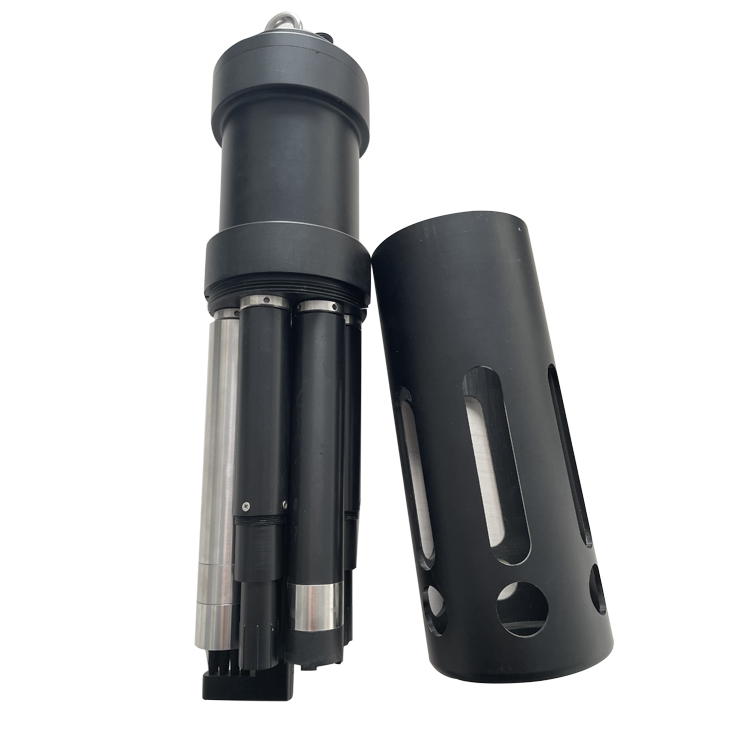
A multiparameter assembly is a separate product choice, not a shortcut to the turbidity probe's register map. If several probes share a bus, configure distinct permitted addresses individually and confirm the settings before connecting them together.
The Modbus Organization specifications distinguish the application protocol from serial-line implementation. Use a compatible Modbus RTU implementation with frame and exception handling. A checksum-valid response can still contain an exception or the wrong requested quantity; it must not automatically become a valid NTU observation.
| NBL-WQ-TS item | Specification | Acceptance implication |
|---|---|---|
| Range and resolution | 0-20.00 NTU: 0.01 NTU; 0-100.0 NTU: 0.1 NTU; 0-1000.0 NTU: 0.1 NTU | Confirm the fitted range rather than using another variant's decimal places |
| Stated accuracy | 20 NTU range: +/-3% or +/-1.5 NTU; 100 NTU: +/-3% or +/-2 NTU; 1000 NTU: +/-5% or +/-3 NTU | Confirm the percentage basis and applicable term before setting acceptance limits |
| Power and output | 12-24 VDC; 0.2 W at 12 V; RS485 Modbus RTU; 4-20 mA listed | Confirm the delivered outputs and wiring; analog and digital inputs are not interchangeable |
| Installation conditions | 0-50 C; pressure below 0.2 MPa; immersion; 3/4 NPT thread | Check the water and mounting arrangement, not only the software |
| Construction | POM/ABS; IP68; standard 5 m cable | Confirm cable jacket and protect any external joints separately |
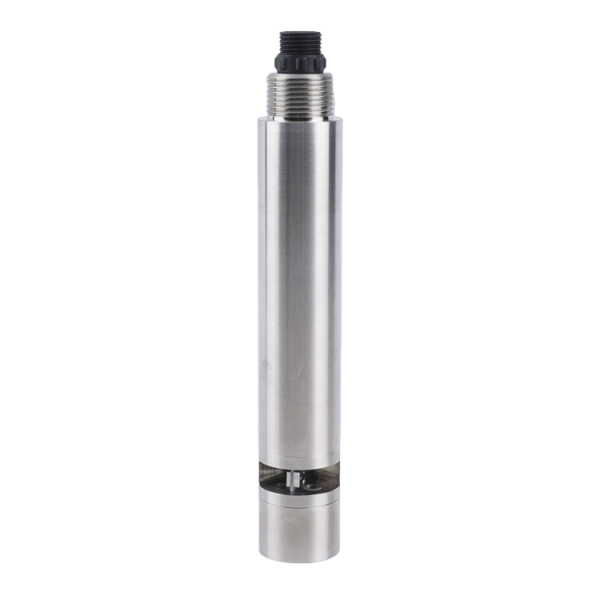
The COD probe pictured above measures a different water-quality parameter. Do not copy its calibration commands, register layout or concentration conversion into the turbidity channel. NTU is not automatically TSS, MLSS or COD; a correlation would require a justified, application-specific comparison.
Keep the NBL-WQ-TS sensing end more than 5 cm from the sidewall and more than 10 cm above the bottom as specified for installation. A small opaque cup, trapped air or settled material can change the optical environment. Keep the window clean and fully wetted, and avoid disturbing sediment during a comparison.
Use appropriate reference material and the defined procedure when checking agreement; stirring dirt into tap water demonstrates response, not calibrated accuracy. Record the as-found condition before cleaning or calibration. If the field water behaves differently from the bench sample, inspect bubbles, deposition and exposure before editing the decoding factor.
A conductivity channel can provide additional process context, but it does not validate an optical turbidity result. Keep channel identities and acquisition faults separate in the PLC, RTU, data logger or prototype record.
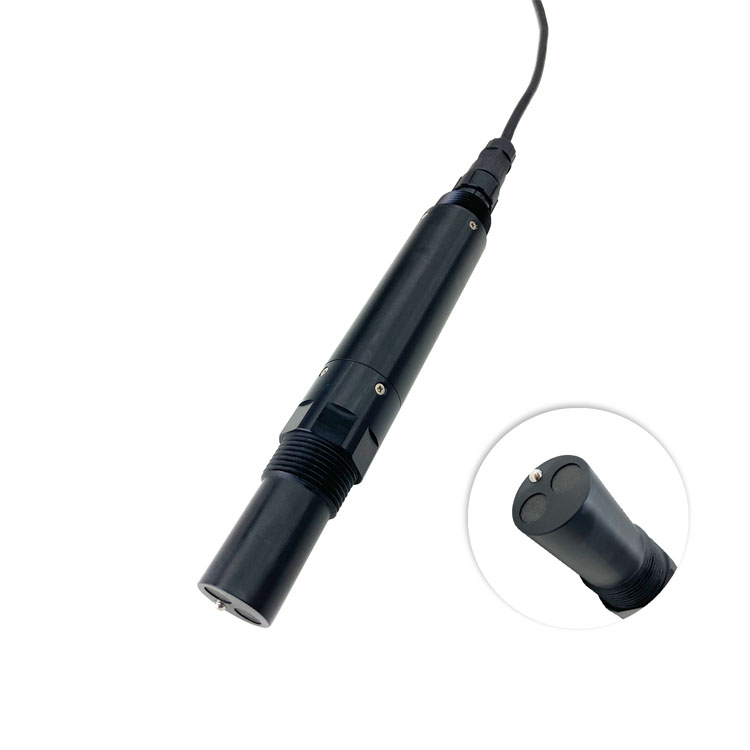
No. Use a suitable RS485 interface compatible with the board's logic voltage. Supply the probe according to its own electrical requirements rather than from an assumed board output.
No. It checks frame integrity, not register interpretation or water measurement. Confirm the response type, scaling and installation separately.
No. Use the document for the actual model and version, including its address convention and data format. Another probe can return plausible but unrelated values at the same address.
No. Zero NTU is a numerical result, not a communications state. Preserve the fault and the age of any retained last observation so downstream calculations do not treat the failure as clean water.
Provide the probe model and range, board and interface type, supply arrangement, wiring, serial settings, received frame and intended water installation. NiuBoL can then separate protocol interpretation from probe or sampling issues.
A turbidity sensor Arduino project is ready for field evaluation when both the data path and the water measurement have passed defined checks. Preserve fresh observations and explicit faults, then verify optics and sample conditions independently. Select the NiuBoL sensor and acquisition equipment for the actual installation, not merely a successful bench display.
Prev:Industrial Tank Level Indicator: Density, Pressure and Scaling Errors
Next:TDS Water Quality Meter Alarms: Range, Error and Decision Margin
Related recommendations
Sensors & Weather Stations Catalog
 Agriculture Sensors and Weather Stations Catalog-NiuBoL.pdf
Weather Stations Catalog-NiuBoL.pdf
Agriculture Sensors Catalog-NiuBoL.pdf
Water Quality Sensor Catalog-NiuBoL.pdf
Related products
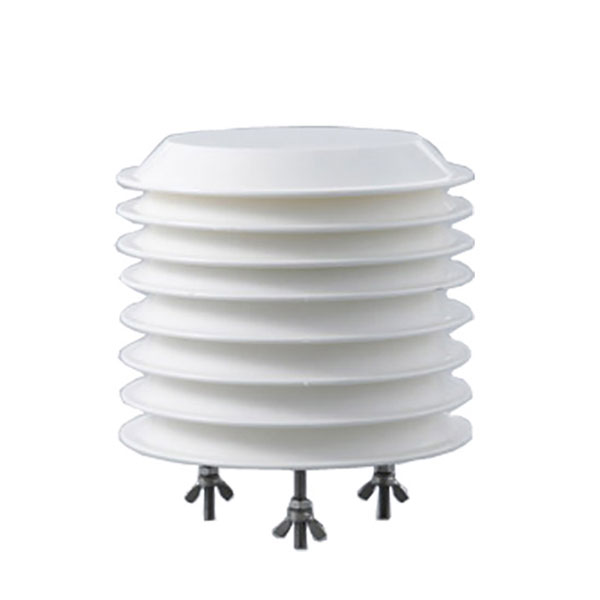 Combined air temperature and relative humidity sensor
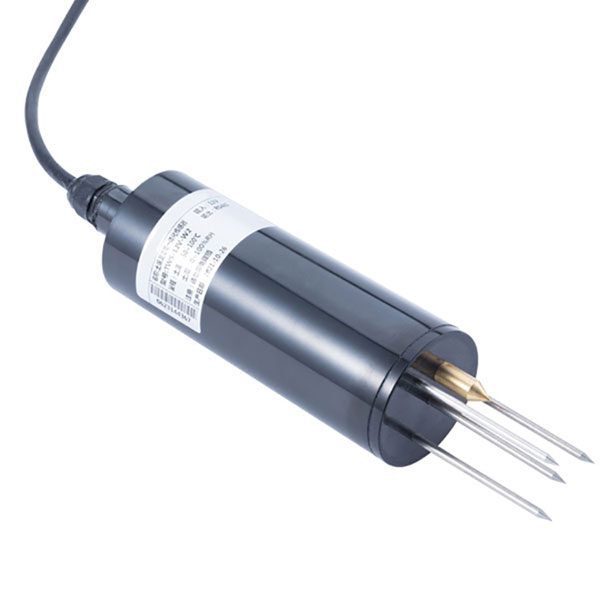 TDR Soil Moisture & Temperature Sensor for irrigation| RS485 |4-20mA| NBL-S-THR
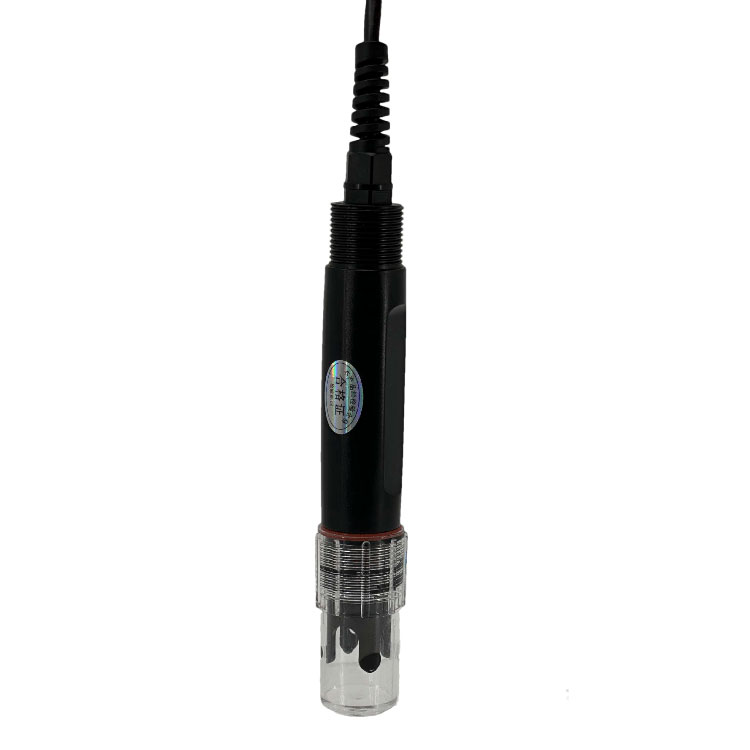 Soil pH sensor RS485 soil Testing instrument soil ph meter for agriculture |NBL-S-PH
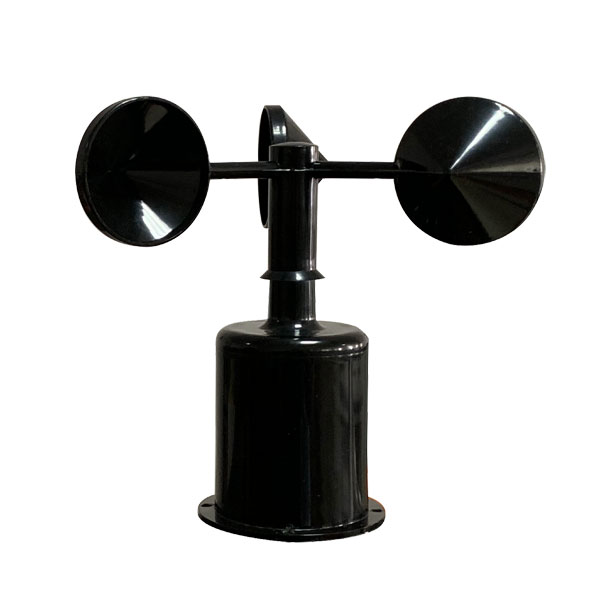 Wind Speed sensor Output Modbus/RS485/Analog/0-5V/4-20mA
 Tipping bucket rain gauge for weather monitoring auto rainfall sensor RS485/Outdoor/stainless steel
 Pyranometer Solar Radiation Sensor 4-20mA/RS485
Screenshot, WhatsApp to identify the QR code
WhatsApp number:+8615367865107
(Click on WhatsApp to copy and add friends)