

— Blogs —
—Products—
 Consumer hotline +8618073152920
WhatsApp:+8615367865107
Address:Room 102, District D, Houhu Industrial Park, Yuelu District, Changsha City, Hunan Province, China
Product knowledge
Time:2025-03-28 15:32:49 Popularity:1212
PV weather station data export should deliver usable observations, not only a dashboard or a screenshot. Specify the fields, units, observation times, interval definitions, quality information and access method before ordering. NiuBoL sensors and a compatible logger can provide the acquisition hardware; file exports, server messages, retention and account permissions depend on the configured system and agreed delivery.

A solar plant can display irradiance and module temperature correctly while still making historical analysis difficult. The export may omit the sensing plane, change column names between downloads or report upload time instead of observation time. These problems appear when the operator tries to compare periods, investigate a fault or transfer data to another application.
Start with a sample record and a field dictionary. Decide whether the receiving application needs periodic files, messages to a customer-owned server or access through a configured application interface. A live view is useful for operations, but it does not establish that the project can retrieve its full history in an interpretable form.
| Record item | Definition to retain | Why it matters at a PV site |
|---|---|---|
| Station and channel identifier | Stable identity independent of a display label | Distinguishes several arrays or repeated sensor names. |
| Observation time or interval | Time zone, interval start/end and timestamp convention | Allows weather and electrical records to be compared correctly. |
| Quantity and unit | For example, irradiance in W/m² or surface temperature in °C | Prevents irradiance from being confused with irradiation or generation. |
| Statistic | Sample, mean, maximum or another explicitly defined result | Averages and maxima cannot be treated as equivalent records. |
| Status and coverage | Valid, unavailable, maintenance, partial interval or other defined status | Separates low readings from missing observations. |
| Installation reference | Sensor identity, plane or module position and effective changes | Preserves the meaning of the channel after maintenance. |
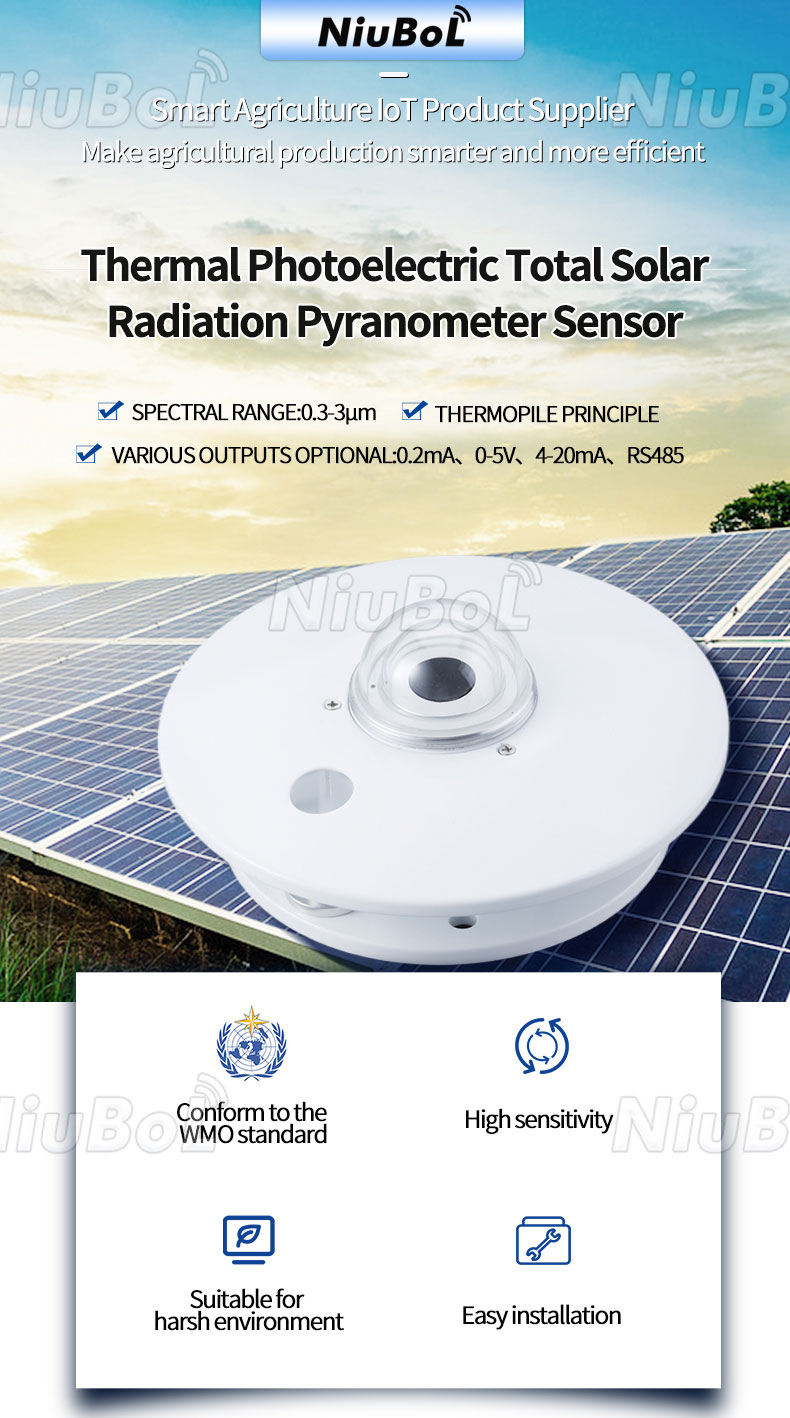
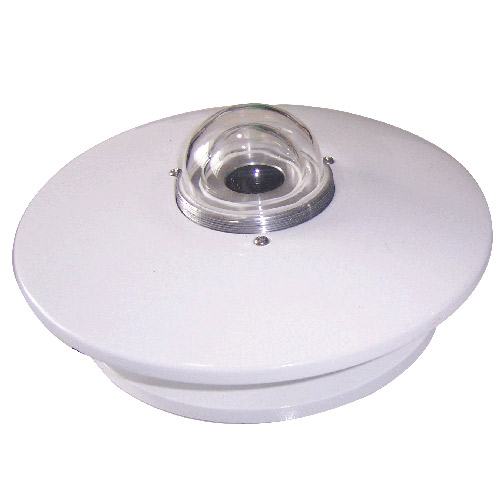
The NBL-W-HPRS pyranometer provides irradiance at its installed sensing plane. An exported column called radiation does not say whether that plane is horizontal or aligned with an array. Keep the plane and location in a channel dictionary, with a change date when the arrangement is altered.
A NBL-W-PPT module-temperature probe and a NBL-W-LBTH atmospheric sensor also need distinct identities. Both can produce temperature values, but they measure different conditions. File names and units alone do not preserve that distinction.
| Acquisition component | Relevant specification | Export requirement |
|---|---|---|
| NBL-W-HPRS | 0-2000 W/m²; selected analog or RS485 output | Keep irradiance units, plane and ordered signal conversion. |
| NBL-W-PPT | -50°C to 100°C; stated accuracy ±0.5°C | Identify the module back-surface location represented. |
| NBL-W-LBTH | Air temperature -40°C to 80°C, ±0.5°C; humidity 0-100% RH, ±5% RH | Keep air quantities separate from surface measurements. |
| TG462 / TG462S | Three RS485 ports; eight 12-bit analog inputs; two Ethernet ports | Define channel parsing and outgoing records in the delivered configuration. |
These are component specifications, not a promise of a particular CSV layout or application service. A field register must first be decoded correctly; exporting that decoded value with the wrong label merely moves the mistake into another system.
For a CSV deliverable, agree column names, delimiter, decimal notation, character encoding and missing-value representation. Include a timestamp example with its time zone. Test the file in the intended database or analysis software rather than accepting a spreadsheet view that silently reformats values.
For server delivery, define the endpoint, message fields, channel identifiers and receiving responsibility. The TG462 family supports MQTT, TCP/UDP and Modbus gateway functions, with project-specific configuration or software where required. Such support does not automatically include every customer's API, authentication arrangement or historical export feature.
RS485 Modbus RTU is the field communication path for selected sensor versions. It does not define who can download historical files from a platform. Check acquisition, delivery and user access separately so a successful Modbus poll is not mistaken for a completed data-export integration.
TG462 has 256 MB standard flash with a 1 GB option; TG462S has 1 GB flash. The family supports microSD up to 32 GB. These capacities do not establish a retention period without the record size, logging schedule and configured storage policy.
Agree the period available at the logger and at the receiving system, the retrieval method and what happens when storage fills. If a project needs records after a network interruption, review PV weather station offline-data behavior separately. A platform cannot export observations that were never retained or successfully recovered.
Also specify what the user can retrieve after a subscription, support arrangement or platform changes. Access rights, recurring service charges and transfer deliverables need a clear commercial scope. Do not assume that purchasing hardware automatically grants an unspecified hosted service or perpetual access to every interface.
Use a defined test window and compare the exported records with the acquisition schedule. For example, a complete 24-hour window at one row per minute would contain 1,440 scheduled rows when each row holds all channels. One row per channel produces a different count; declare the record structure before using row totals as a check.
Count alone is insufficient. Repeated timestamps can conceal missing intervals. Check unique identifiers, interval boundaries and quality fields. Include an unavailable sensor, a maintenance period and a restarted connection in the test, with those events clearly marked rather than represented as ordinary zero readings.
Compare several values through the sensor-to-logger-to-export path. Confirm that the value, unit, time and channel identity survive unchanged. Keep test-generated records distinguishable from operating observations. A working download button is only one part of this acceptance check.
A replacement instrument may use a different output version, scaling or mounting position. Retain the effective change time and the relationship between the old and new channel definitions. A stable channel identifier should not conceal a change in what was measured.
Do not silently overwrite earlier observations with corrected or reprocessed values. Keep the correction method and version distinguishable where revisions are needed. For hardware changes, coordinate the export dictionary with the PV weather station retrofit checks so the receiving system does not retain obsolete labels or scaling.
For an enquiry, send NiuBoL a sample target record, required channels, export frequency, retention period and data destination. Identify who supplies the logger configuration, server integration and hosted access. Comparing these deliverables prevents a hardware-only offer from being treated as a complete long-term data service.
Before approving the data interface, request a small sample covering a normal interval, a missing sensor value and a maintenance period. The sample should identify station, channel, physical quantity, unit, observation time and time zone, interval definition and data status. A separate field can record upload time if delayed delivery matters. The buyer can then test the receiving parser while changes to the field dictionary are still inexpensive.
Run a full-window comparison against the logger schedule. Check that unique observations are present once, that repeated timestamps are explained and that an unavailable irradiance value has not been exported as a legitimate night-time zero. If the system supplies an average, document the interval start or end convention. For a PV plant, misaligned weather and electrical intervals can make a performance analysis fail even though both devices were working correctly.
The handover should include the configured export path, access rights, retention responsibilities and a contact for future format changes. If a customer-owned server or API is needed, it must be named as a project deliverable rather than assumed from RS485 compatibility. A sensor's register map proves how the logger can read a field device; it does not prove who can retrieve historical records after a platform or service contract changes.
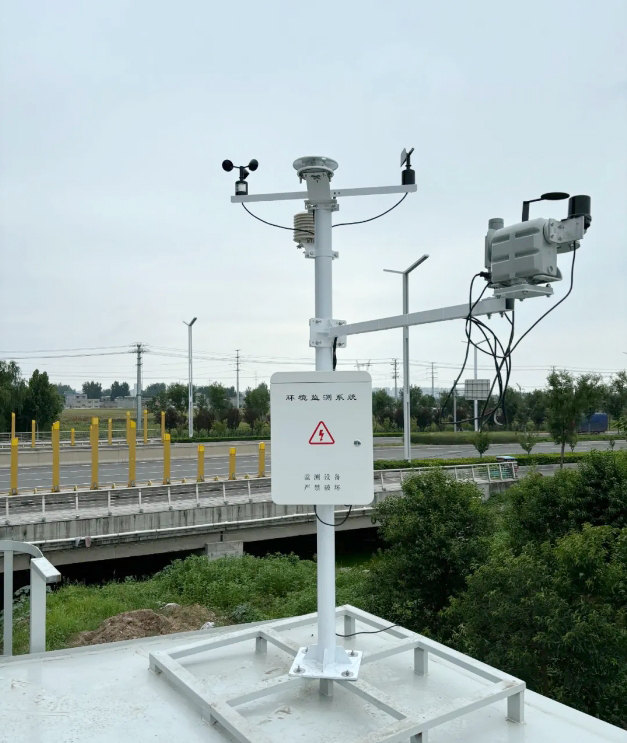
Not when the project needs machine-readable analysis. Request the underlying observations with units, timestamps, channel identity and status. A screenshot may document a display but does not replace the dataset.
No. It defines field communication with the selected devices. File generation and retrieval belong to the configured logger or receiving application and must be specified separately.
That depends on record structure, interval, available capacity and storage policy. Confirm the retained and retrievable period on the delivered configuration rather than dividing a nominal capacity by an assumed record size.
No. A valid zero and an unavailable reading have different meanings. Use the agreed missing-value and status representation, including any partial-interval information needed by the analysis.
Export a known time window, verify unique scheduled records and compare selected values with the acquisition path. Include maintenance, unavailable input and recovery conditions, and test import into the actual destination.
Define export rights, retention, transfer format and service responsibilities before ordering, then test the retrieval method. Keep a usable field dictionary with the exported history; a collection of unexplained values is not a complete transfer.
Use the observation time with an explicit time zone and interval convention. If the platform also records upload time, keep it in a separate field. An analyst cannot reliably align weather and electrical data when a delayed upload overwrites the time the sensor actually measured the condition.
Either structure can work if it is documented and stable. Ask for a sample file and field dictionary before integration, including channel identity, unit, status and interval. The expected row count depends on that structure; testing only a download button will not reveal missing or duplicated observations.
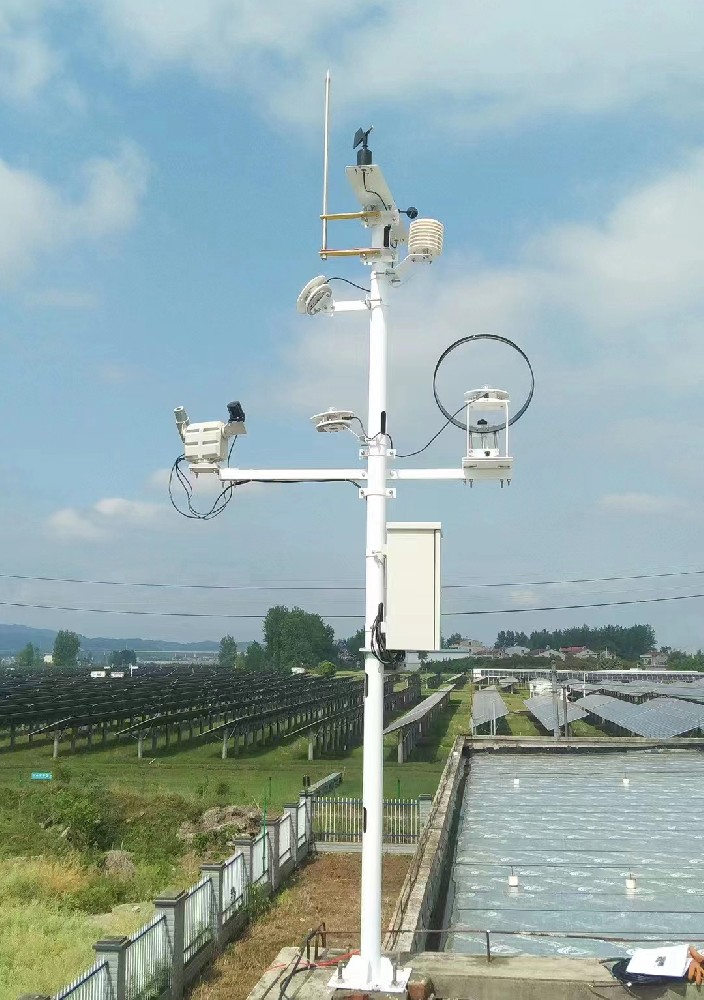
PV weather station data export is a defined deliverable. Specify the observations and their context, verify the actual file or message in the receiving system, and agree access and retention. Compatible NiuBoL hardware provides the measurement path; usable historical data also requires the right configuration and handover.
 NBL-W-HPRS-Solar-Radiation-Sensor-Instruction-Manual-V3.0.pdf
NBL-W-SRS-Solar-radiation-sensor-instruction-manual-V4.0.pdf
Prev:Weather Station Vegetation Management for Farms and Forest Plots
Next:Solar-Powered Weather Station vs PV Monitoring: Two Different Requirements
Related recommendations
Sensors & Weather Stations Catalog
Agriculture Sensors and Weather Stations Catalog-NiuBoL.pdf
Weather Stations Catalog-NiuBoL.pdf
Agriculture Sensors Catalog-NiuBoL.pdf
Water Quality Sensor Catalog-NiuBoL.pdf
Related products
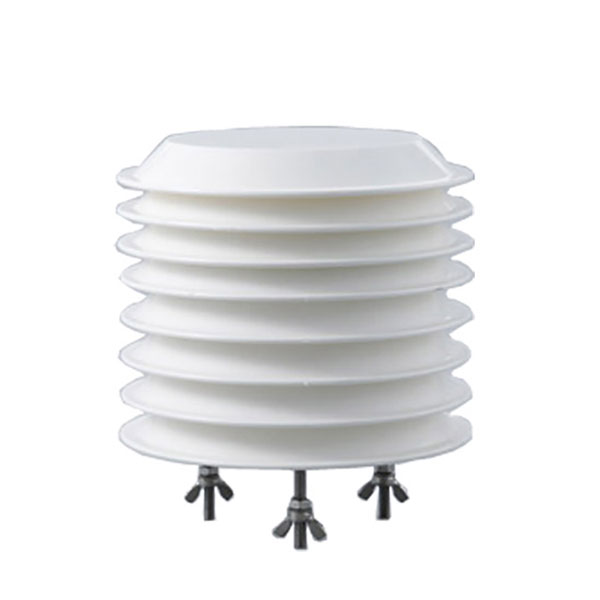 Combined air temperature and relative humidity sensor
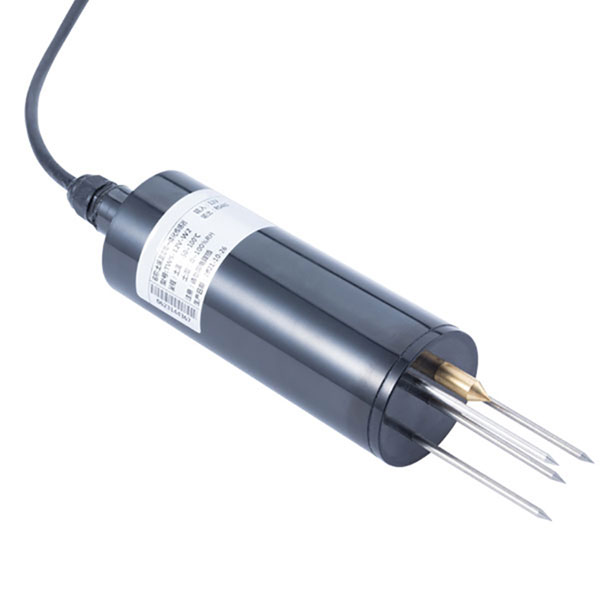 TDR Soil Moisture & Temperature Sensor for irrigation| RS485 |4-20mA| NBL-S-THR
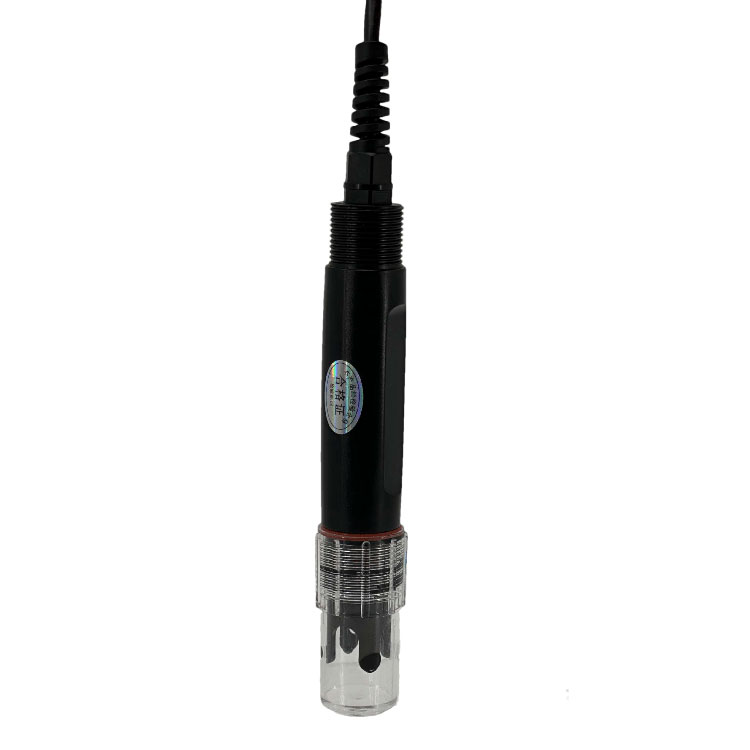 Soil pH sensor RS485 soil Testing instrument soil ph meter for agriculture |NBL-S-PH
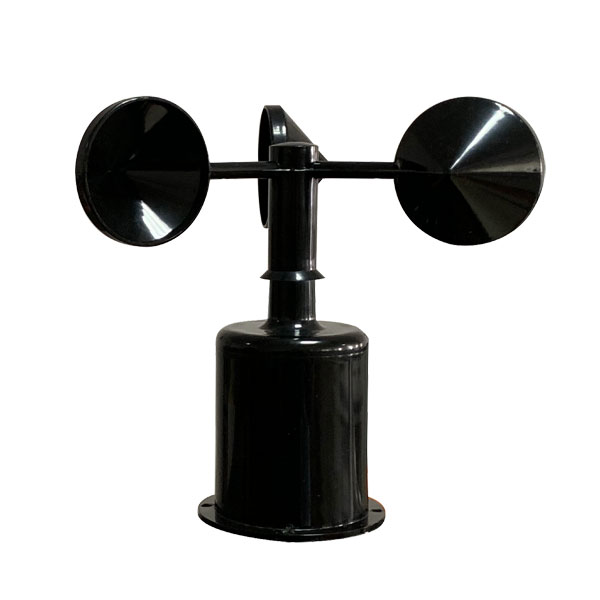 Wind Speed sensor Output Modbus/RS485/Analog/0-5V/4-20mA
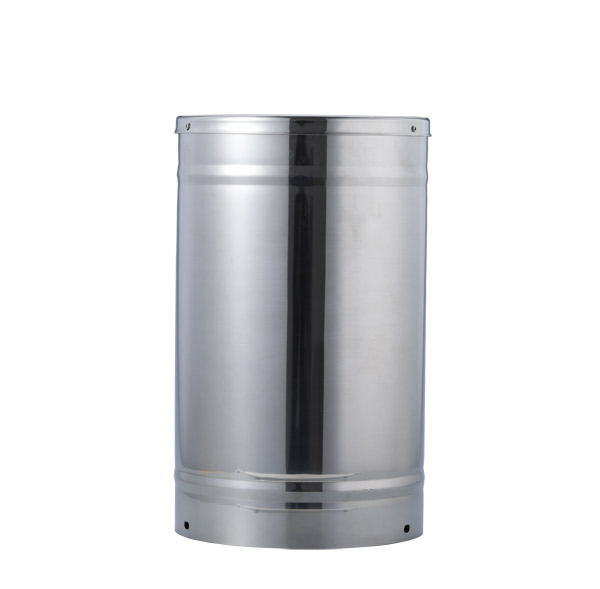 Tipping bucket rain gauge for weather monitoring auto rainfall sensor RS485/Outdoor/stainless steel
 Pyranometer Solar Radiation Sensor 4-20mA/RS485

Screenshot, WhatsApp to identify the QR code
WhatsApp number:+8615367865107
(Click on WhatsApp to copy and add friends)